
AI image tools
Pixel Art Generator
Build a scene or sprite-like image with crisp shapes and a limited palette.
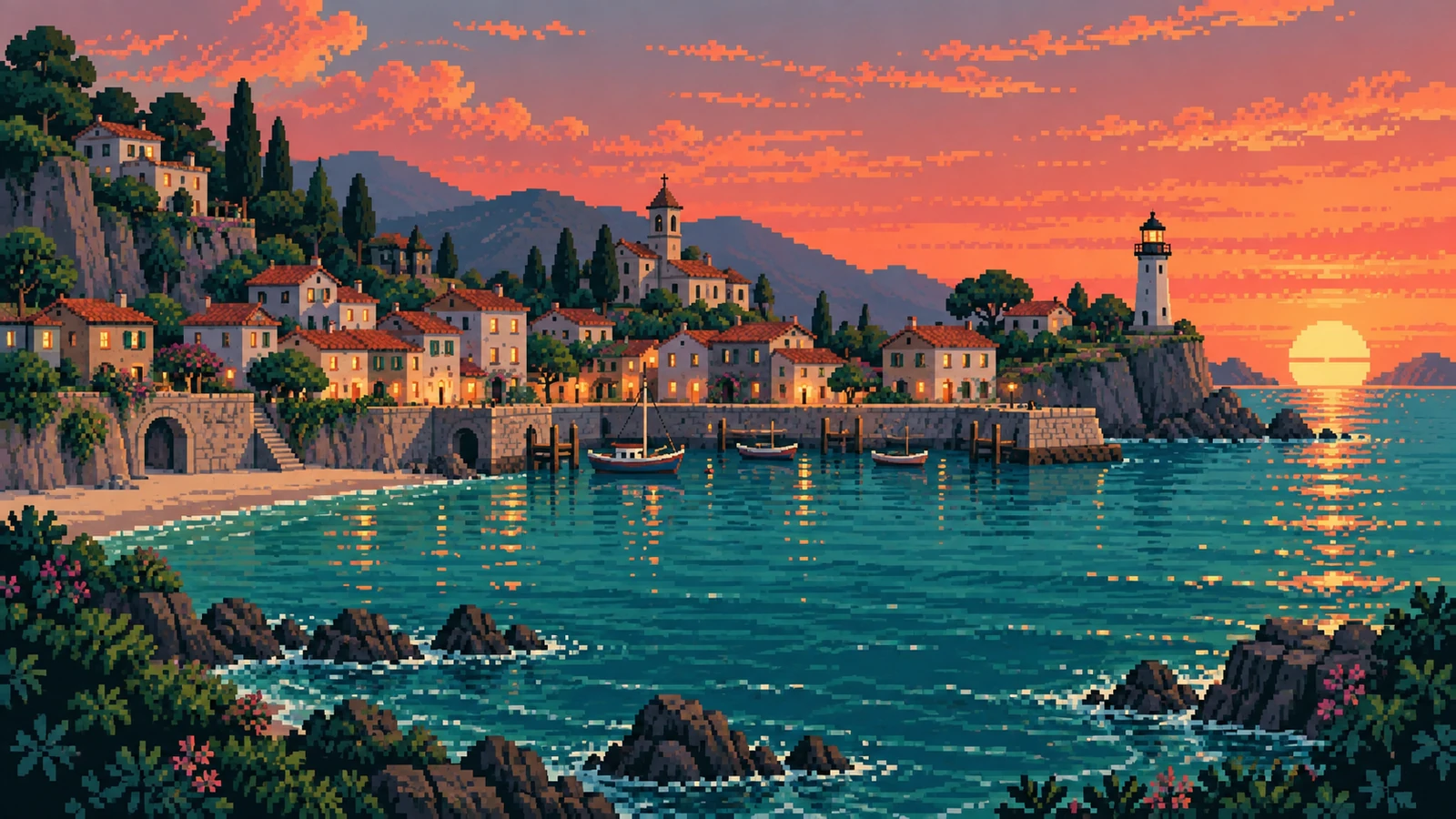
Creative possibilities
Explore Pixel Art Generator ideas
Illustrative concepts show framing and visual treatment. Use your own brief and references to create a version for your project.
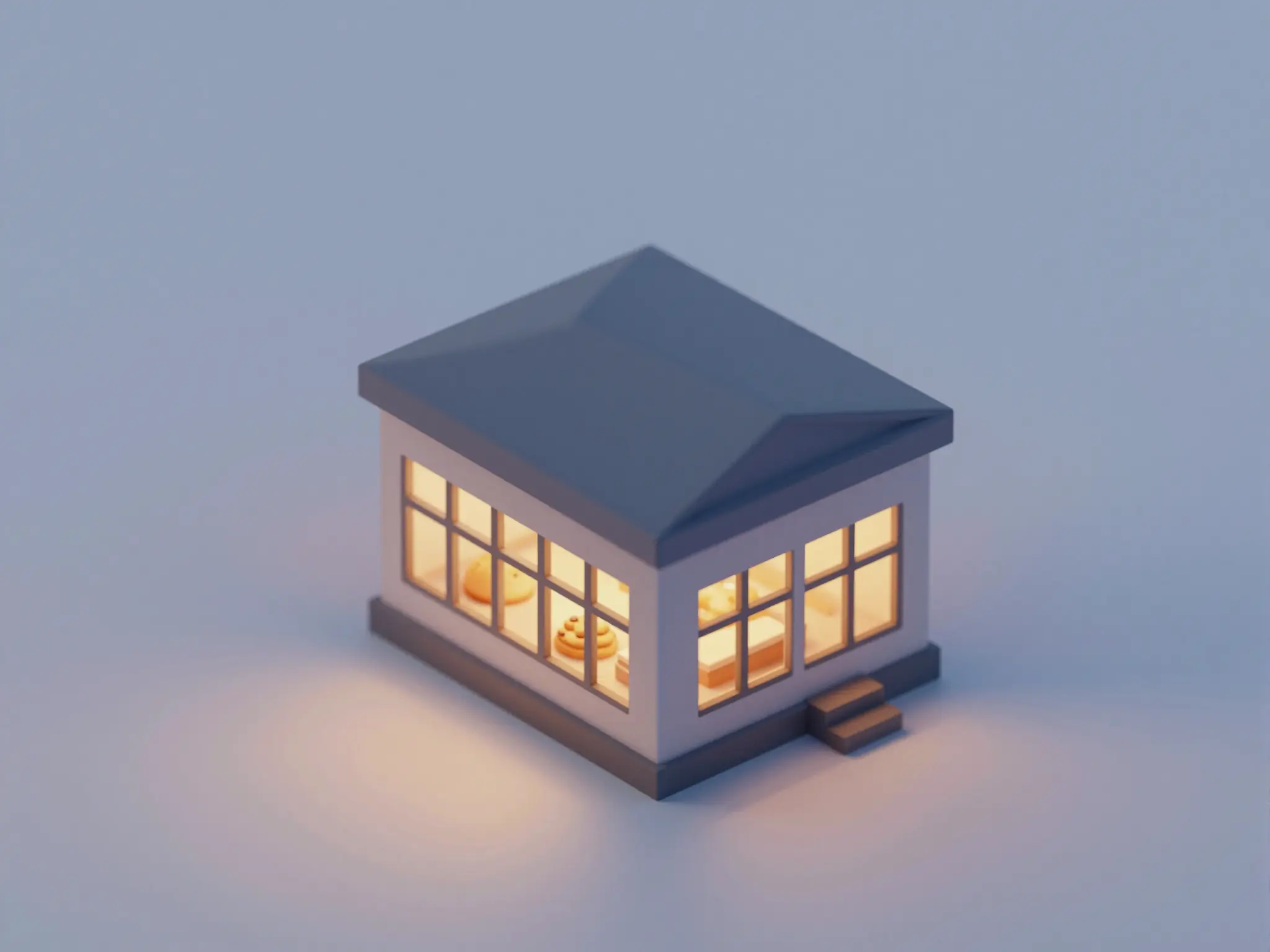
A quiet treatment
A subtle treatment keeps the original subject at the center.
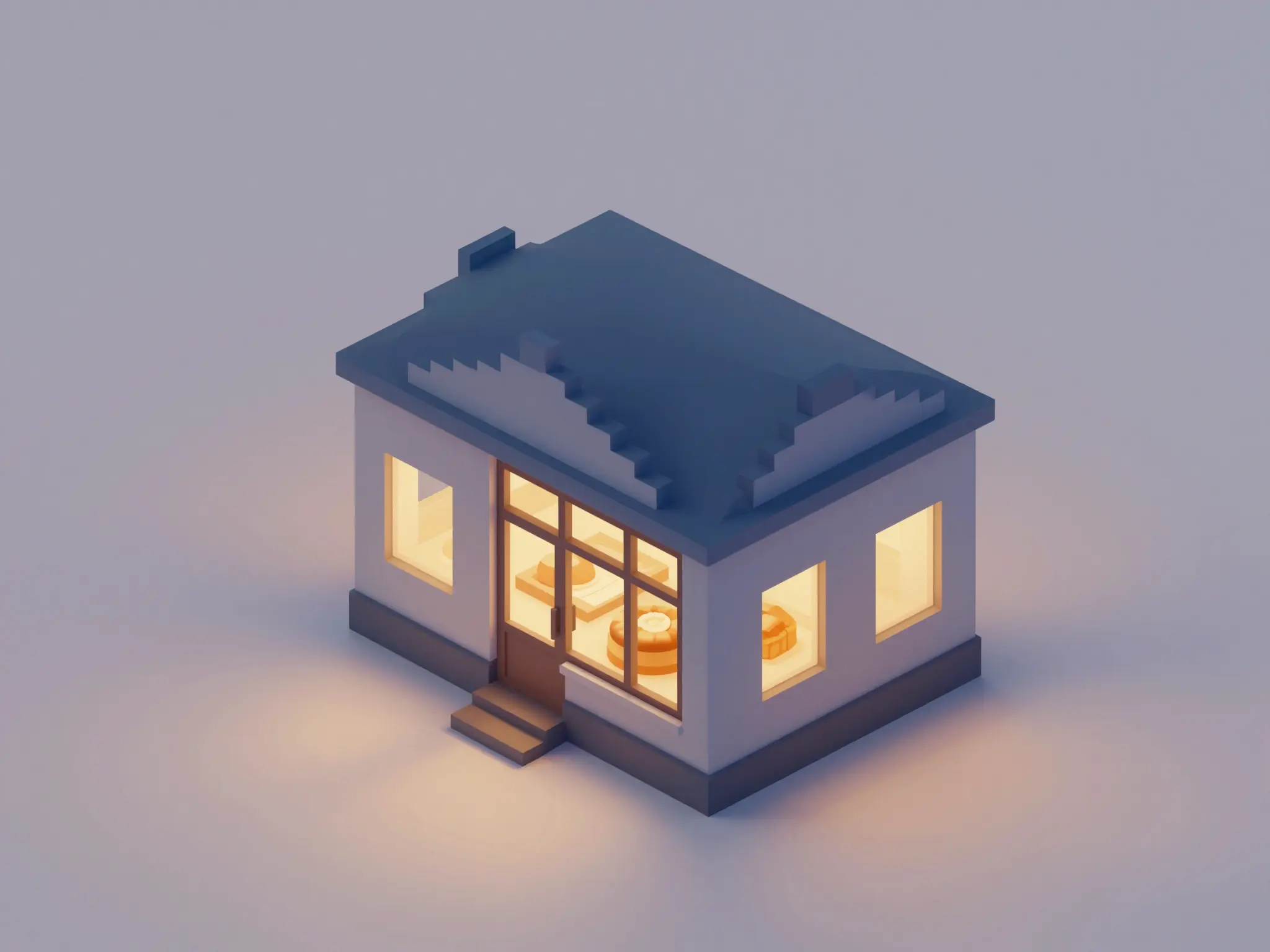
A bolder direction
Stronger color and contrast give the same idea a different mood.

Texture and detail
A closer view brings out the texture of the treatment.
Plan your pixel art generator image
A starting brief
A tiny isometric bakery at dusk, sixteen-color palette, crisp square pixels, warm windows, plain background.
Try it nowFrom idea to creation
How to use Pixel Art Generator
Choose a starting point
Start with a written brief, a reference image, or both. A reference helps communicate the appearance you want.
Describe the result
Describe the subject, palette size, rough scale, and viewing angle.
Generate in the workspace
Inspect the pixel grid before using the result as a game asset; exact sprite dimensions and frame alignment are not guaranteed.
Frequently asked questions
Inspect the pixel grid before using the result as a game asset; exact sprite dimensions and frame alignment are not guaranteed.
Find your next creative tool
Explore more creative tools

Your next creation starts here
Make something worth sharing.
Start with your own content in Pixel Art Generator. Review the settings in Studio and create your result.