Cuta

Name Tag

Name Tag Generator by Cuta. Arrange a name, role and event identity into a readable badge design concept.

0/2000

A starting direction for Name Tag

Illustrative artwork shows the intended visual direction. Your result depends on your source materials and settings.

Name Tag creative concept

An example to adapt

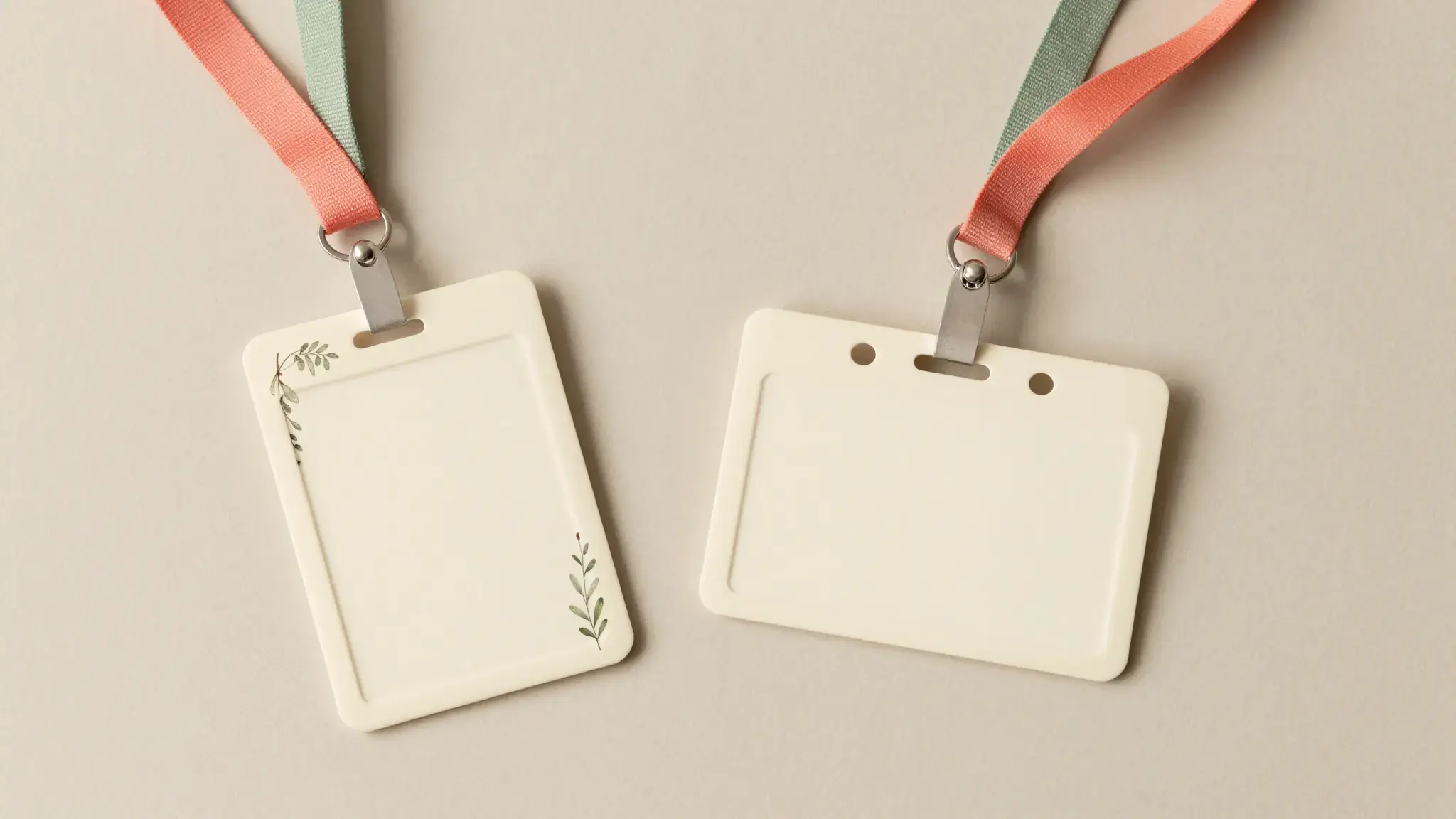
Two plain ivory clip-on name badges decorated only with small original botanical graphics, one coral and one sage lanyard, clear product photography with blank writing areas. gentle side lighting, warm cream and natural neutral tones
Working with Name Tag

Turn a brief into a design concept

Provide the exact subject, palette, material and composition you want. Include any required wording and where it should sit in the design.

Materials for this task

Start with a written brief. Include the subject, the intended result and any details that must appear accurately.

Choose the supported settings

Available settings include Headline; Supporting copy; Brand name; Visual style. Review the full options in Studio before generation.

Ideas for Name Tag

Concept exploration

Compare a motif, palette or composition before committing to a finished design.

A project reference

Use the image to communicate the look of a design to a collaborator, then refine construction or layout separately.

How to use Name Tag

  1. Step 01

    Write the brief

    Start with a written brief. Include the subject, the intended result and any details that must appear accurately.

  2. Step 02

    Set the direction

    Available settings include Headline; Supporting copy; Brand name; Visual style. Review the full options in Studio before generation.

  3. Step 03

    Review the result in Studio

    Review lettering, small details and proportions. An image concept may require separate preparation for editable layouts, manufacture or printing.

What to check in your image

Turn a brief into a design concept

Review lettering, small details and proportions. An image concept may require separate preparation for editable layouts, manufacture or printing.

Frequently asked questions

Start with a written brief. Include the subject, the intended result and any details that must appear accurately.

Create with Name Tag

Start creating