The details to include
Choose the balance of blue shadows, warm highlights, and fading daylight.
Try it now
AI image tools
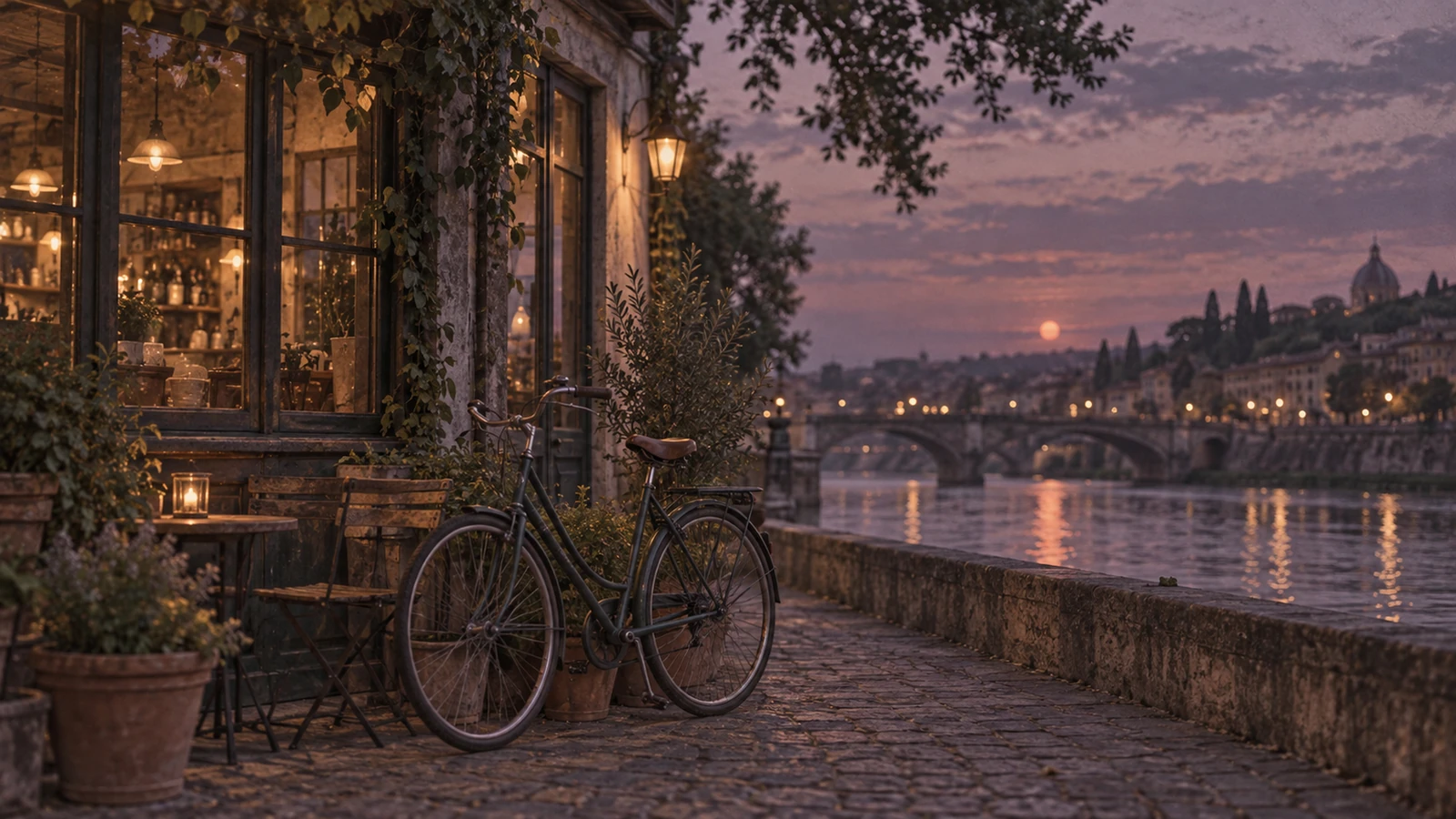
Give a photo the muted colors and gentle grain of a quiet evening.
Creative possibilities
Illustrative concepts show framing and visual treatment. Use your own brief and references to create a version for your project.
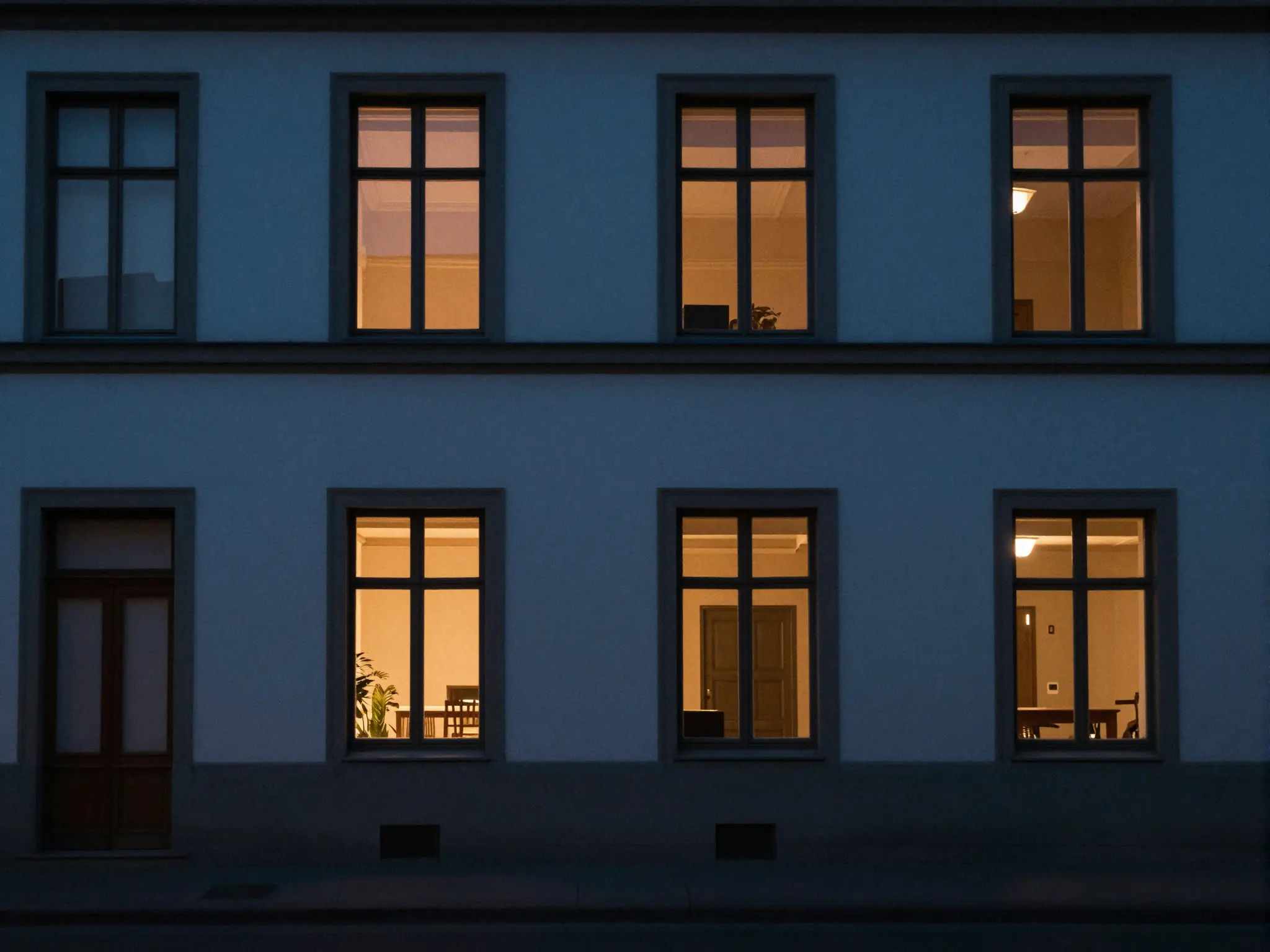
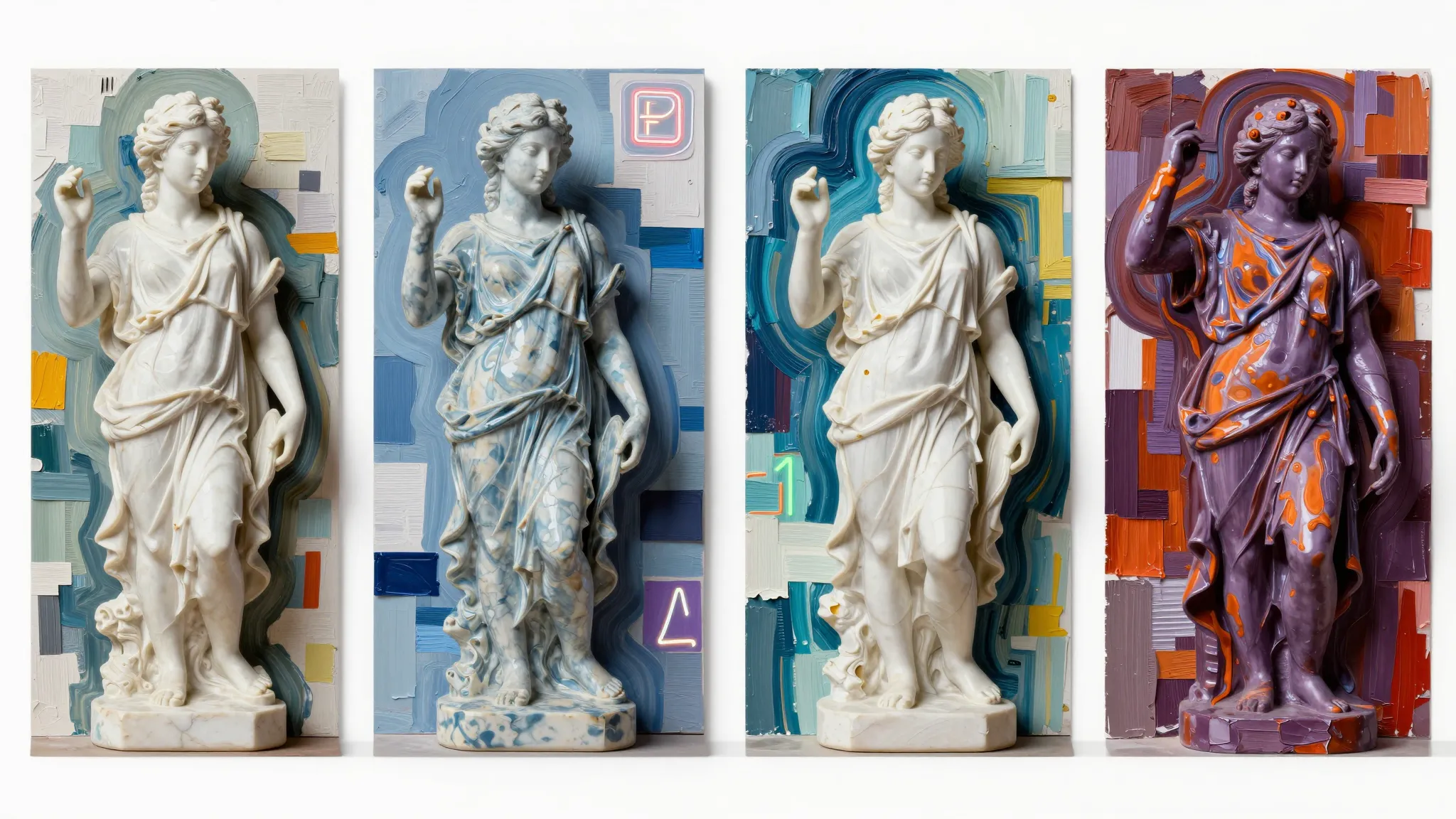
A subtle treatment keeps the original subject at the center.
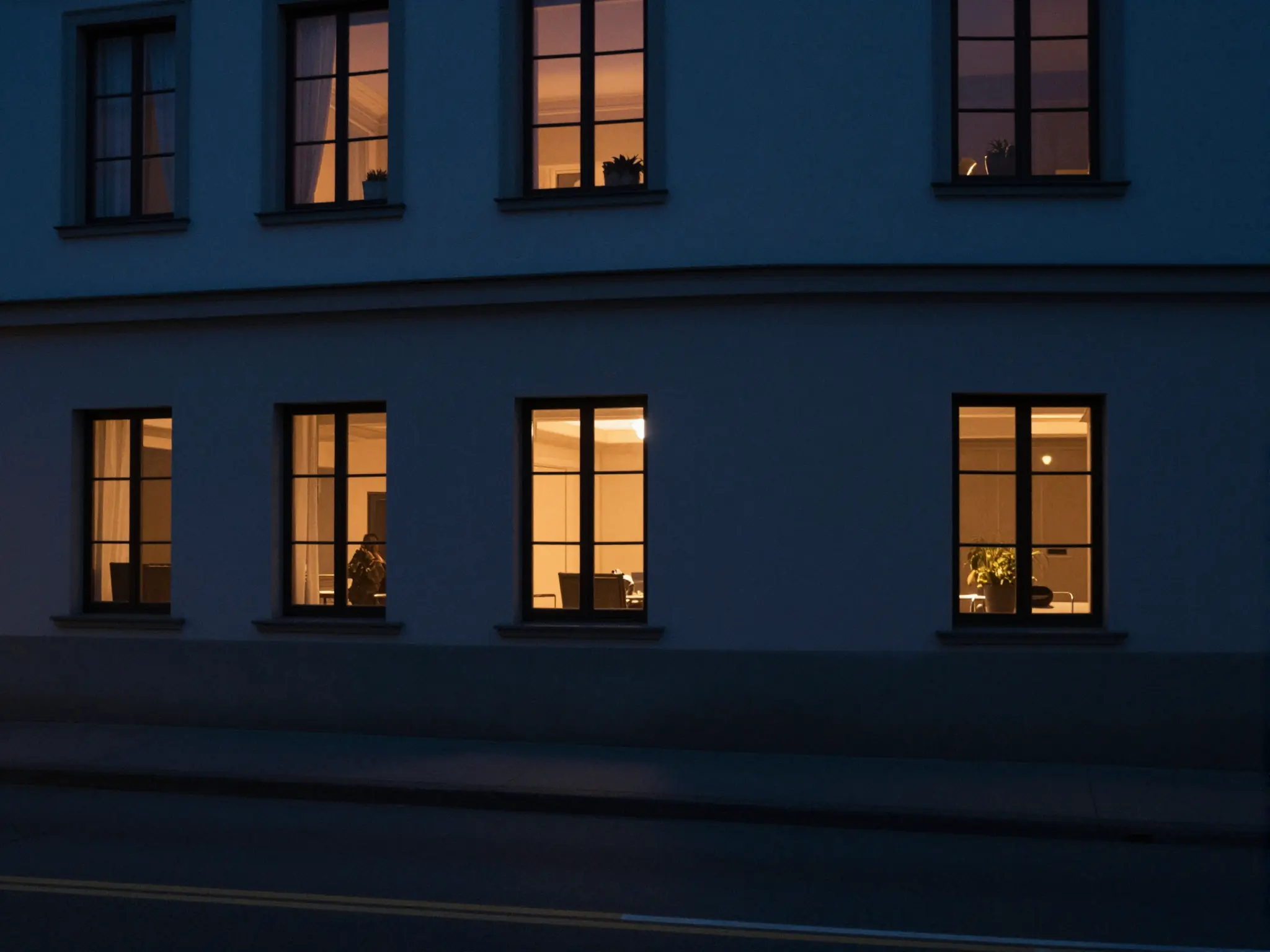
Stronger color and contrast give the same idea a different mood.
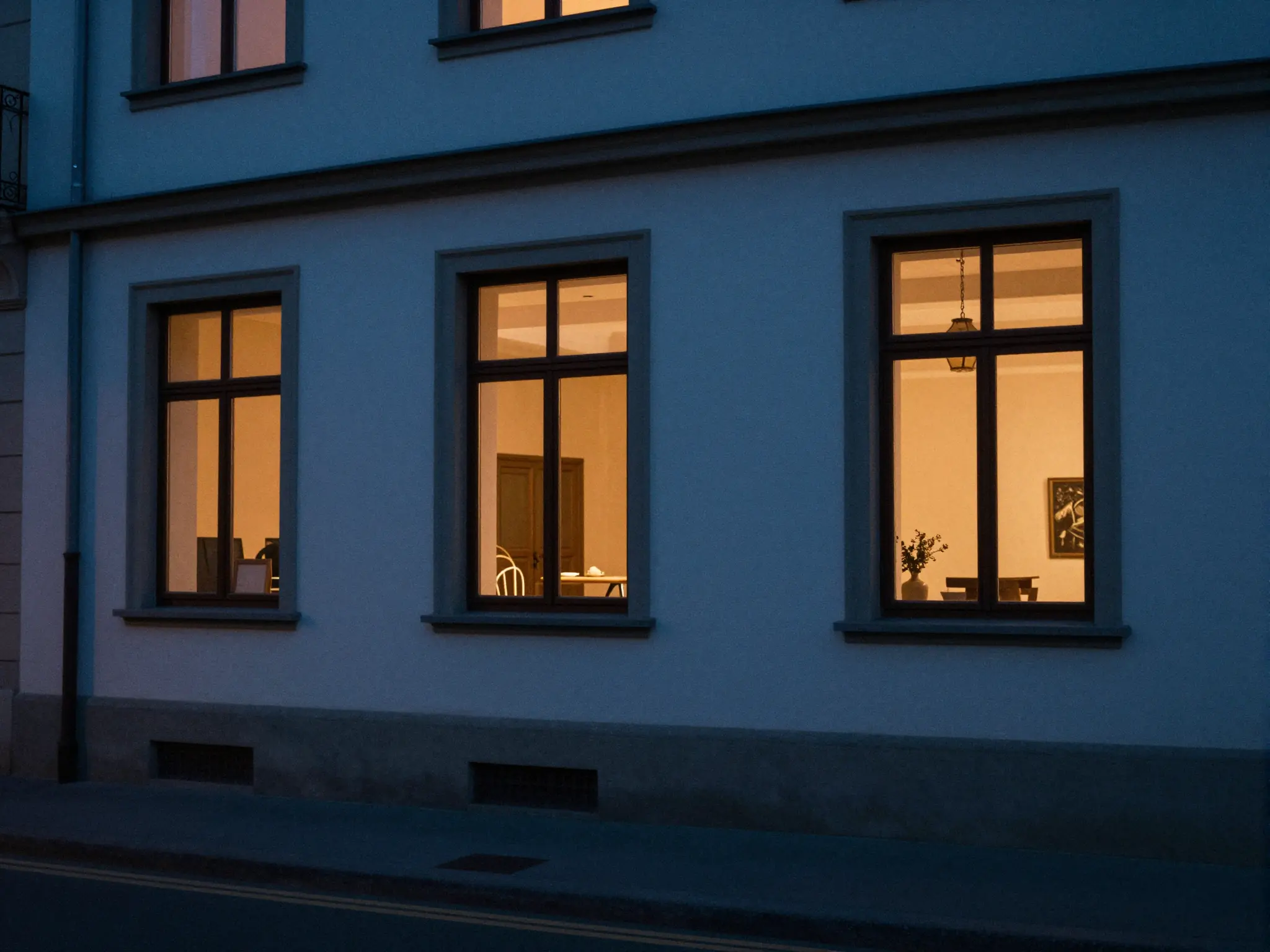
A closer view brings out the texture of the treatment.
Choose the balance of blue shadows, warm highlights, and fading daylight.
Try it nowSoft blue-hour shadows, warm amber windows, low contrast, fine grain. Keep the street scene recognizable.
Try it nowFrom idea to creation
Upload one clear reference image, then add instructions for the result you want.
Choose the balance of blue shadows, warm highlights, and fading daylight.
This treatment generates a new interpretation of the photo rather than applying a fixed color preset.
This treatment generates a new interpretation of the photo rather than applying a fixed color preset.
Find your next creative tool
Your next creation starts here
Start with your own content in Lofi Dusk Filter. Review the settings in Studio and create your result.