Cuta
All tools

Invitation Mockup

Invitation Mockup

Invitation Mockup Generator by Cuta. Preview your design on a styled surface with a chosen angle, material and setting.

Try Invitation Mockup
Creative illustrationImage

Start with your content

Add your source now, or later in Studio.

Review settings and cost in Studio before generating. Your selected files and inputs will be carried over.

A starting direction for Invitation Mockup

Illustrative artwork shows the intended visual direction. Your result depends on your source materials and settings.

An example to adapt

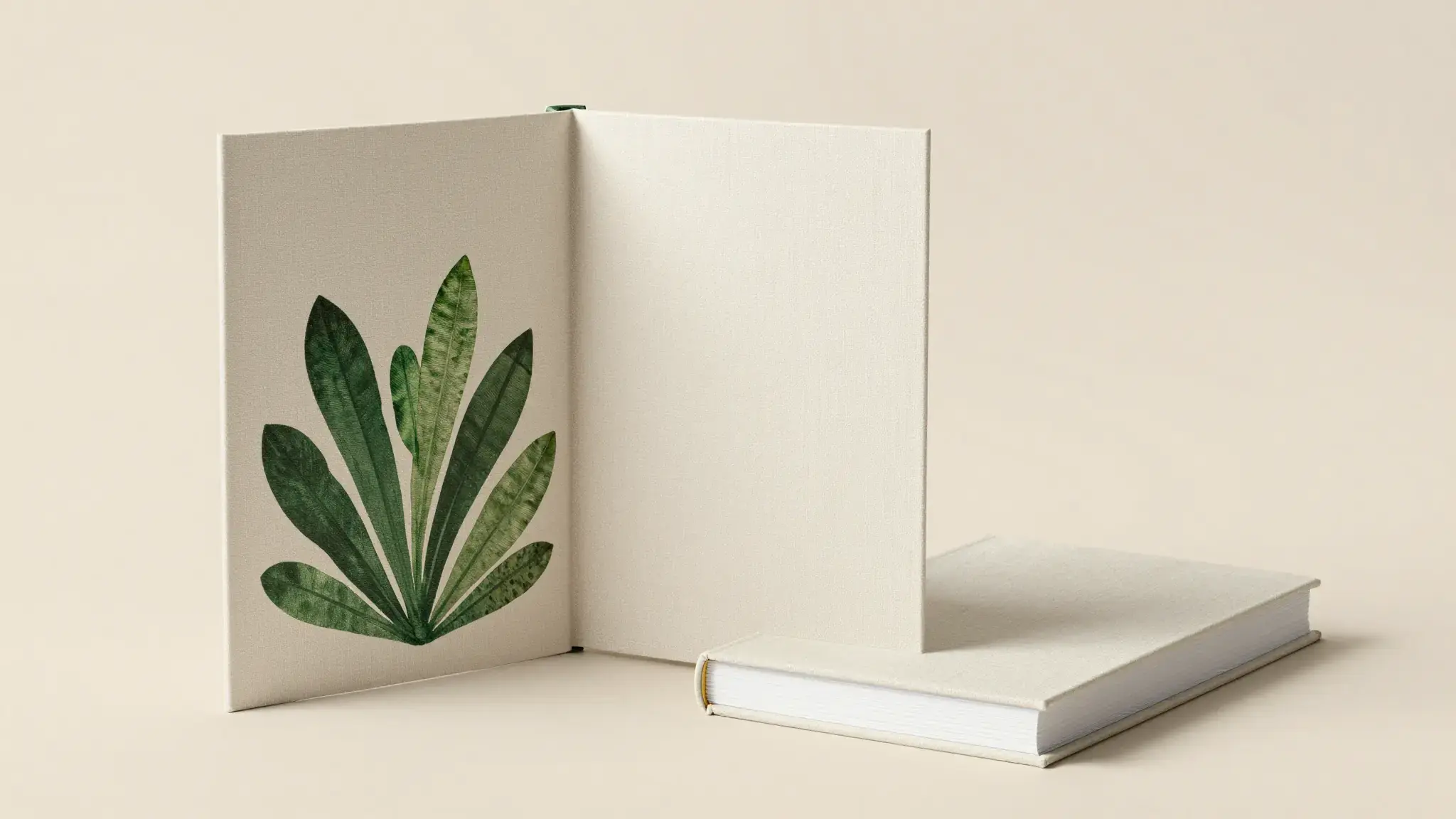
An elegant ivory invitation card embossed with delicate olive branches beside a matching open envelope and silk ribbon, tactile paper photography with completely blank writing areas. luminous diffuse lighting, understated background and distinct subject colors

Try it now
Working with Invitation Mockup

Turn a brief into a design concept

Provide the exact subject, palette, material and composition you want. Include any required wording and where it should sit in the design.

Materials for this task

Add the materials to their named inputs. Source image: one image.

Choose the supported settings

Available settings include Headline; Supporting copy; Brand name; Visual style. Review the full options in Studio before generation.

Ideas for Invitation Mockup

Concept exploration

Compare a motif, palette or composition before committing to a finished design.

A project reference

Use the image to communicate the look of a design to a collaborator, then refine construction or layout separately.

From idea to creation

How to use Invitation Mockup

  1. Add the source

    Add the materials to their named inputs. Source image: one image.

  2. Set the direction

    Available settings include Headline; Supporting copy; Brand name; Visual style. Review the full options in Studio before generation.

  3. Review the result in Studio

    Review lettering, small details and proportions. An image concept may require separate preparation for editable layouts, manufacture or printing.

Frequently asked questions

Add the materials to their named inputs. Source image: one image.

Your next creation starts here

Make something worth sharing.

Start with your own content in Invitation Mockup. Review the settings in Studio and create your result.

Start creating