Cuta
Free Image to Prompt Generator online

Free Image to Prompt Generator

Upload any image and instantly generate detailed, copy-ready prompts for Nano Banana Pro, Flux, Seedream, Veo, Kling, and more. Analyze style, lighting, composition, and visual language automatically, all inside Cuta’s end-to-end creative pipeline.

Built for Real Creative Work

Free Image to Prompt Generator

Free Image to Prompt Generator

More Than Object Detection

Older interrogators identify what’s in the frame. Cuta’s tool reads how the frame is built - lens, light direction, color grade, mood. That’s the part that determines whether your generation actually matches the reference.

Try it now

Free Image to Prompt Generator

Free Image to Prompt Generator

Cinematography-grade output

Every prompt covers six layers: subject, action, environment, camera and lens, lighting and style, technicals. Same checklist a DP would use.

Try it now

Free Image to Prompt Generator

Free Image to Prompt Generator

One Prompt Across Every Model

Paste the result straight into Nano Banana Pro, Seedream, Flux, Imagen, Veo 3, Kling, LTX. No reformatting between models, no separate prompt for video.

Try it now

Free Image to Prompt Generator

Free Image to Prompt Generator

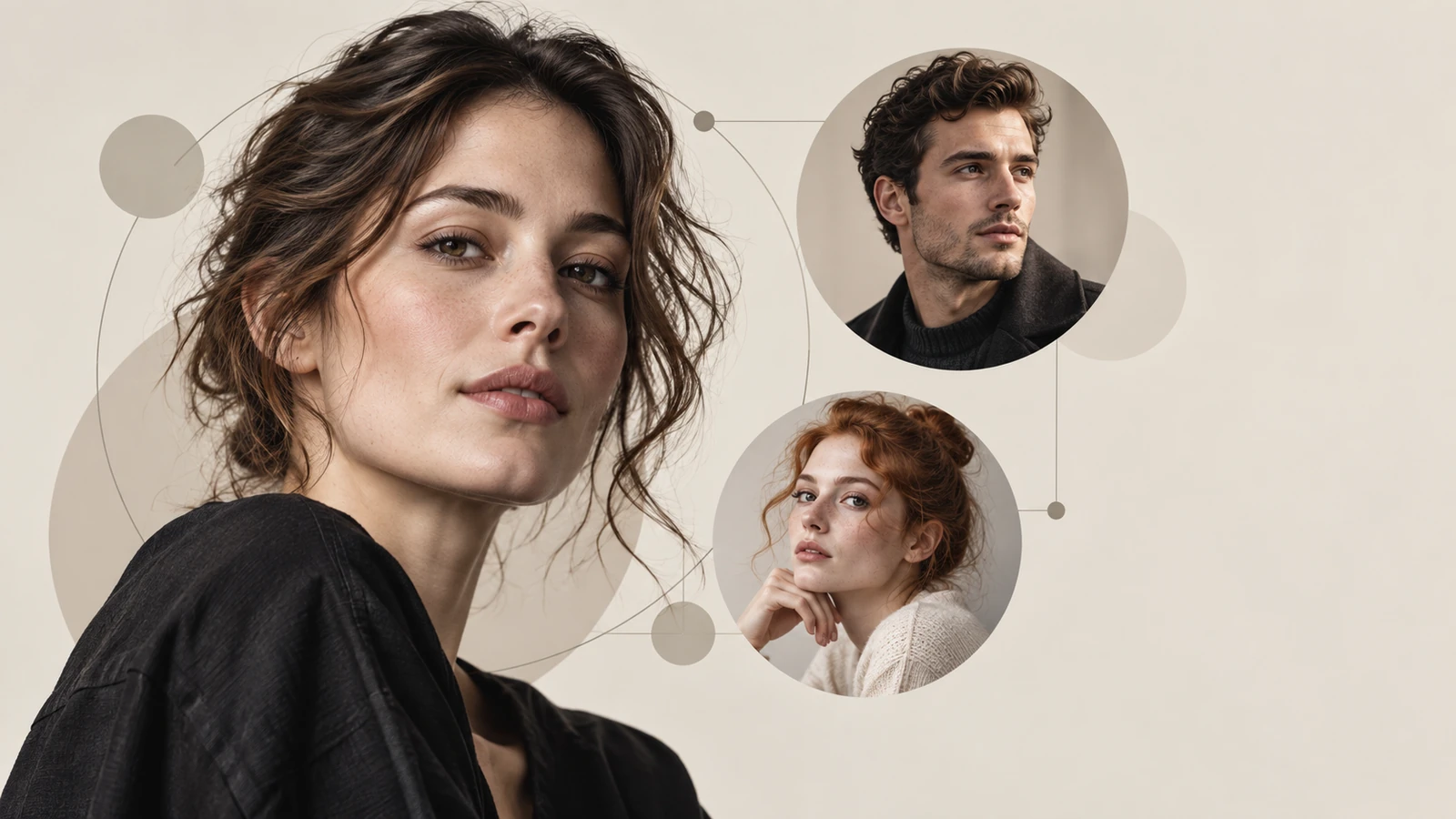
Portrait-ready preview for Free Image to Prompt Generator

Try it

Built for Creators, Teams, and AI Workflows

Free Image to Prompt Generator

Free Image to Prompt Generator

For creators making daily content

You’re posting to TikTok, Reels, Shorts, or YouTube on a near-daily cadence. You see a frame in someone else’s video - the lighting, the look, the energy, and you want to make ten more in the same direction without spending an hour writing prompts. Drop the screenshot in, get a prompt that gives you ninety percent of the look, generate the variations, ship.

Try it now

Free Image to Prompt Generator

Free Image to Prompt Generator

For designers and creative teams

You’re working from mood boards, references, or client visuals and need outputs that stay close to the original look. Cuta captures the details that actually shape the image, lighting, palette, framing, and texture, so generations feel consistent instead of random.

Try it now

Free Image to Prompt Generator

Free Image to Prompt Generator

For AI filmmakers and music video creators

Sometimes the whole project starts from a single frame. A poster, a still, a character reference. Cuta turns that image into a structured cinematic prompt that holds up across multiple shots and scenes.

Try it now

Free Image to Prompt Generator

Free Image to Prompt Generator

For marketers and content teams

One product image can become dozens of ad variations. Generate the prompt once, swap environments, angles, or styling, and create assets much faster.

Try it now

What You Can Do With Image-to-Prompt

Free Image to Prompt Generator

Free Image to Prompt Generator

Generate variations faster

Paste the prompt into Flux Pro, Imagen 4, Nano Banana Pro, or Z-Image and quickly create new versions of the same look. Change the lighting, lens, color palette, or composition without rewriting the entire prompt.

Try it now

Free Image to Prompt Generator

Free Image to Prompt Generator

Turn images into video shots

Use the same prompt in Veo 3, Kling, Vidu, or LTXVideo to generate cinematic motion shots with a matching visual style. Cuta’s prompts are structured for both image and video workflows.

Try it now

Free Image to Prompt Generator

Free Image to Prompt Generator

Keep a consistent visual style

Generate prompts from multiple reference images, combine the lighting, framing, and palette descriptors, and build a repeatable style system for a campaign, short film, or content series.

Try it now

Free Image to Prompt Generator

Free Image to Prompt Generator

Reverse-engineer visuals that worked

Upload your best-performing content and see exactly what made the image work — lens choice, lighting setup, mood, texture, and composition — so you can recreate the style intentionally instead of guessing.

Try it now

Free Image to Prompt Generator

Free Image to Prompt Generator

Create faster without rewriting prompts

Cuta structures prompts into editable visual layers. Instead of rewriting everything, you can swap a single detail like lighting, environment, or camera angle and generate new variations in seconds.

Try it now

How to use Cuta’s image-to-prompt tool

Free Image to Prompt Generator

Free Image to Prompt Generator
Step 1

Upload your reference

Drag and drop the image into the upload area, works with JPG, PNG, WebP up to standard upload limits. You can also pick an image from your Cuta assets if you’ve generated one before.

Free Image to Prompt Generator

Free Image to Prompt Generator
Step 2

Generate the prompt

It takes roughly 5 to 8 seconds and returns a single paragraph. The paragraph is structured - subject, action, environment, camera, lighting, technicals, but reads as natural English. Copy it, or use it directly in the next step.

Free Image to Prompt Generator

Free Image to Prompt Generator
Step 3

Send it to a model

Click into any creation form, text-to-image, text-to-video, modify-video, character. The prompt is already in the field. Pick your model. Adjust the one or two words you want different from the reference (the subject’s hair color, the time of day, the aspect ratio). Hit Create.

Frequently asked questions

What is image to prompt?+

Image to prompt is a tool that turns an uploaded image into a detailed AI prompt describing the subject, lighting, composition, camera style, and overall look. Cuta generates structured prompts designed for modern models like Flux, Seedream, Veo, Kling, and Nano Banana Pro.

Is Cuta’s image-to-prompt tool free?+

Yes. The tool is included with all Cuta accounts. Free users can generate prompts normally, while paid plans include higher limits and access to the full image, video, music, and character workflow.

Which AI models work with these prompts?+

The prompts work across most modern image and video models, including Nano Banana Pro, Seedream, Flux Pro, Flux Kontext, Imagen 4, GPT Image, Veo 3, Kling, Vidu, LTXVideo, Midjourney, and Stable Diffusion.

How accurate is the output?+

For most photographic and illustrated references, the prompt captures the core lighting, framing, texture, mood, and cinematic style of the original image. Most creators only need small edits before generating variations.

Can I edit the prompt before generating?+

Yes. You can edit any part of the prompt before sending it to an image or video model inside Cuta.

Does the tool support languages other than English?+

The prompts are currently generated in English because most leading AI models are primarily trained on English prompt structures.

Is there a watermark or generation limit?+

There is no watermark on generated prompts. Free plans include rate limits, while paid plans unlock higher generation capacity.

Start creating

Create without limits

Join creators using Cuta to generate stunning images, videos, and more — all in one platform.

Get started for free