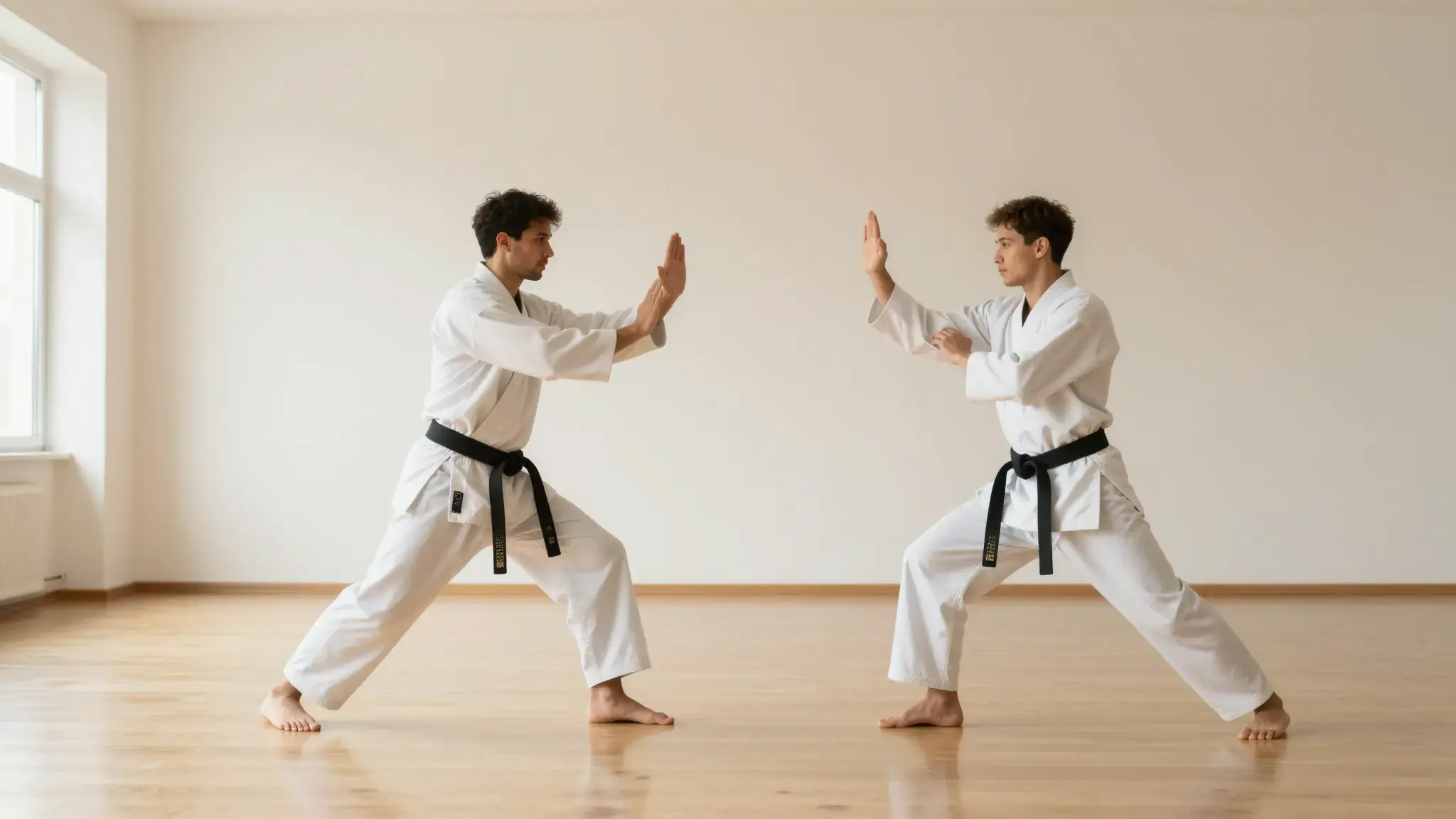
Find moments that support the main story
Supply the source video and explain the kind of highlight you want: a key action, explanation or reveal.

Highlight Video
Create highlight clips from a source video with Cuta. Focus on key moments and topics to develop a recap or short piece of content from longer footage.
Supply the source video and explain the kind of highlight you want: a key action, explanation or reveal.
Add the materials to their named inputs. Source video: one video.
From idea to creation
Add the materials to their named inputs. Source video: one video.
Supply the source video and explain the kind of highlight you want: a key action, explanation or reveal.
Review selected moments in context. Check that cuts preserve the intended meaning and do not omit a necessary setup.
Illustrative artwork shows the intended visual direction. Your result depends on your source materials and settings.
Three visually consistent photographic frames of a traveler in a sunlit forest, a wide landscape, a medium view and a close portrait, clean sequential visual storytelling without interface
Try it nowIdentify short moments that communicate the main action of a longer source clip.
Explore a compact selection that helps a viewer decide whether to watch the full material.
Add the materials to their named inputs. Source video: one video.
Keep exploring
Your next creation starts here
Start with your own content in Highlight Video. Review the settings in Studio and create your result.