The details to include
Describe the expression, costume, amount of transformation, and festive setting.
Try it now
AI image tools
Reimagine a subject with green fur and a mischievous holiday look.

Creative possibilities
Illustrative concepts show framing and visual treatment. Use your own brief and references to create a version for your project.
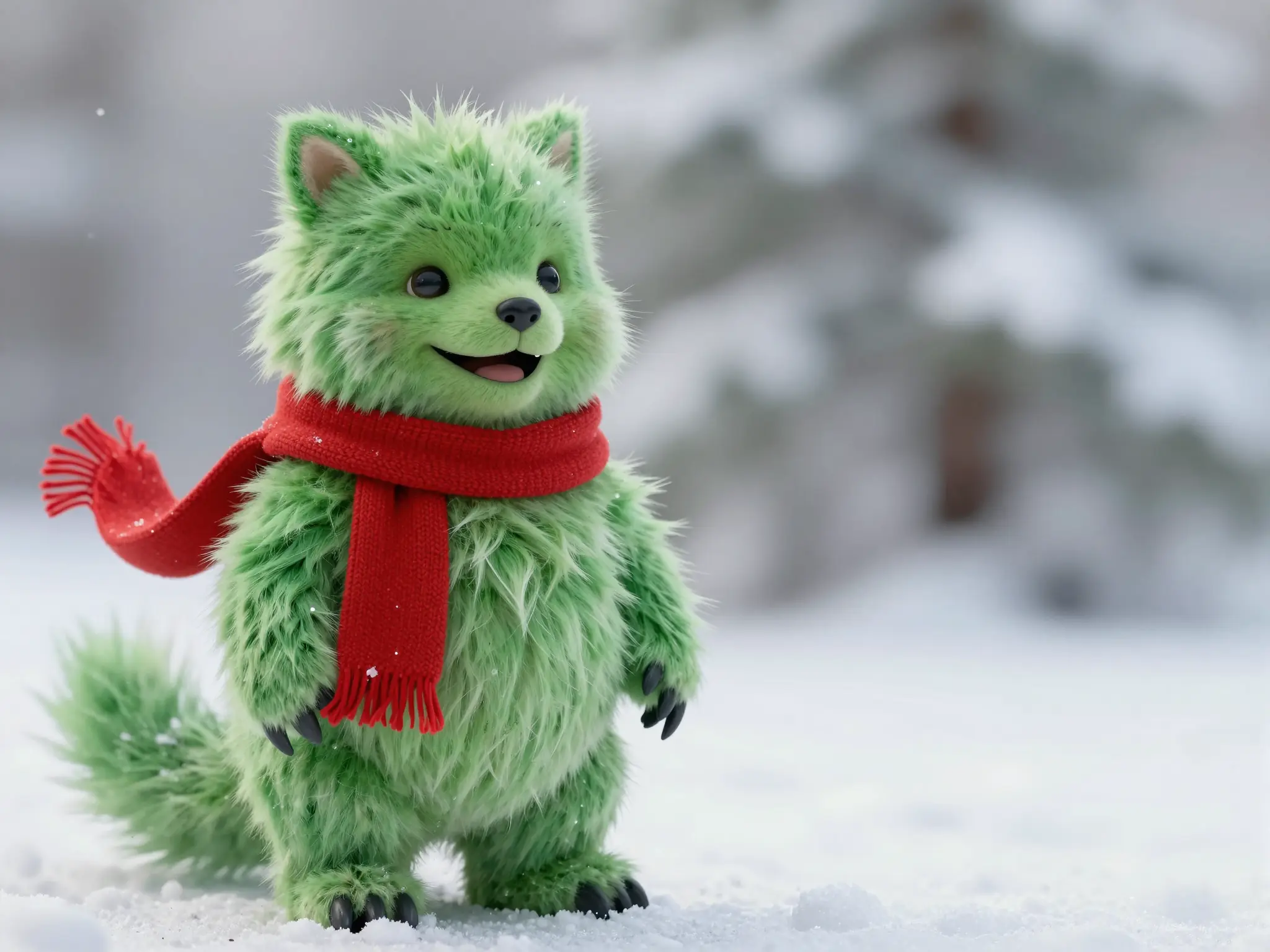
A subtle treatment keeps the original subject at the center.

Stronger color and contrast give the same idea a different mood.
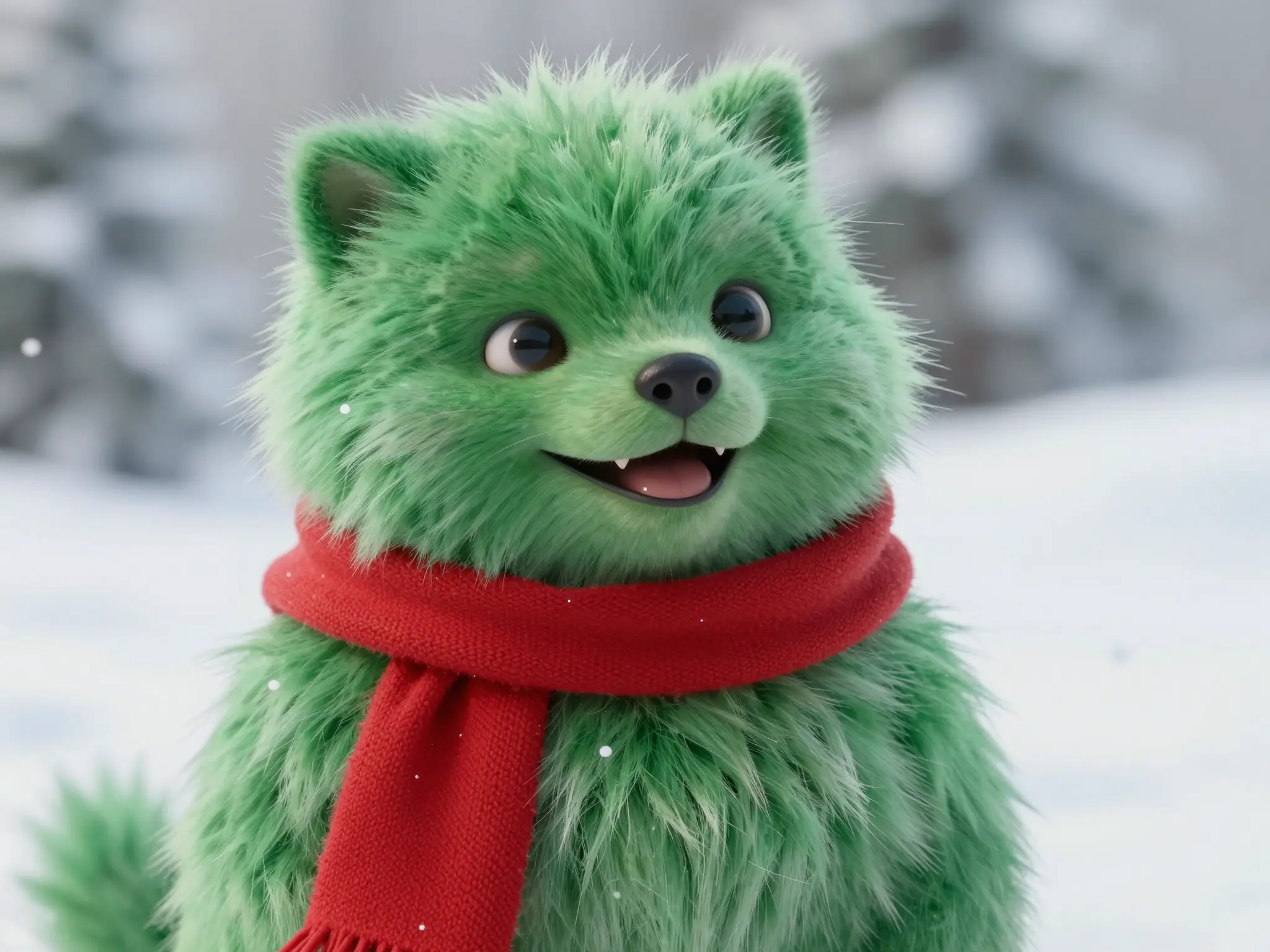
A closer view brings out the texture of the treatment.
Describe the expression, costume, amount of transformation, and festive setting.
Try it nowGive the reference subject green fluffy fur, a mischievous smile, a red scarf, snowy holiday background.
Try it nowFrom idea to creation
Upload one clear reference image, then add instructions for the result you want.
Describe the expression, costume, amount of transformation, and festive setting.
The transformation can alter facial details; review how recognizable you want the subject to remain.
The transformation can alter facial details; review how recognizable you want the subject to remain.
Find your next creative tool
Your next creation starts here
Start with your own content in Grinch Filter. Review the settings in Studio and create your result.