Cuta
All tools

Gaming Video Editor

Gaming Video Editor

Edit gaming footage with Cuta. Use a source clip and your editing direction to develop a gameplay scene for a channel video, recap or social post.

Try Gaming Video Editor
Creative illustrationVideo

Start with your content

Add your source now, or later in Studio.

Source imageOptional · 0/5

Review settings and cost in Studio before generating. Your selected files and inputs will be carried over.

A starting direction for Gaming Video Editor

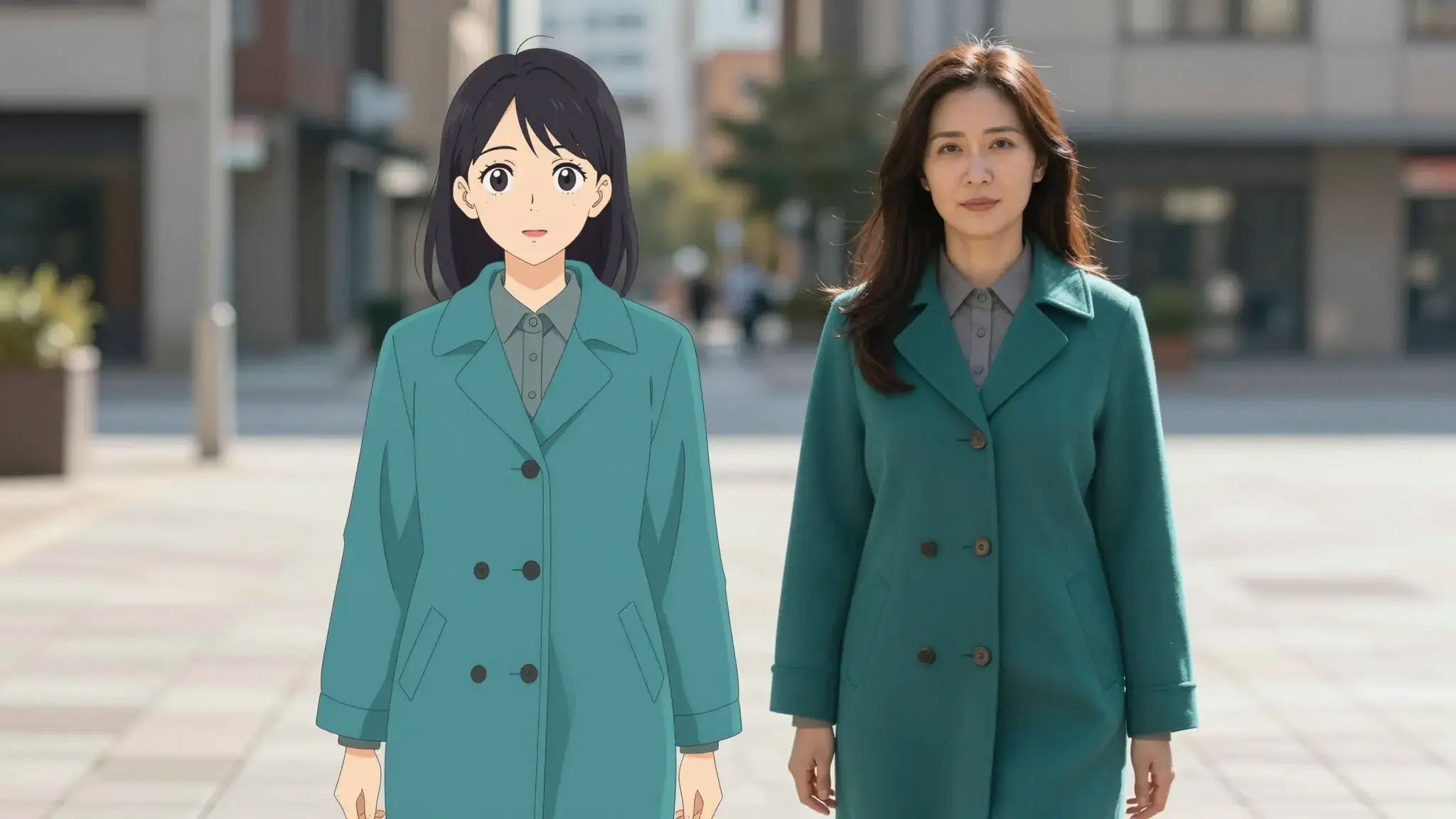
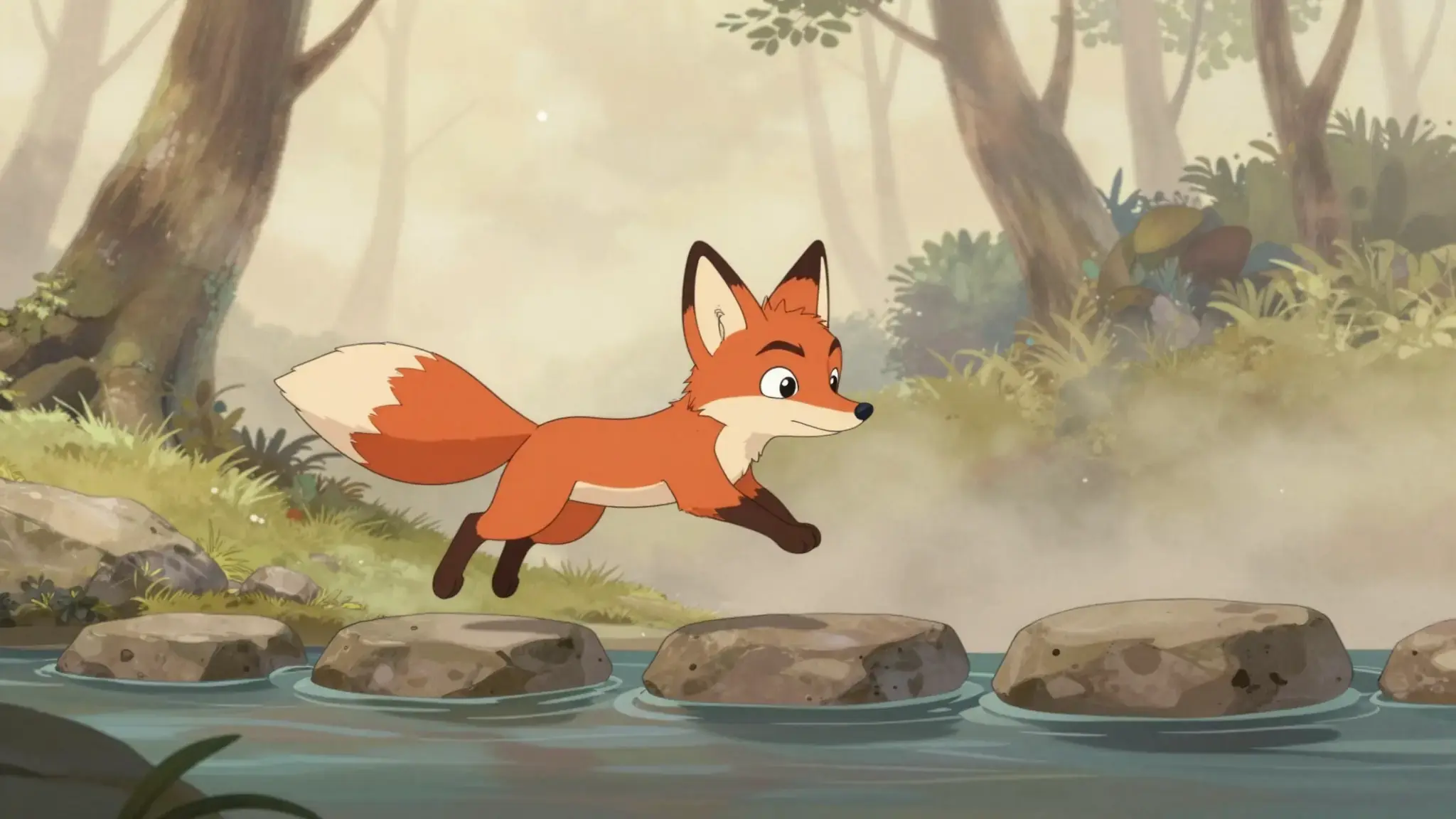
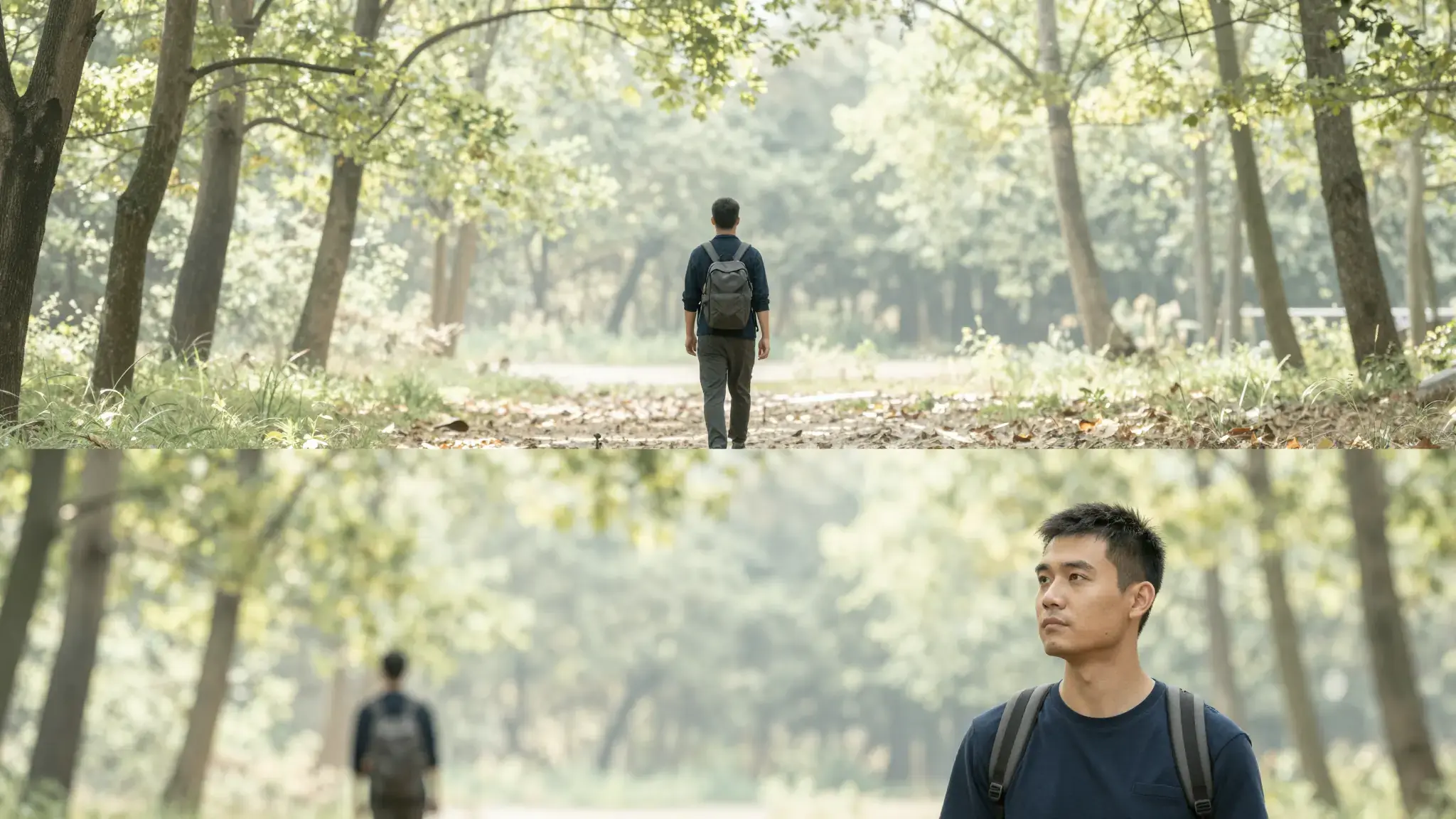
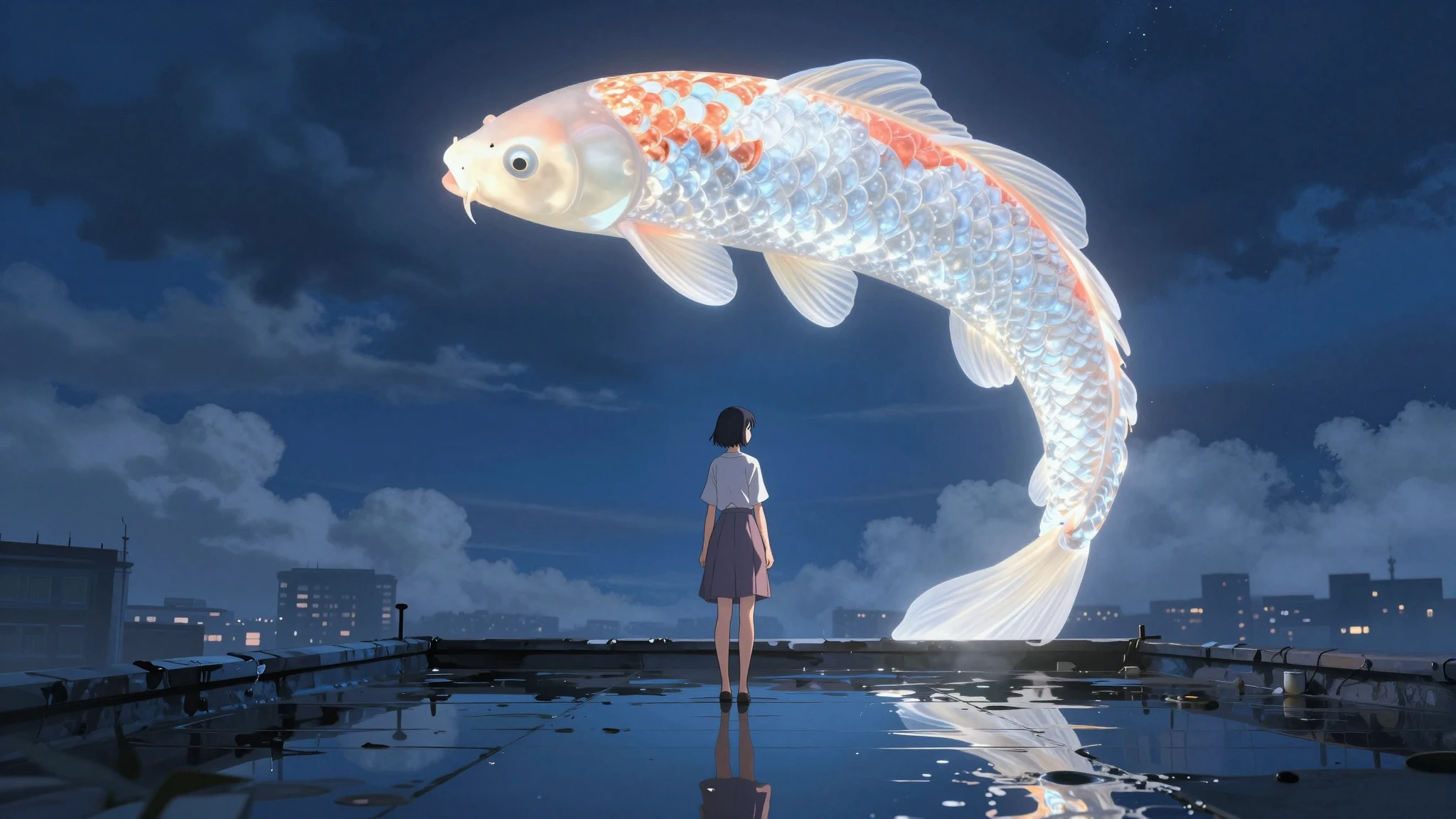
Illustrative artwork shows the intended visual direction. Your result depends on your source materials and settings.

An example to adapt

Three cinematic rendered frames of the same original game adventurer exploring a castle courtyard, crossing a bridge and discovering a treasure chest, coherent visual sequence. luminous diffuse lighting, understated background and distinct subject colors

Try it now
Working with Gaming Video Editor

Describe the change over the whole clip

Upload the source video and state the subject, region or visual treatment to change. Name important movement and details to preserve.

Materials for this task

Add the materials to their named inputs. Source image: up to 5 videos (optional).

Choose the supported settings

Available settings include Audience; Visual style; Language. Review the full options in Studio before generation.

From idea to creation

How to use Gaming Video Editor

  1. Add the source

    Add the materials to their named inputs. Source image: up to 5 videos (optional).

  2. Set the direction

    Available settings include Audience; Visual style; Language. Review the full options in Studio before generation.

  3. Review the result in Studio

    Watch the entire result for flicker, inconsistent edges and unintended changes in unaffected areas.

Ideas for Gaming Video Editor

Shot revisions

Explore a visual revision while keeping the source clip's action as the starting point.

Style continuity

Compare a treatment across a short clip and inspect whether it remains coherent frame to frame.

Frequently asked questions

Add the materials to their named inputs. Source image: up to 5 videos (optional).

Your next creation starts here

Make something worth sharing.

Start with your own content in Gaming Video Editor. Review the settings in Studio and create your result.

Start creating