The details to include
Choose the objects, line weight, spacing, and whether the doodles should form a border or a loose group.
Try it now
AI image tools
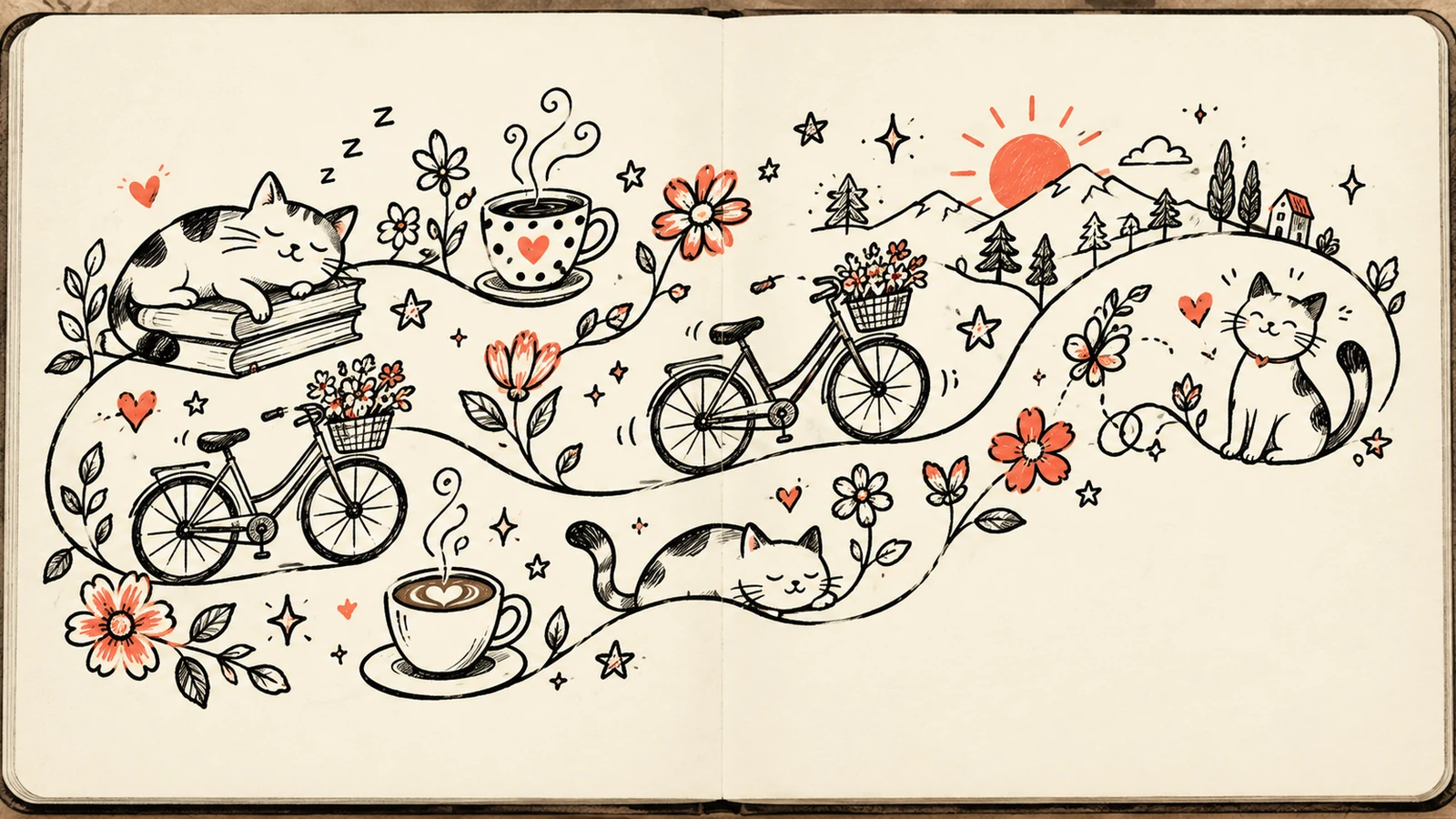
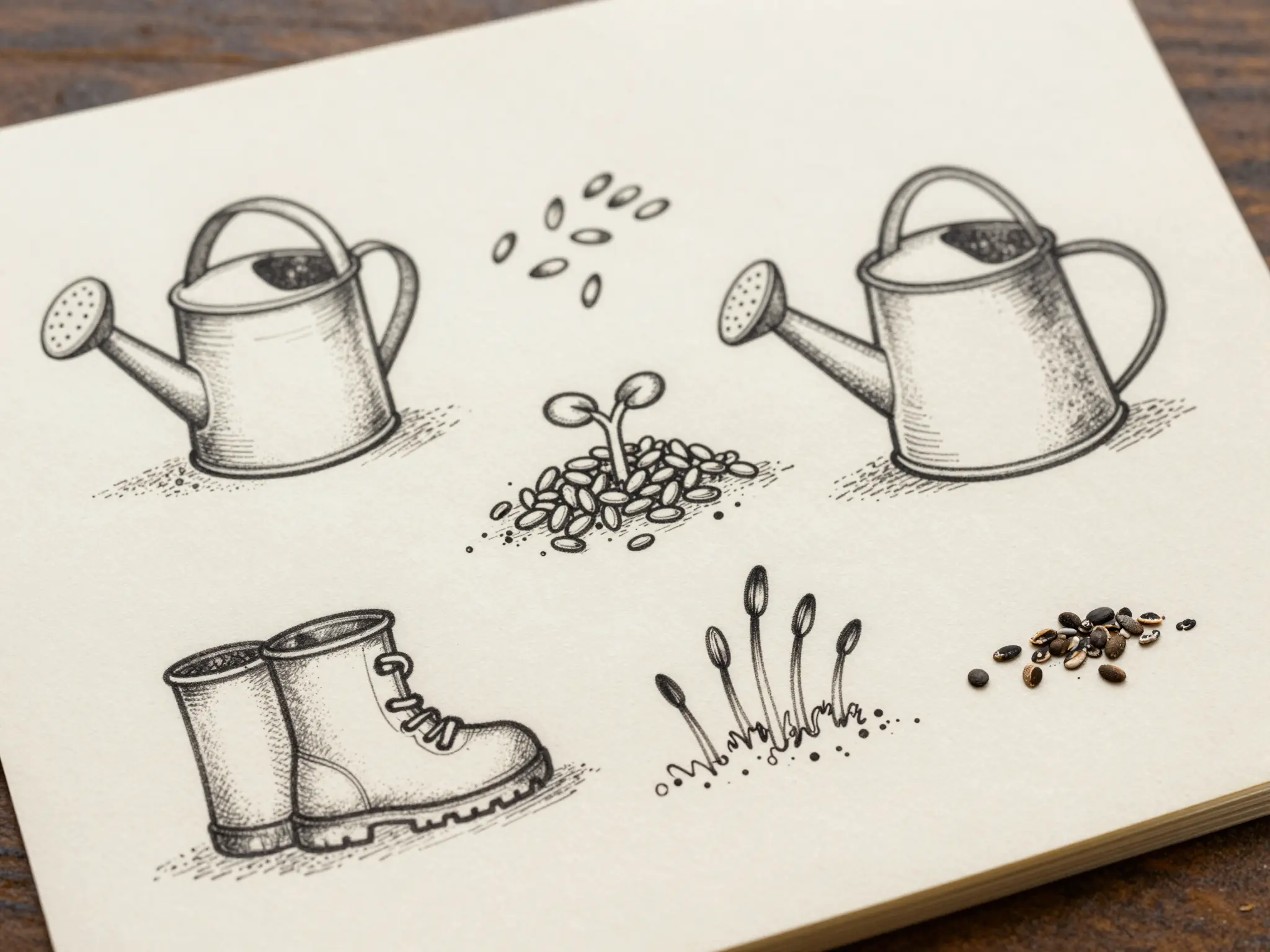
Fill a page with playful line drawings around a favorite theme.
Creative possibilities
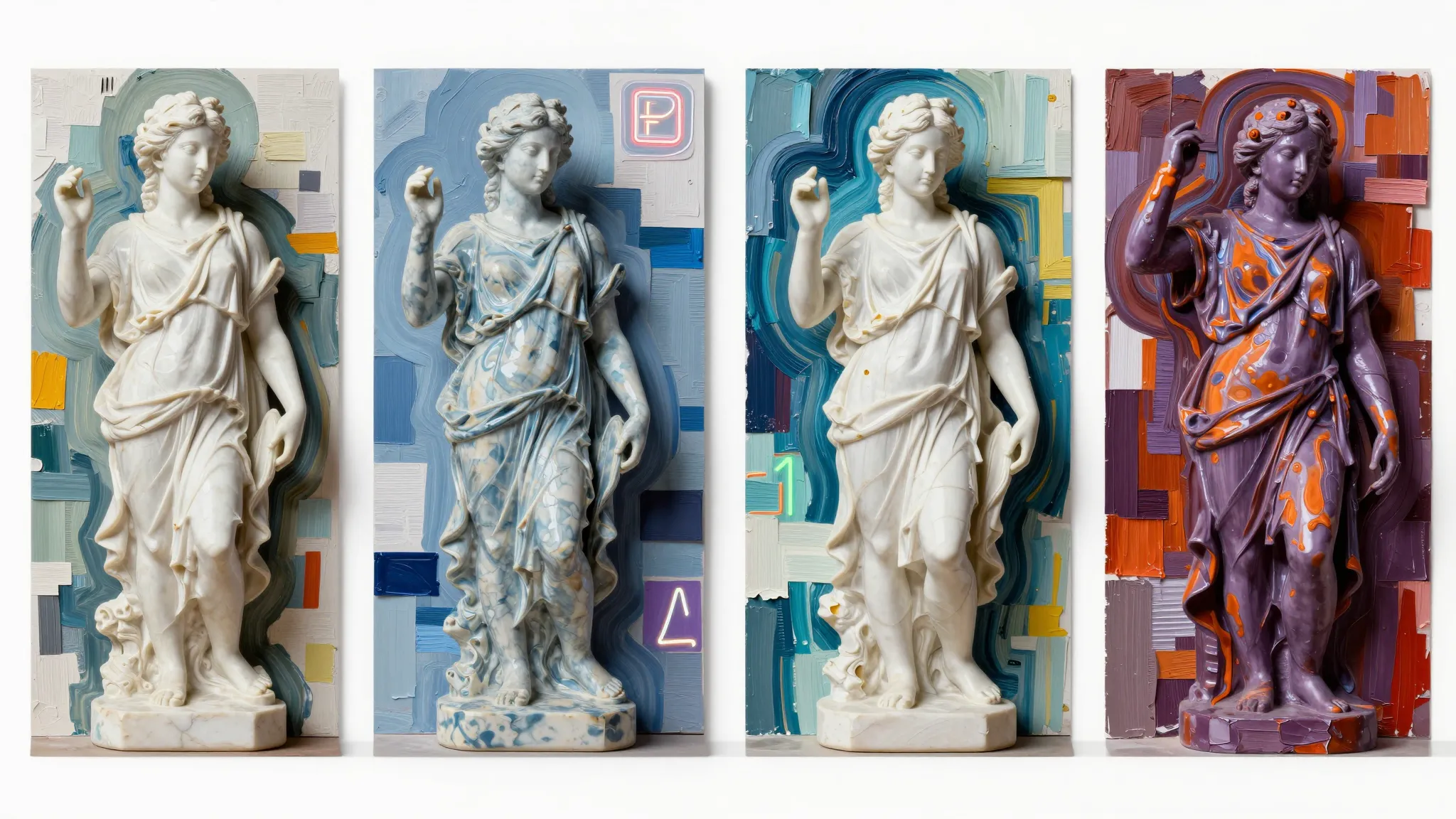
Illustrative concepts show framing and visual treatment. Use your own brief and references to create a version for your project.
A subtle treatment keeps the original subject at the center.
Stronger color and contrast give the same idea a different mood.
A closer view brings out the texture of the treatment.
Choose the objects, line weight, spacing, and whether the doodles should form a border or a loose group.
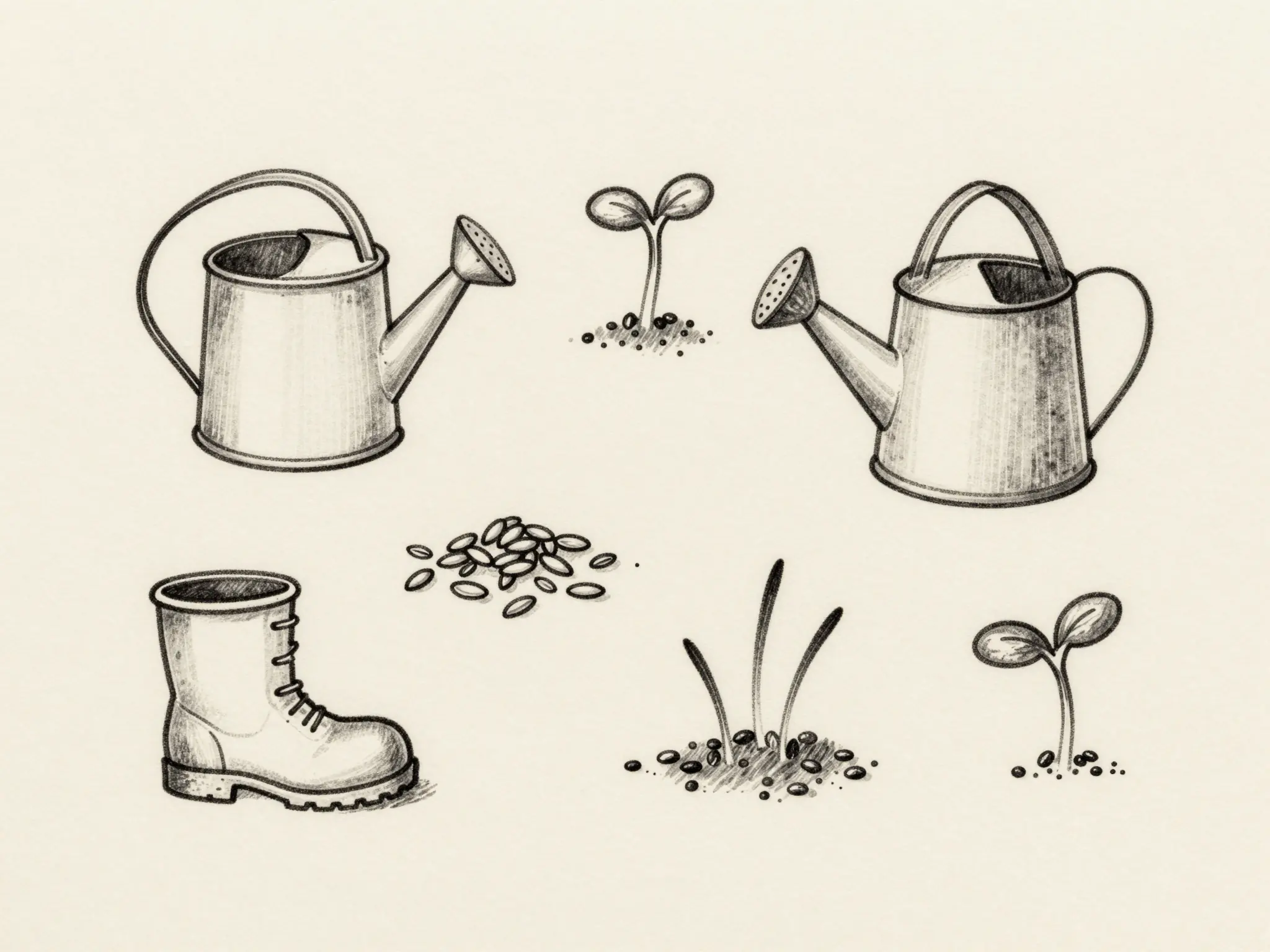
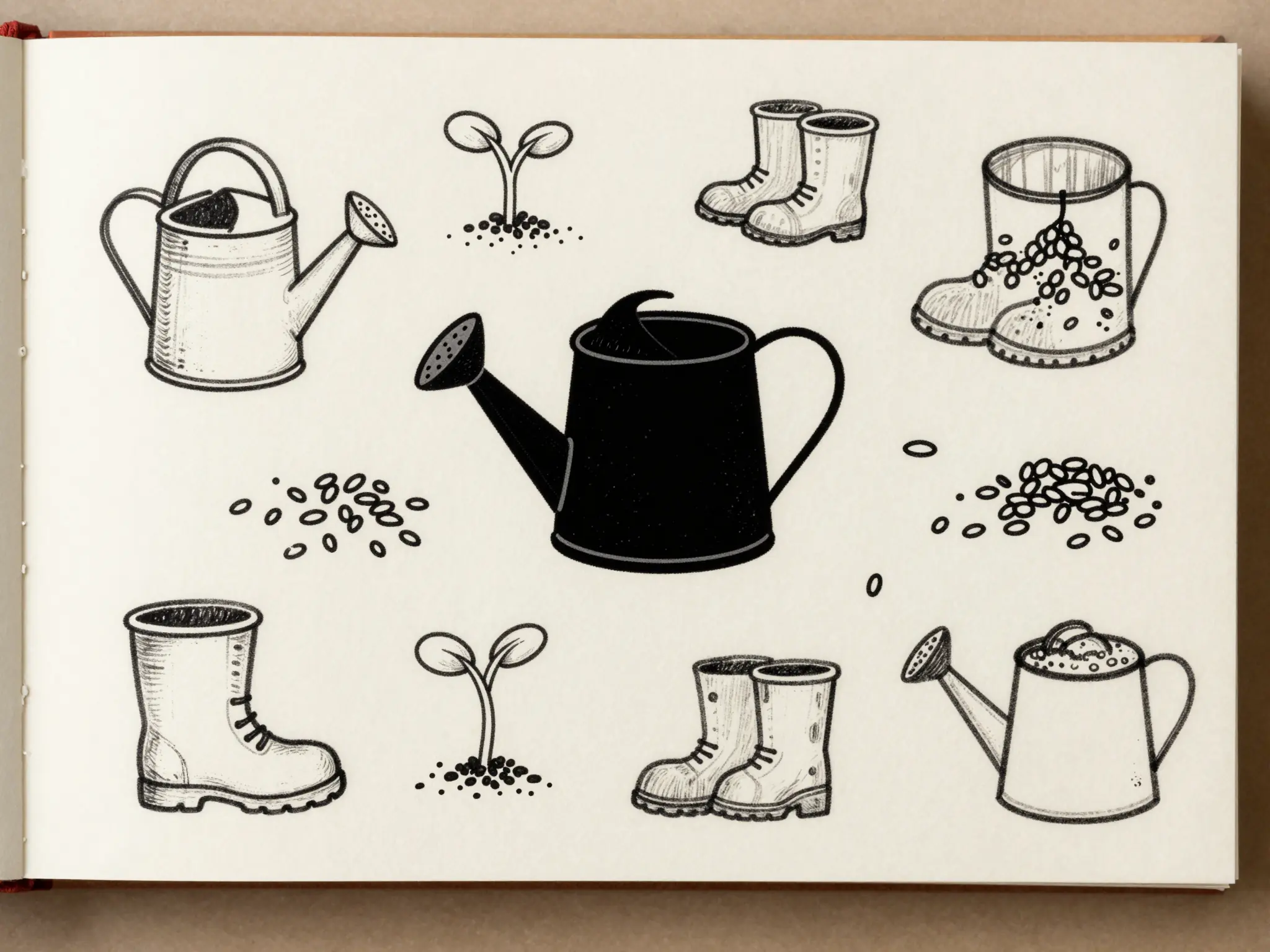
Try it nowA loose collection of gardening doodles: watering can, boots, seeds, sprouts, single black line on cream paper.
Try it nowFrom idea to creation
Start with a written brief. This tool uses text input, so include the details you want to appear in the image.
Choose the objects, line weight, spacing, and whether the doodles should form a border or a loose group.
Review small shapes and overlaps, especially if the artwork will be printed at a reduced size.
Review small shapes and overlaps, especially if the artwork will be printed at a reduced size.
Find your next creative tool
Your next creation starts here
Start with your own content in Doodle Generator. Review the settings in Studio and create your result.