The details to include
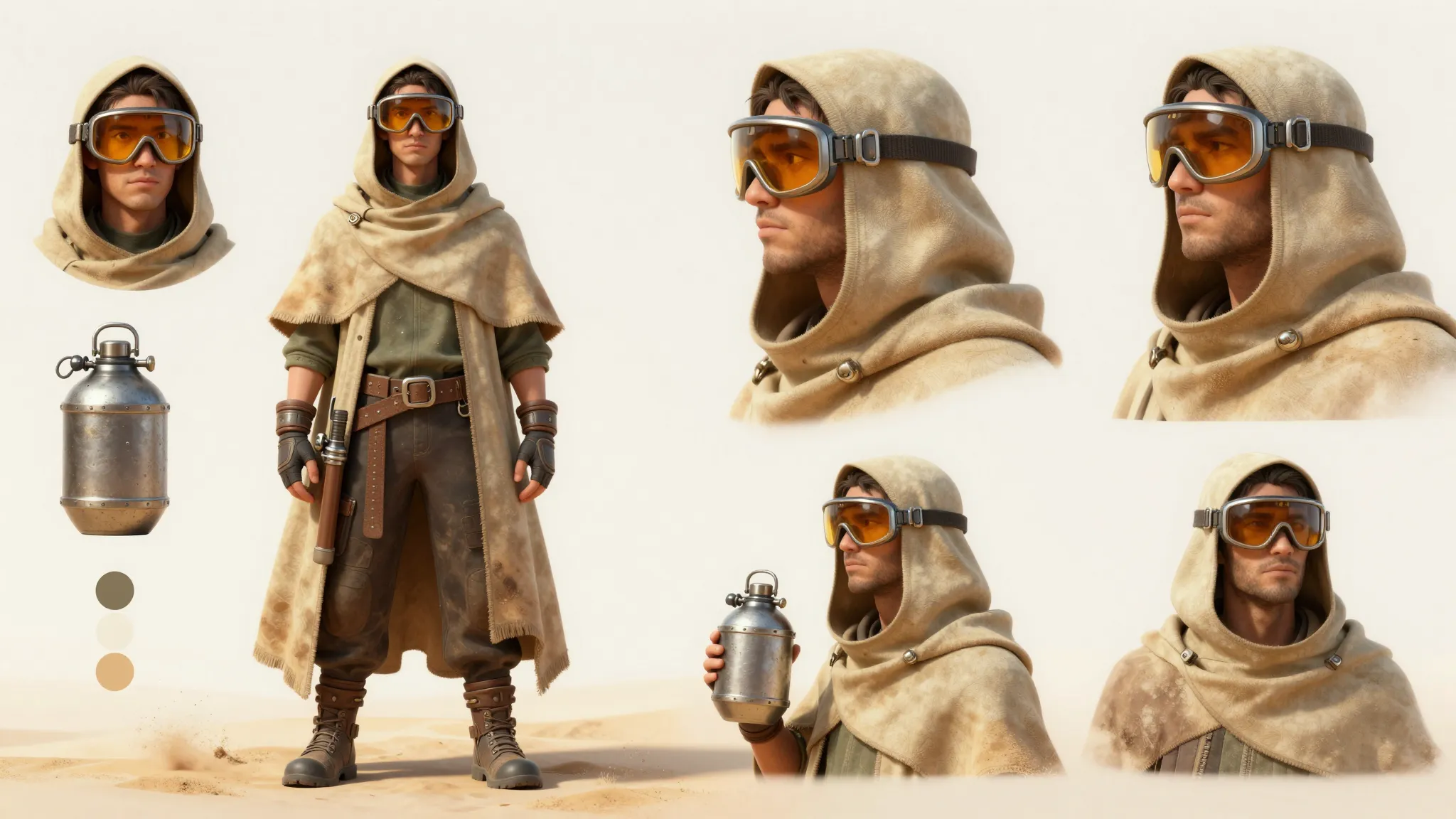
Keep the hairstyle, outfit, and one signature accessory while simplifying the proportions.
Try it now
AI image tools
Turn a character into a small, expressive figure with a big personality.
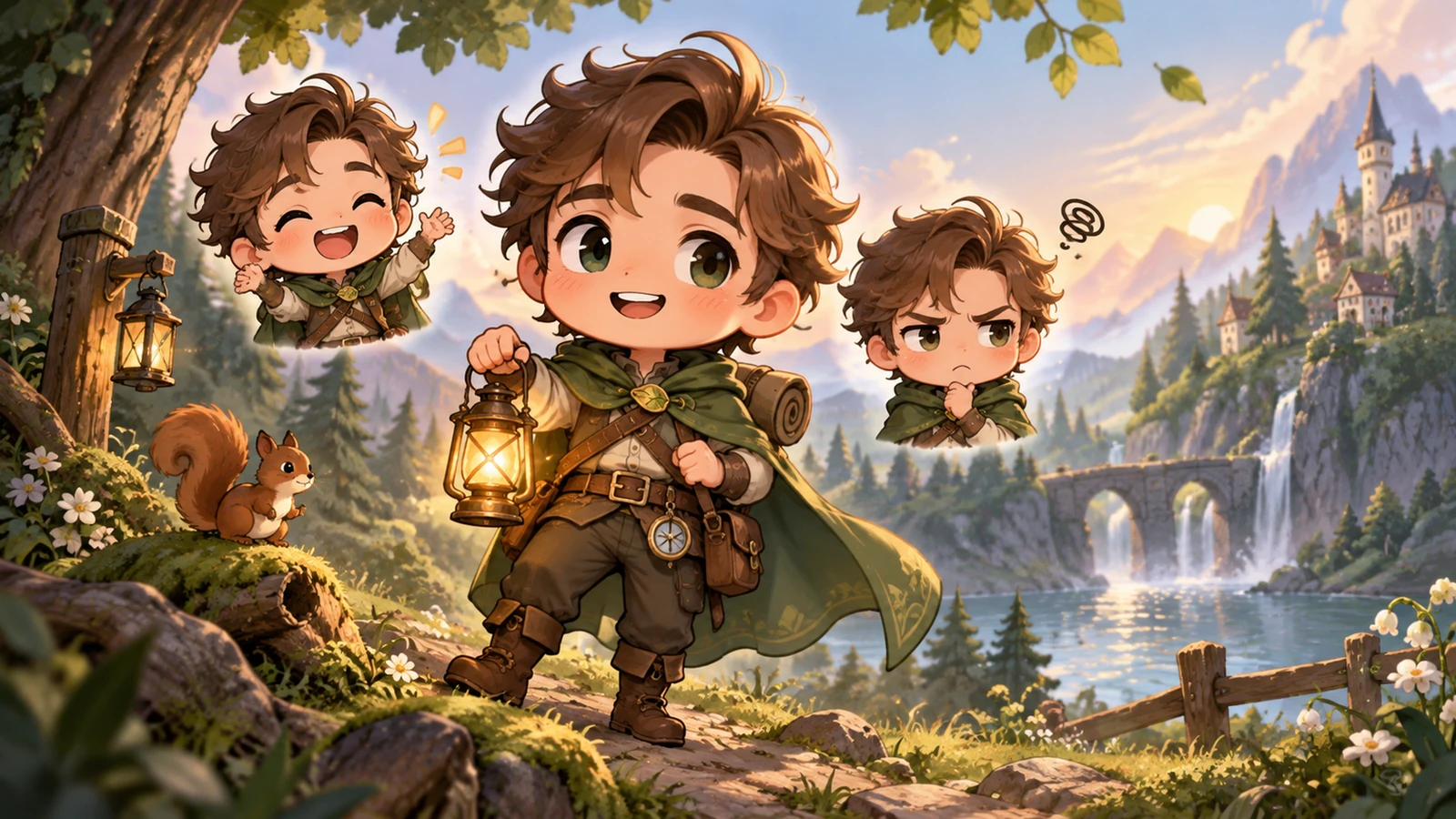
Keep the hairstyle, outfit, and one signature accessory while simplifying the proportions.
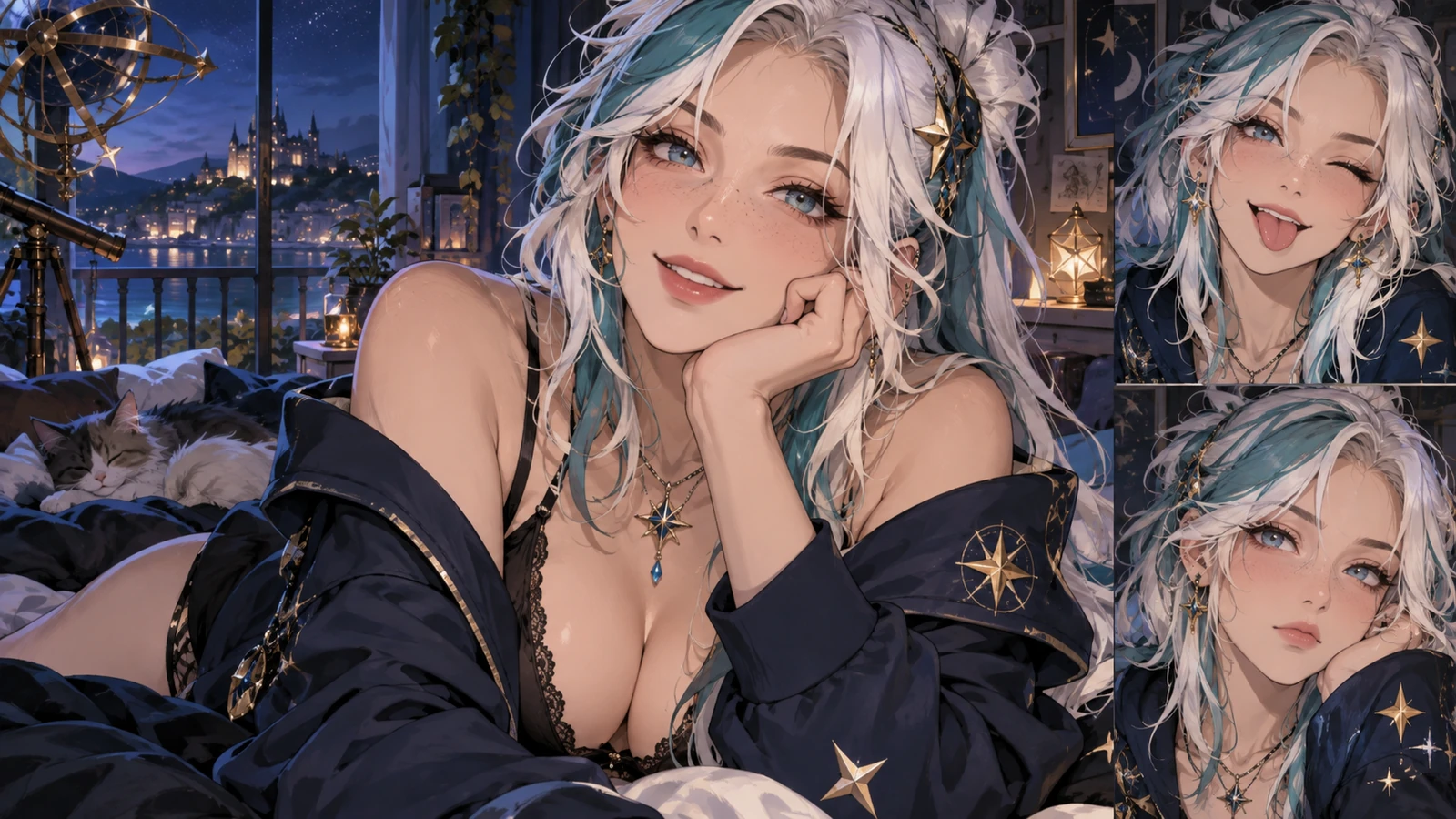
Try it nowA chibi astronomer with silver hair, oversized navy coat, tiny telescope, delighted expression.
Try it nowFrom idea to creation
Start with a written brief, a reference image, or both. A reference helps communicate the appearance you want.
Keep the hairstyle, outfit, and one signature accessory while simplifying the proportions.
Small accessories can lose clarity. Review the character at its intended display size.
Creative possibilities
Illustrative concepts show framing and visual treatment. Use your own brief and references to create a version for your project.
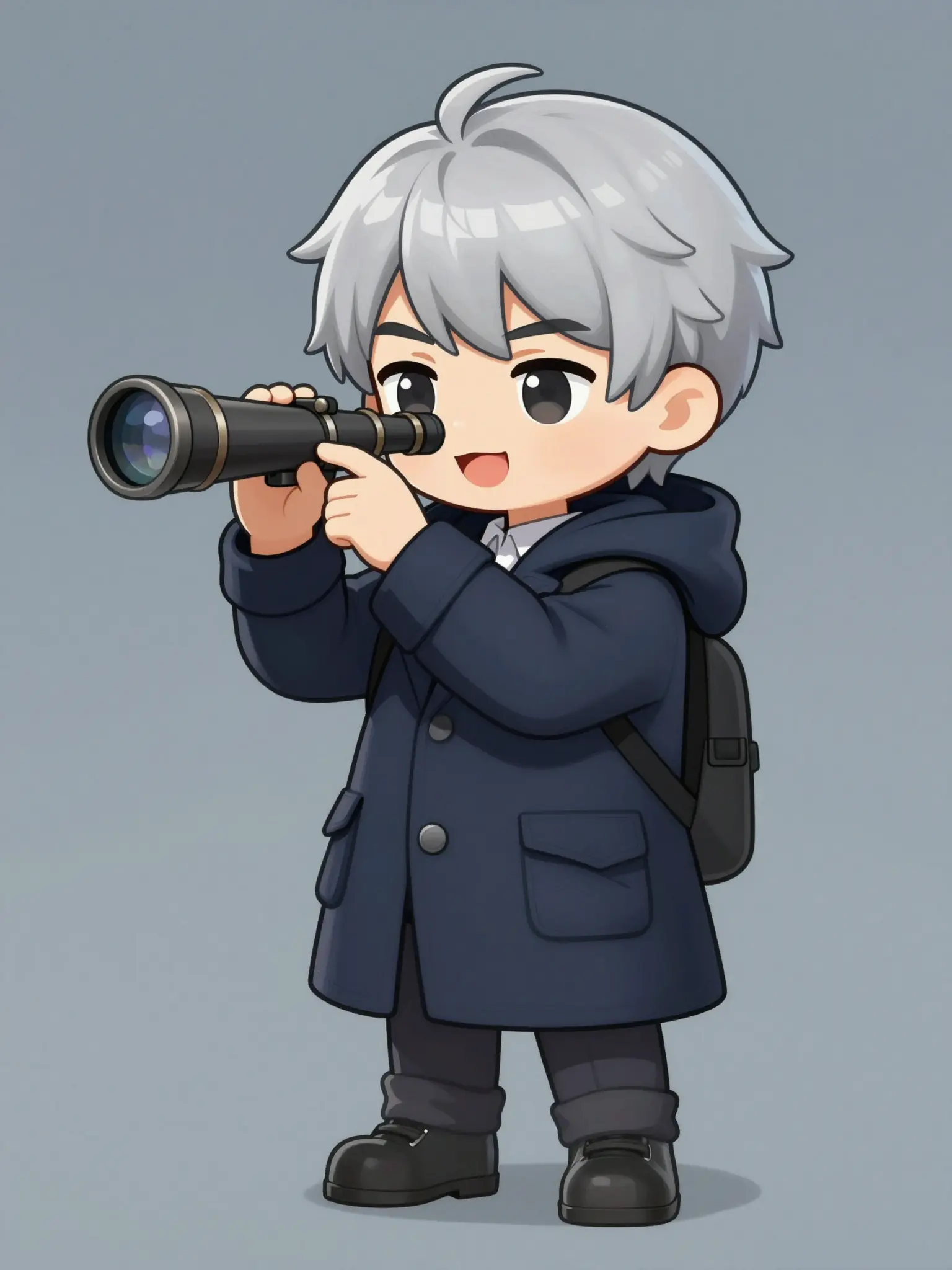
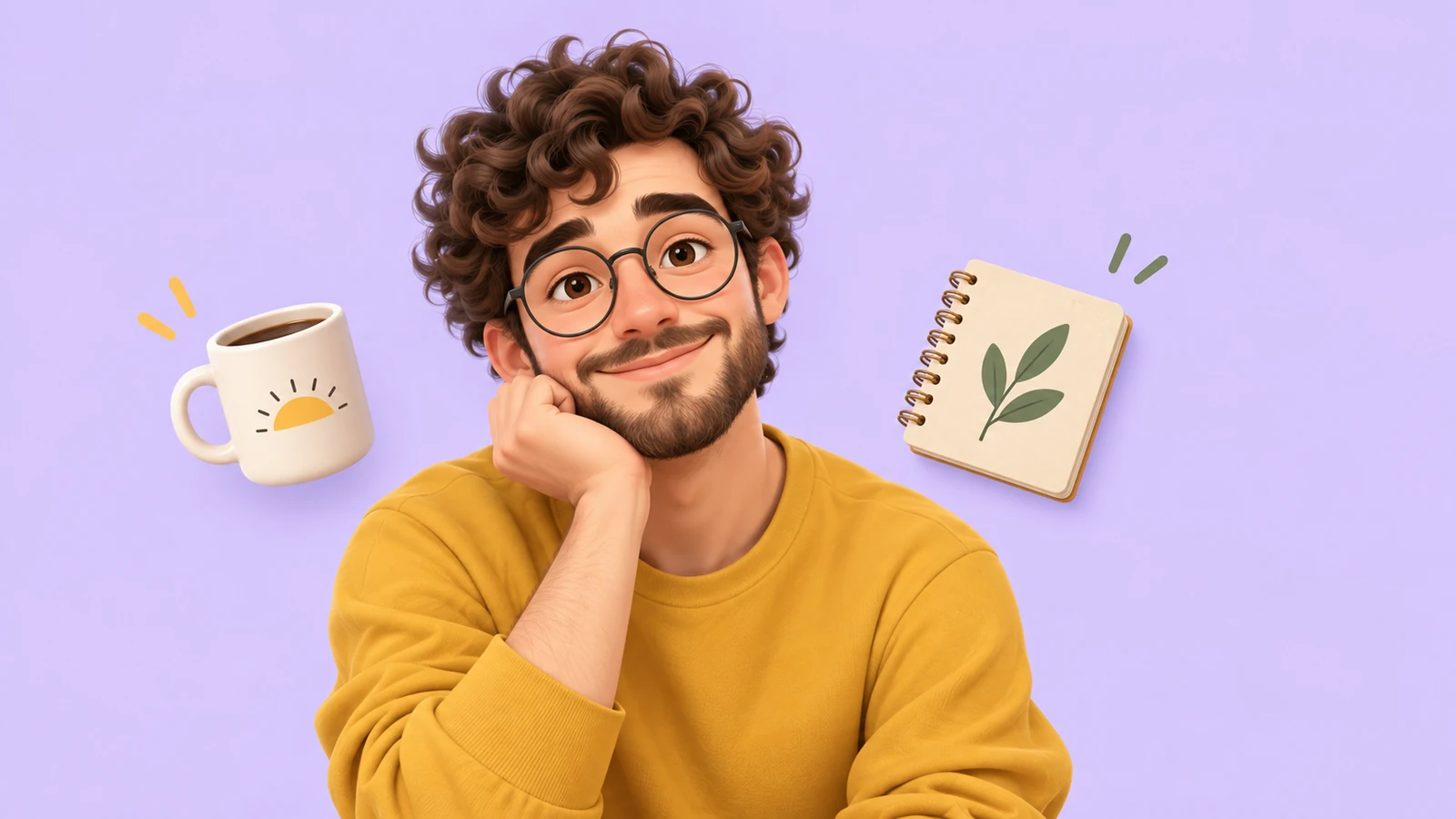
An expressive portrait introduces the character’s personality.
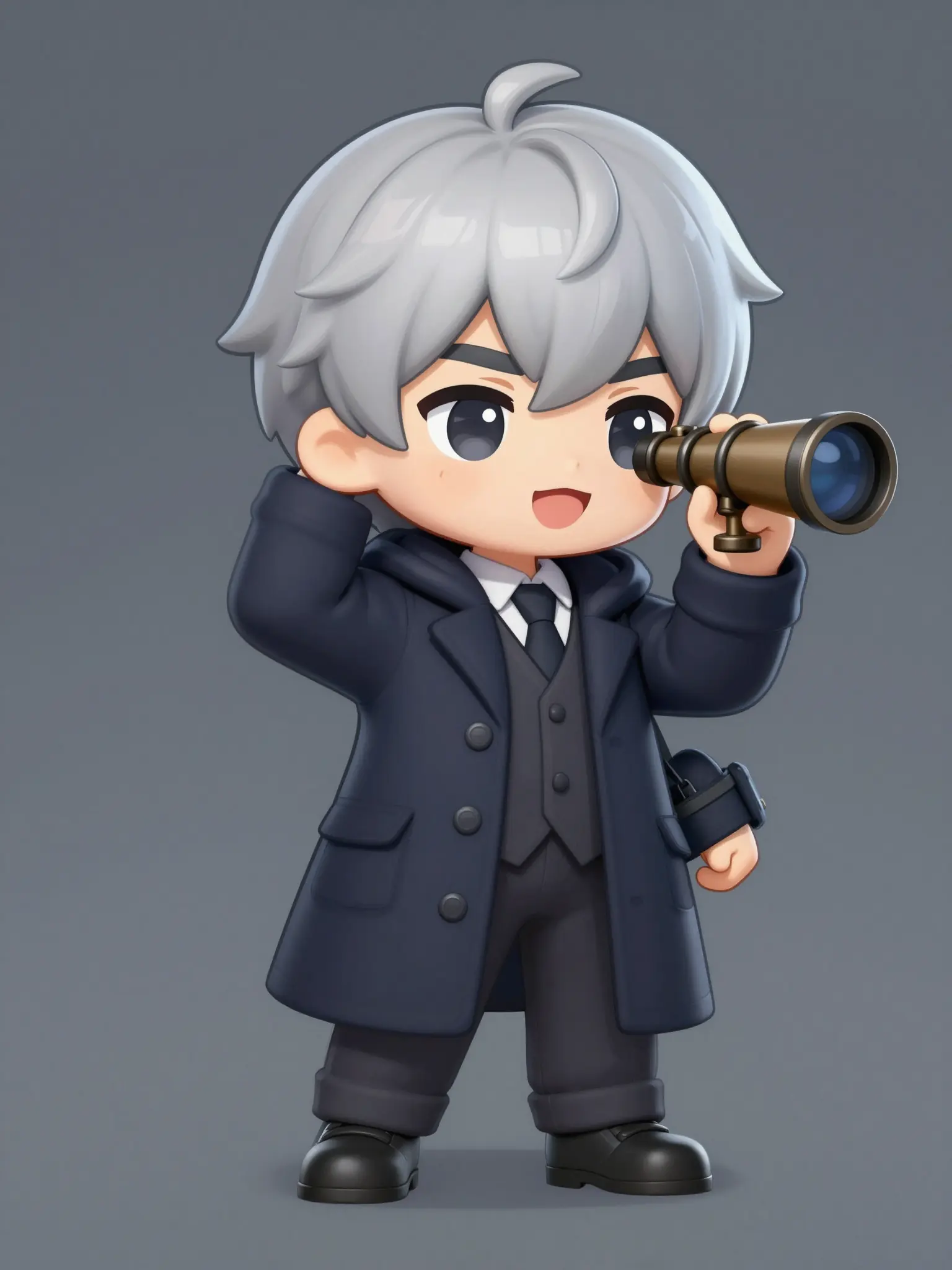
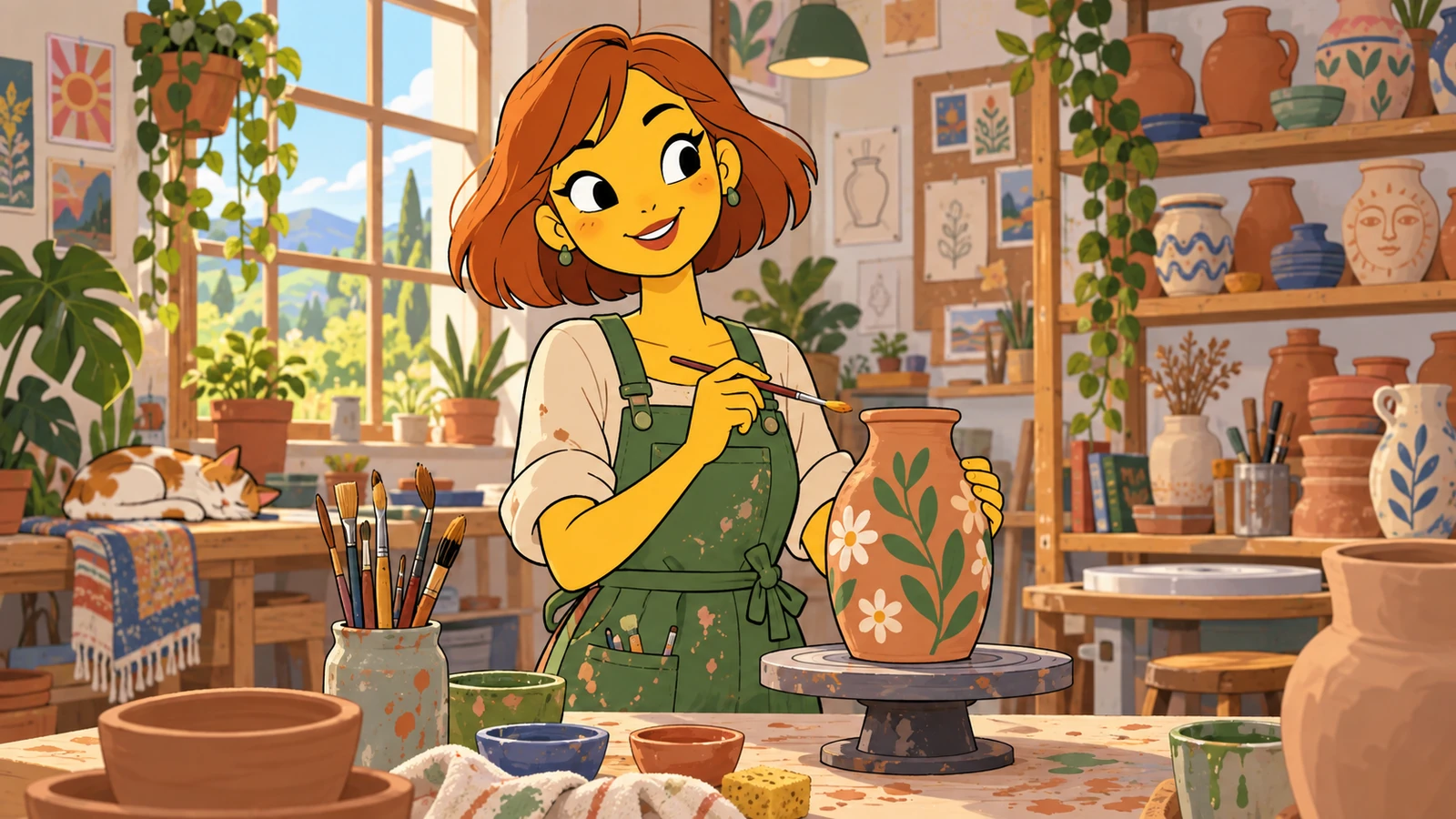
A setting gives the character a place in the story.
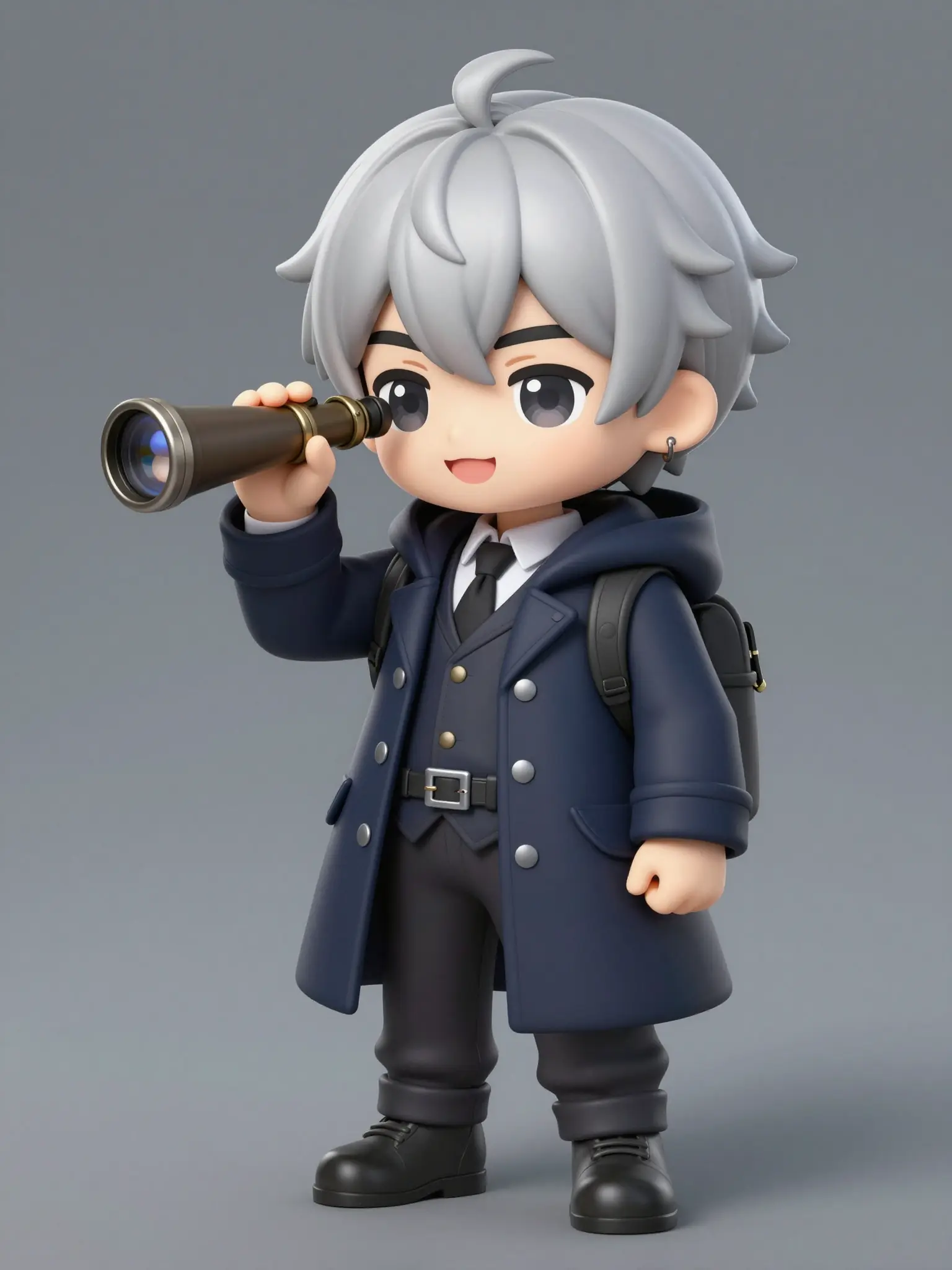
A clear view of the outfit helps develop a consistent design.
Small accessories can lose clarity. Review the character at its intended display size.
Find your next creative tool
Your next creation starts here
Start with your own content in Chibi Maker. Review the settings in Studio and create your result.