The details to include
Identify the shapes, colors, and expression to retain, then choose the realistic setting.
Try it now
AI image tools
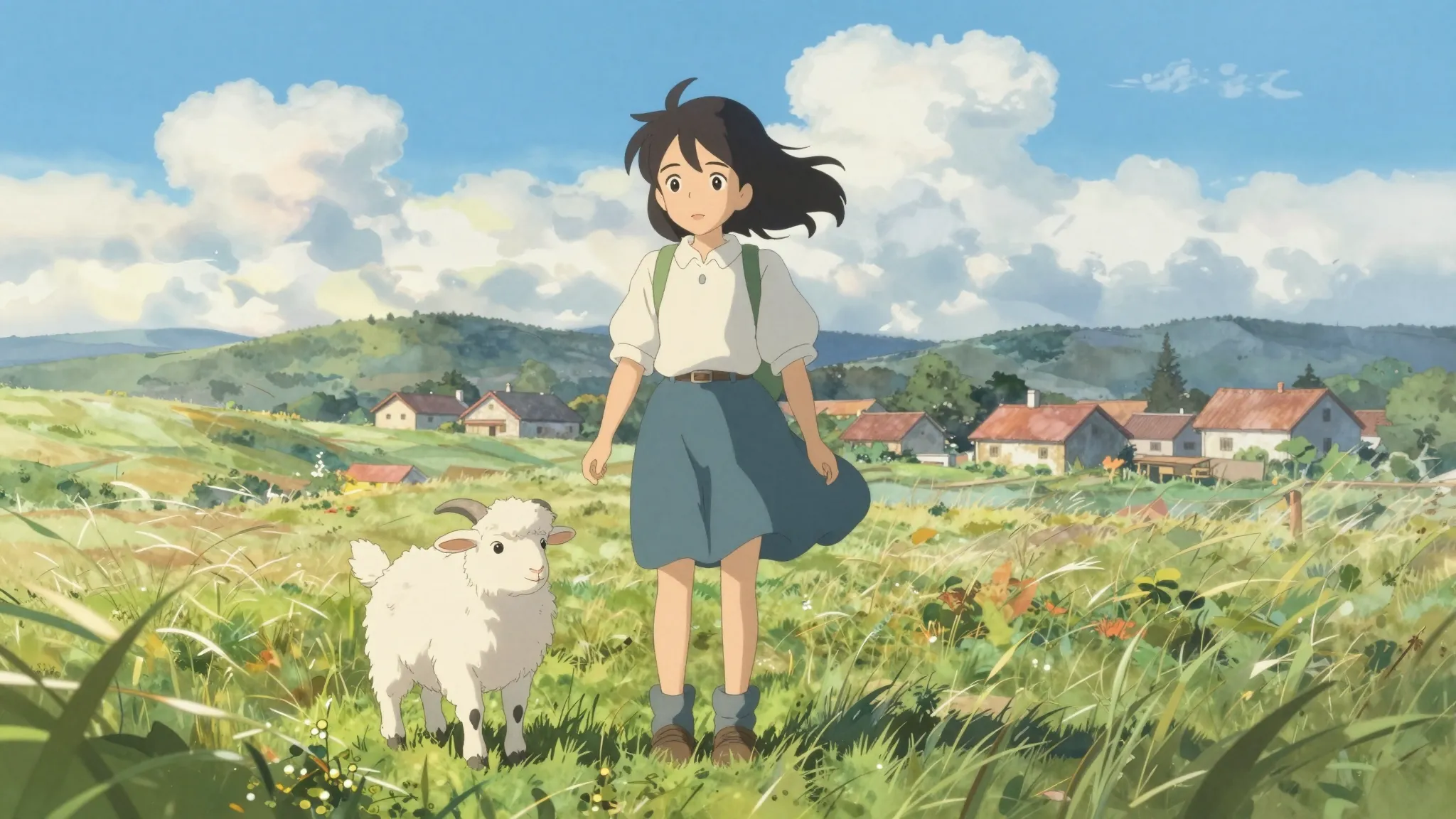
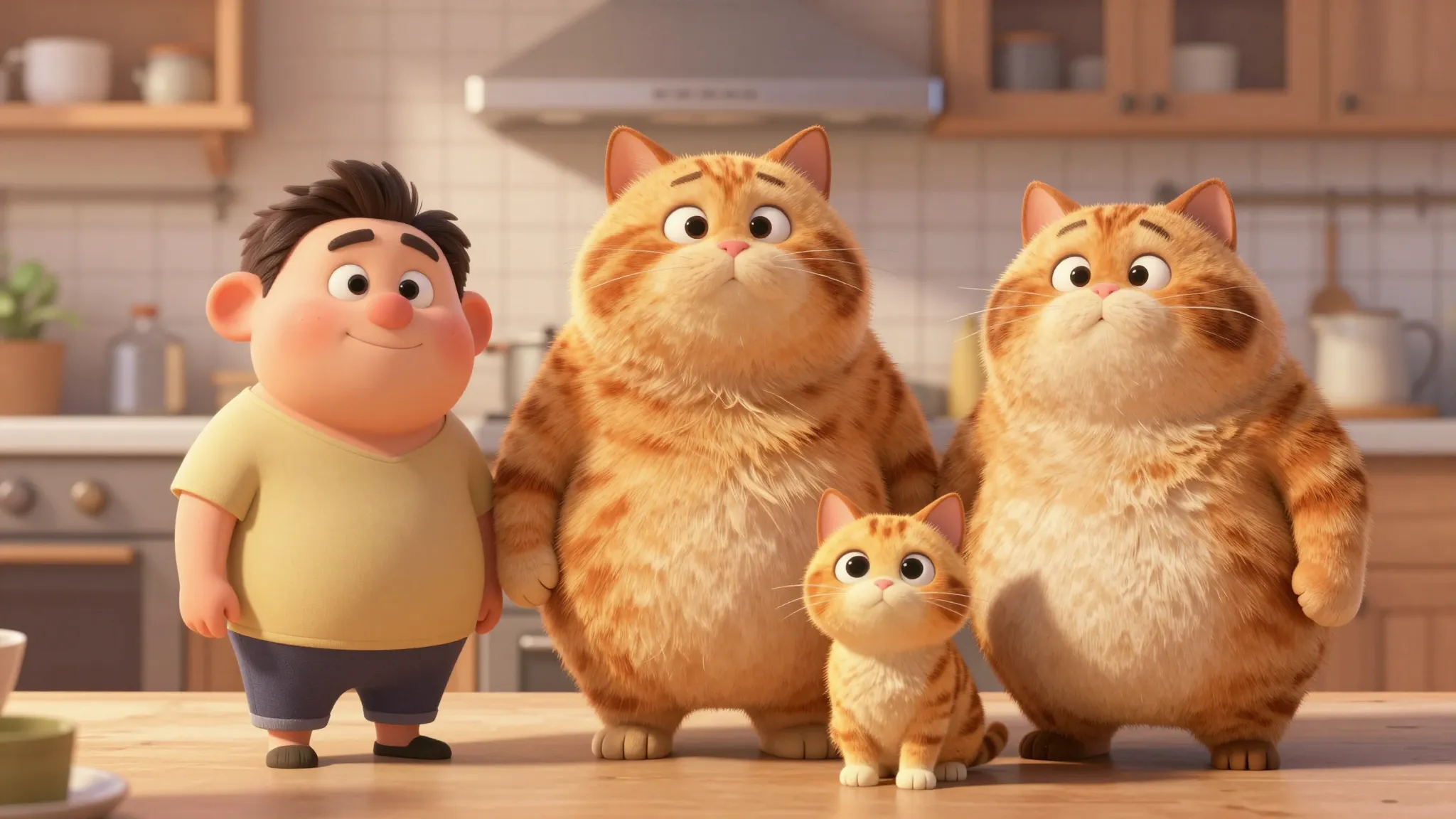
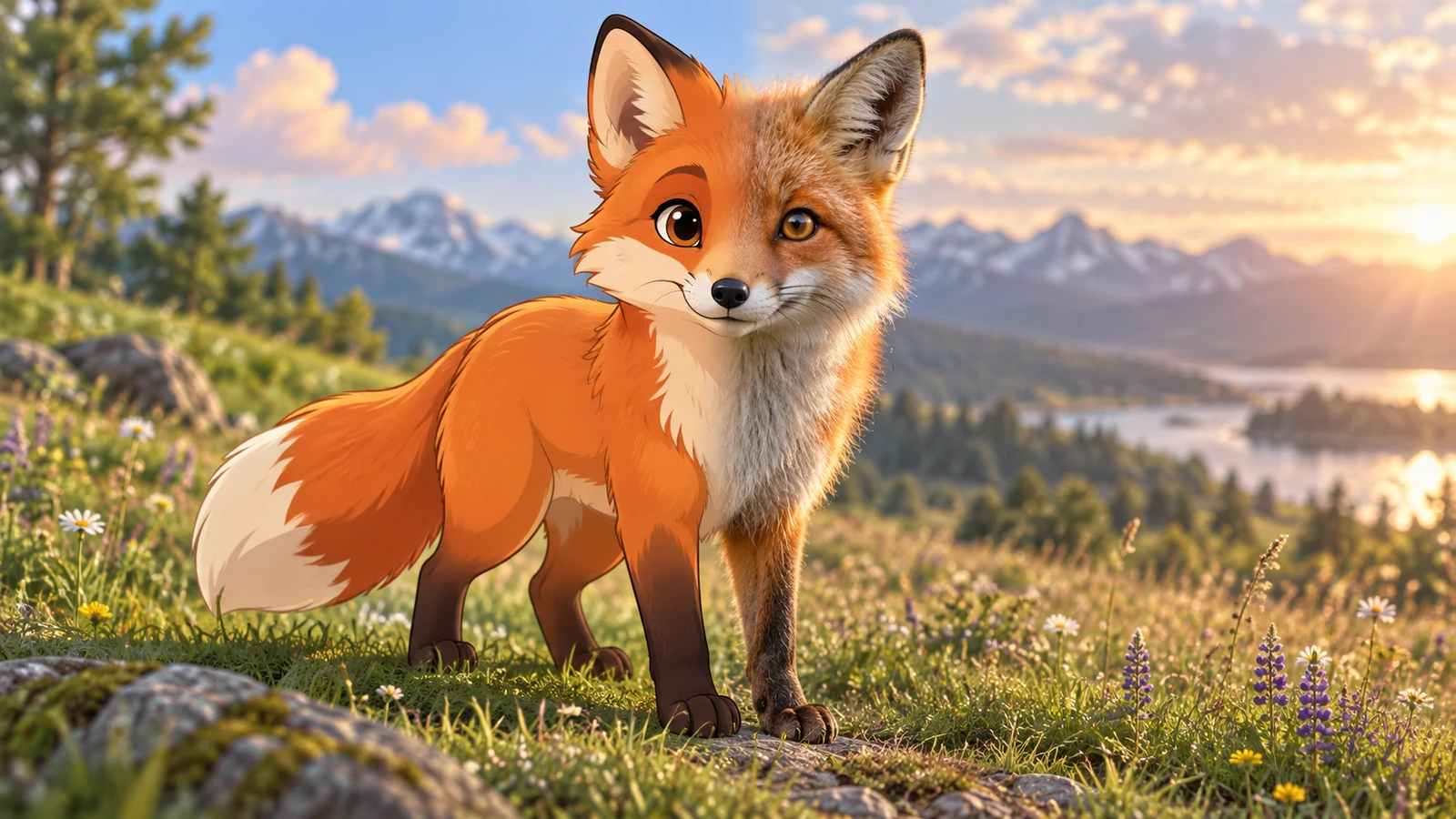
See how a cartoon subject could look with real-world textures and light.
Creative possibilities
Illustrative concepts show framing and visual treatment. Use your own brief and references to create a version for your project.
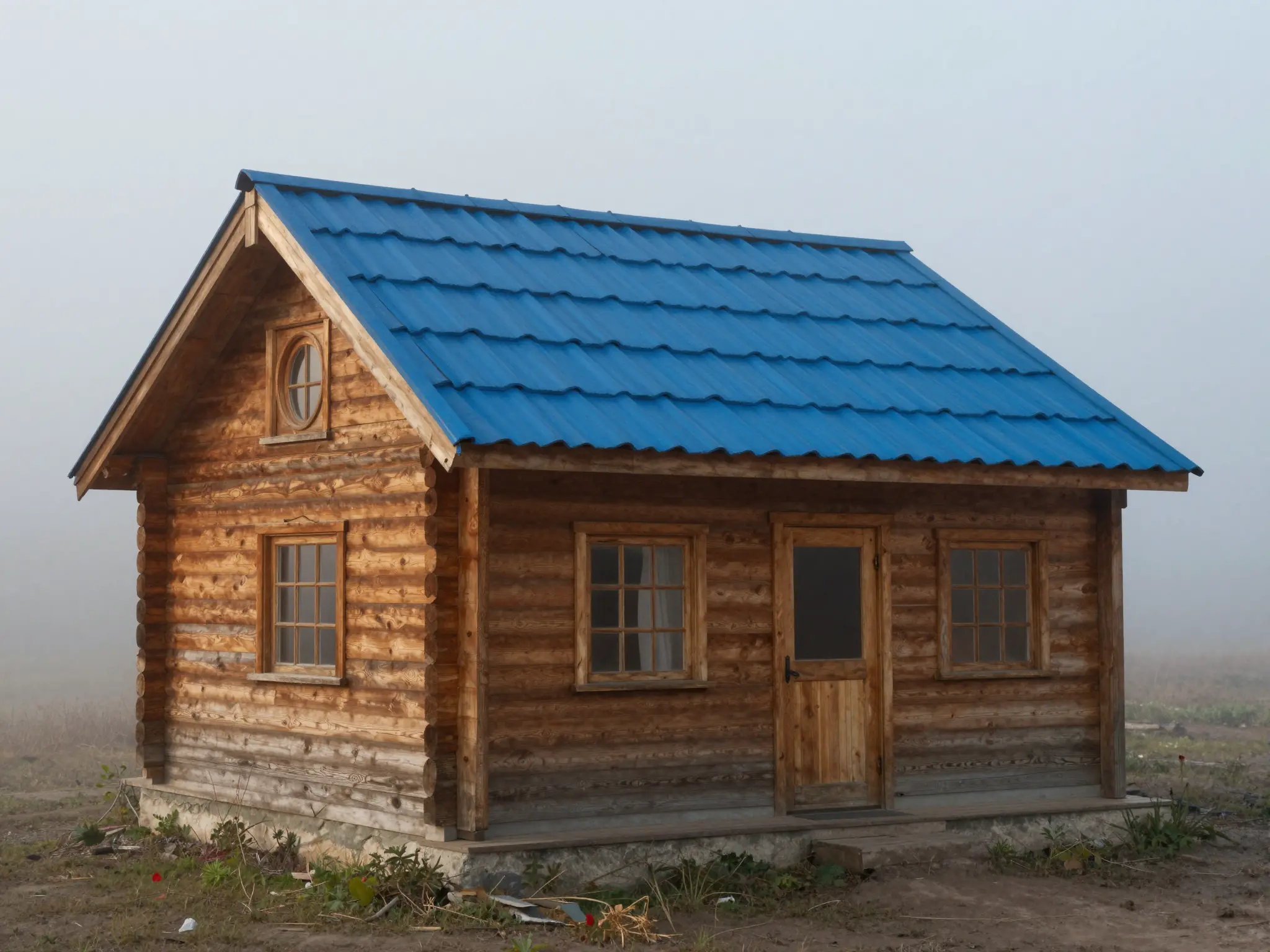
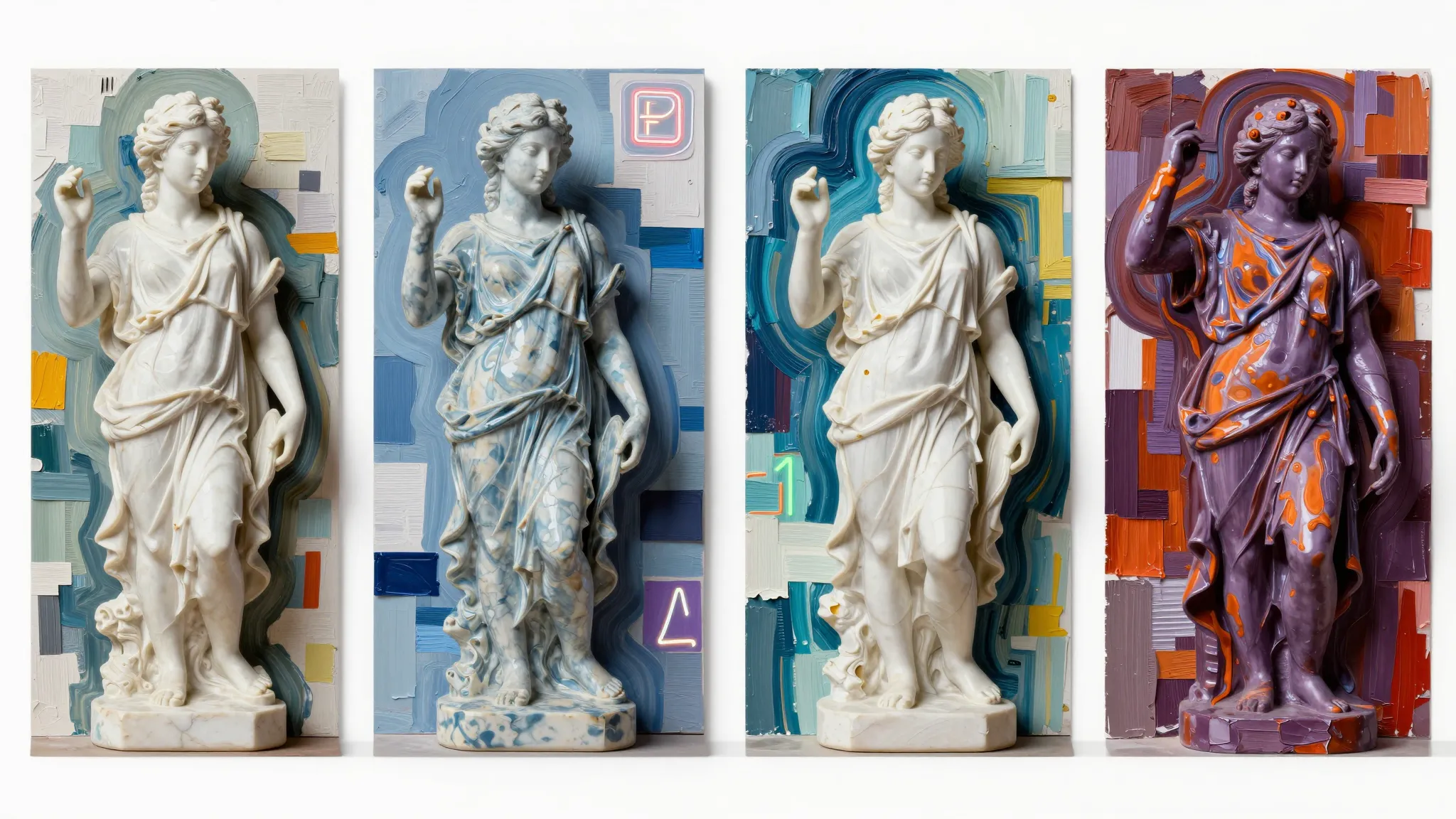
A subtle treatment keeps the original subject at the center.
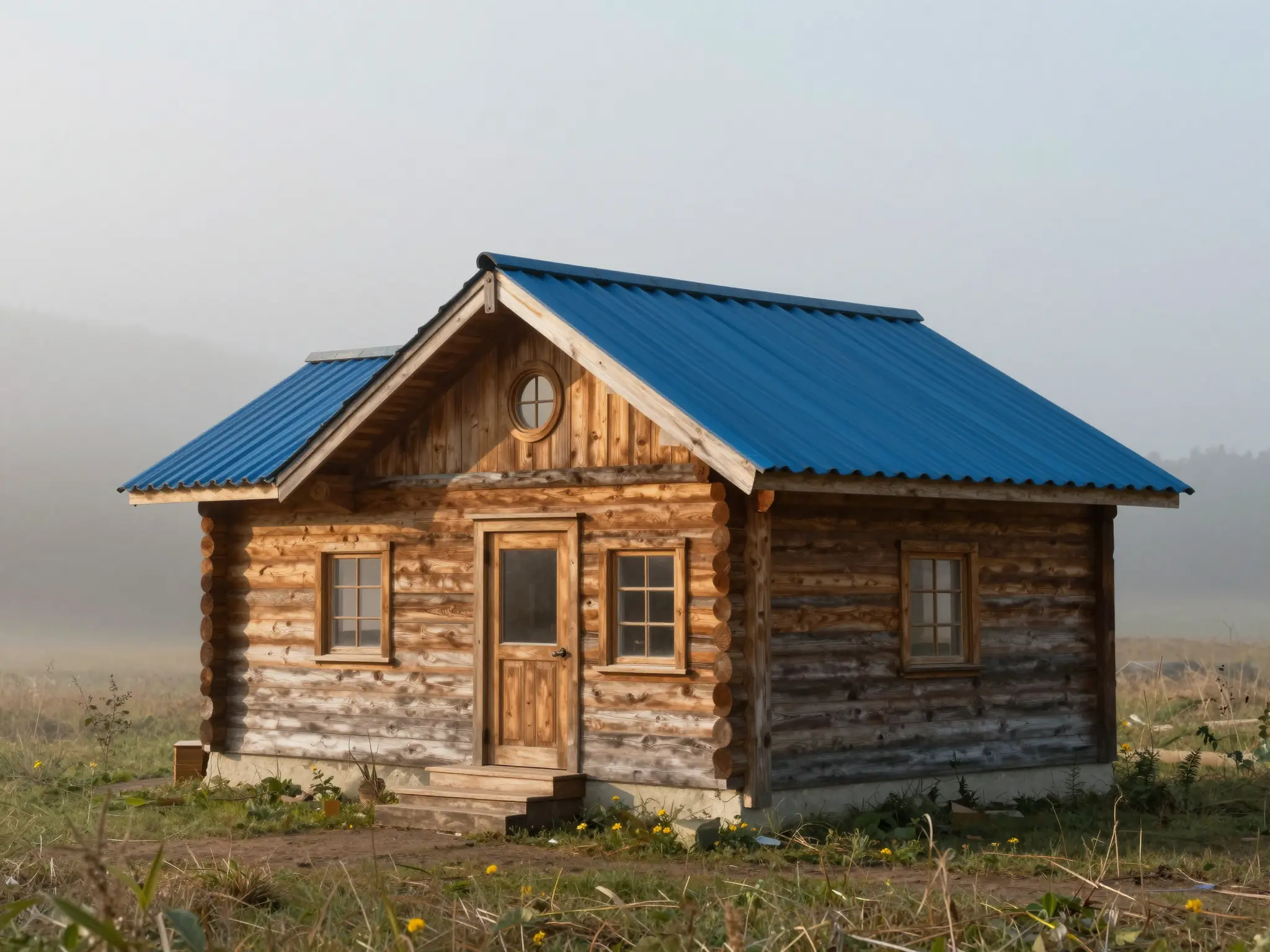
Stronger color and contrast give the same idea a different mood.
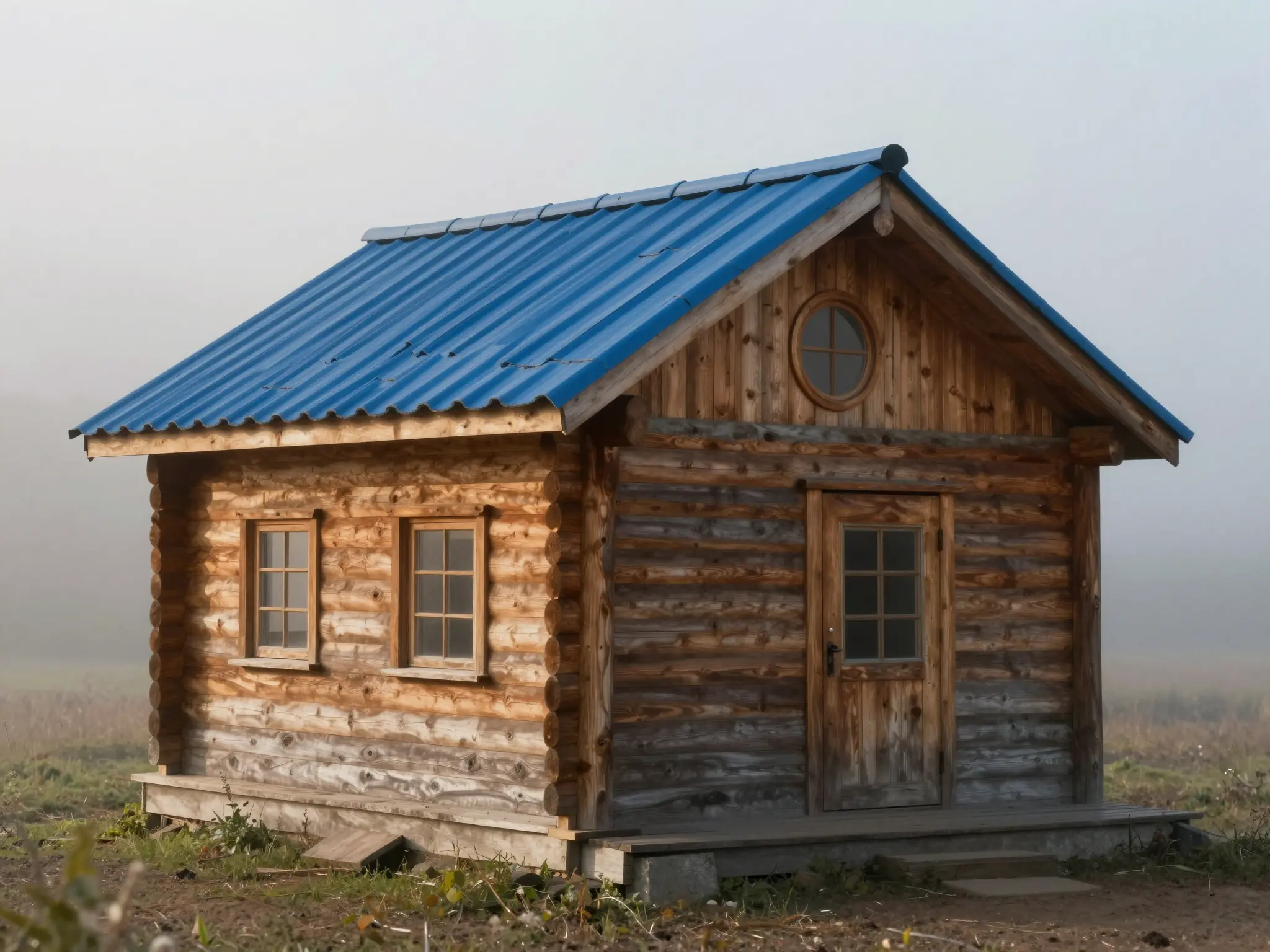
A closer view brings out the texture of the treatment.
Identify the shapes, colors, and expression to retain, then choose the realistic setting.
Try it nowTurn this cartoon cabin into a realistic wooden cottage, keep the blue roof and round windows, soft morning mist.
Try it nowFrom idea to creation
Upload one clear reference image, then add instructions for the result you want.
Identify the shapes, colors, and expression to retain, then choose the realistic setting.
The model invents realistic detail from stylized cues, so the transformation may change proportions or small features.
The model invents realistic detail from stylized cues, so the transformation may change proportions or small features.
Find your next creative tool
Your next creation starts here
Start with your own content in Cartoon to Realistic AI. Review the settings in Studio and create your result.