Cuta
All tools

Bilingual Dialogue Video

Bilingual Dialogue Video

Create a two-language dialogue video with Cuta. Develop a conversation for language lessons, speaking practice and multilingual storytelling projects.

Try Bilingual Dialogue Video
Creative illustrationVideo

Start with your content

Add your source now, or later in Studio.

Review settings and cost in Studio before generating. Your selected files and inputs will be carried over.

A starting direction for Bilingual Dialogue Video

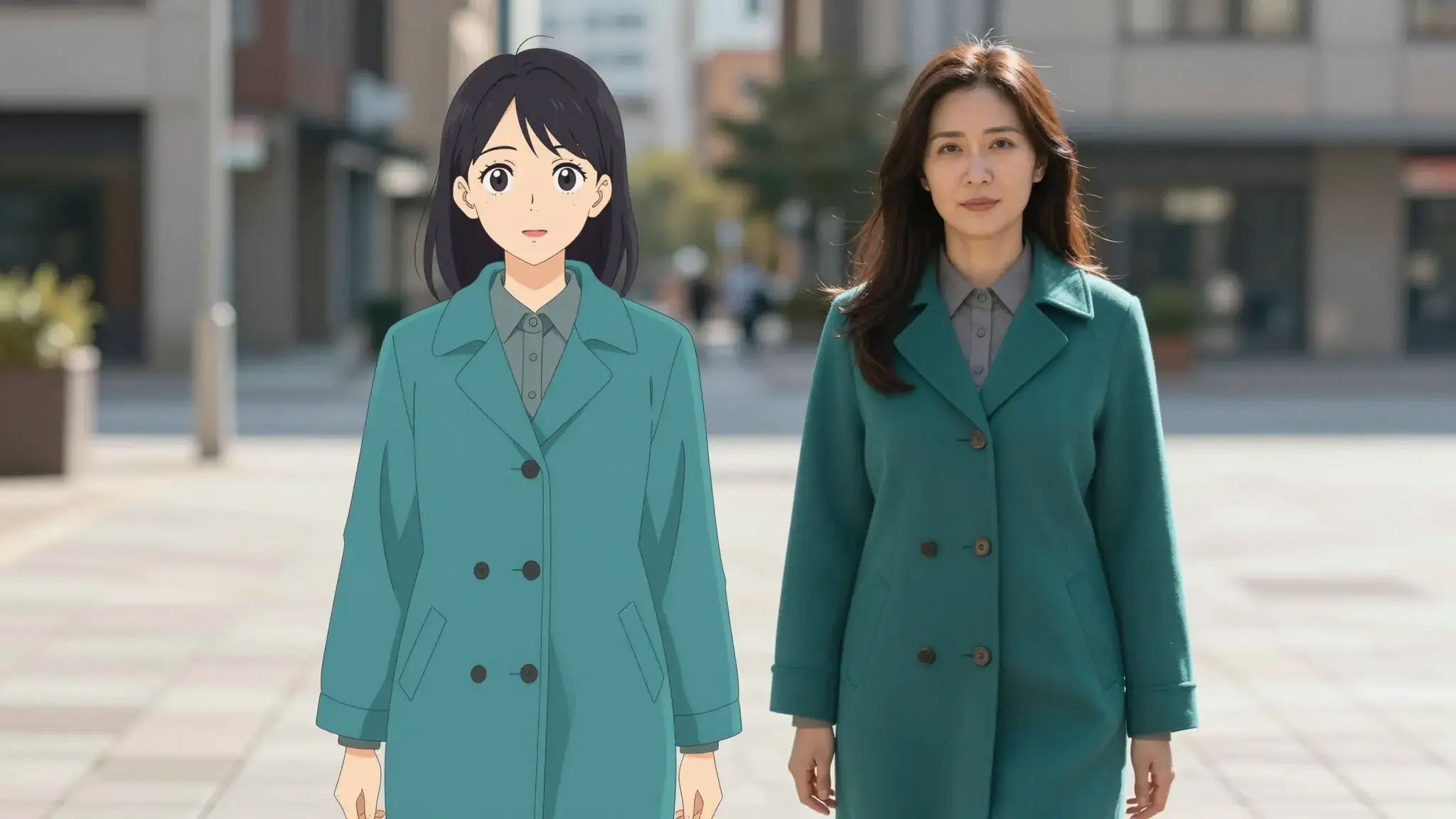
Illustrative artwork shows the intended visual direction. Your result depends on your source materials and settings.

An example to adapt

Two adult friends from different cultures smiling in conversation across a sunny cafe table, natural hand gestures and attentive expressions, clear conversational photograph. luminous diffuse lighting, understated background and distinct subject colors

Try it now

Working with Bilingual Dialogue Video

Give each speaker and language a role

Describe the speakers, languages and order of the exchange. Keep the dialogue short and clarify pronunciation or names where needed.

Materials for this task

Start with a written brief. Include the subject, the intended result and any details that must appear accurately.

Choose the supported settings

Available settings include Language; Second language; Speaker roles; Audience. Review the full options in Studio before generation.

From idea to creation

How to use Bilingual Dialogue Video

  1. Write the brief

    Start with a written brief. Include the subject, the intended result and any details that must appear accurately.

  2. Set the direction

    Available settings include Language; Second language; Speaker roles; Audience. Review the full options in Studio before generation.

  3. Review the result in Studio

    Review meaning, speaker assignment, pronunciation and turn-taking. Listen through pauses and transitions between languages.

Ideas for Bilingual Dialogue Video

Dialogue concepts

Explore a short exchange where each language has a clear place in the conversation.

Language presentations

Plan an introduction or explanation for two language audiences and review both versions.

Frequently asked questions

Start with a written brief. Include the subject, the intended result and any details that must appear accurately.

Your next creation starts here

Make something worth sharing.

Start with your own content in Bilingual Dialogue Video. Review the settings in Studio and create your result.

Start creating