The details to include
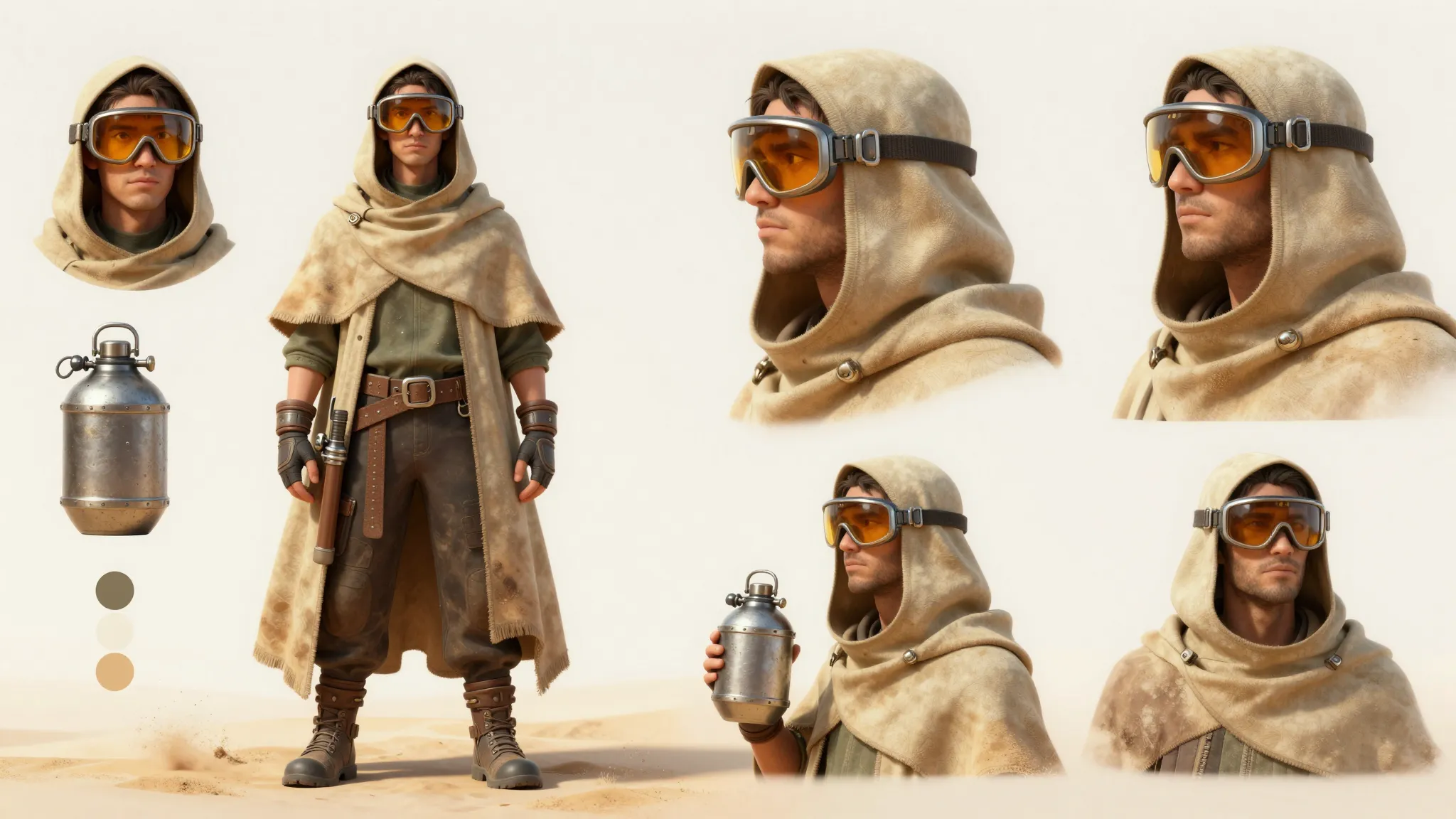
Identify the hairstyle, outfit, colors, and expression that define the character.
Try it now
AI image tools
Reimagine an anime character with realistic skin, fabric, and lighting.
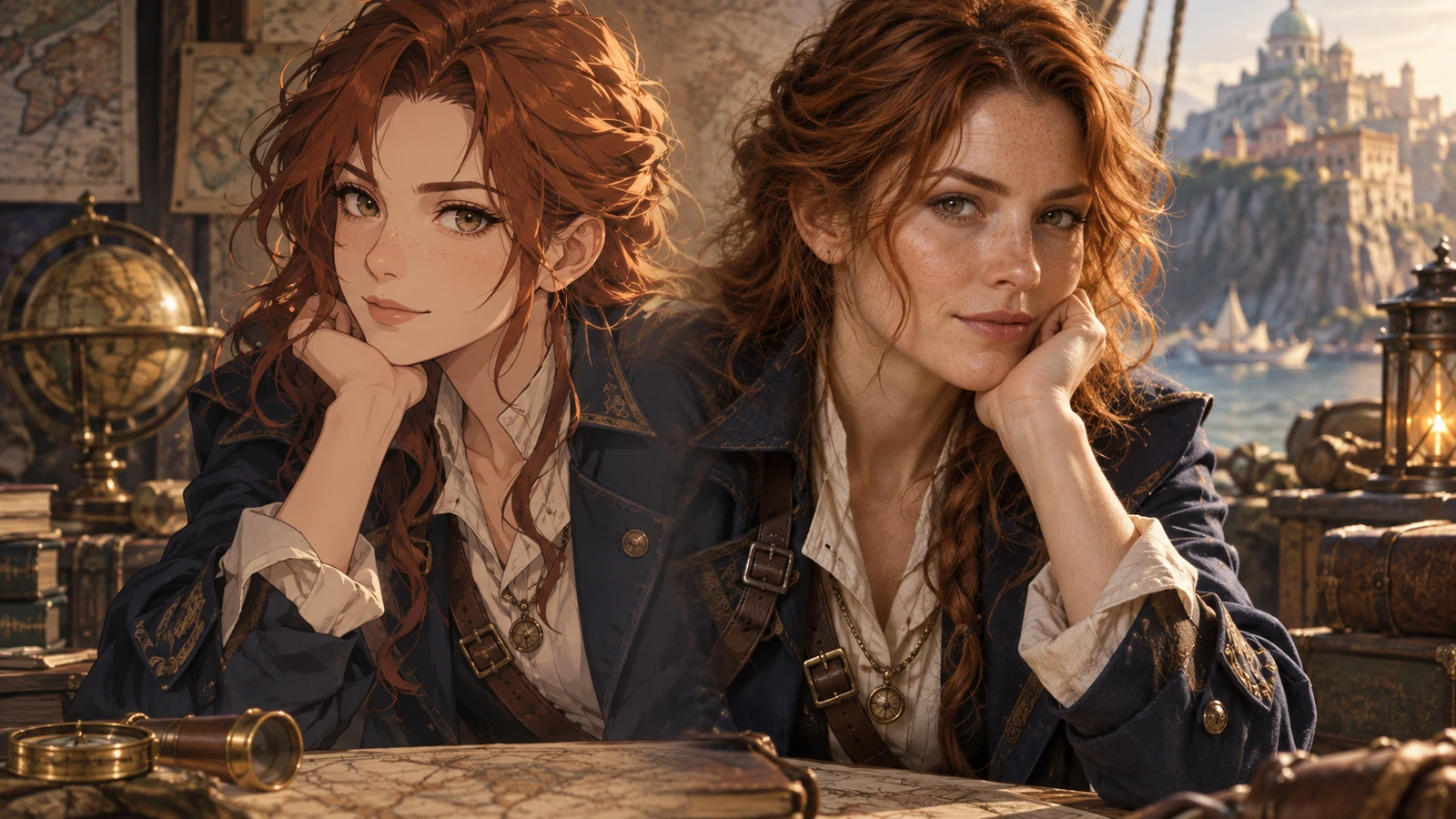
Identify the hairstyle, outfit, colors, and expression that define the character.
Try it nowReimagine the reference as a realistic adult, retain the silver bob and red coat, natural outdoor lighting.
Try it nowFrom idea to creation
Upload one clear reference image, then add instructions for the result you want.
Identify the hairstyle, outfit, colors, and expression that define the character.
Stylized proportions are interpreted rather than reproduced exactly; review whether the character still feels recognizable.
Creative possibilities
Illustrative concepts show framing and visual treatment. Use your own brief and references to create a version for your project.
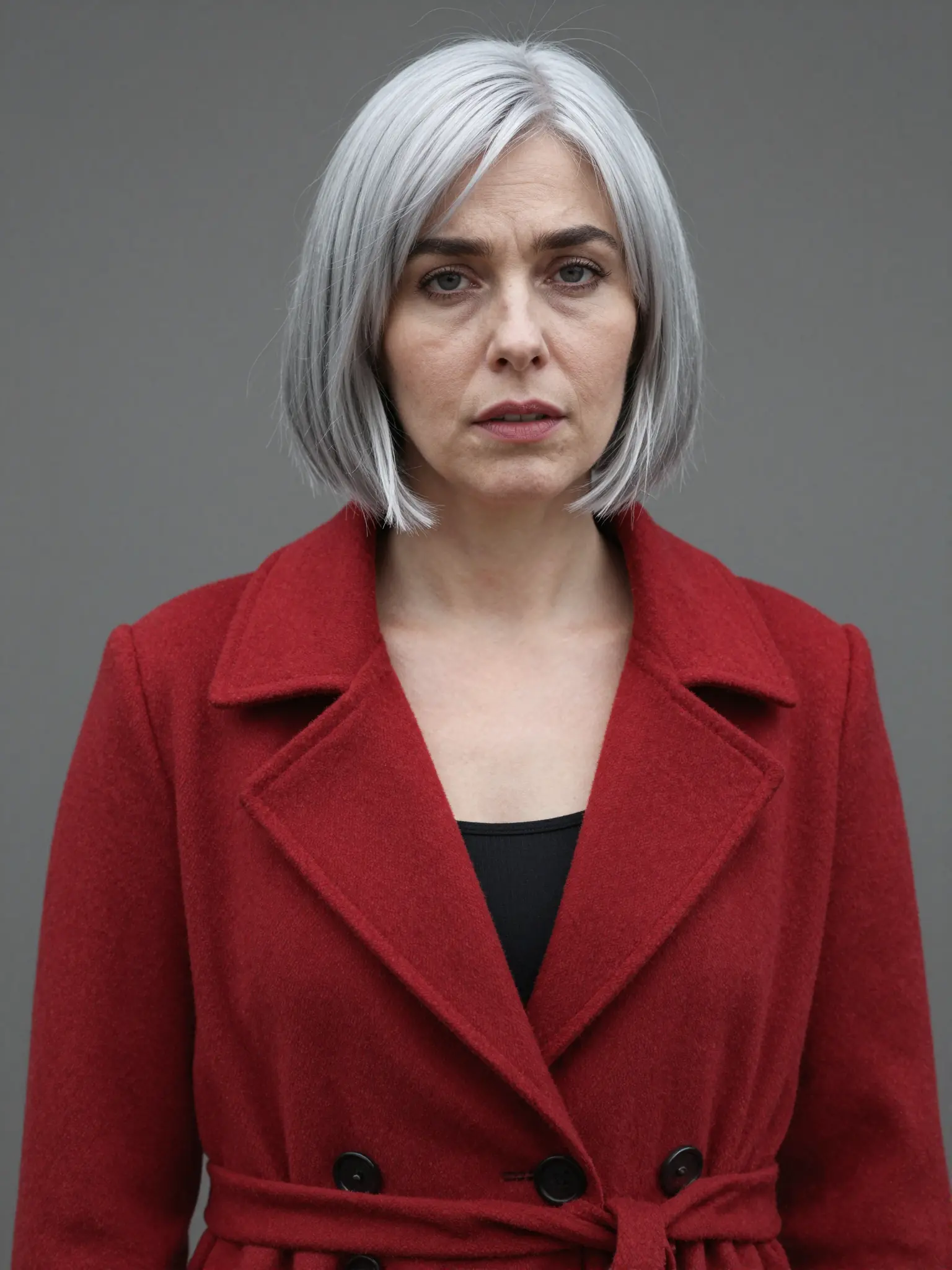
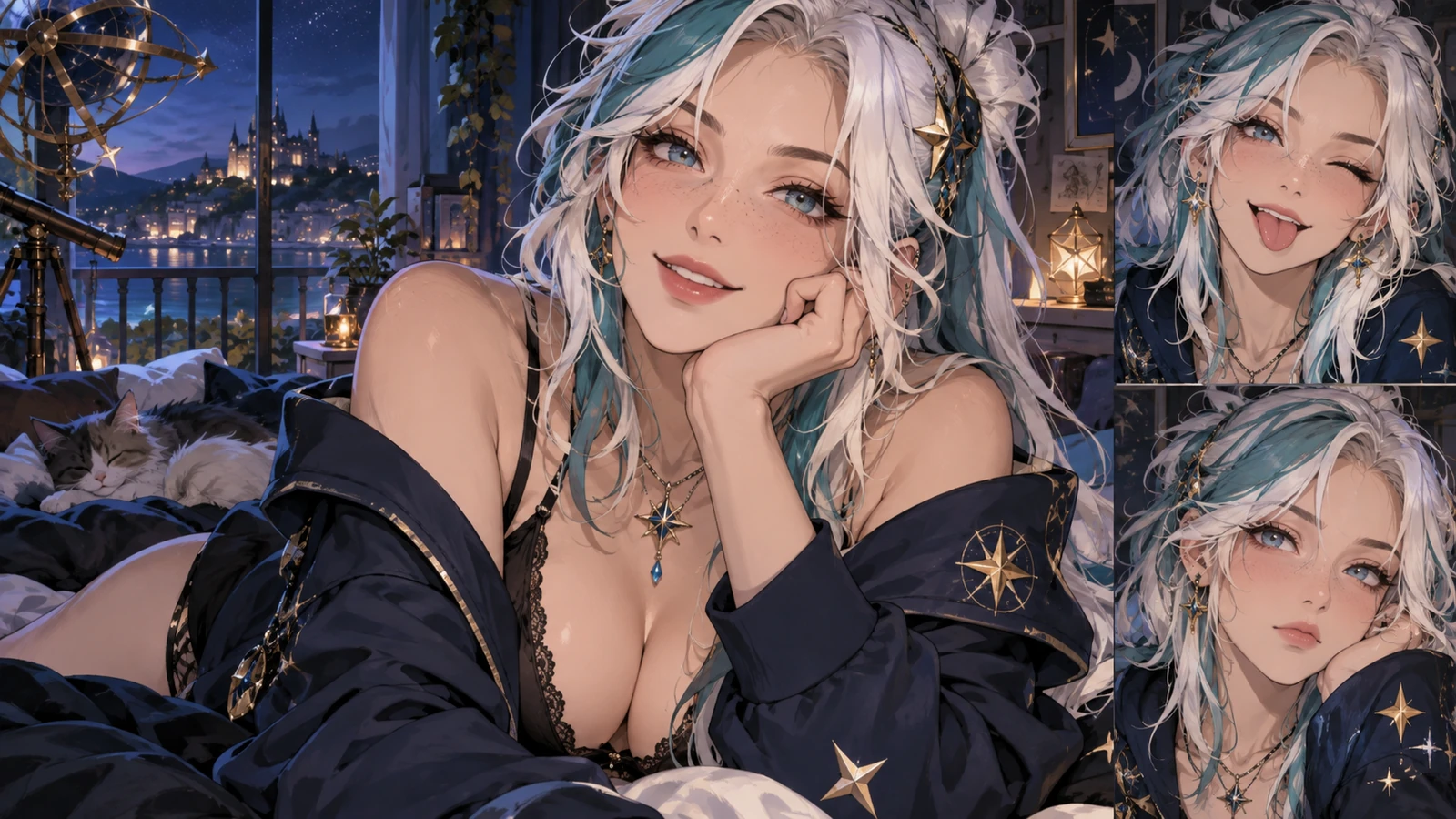
An expressive portrait introduces the character’s personality.
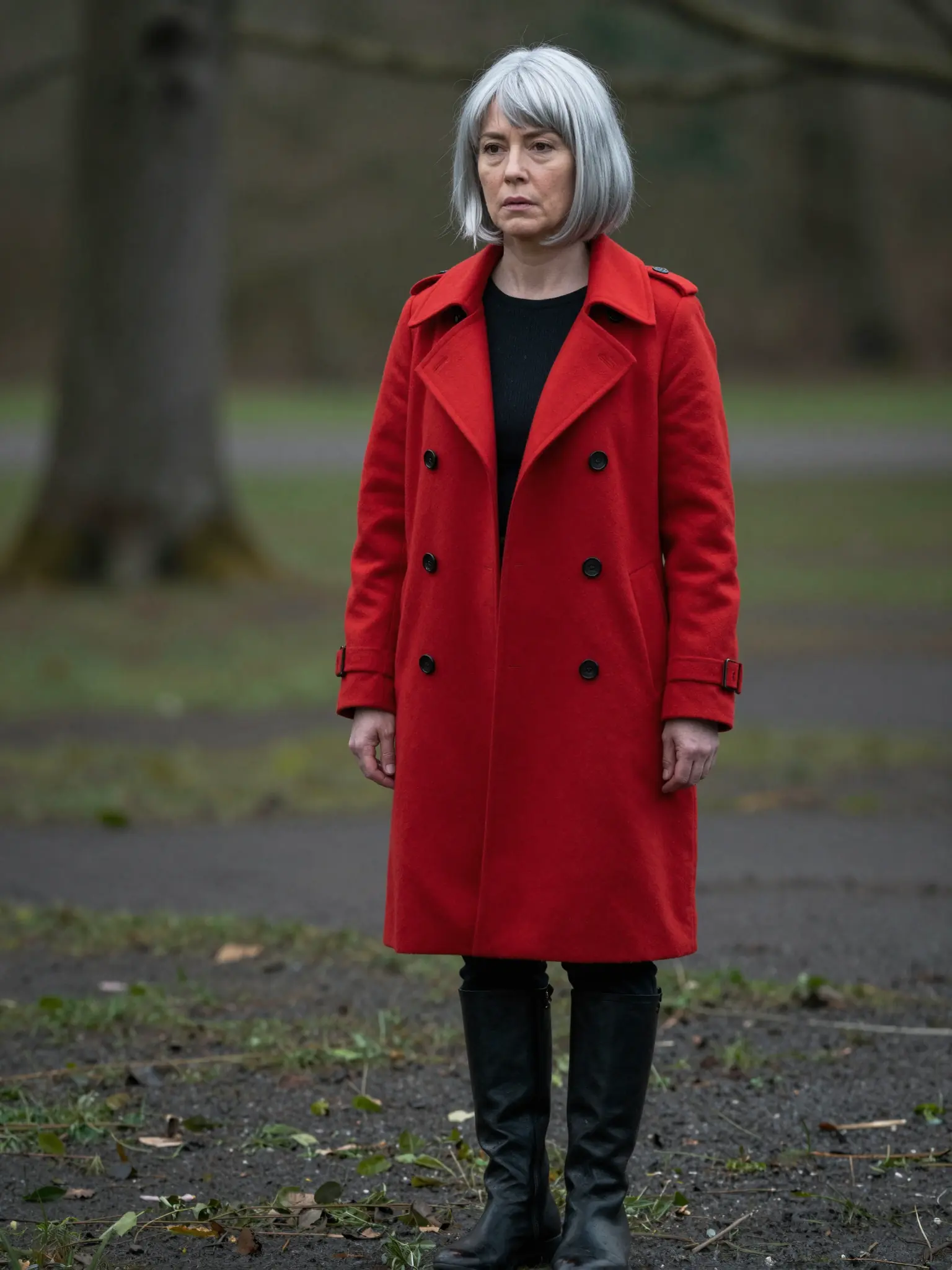
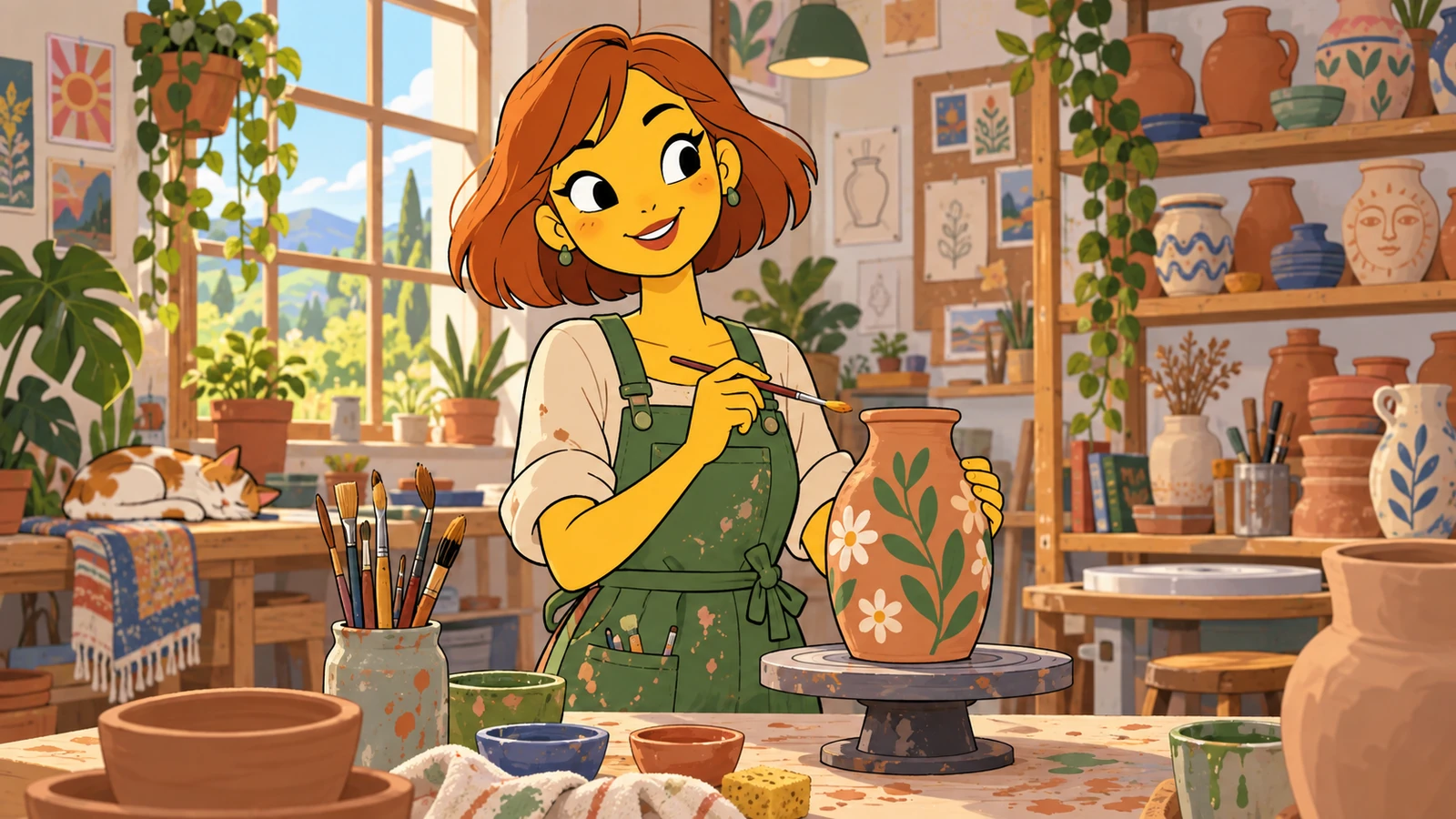
A setting gives the character a place in the story.
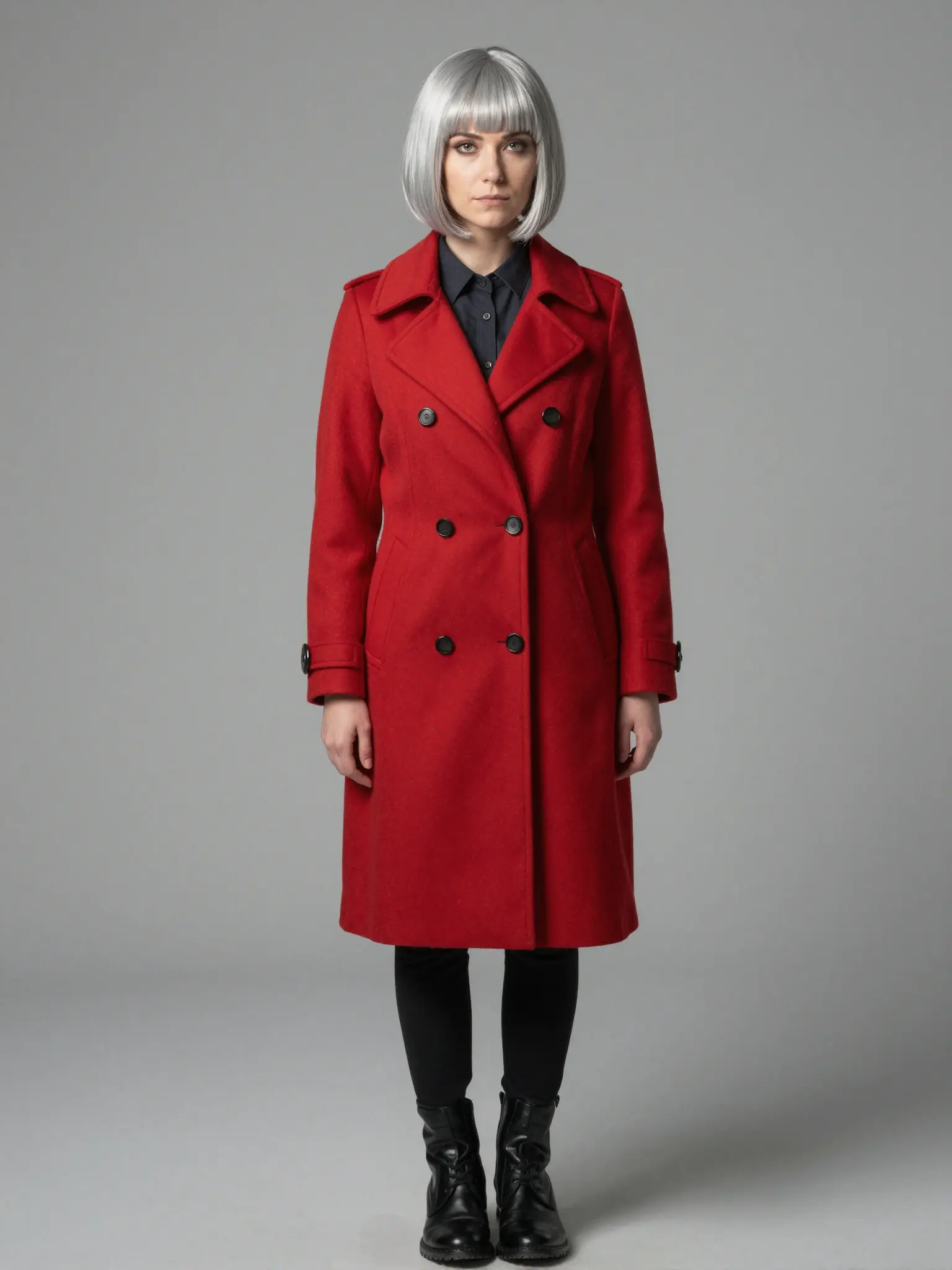
A clear view of the outfit helps develop a consistent design.
Stylized proportions are interpreted rather than reproduced exactly; review whether the character still feels recognizable.
Find your next creative tool
Your next creation starts here
Start with your own content in Anime to Real Life Converter. Review the settings in Studio and create your result.