Show the garment clearly in motion
Supply the garment and model references available in the form. Describe the pose, movement and setting for the try-on concept.

AI Virtual Try-On Video
Create virtual try-on videos with Cuta. Use garment and model references to explore how an outfit looks in motion for fashion concepts and product presentations.
Supply the garment and model references available in the form. Describe the pose, movement and setting for the try-on concept.
Add the materials to their named inputs. Garment or product: up to 5 images; Model reference: one image.
From idea to creation
Add the materials to their named inputs. Garment or product: up to 5 images; Model reference: one image.
Supply the garment and model references available in the form. Describe the pose, movement and setting for the try-on concept.
Inspect seams, prints, garment shape and body proportions throughout the clip. The visual does not measure the fit of a real garment.
Illustrative artwork shows the intended visual direction. Your result depends on your source materials and settings.
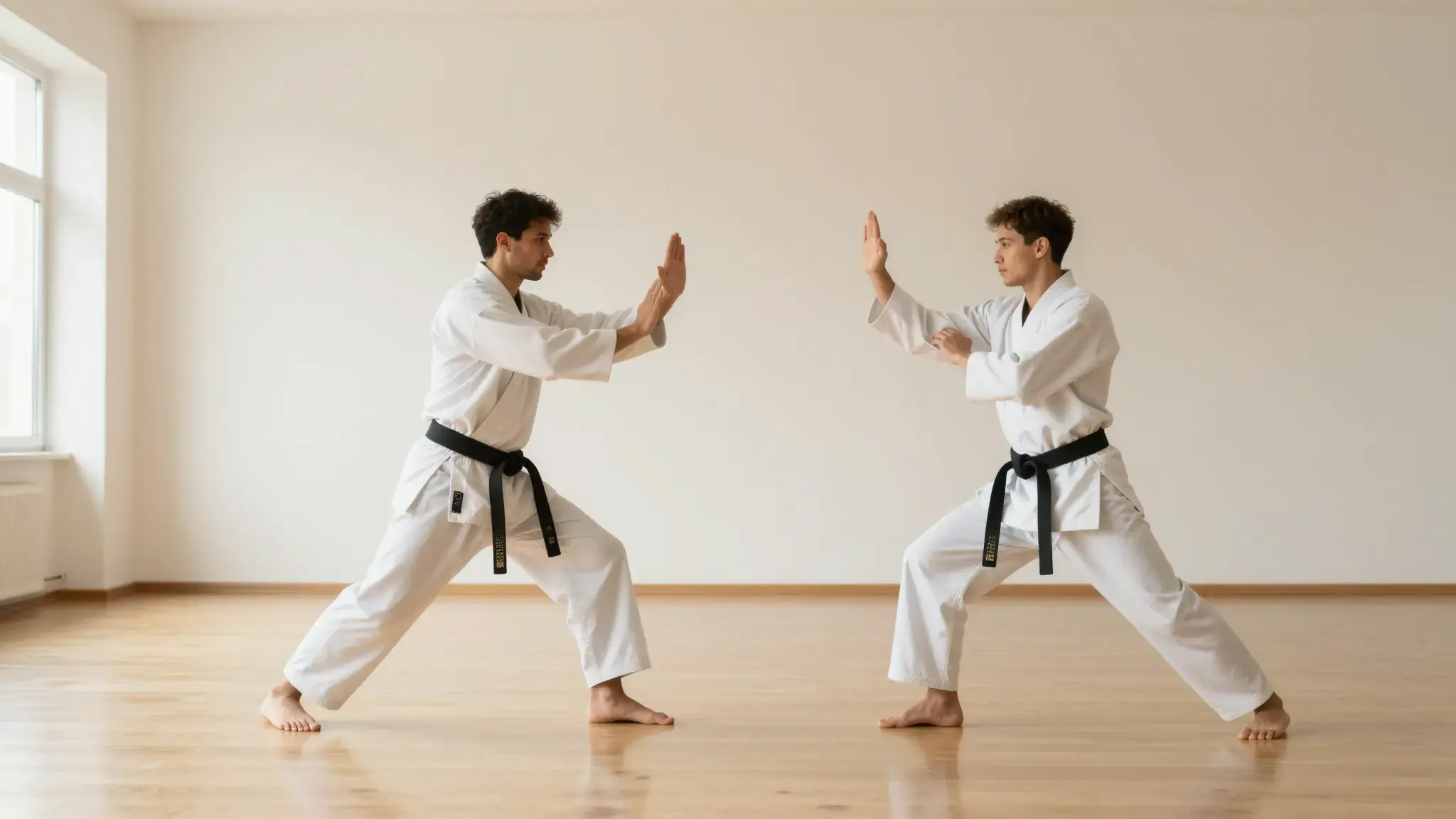
Two matched full-body views of an adult model turning gently in a bright studio, one in a plain shirt and one in a fitted sage jacket, consistent identity and realistic moving fabric. gentle side lighting, warm cream and natural neutral tones
Try it nowExplore how an outfit could appear in a moving scene before a shoot.
Review garment detail across a short motion concept based on a product reference.
Add the materials to their named inputs. Garment or product: up to 5 images; Model reference: one image.
Keep exploring
Your next creation starts here
Start with your own content in AI Virtual Try-On Video. Review the settings in Studio and create your result.