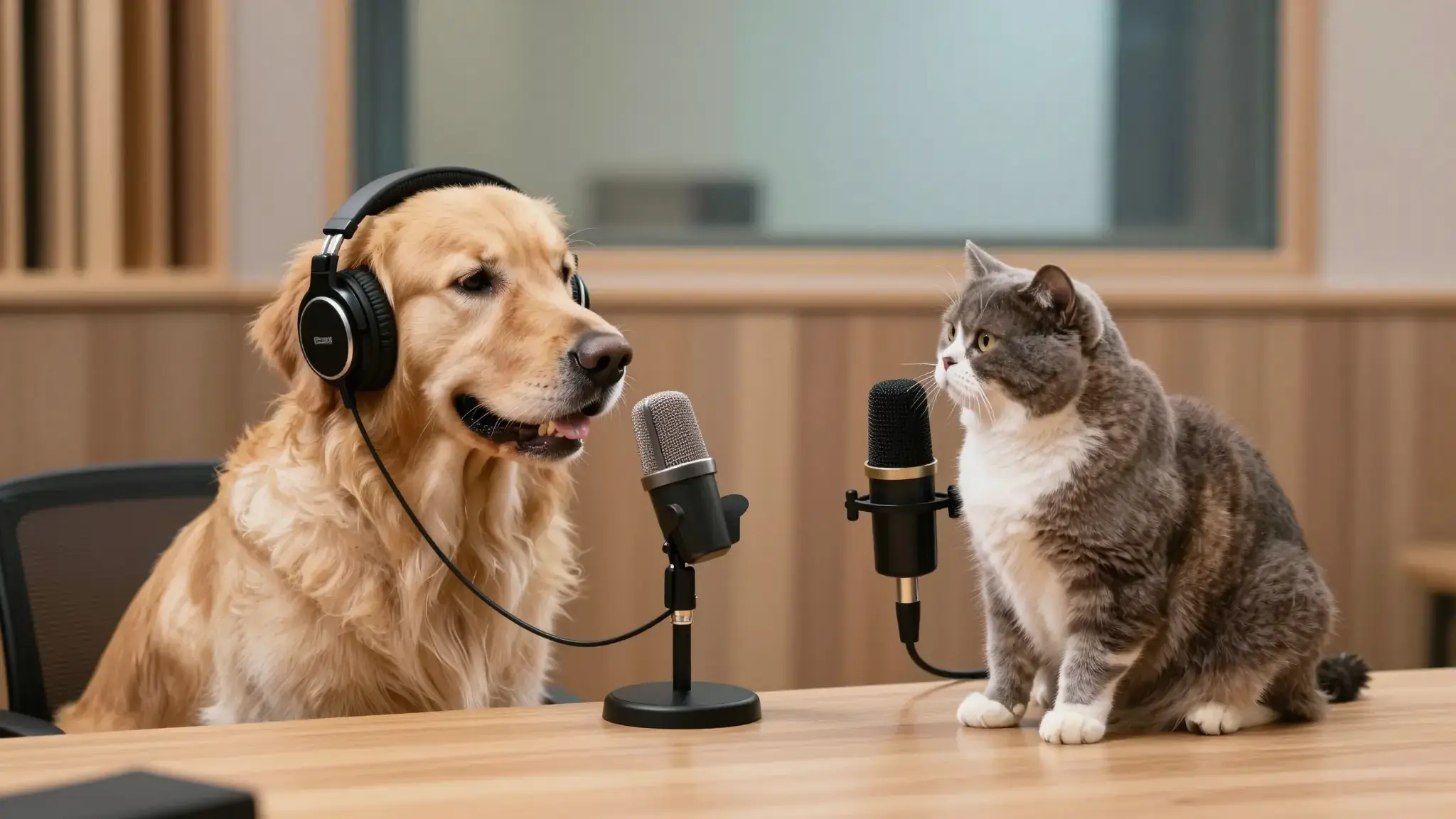
Match the face, voice and message
Supply a clear portrait and the available speech or script input. Choose a speaking style that fits the character and message.

AI Talking Baby Podcast Generator
Create a talking baby podcast video with Cuta. Pair a baby-style character image with speech to make a playful animated host for a short podcast scene.
Supply a clear portrait and the available speech or script input. Choose a speaking style that fits the character and message.
Add the materials to their named inputs. Speaking character: one image; Audio: one audio file (optional).
Available settings include Speech source (Upload audio, Text to speech); Speech script; Voice identifier. Review the full options in Studio before generation.
From idea to creation
Add the materials to their named inputs. Speaking character: one image; Audio: one audio file (optional).
Available settings include Speech source (Upload audio, Text to speech); Speech script; Voice identifier. Review the full options in Studio before generation.
Watch the mouth, eyes and head motion throughout the clip. Listen for pronunciation and unexpected changes in delivery.
Illustrative artwork shows the intended visual direction. Your result depends on your source materials and settings.
A fully clothed toddler in a soft yellow sweater seated safely at a small table near a studio microphone, cheerful expressive face and cozy bright background, whimsical family-safe scene. gentle side lighting, warm cream and natural neutral tones
Try it nowExplore a portrait delivering a short introduction or explanation.
Plan a speaking moment for a fictional character with a clear expression and voice direction.
Add the materials to their named inputs. Speaking character: one image; Audio: one audio file (optional).
Keep exploring
Your next creation starts here
Start with your own content in AI Talking Baby Podcast Generator. Review the settings in Studio and create your result.