An example to adapt
Plan a short mystery scene: a librarian notices a glowing book, follows the light through the stacks and finds an open garden door. Keep the coat, room and lighting coherent.
Try it now
Movie Video
Movie Video Maker: create videos from images with Cuta. Explore cinematic scenes, character moments and visual ideas for a film project.
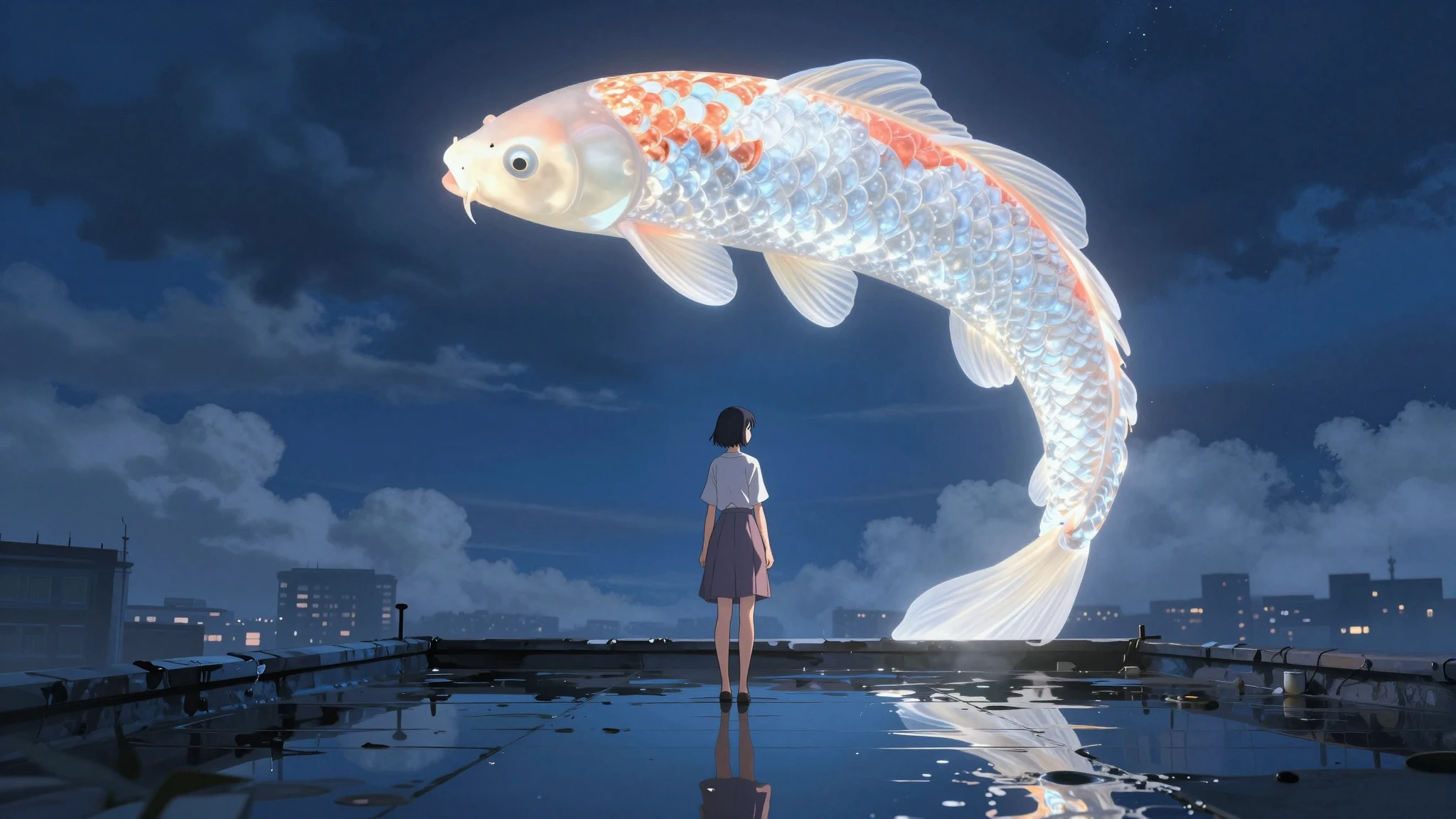
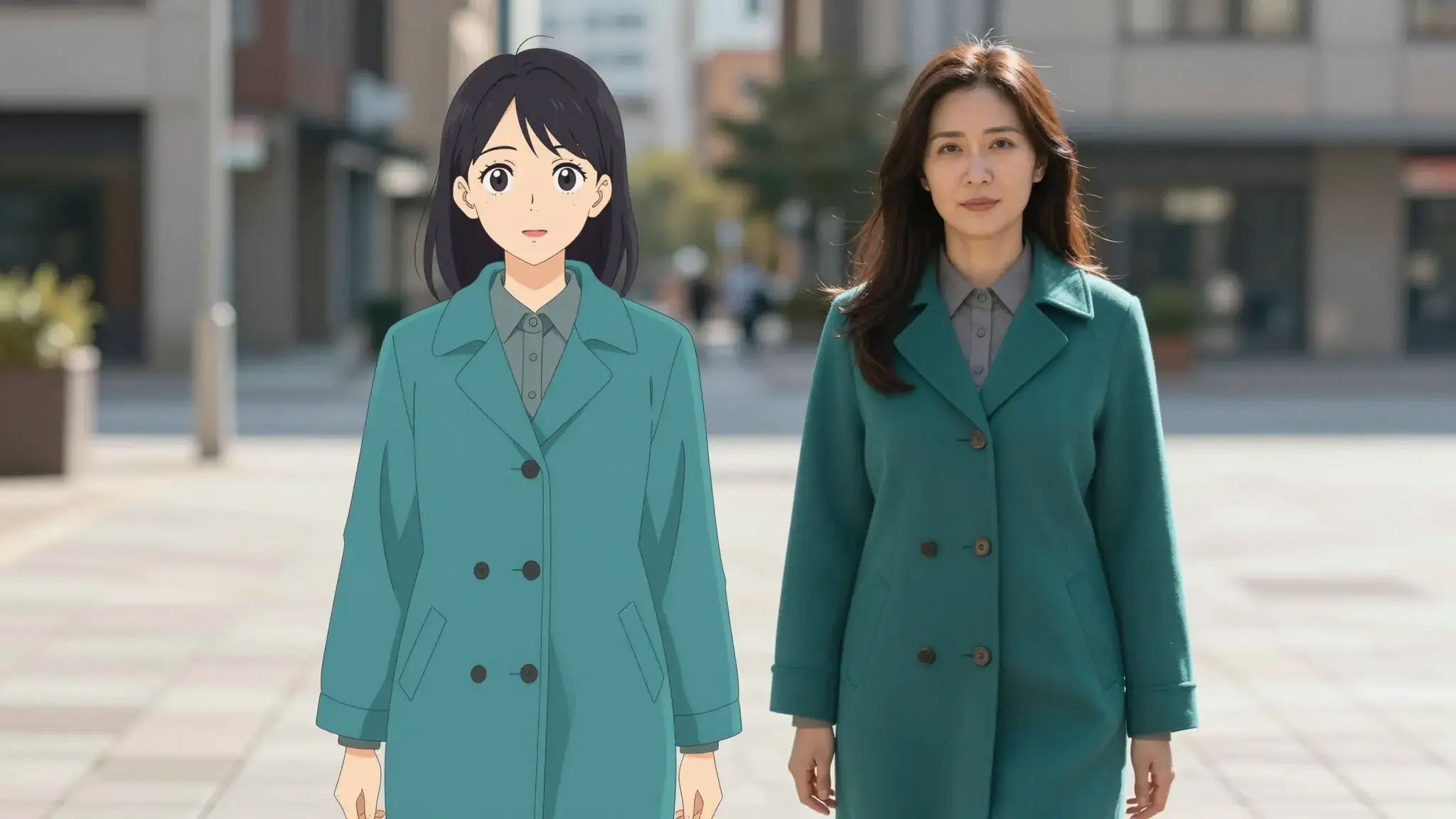
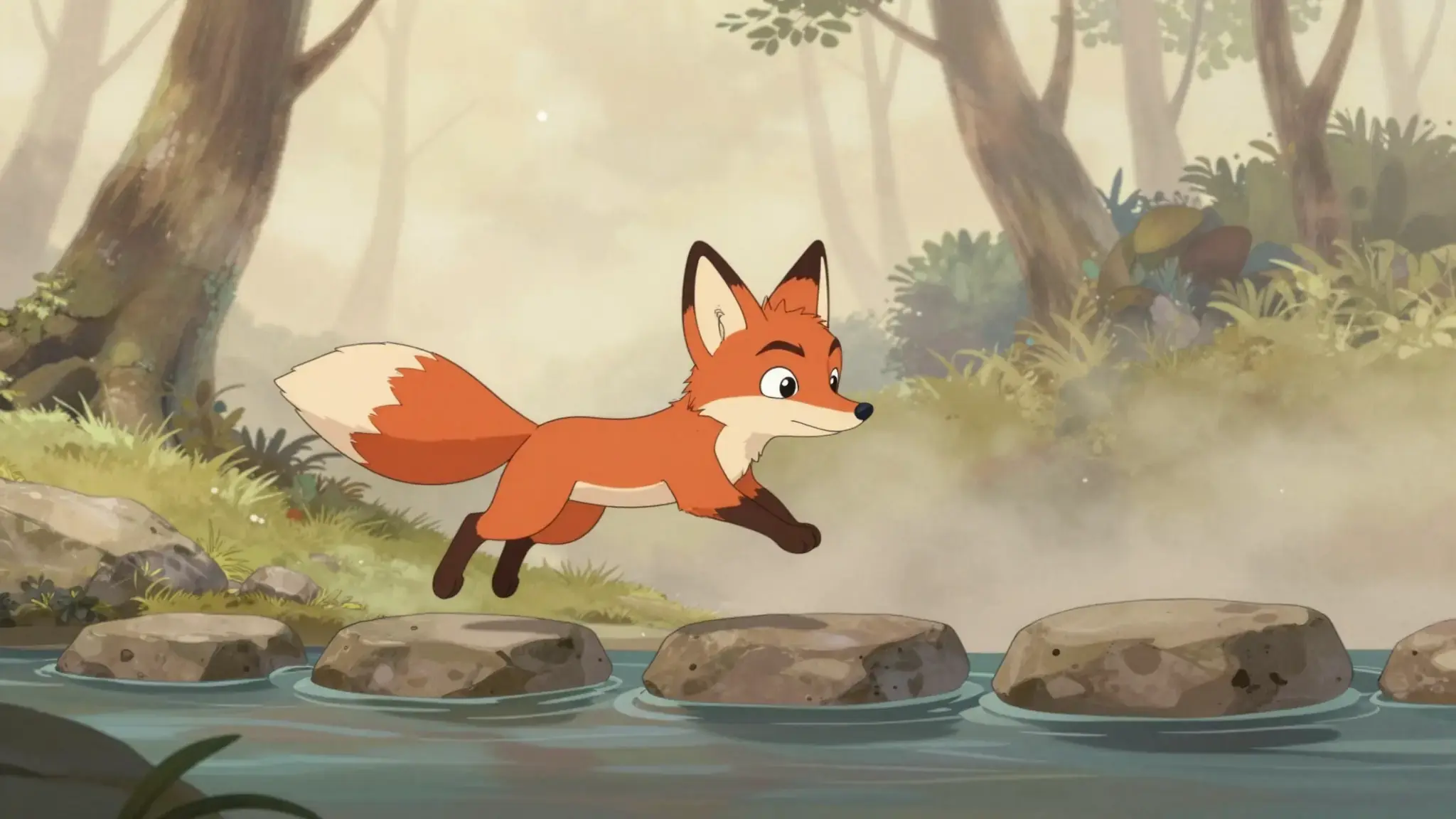
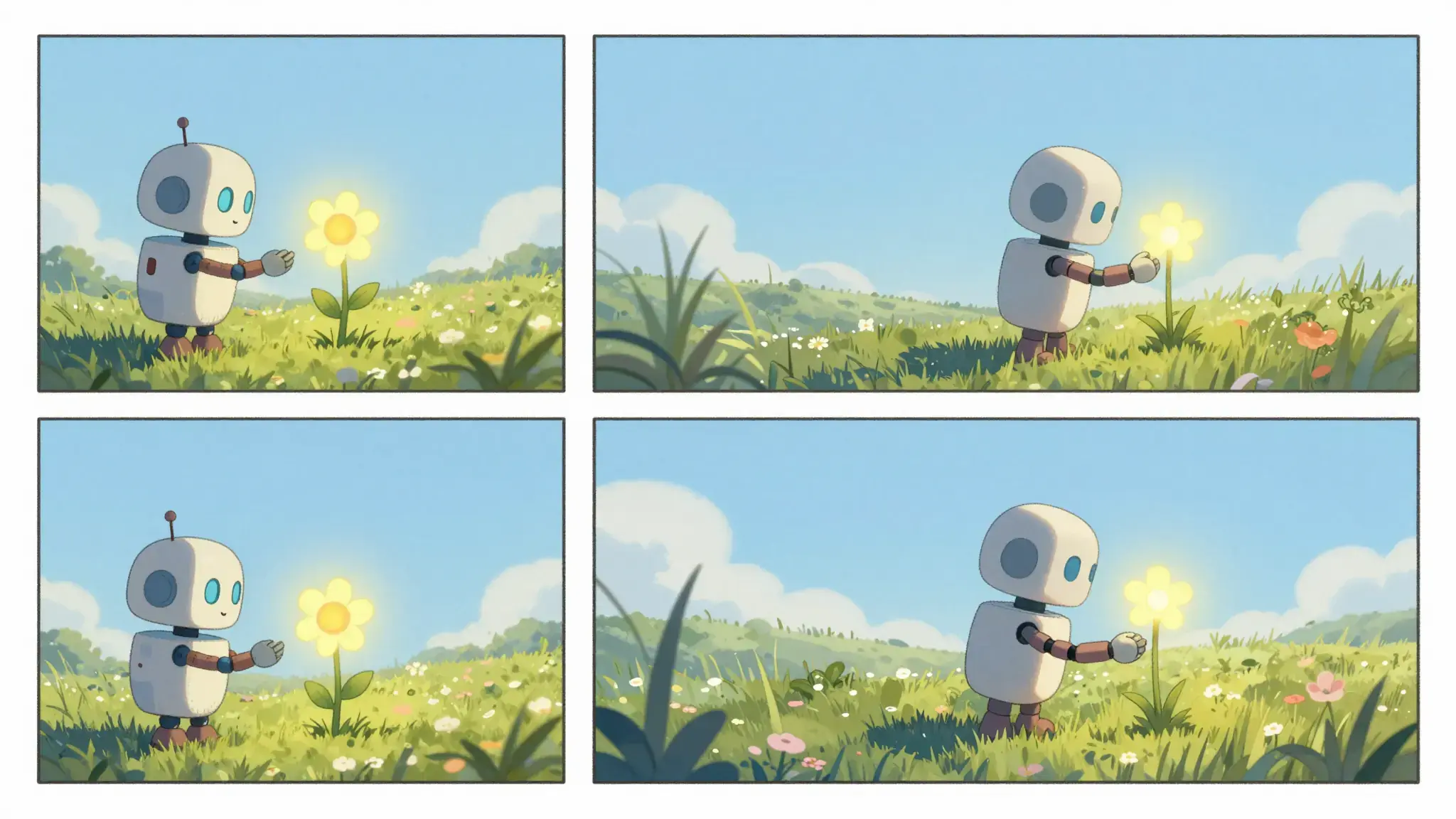
Illustrative artwork shows the intended visual direction. Your result depends on your source materials and settings.
Plan a short mystery scene: a librarian notices a glowing book, follows the light through the stacks and finds an open garden door. Keep the coat, room and lighting coherent.
Try it nowDescribe the protagonist, setting and action in a short sequence. Reuse character references and repeat defining details when planning related scenes.
Add the materials to their named inputs. Source image: up to 5 images.
Available settings include Language; Audience; Visual style. Review the full options in Studio before generation.
From idea to creation
Add the materials to their named inputs. Source image: up to 5 images.
Available settings include Language; Audience; Visual style. Review the full options in Studio before generation.
Review character appearance, scene continuity, narration and the ending. Generated motion can change clothing, objects or spatial relationships.
Develop a small story around one event and a clear final moment.
Explore the mood and sequence of a scene before developing a longer production.
Creative possibilities
Use these illustrative references to compare framing, texture and visual treatment before creating your own version.
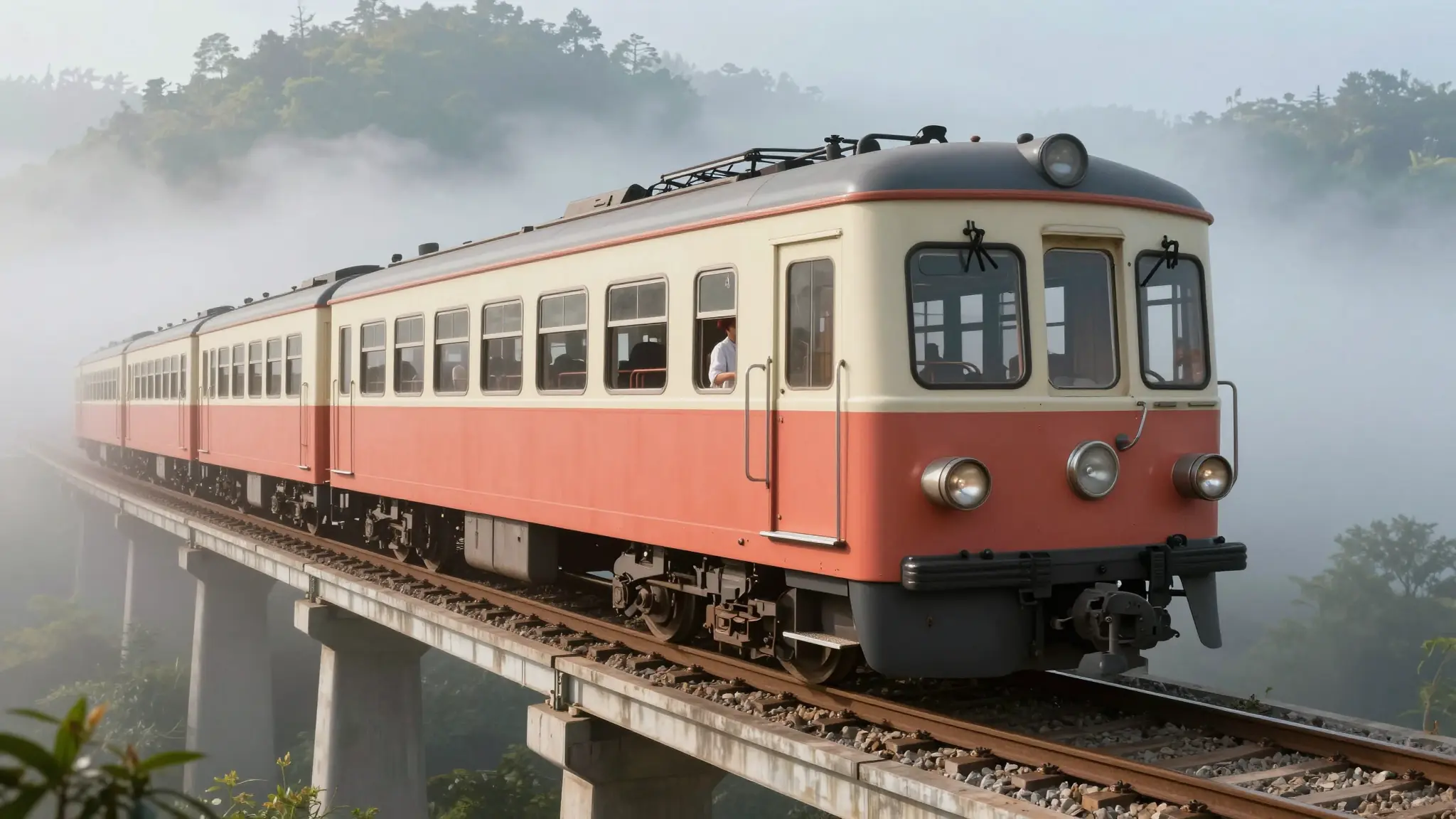
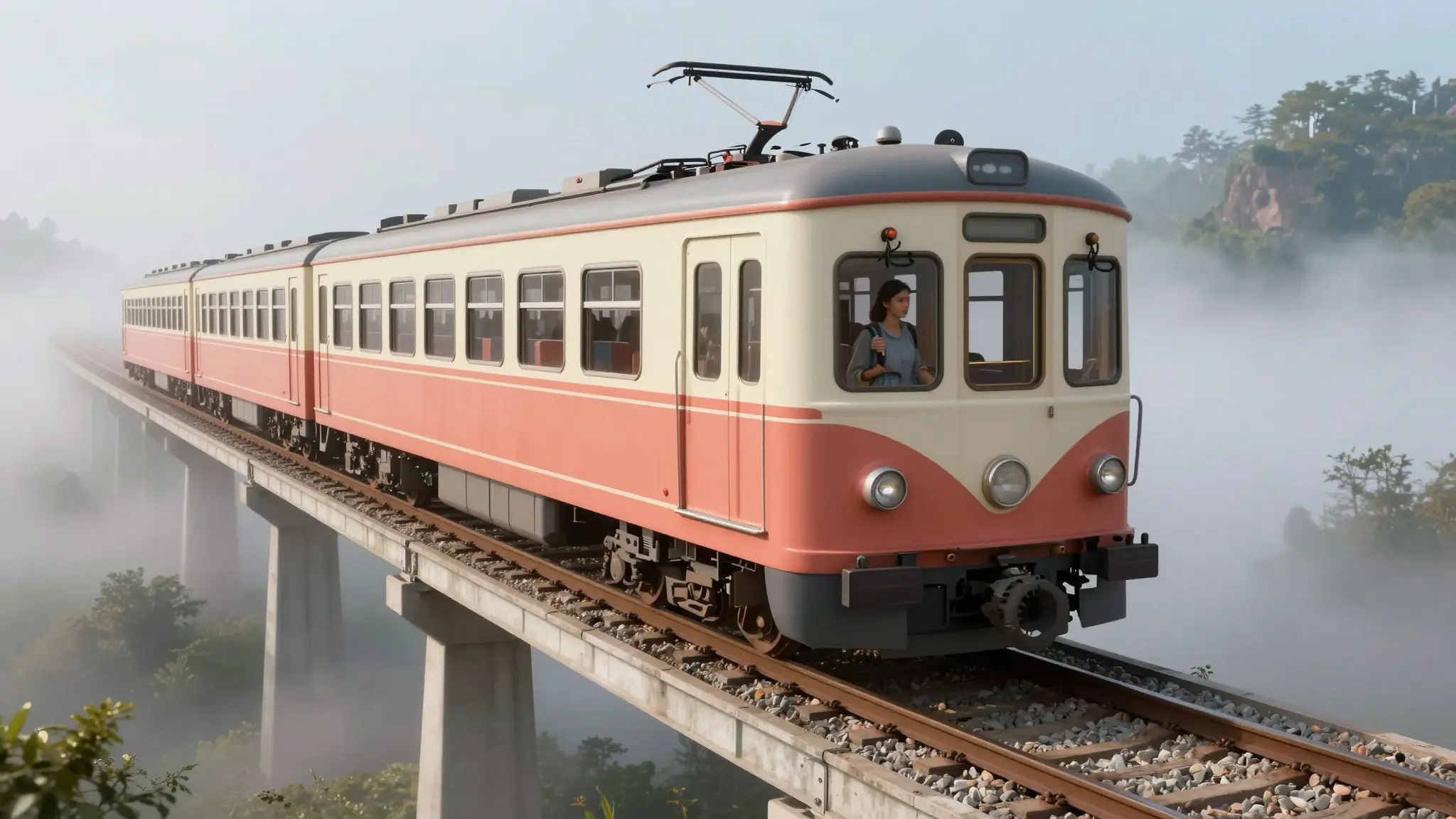
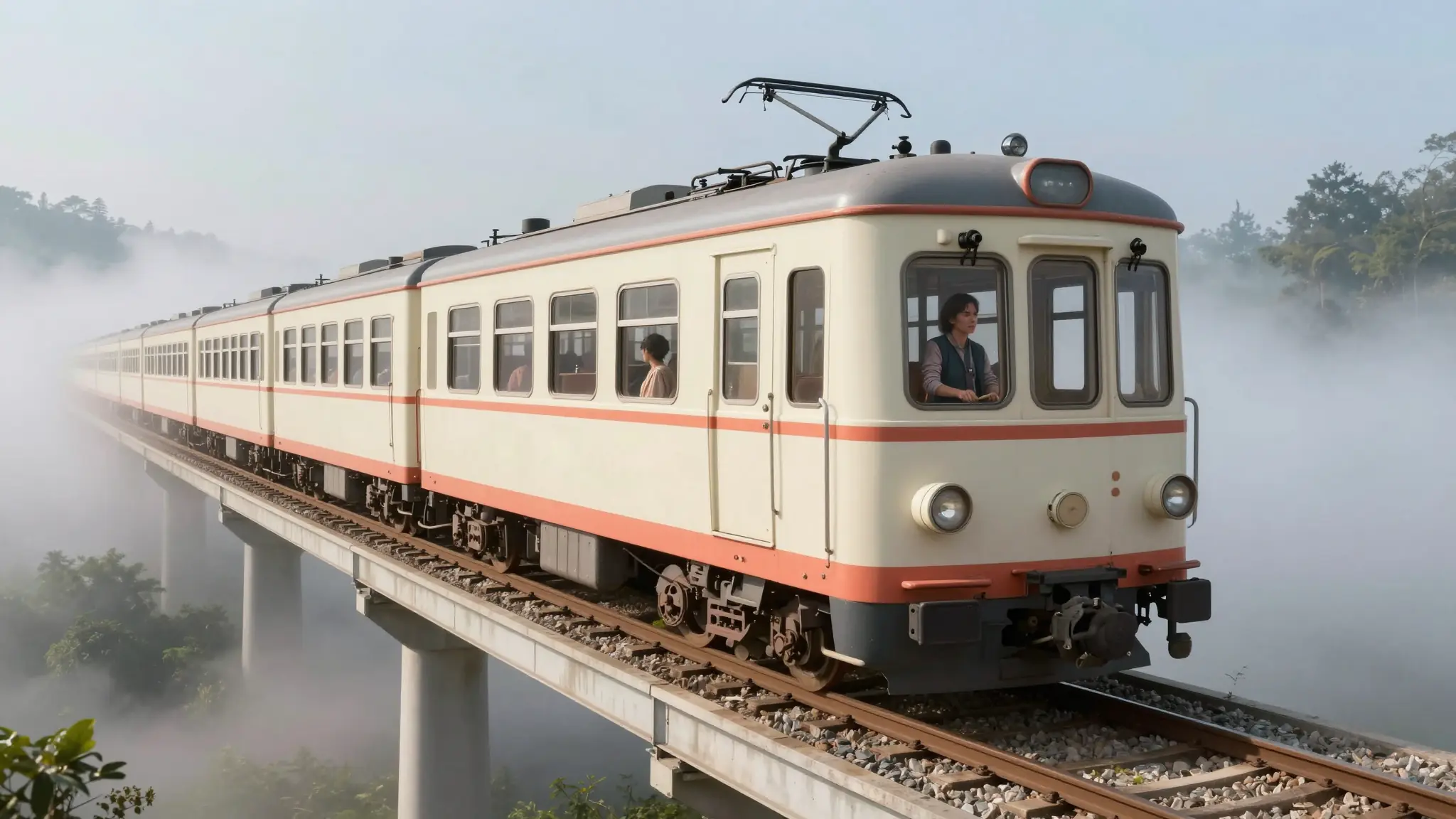
Add the materials to their named inputs. Source image: up to 5 images.
Keep exploring
Your next creation starts here
Start with your own content in Movie Video. Review the settings in Studio and create your result.