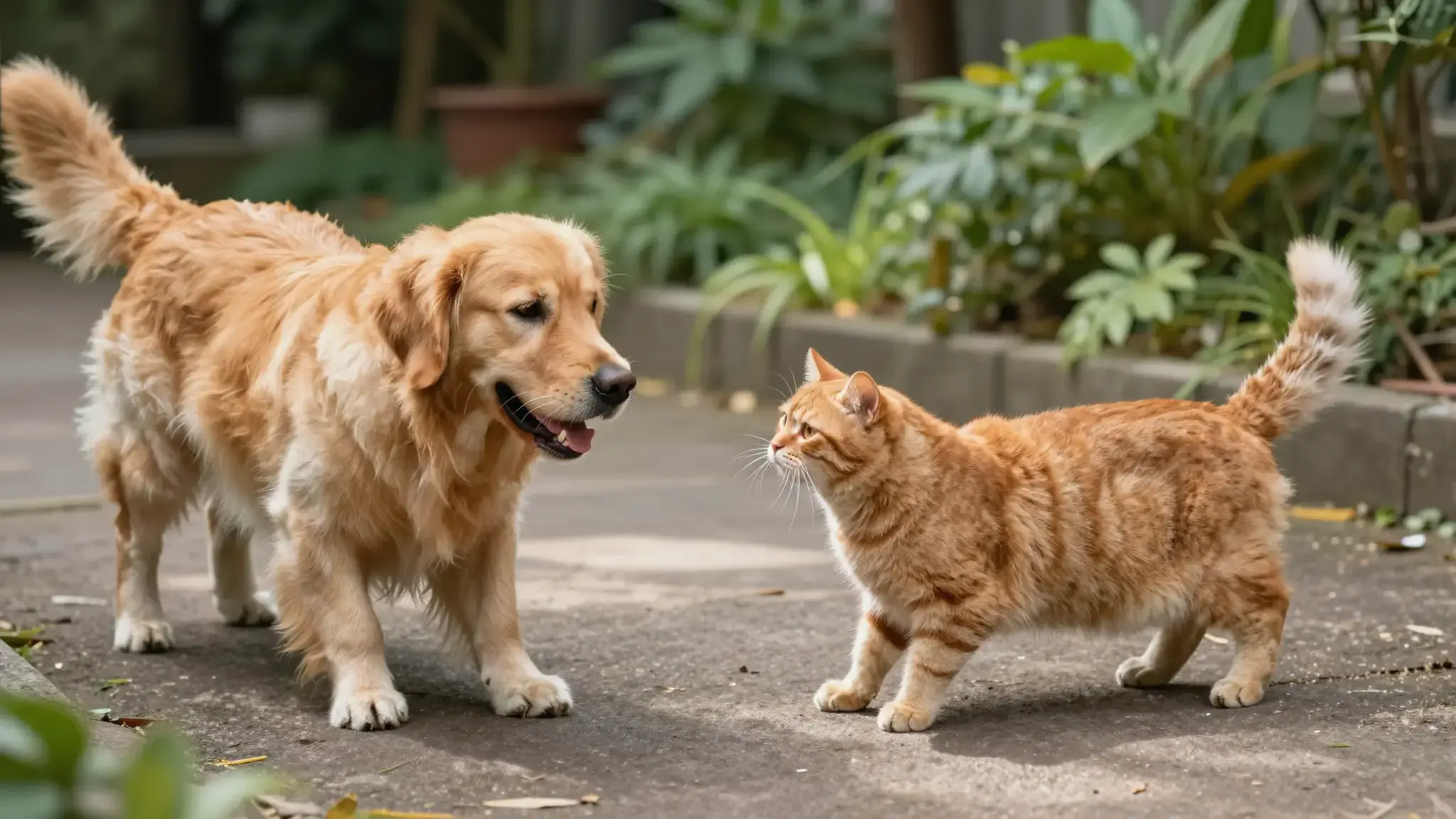
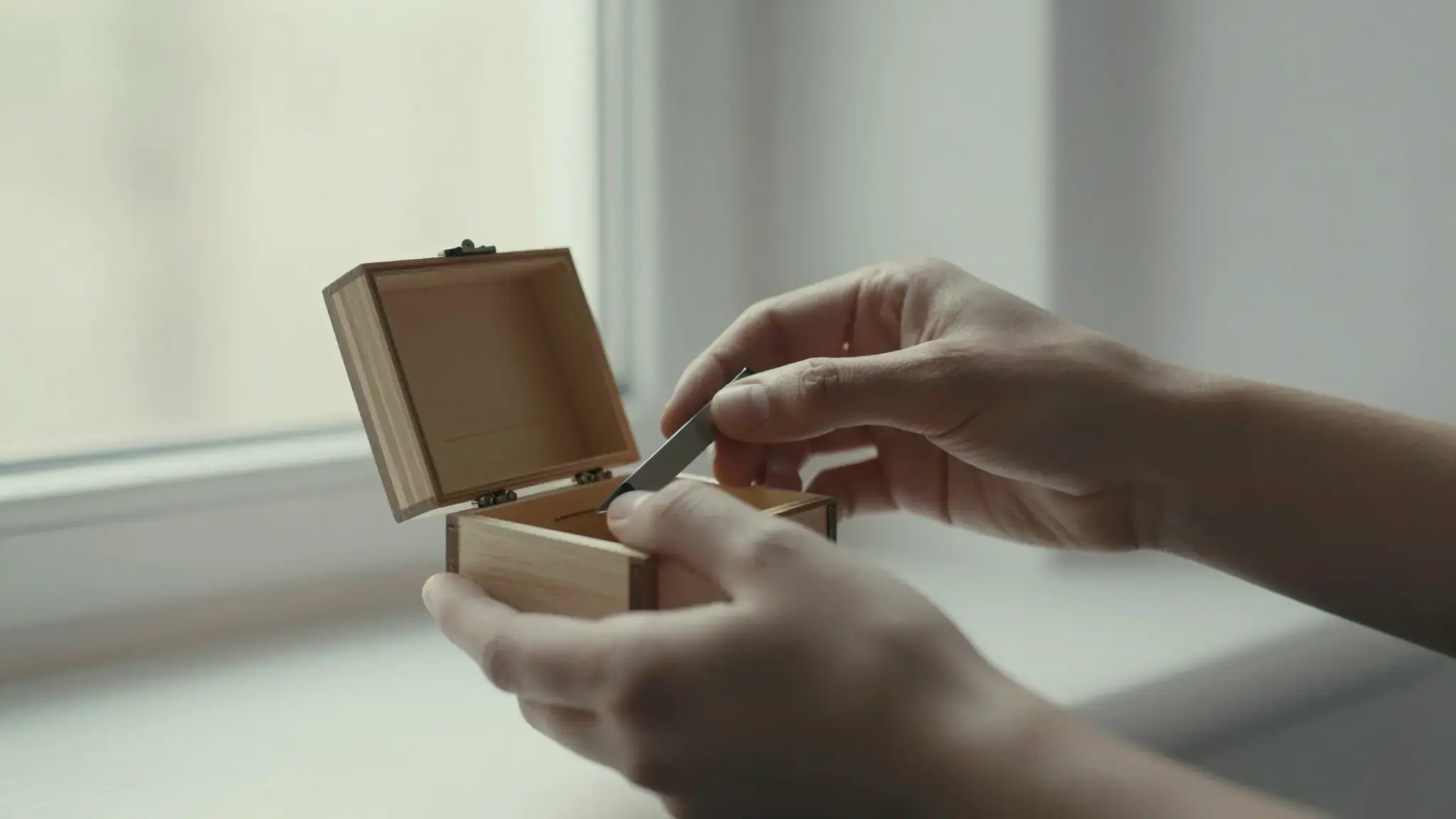
Use references to define the scene
Supply the available image references and describe the action, setting and camera. State which character or product details should carry into the shot.

Instrument Playing Video
Instrument Playing Video Maker: create videos from images with Cuta. Develop short video content for your channel, community or next social post.
Supply the available image references and describe the action, setting and camera. State which character or product details should carry into the shot.
Add the materials to their named inputs. Source image: up to 5 images.
From idea to creation
Add the materials to their named inputs. Source image: up to 5 images.
Supply the available image references and describe the action, setting and camera. State which character or product details should carry into the shot.
Review whether reference details remain recognizable throughout the video. Extra references guide the result but do not guarantee perfect continuity.
Illustrative artwork shows the intended visual direction. Your result depends on your source materials and settings.
An adult musician playing an unbranded acoustic guitar beside a sunlit window, detailed fingers and strings, natural expressive performance portrait. luminous diffuse lighting, understated background and distinct subject colors
Try it nowUse character artwork to explore a movement or moment in a consistent setting.
Guide a shot with a product reference and check its appearance as the camera moves.
Add the materials to their named inputs. Source image: up to 5 images.
Keep exploring
Your next creation starts here
Start with your own content in Instrument Playing Video. Review the settings in Studio and create your result.