An example to adapt
Hands arrange miniature wind turbines, solar panels and houses on a light tabletop to explain clean energy through objects and narration.
Try it now
Faceless Explainer Video
Faceless Explainer Video Maker: create videos from text with Cuta. Build a visual explanation around a lesson, teaching topic or course concept.
Illustrative artwork shows the intended visual direction. Your result depends on your source materials and settings.
Hands arrange miniature wind turbines, solar panels and houses on a light tabletop to explain clean energy through objects and narration.
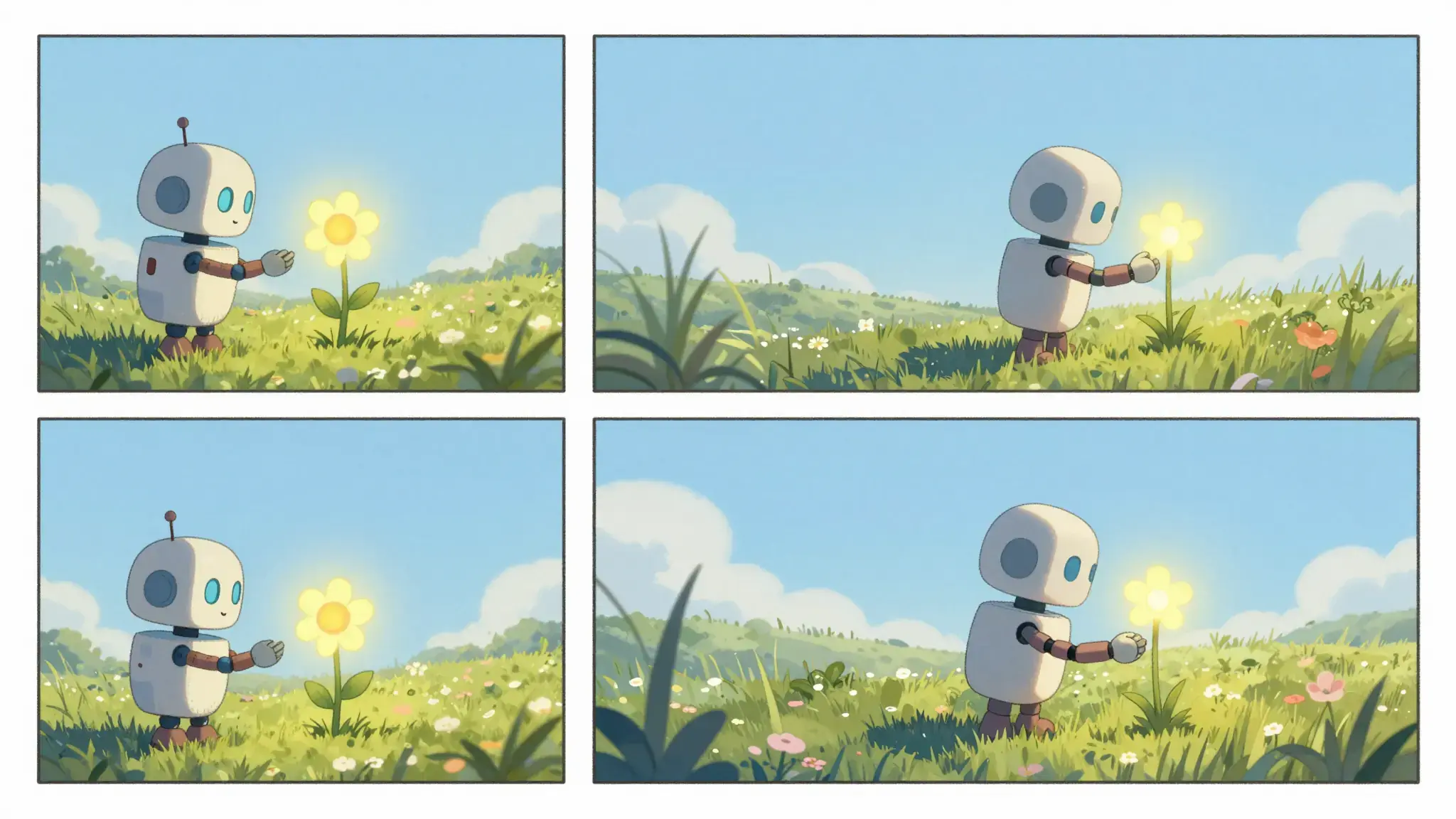
Try it nowDescribe the protagonist, setting and action in a short sequence. Reuse character references and repeat defining details when planning related scenes.
Start with a written brief. Include the subject, the intended result and any details that must appear accurately.
Available settings include Audience; Visual style; Language. Review the full options in Studio before generation.
From idea to creation
Start with a written brief. Include the subject, the intended result and any details that must appear accurately.
Available settings include Audience; Visual style; Language. Review the full options in Studio before generation.
Review character appearance, scene continuity, narration and the ending. Generated motion can change clothing, objects or spatial relationships.
Develop a small story around one event and a clear final moment.
Explore the mood and sequence of a scene before developing a longer production.
Start with a written brief. Include the subject, the intended result and any details that must appear accurately.
Keep exploring
Your next creation starts here
Start with your own content in Faceless Explainer Video. Review the settings in Studio and create your result.