
AI image tools
AI Doll Generator
Create a doll concept with a chosen outfit, expression, and material finish.
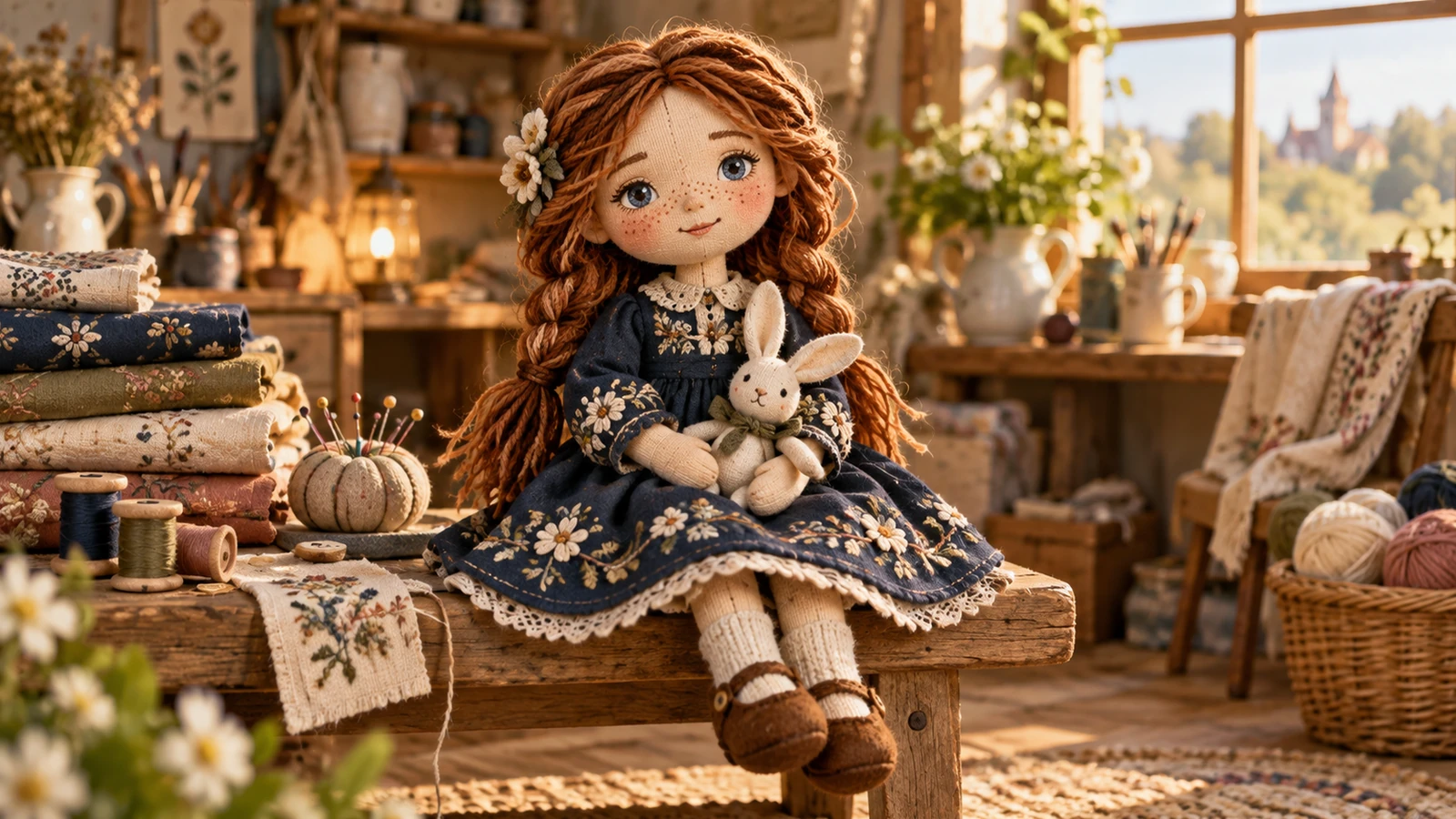
Plan your doll generator image
A starting brief
A small cloth doll with embroidered freckles, a mustard dress, knitted boots, warm tabletop photograph.
Try it nowFrom idea to creation
How to use AI Doll Generator
Choose a starting point
Start with a written brief, a reference image, or both. A reference helps communicate the appearance you want.
Describe the result
Describe the proportions, clothing, accessories, and display style.
Generate in the workspace
The output is a doll design image rather than a sewing pattern, manufactured toy, or 3D print file.
Creative possibilities
Explore Doll Generator ideas
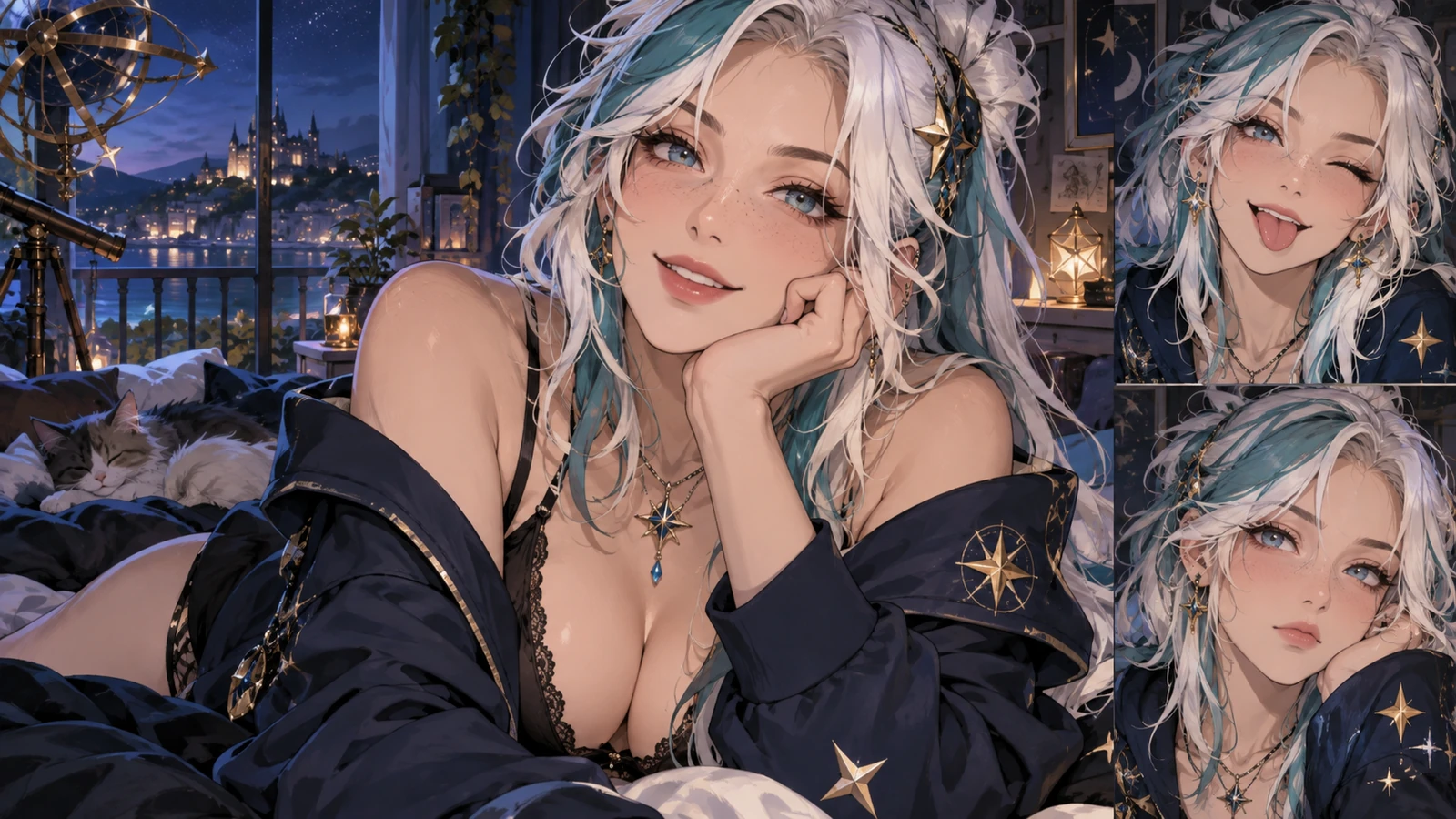
Illustrative concepts show framing and visual treatment. Use your own brief and references to create a version for your project.
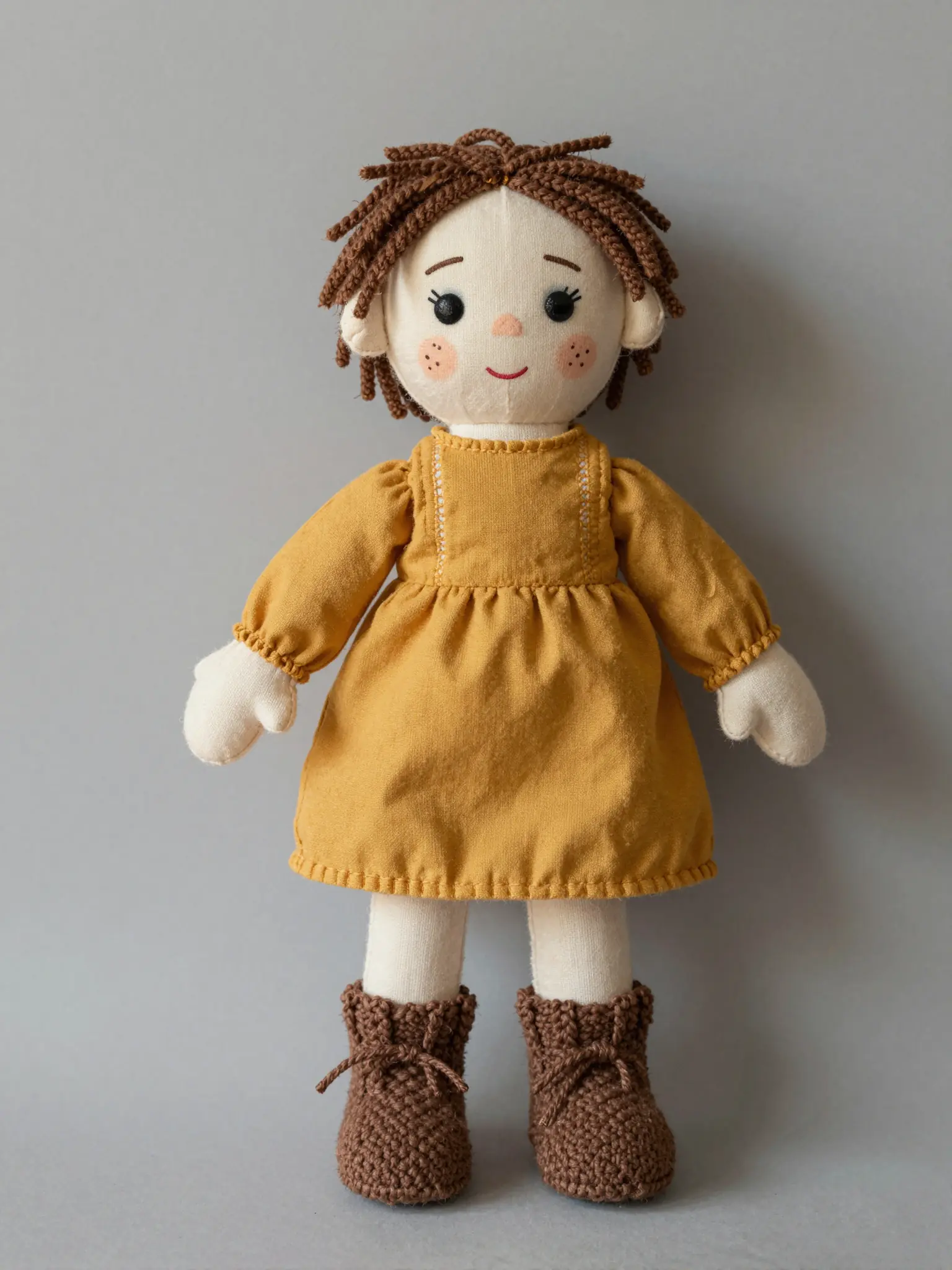
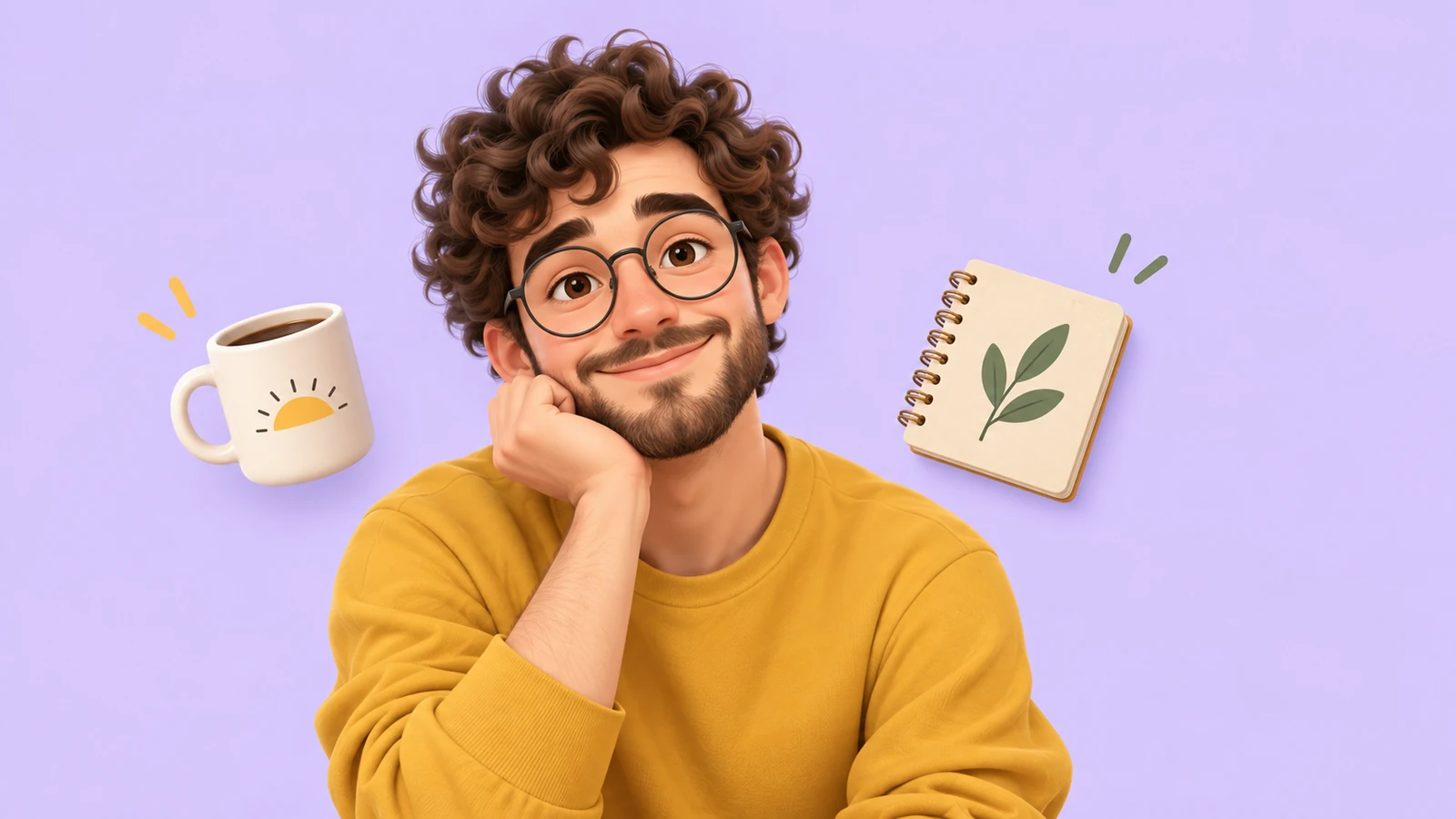
Character portrait
An expressive portrait introduces the character’s personality.
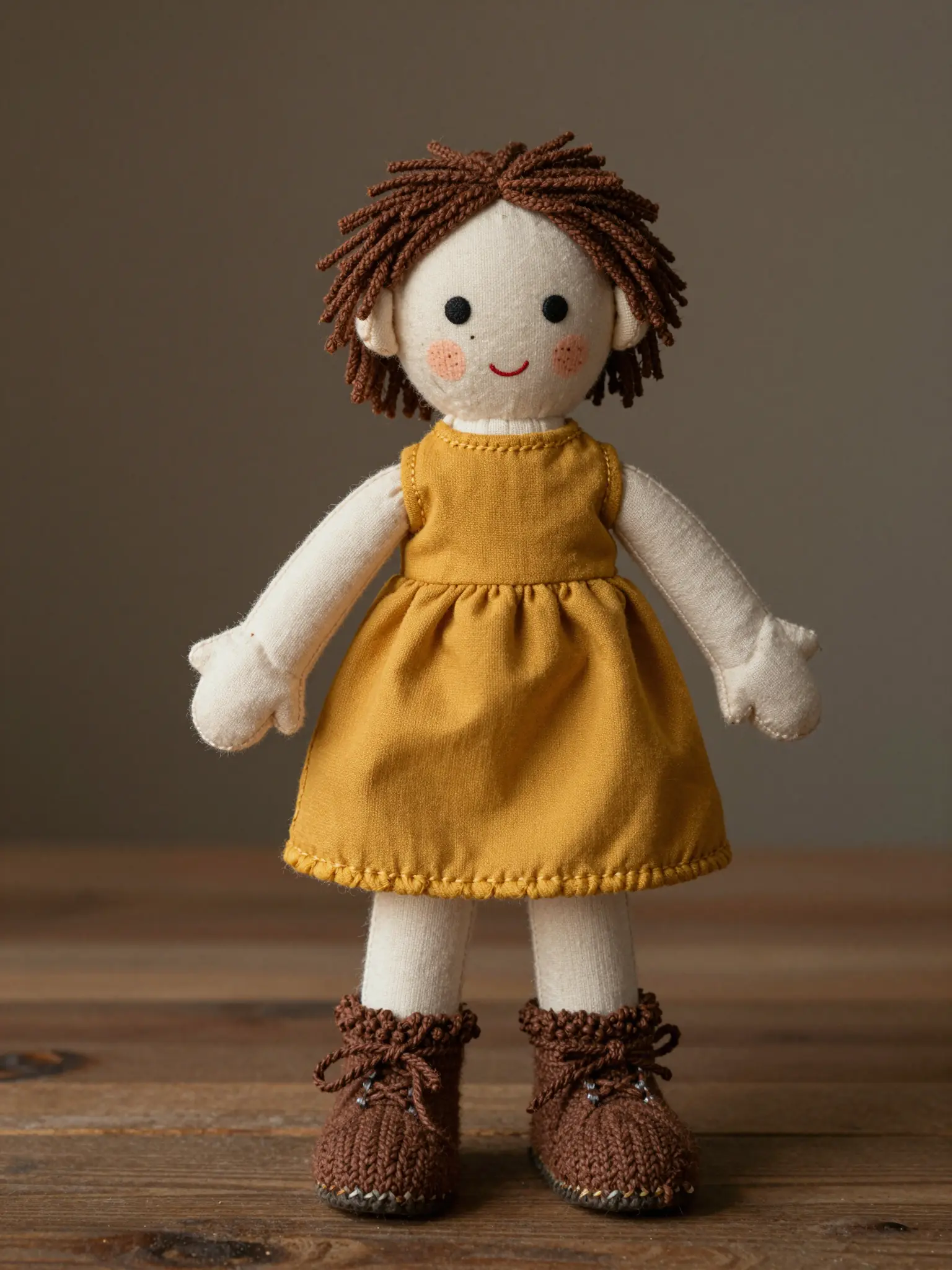
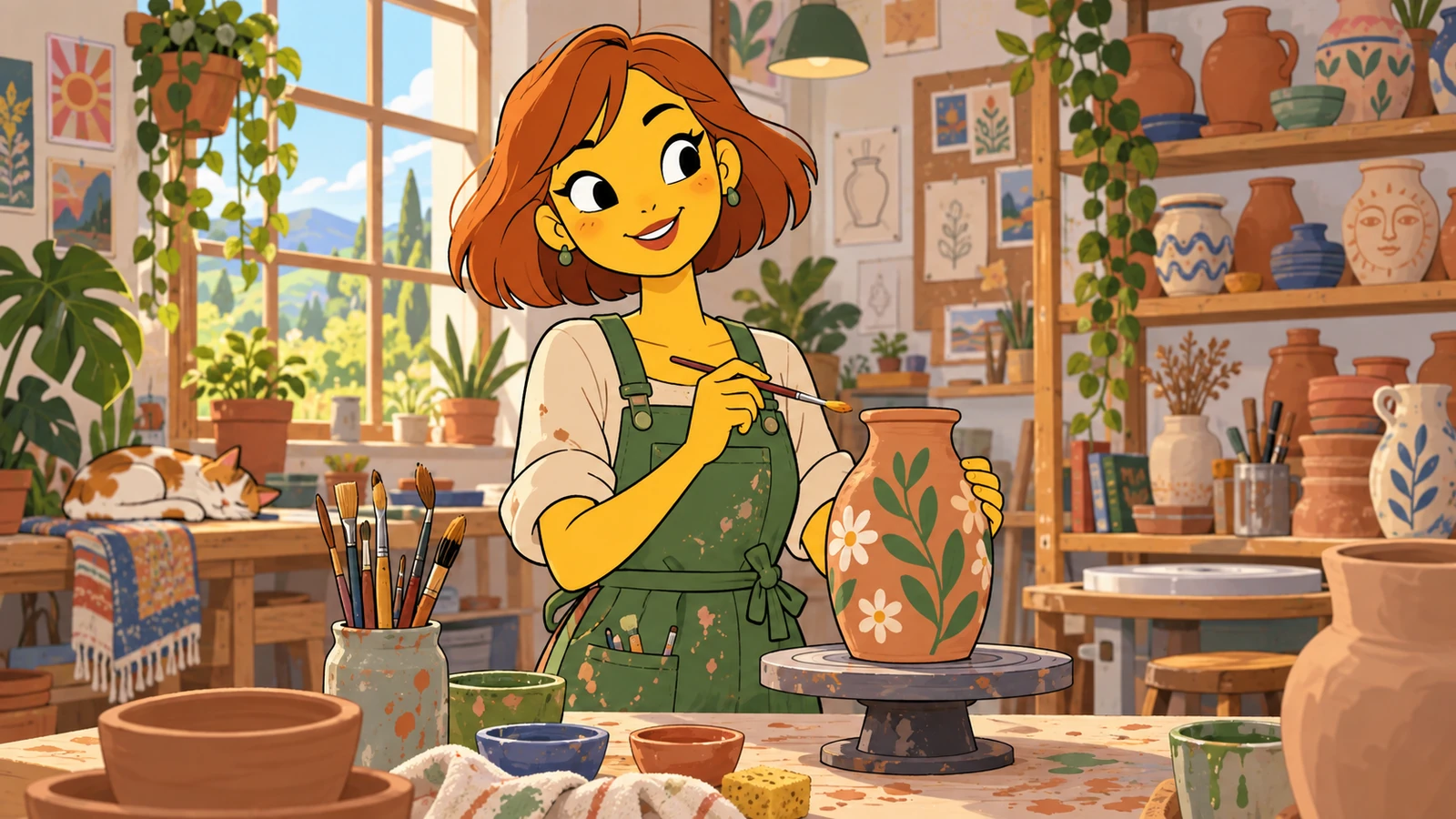
In their world
A setting gives the character a place in the story.
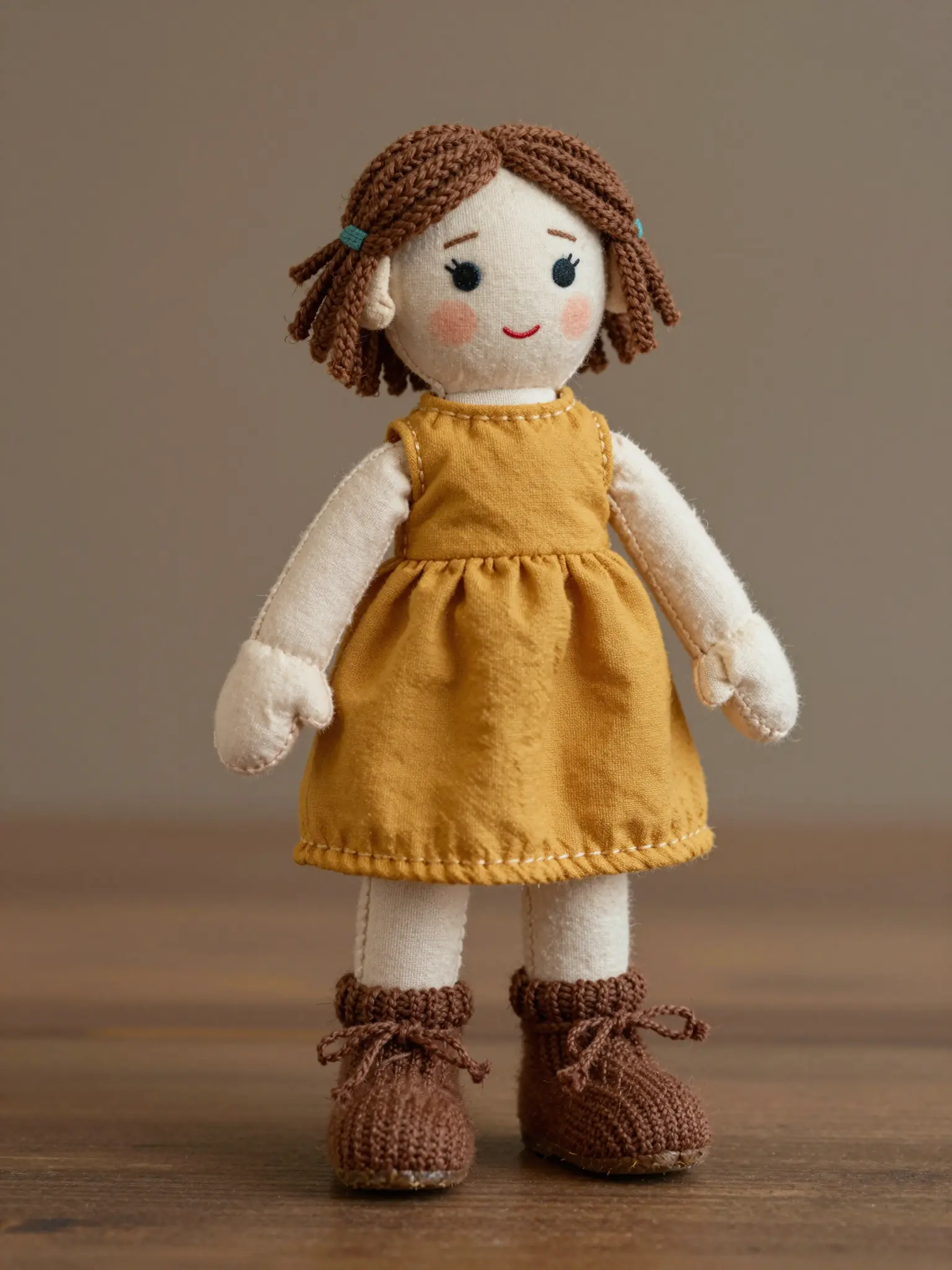
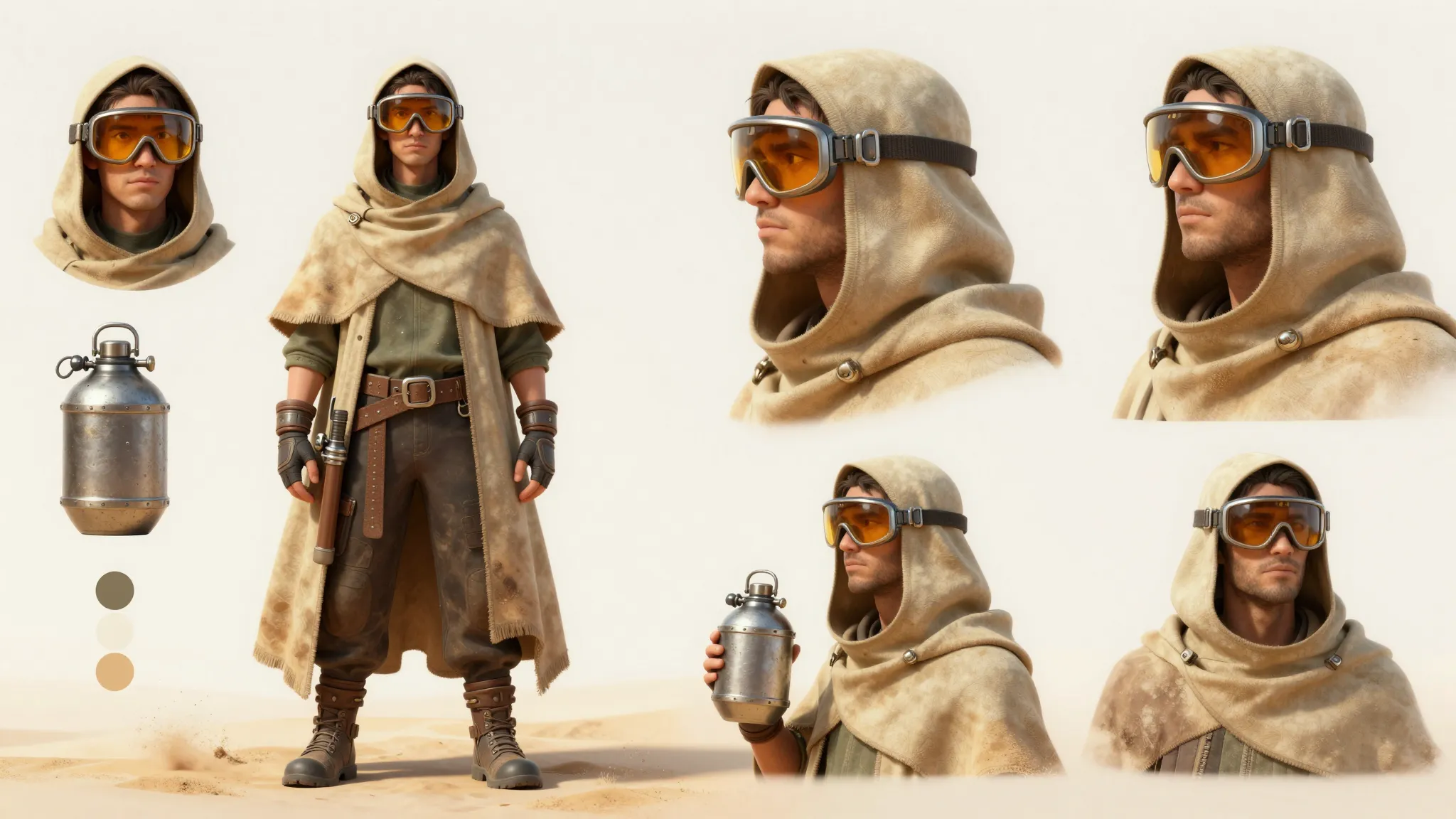
Costume and detail
A clear view of the outfit helps develop a consistent design.
Frequently asked questions
The output is a doll design image rather than a sewing pattern, manufactured toy, or 3D print file.
Find your next creative tool
Explore more creative tools
Your next creation starts here
Make something worth sharing.
Start with your own content in AI Doll Generator. Review the settings in Studio and create your result.