Give appearance and movement separate references
Supply the character image and motion reference where available. Choose movement that fits the character's framing and body position.

AI Dance Generator
Create an AI dance video from a character image and a motion reference with Cuta. Use an existing dance clip to guide the movement of your animated subject.
Supply the character image and motion reference where available. Choose movement that fits the character's framing and body position.
Add the materials to their named inputs. Character image: one image; Motion reference video: one video.
Available settings include Motion quality (Standard, Detailed). Review the full options in Studio before generation.
From idea to creation
Add the materials to their named inputs. Character image: one image; Motion reference video: one video.
Available settings include Motion quality (Standard, Detailed). Review the full options in Studio before generation.
Check hands, feet, body proportions and the link between motion and scene. Cropped or obstructed reference movement may be difficult to interpret.
Illustrative artwork shows the intended visual direction. Your result depends on your source materials and settings.
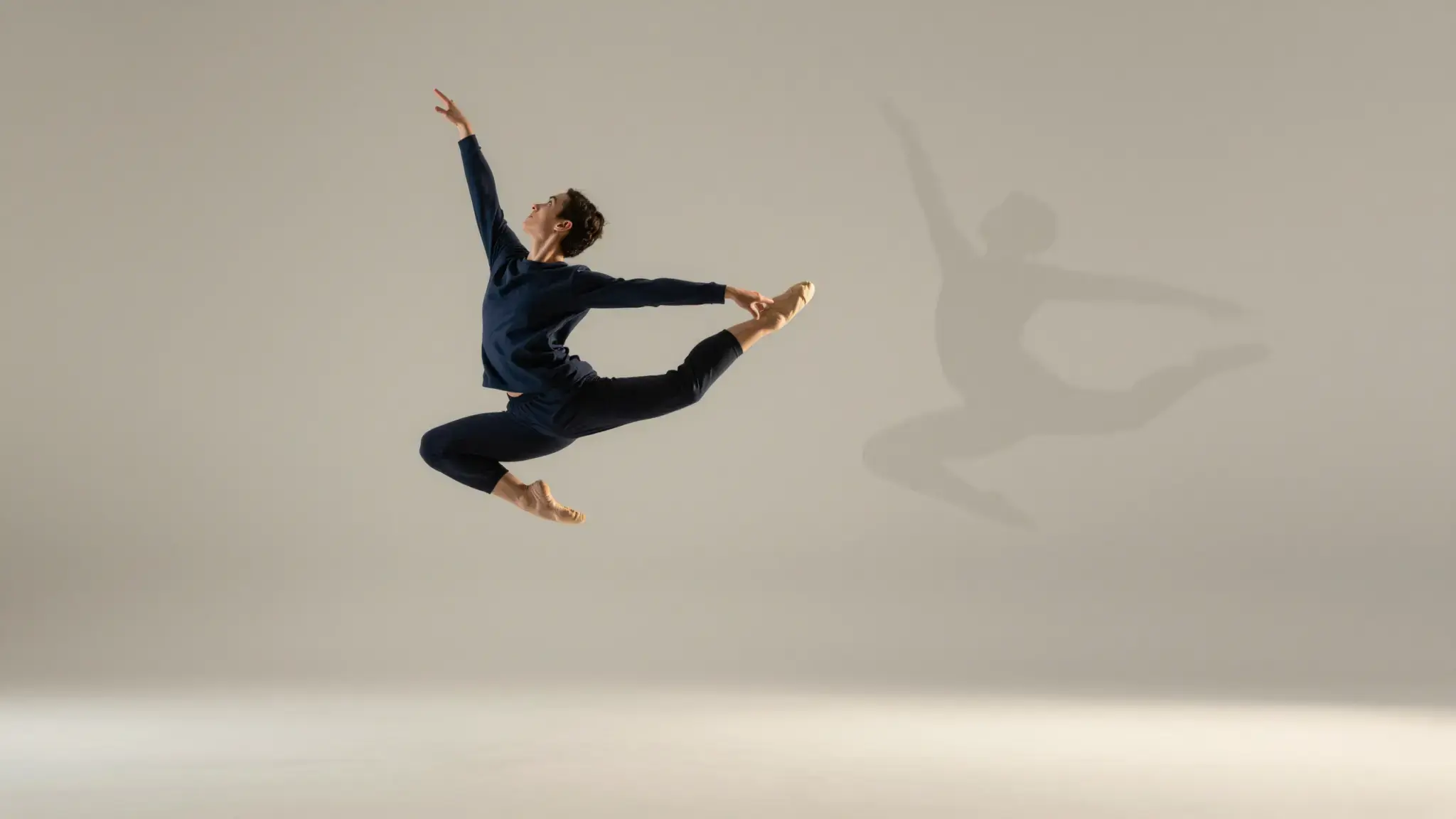
An adult contemporary dancer in flowing coral clothing holding a graceful midair split leap in a clean sunlit studio, expressive motion and natural anatomy. gentle side lighting, warm cream and natural neutral tones
Try it nowExplore a character following the movement direction of a reference clip.
Compare movement with a fixed character reference and inspect anatomy throughout the shot.
Add the materials to their named inputs. Character image: one image; Motion reference video: one video.
Keep exploring
Your next creation starts here
Start with your own content in AI Dance Generator. Review the settings in Studio and create your result.