The details to include
Keep a few defining traits fixed while changing the medium, palette, or mood.
Try it now
AI image tools
Explore different visual identities, from a painted portrait to a stylized character avatar.
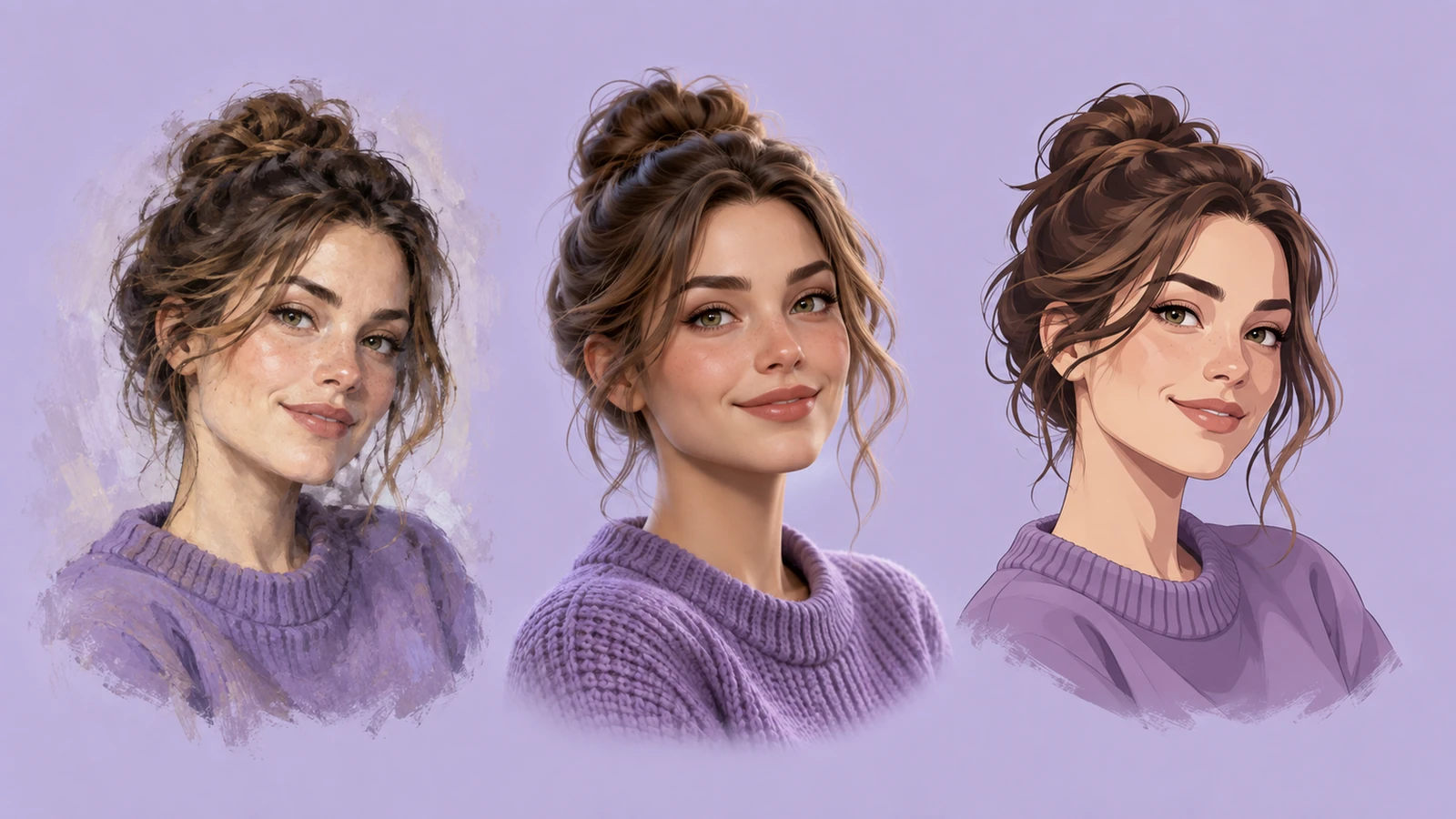
Keep a few defining traits fixed while changing the medium, palette, or mood.
Try it nowTurn the reference into a painted fantasy avatar, keep the dark curls and round glasses, muted teal background.
Try it nowFrom idea to creation
Start with a written brief, a reference image, or both. A reference helps communicate the appearance you want.
Keep a few defining traits fixed while changing the medium, palette, or mood.
Use the same reference when comparing styles; facial details can still vary between outputs.
Creative possibilities
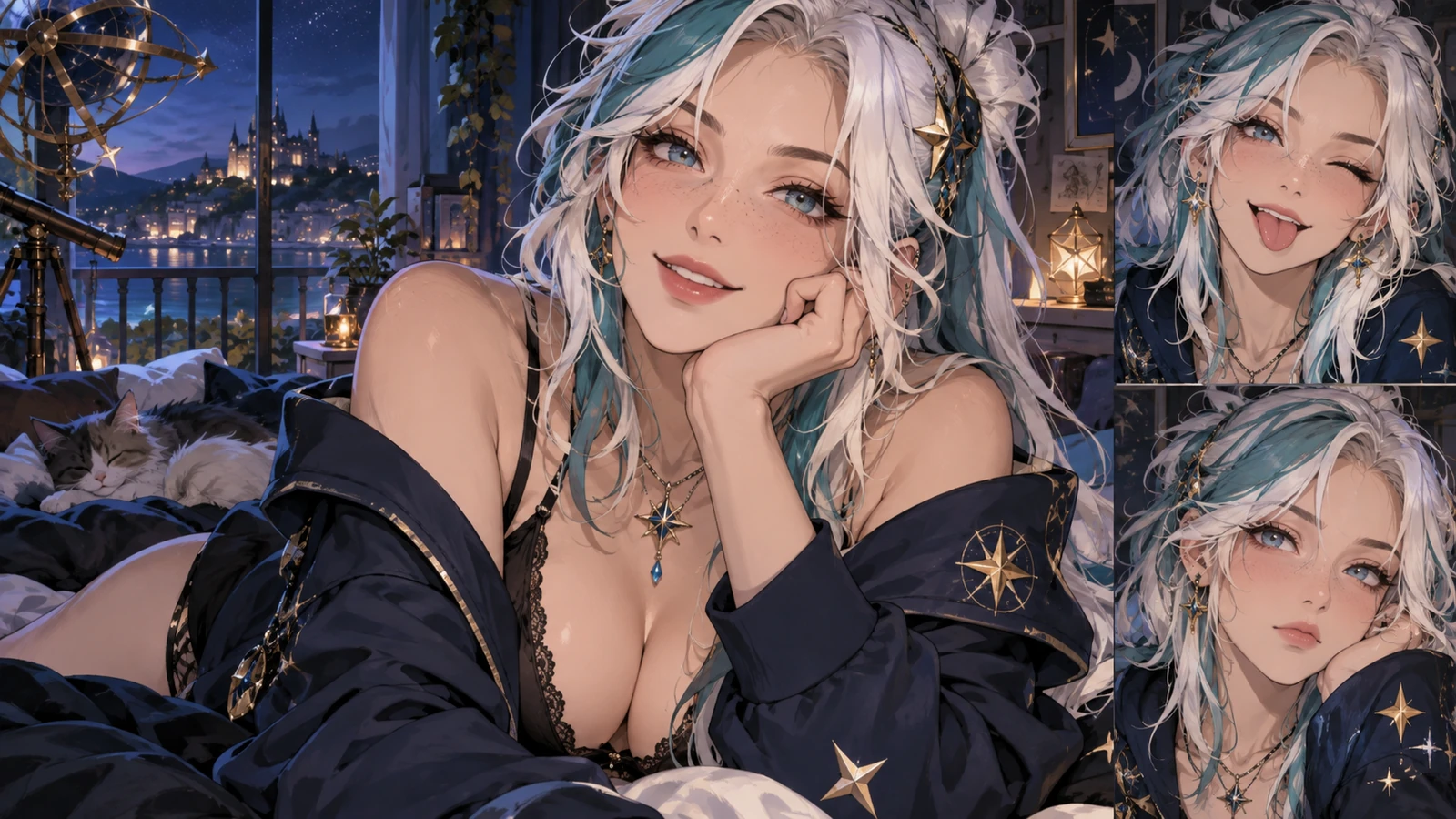
Illustrative concepts show framing and visual treatment. Use your own brief and references to create a version for your project.
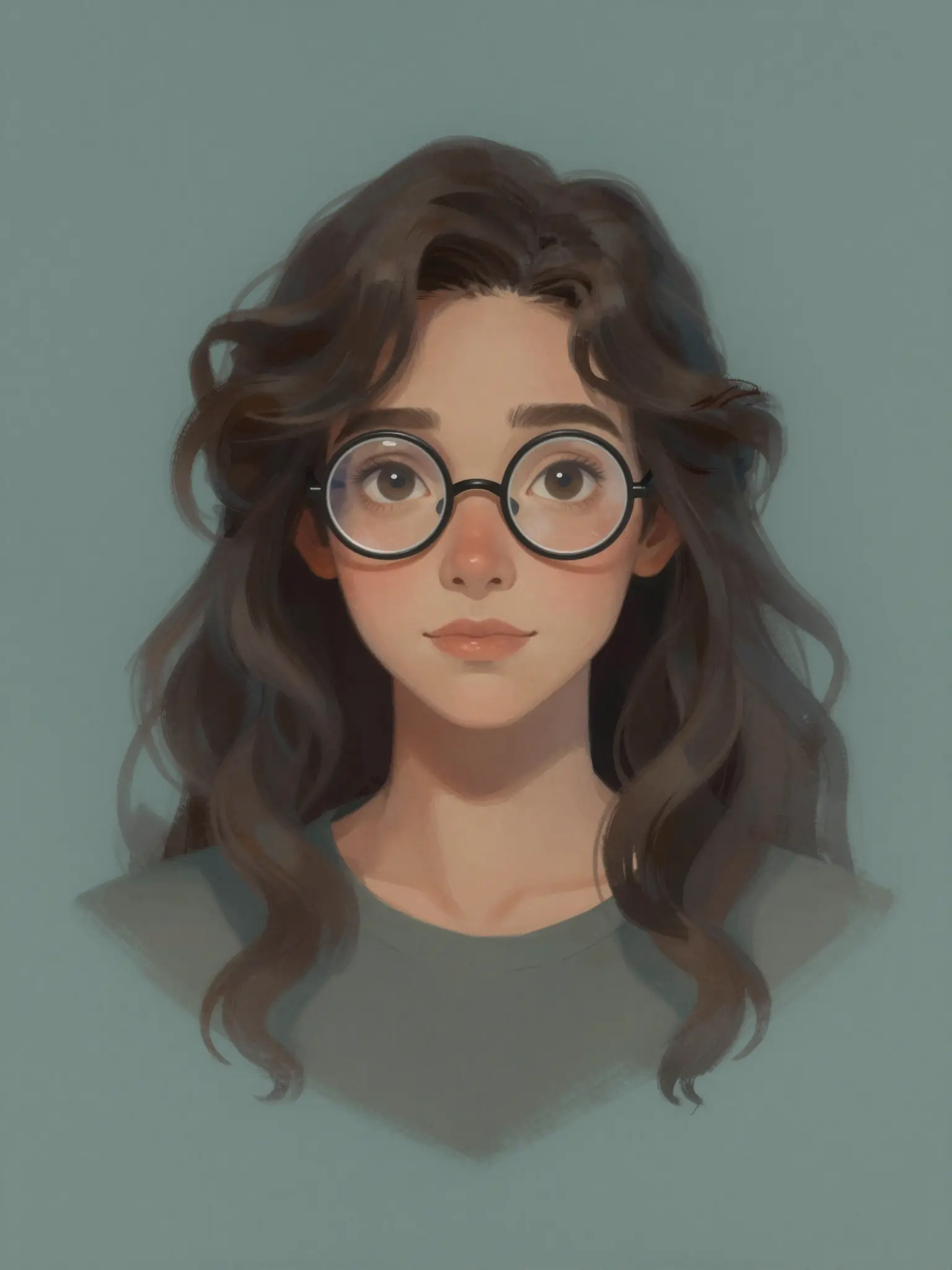
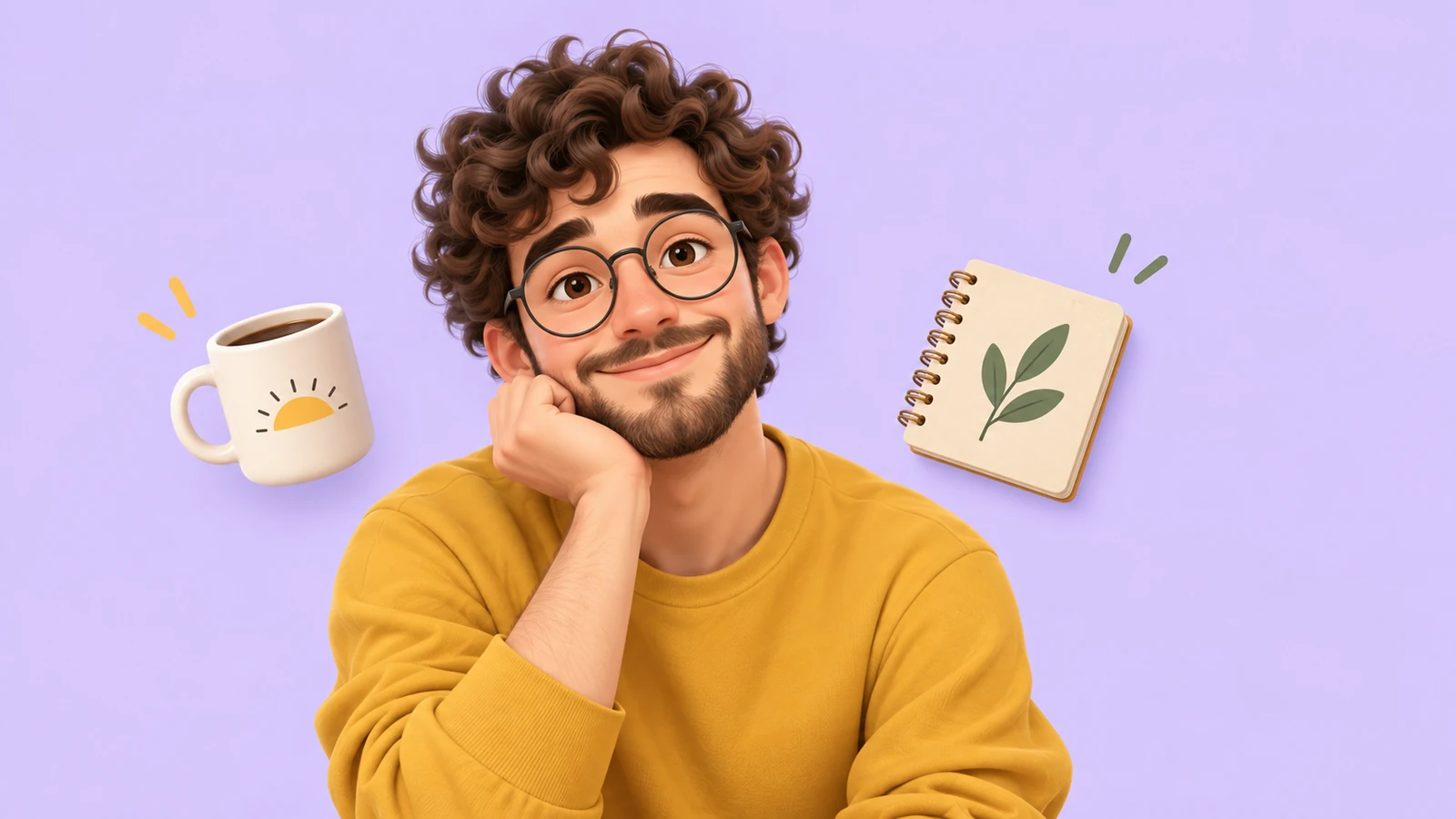
An expressive portrait introduces the character’s personality.
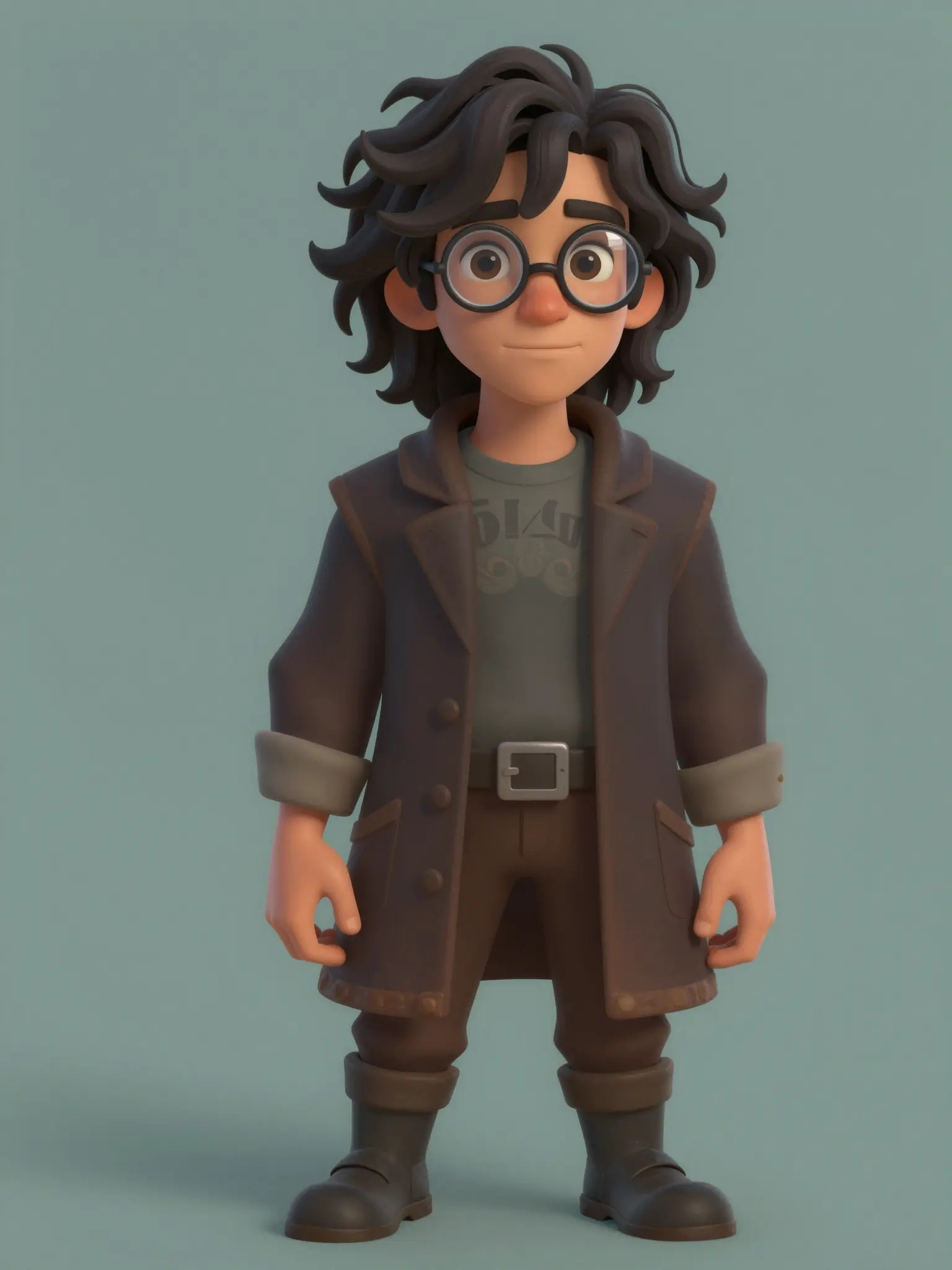
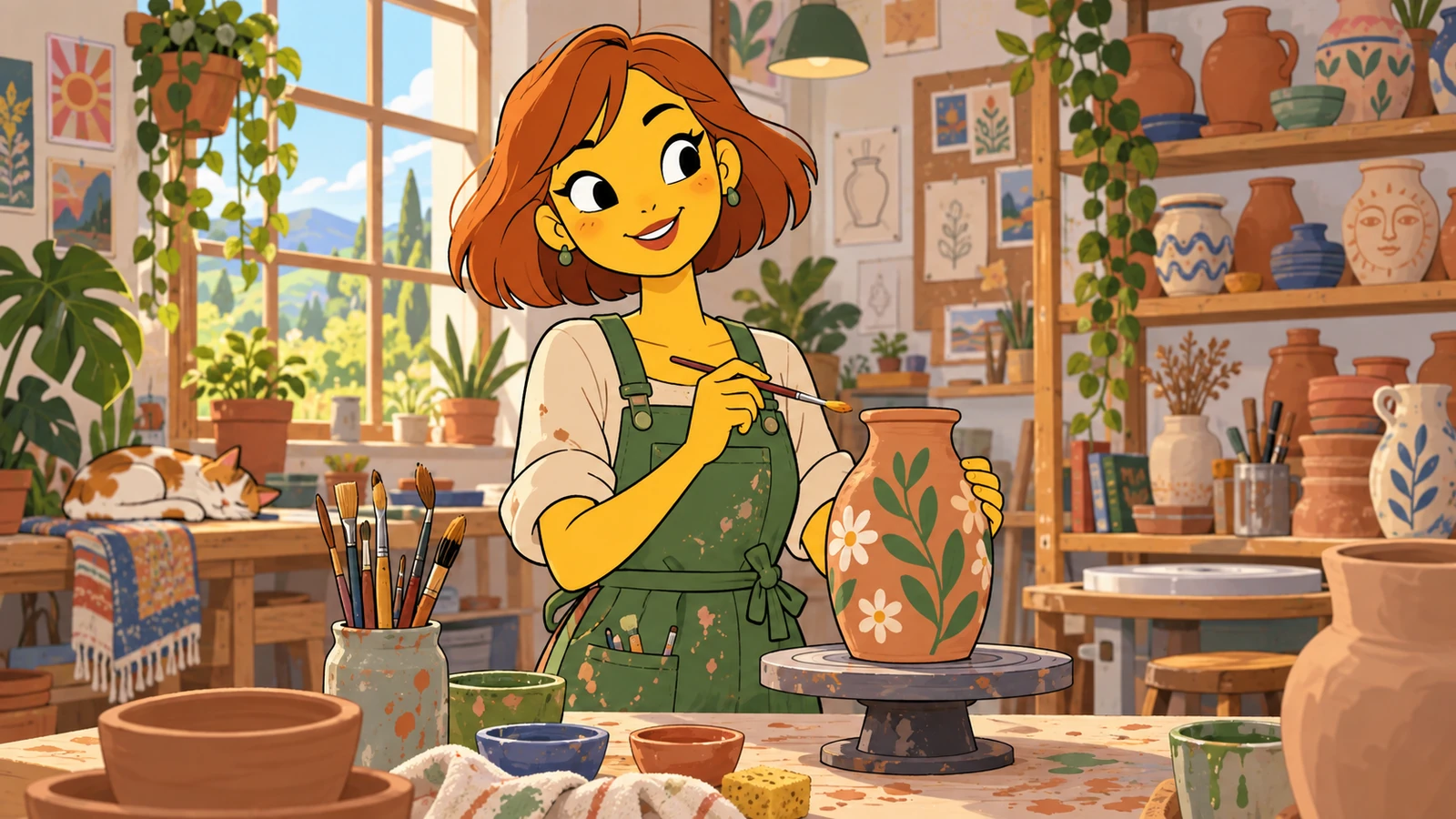
A setting gives the character a place in the story.
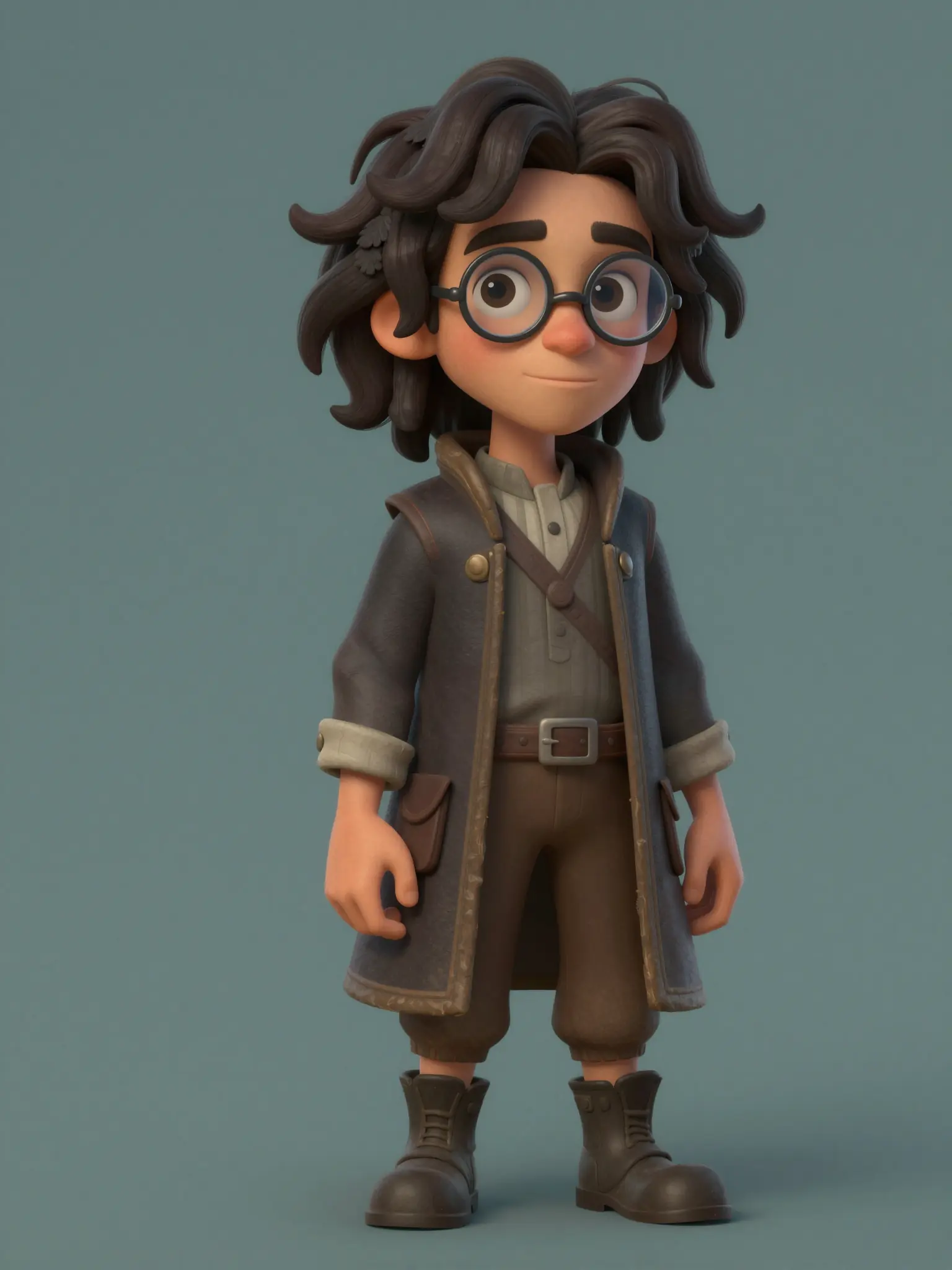
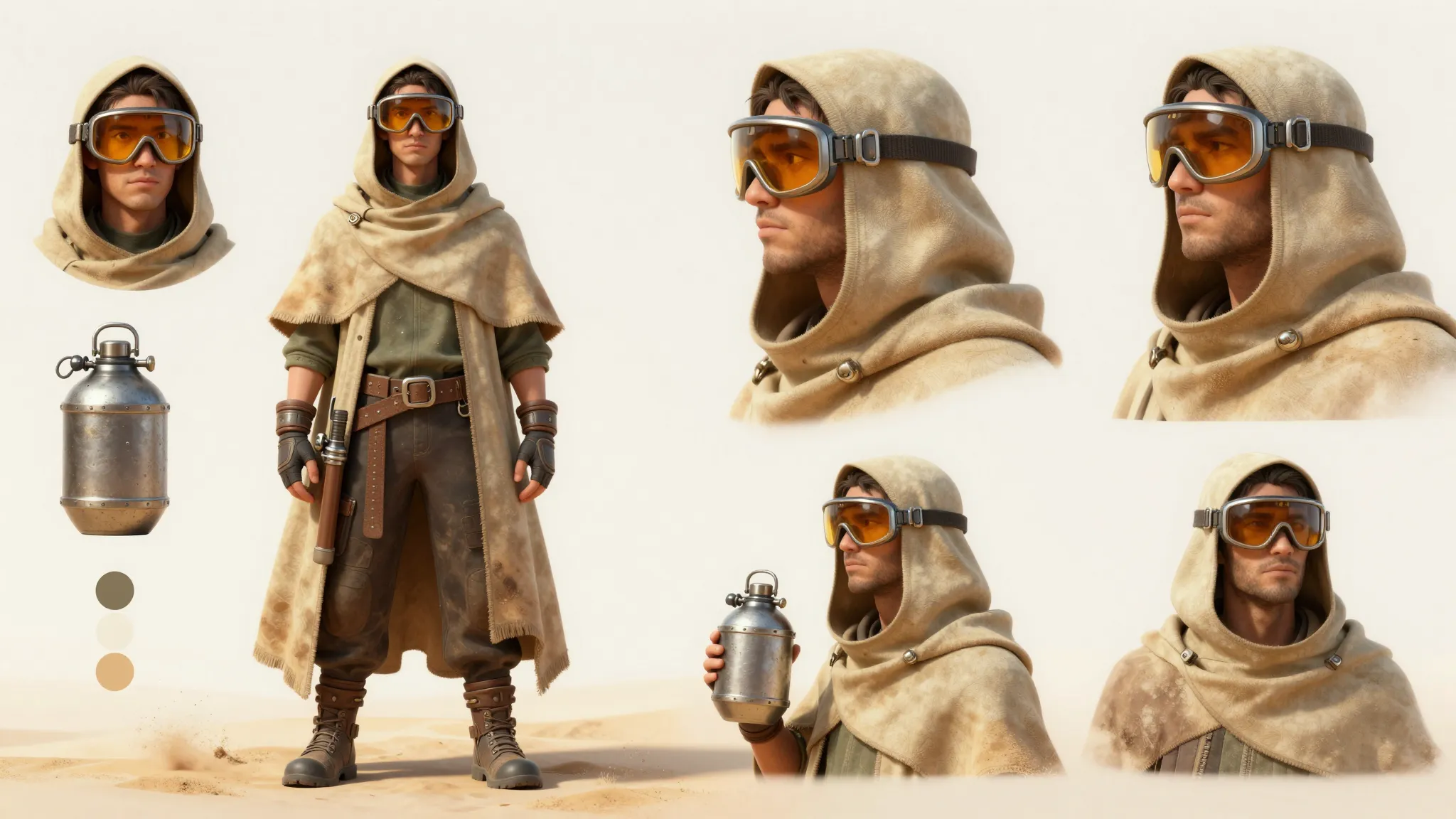
A clear view of the outfit helps develop a consistent design.
Use the same reference when comparing styles; facial details can still vary between outputs.
Find your next creative tool
Your next creation starts here
Start with your own content in AI Avatar Generator. Review the settings in Studio and create your result.