The details to include
Describe the character's appearance, action, background, and line or shading style.
Try it now
AI image tools
Build an anime scene around a character, a place, and a moment of emotion.
Describe the character's appearance, action, background, and line or shading style.
Try it nowAn adult courier waiting at a mountain station, wind lifting a yellow scarf, clean linework, painted sunset clouds.
Try it nowFrom idea to creation
Start with a written brief, a reference image, or both. A reference helps communicate the appearance you want.
Describe the character's appearance, action, background, and line or shading style.
Review character details and background continuity when creating more than one scene.
Creative possibilities
Illustrative concepts show framing and visual treatment. Use your own brief and references to create a version for your project.
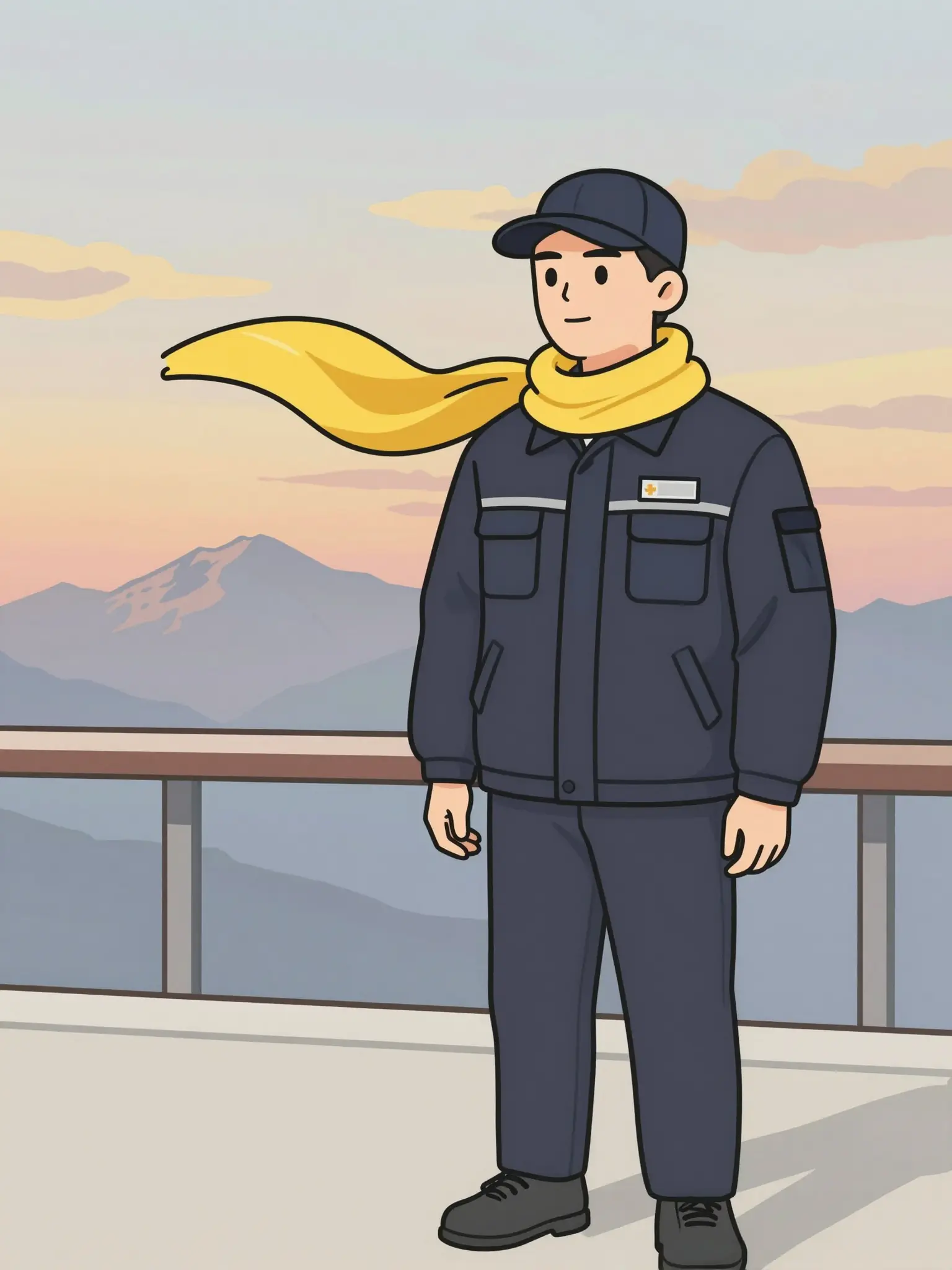
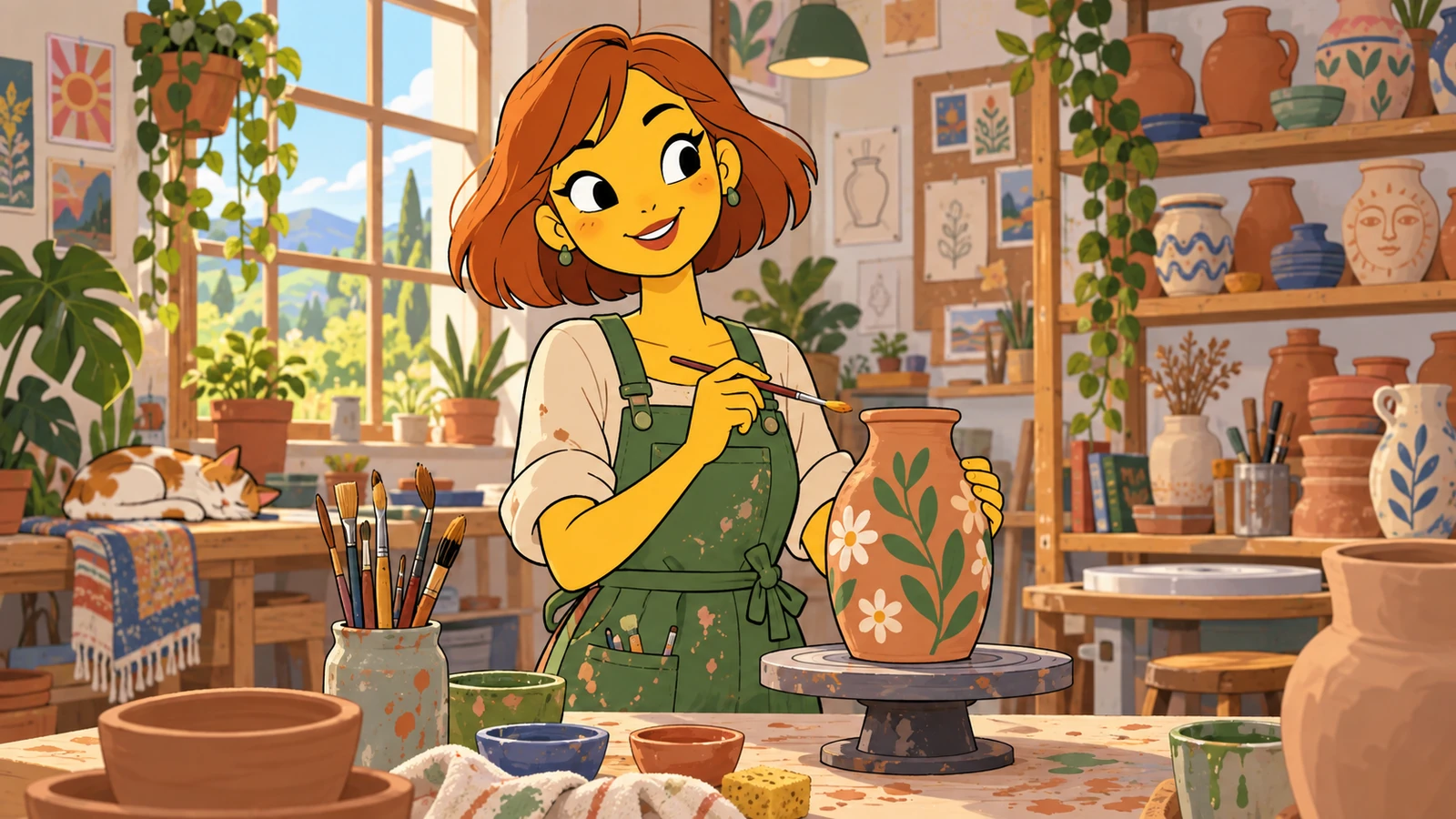
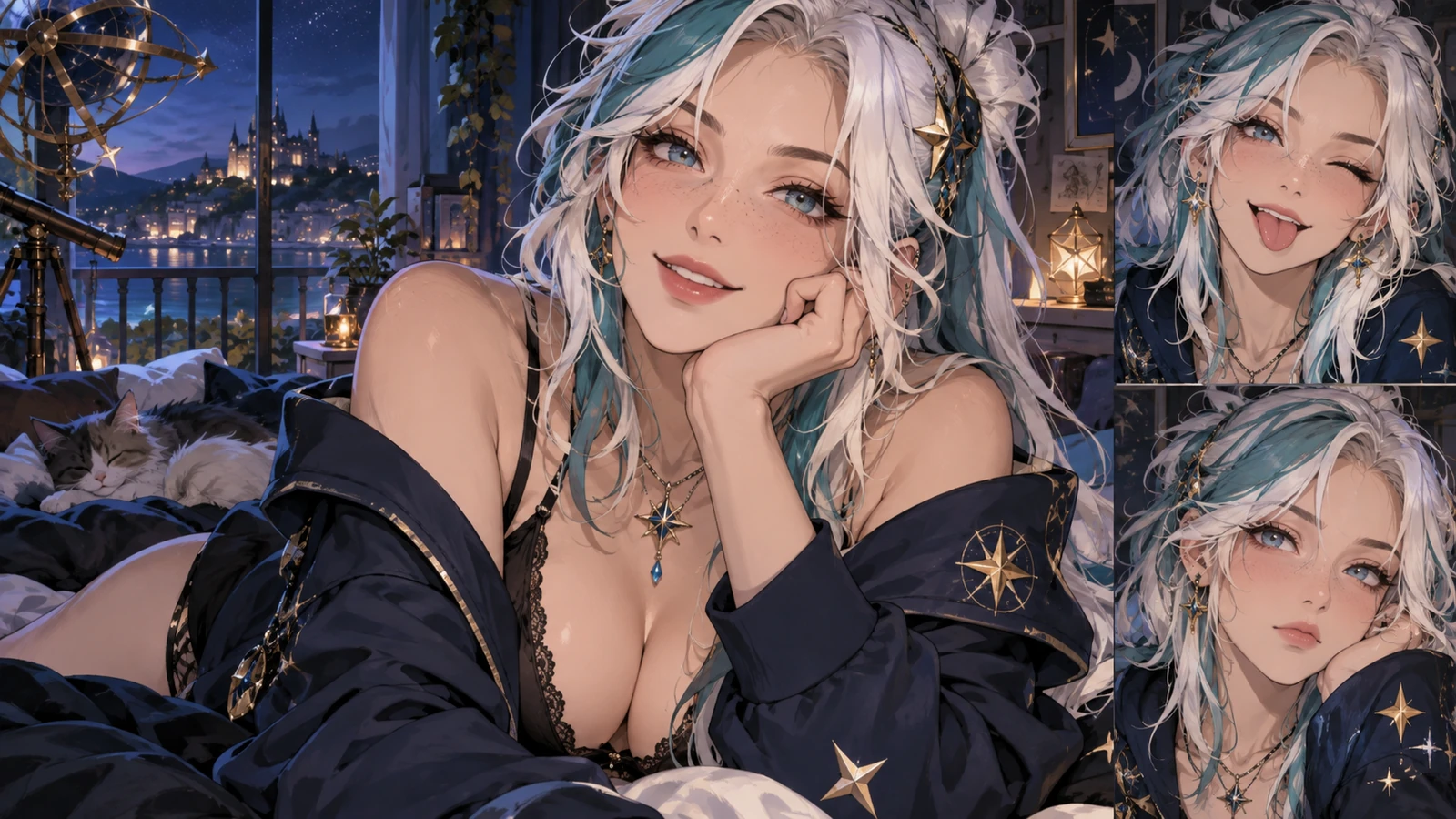
An expressive portrait introduces the character’s personality.
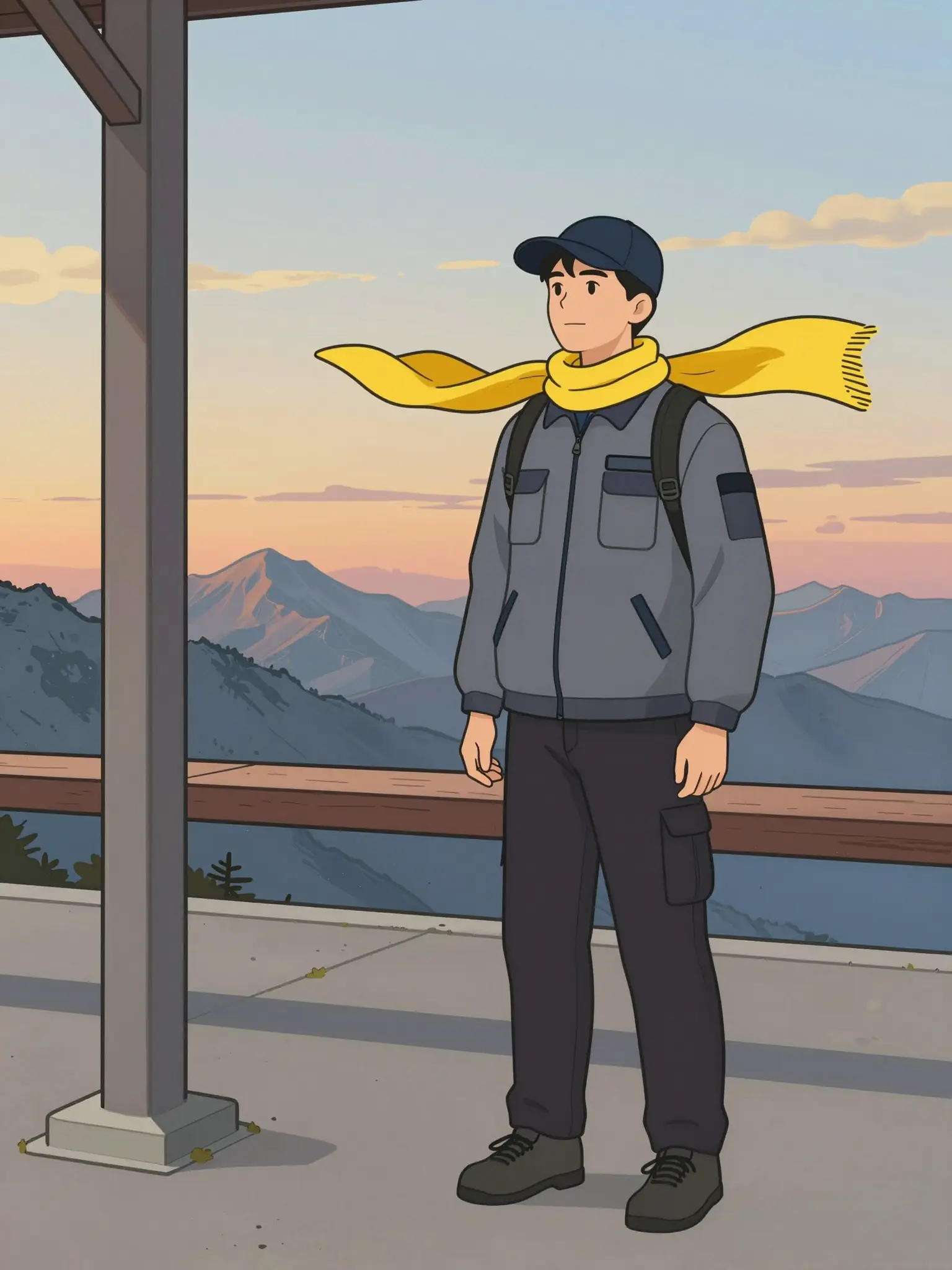
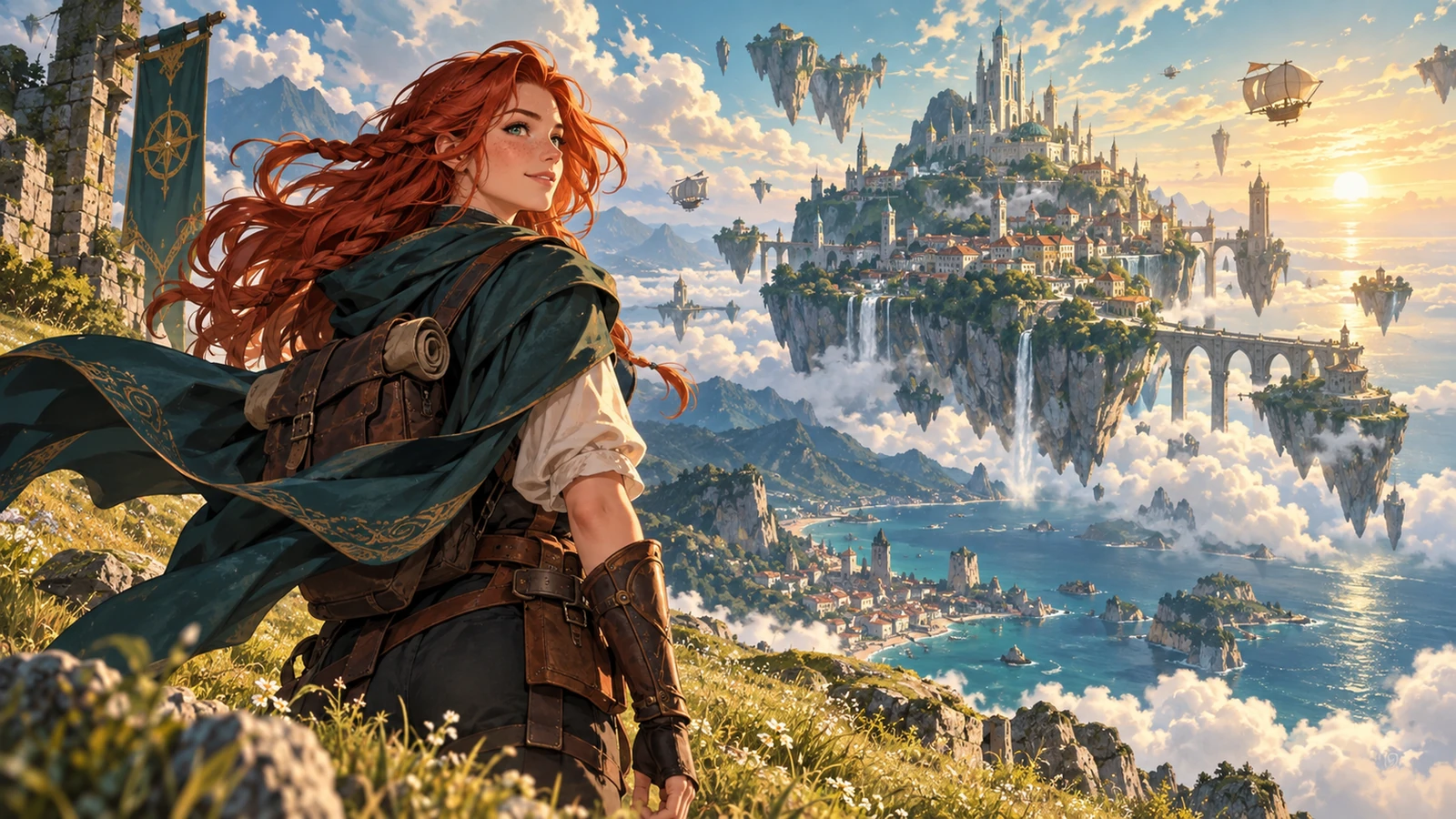
A setting gives the character a place in the story.
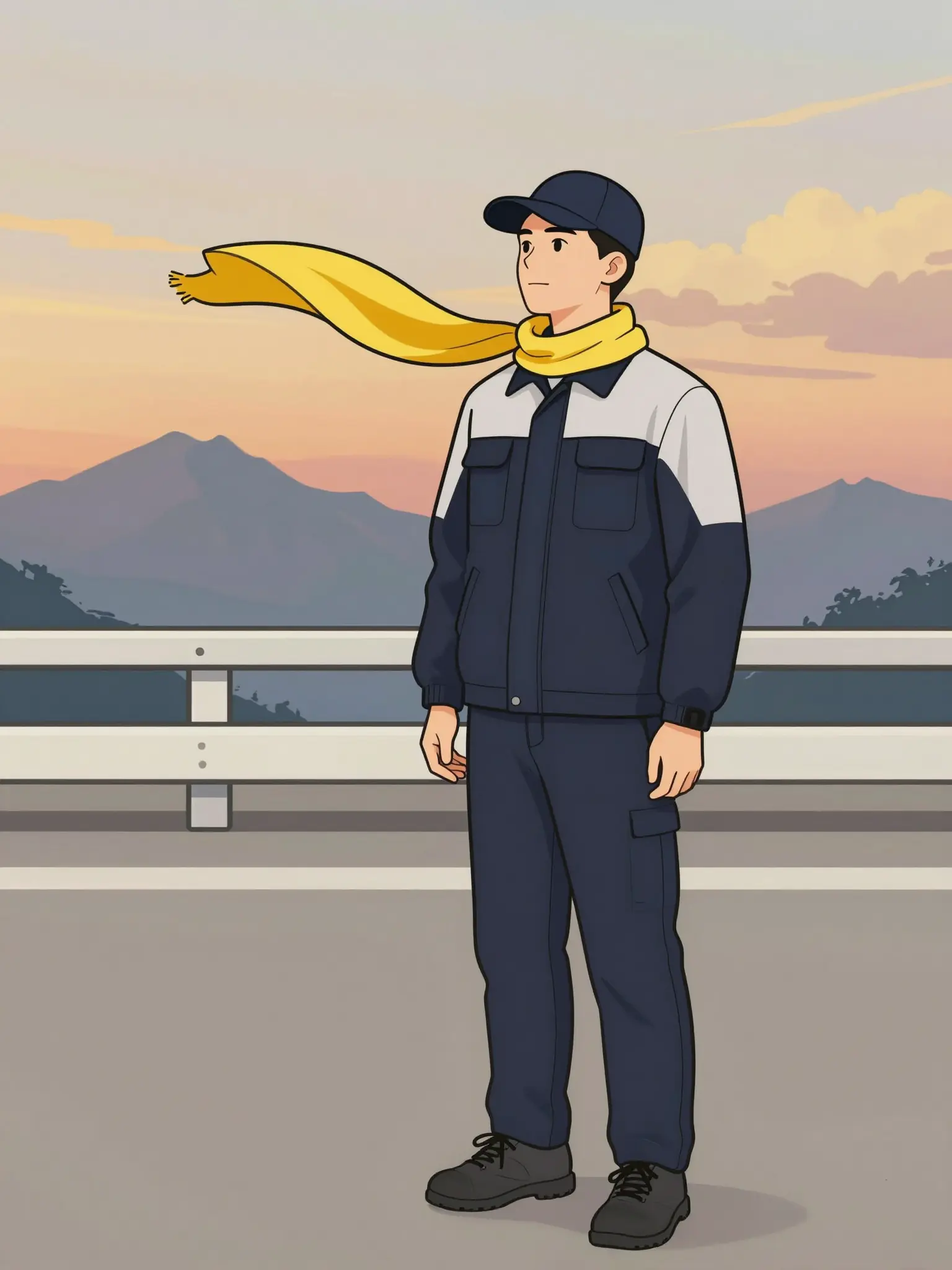
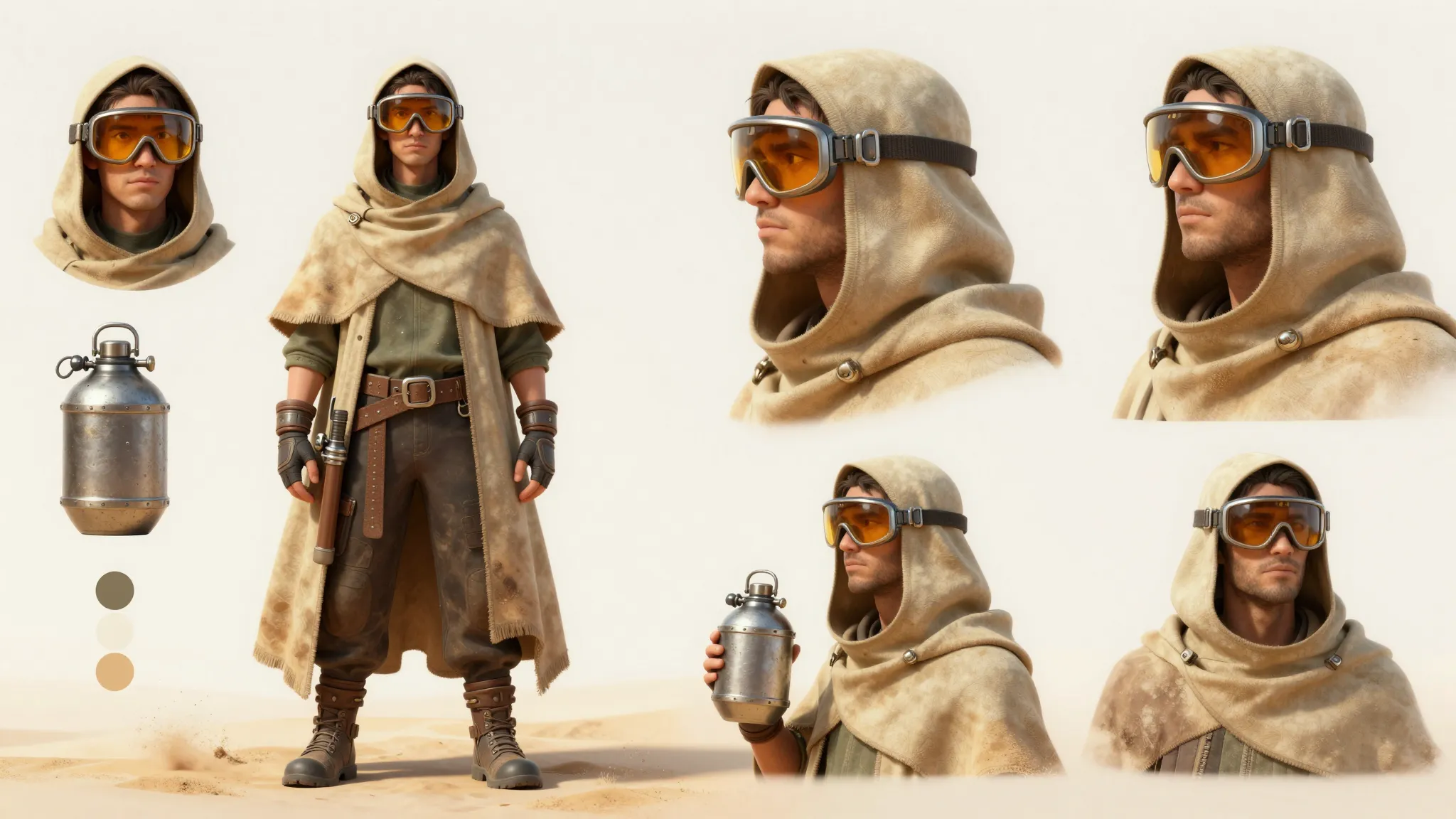
A clear view of the outfit helps develop a consistent design.
Review character details and background continuity when creating more than one scene.
Find your next creative tool
Your next creation starts here
Start with your own content in AI Anime Generator. Review the settings in Studio and create your result.