The details to include
Describe the facial features, material finish, expression, and background.
Try it now
AI image tools
Give an avatar the rounded forms, materials, and lighting of a 3D character.
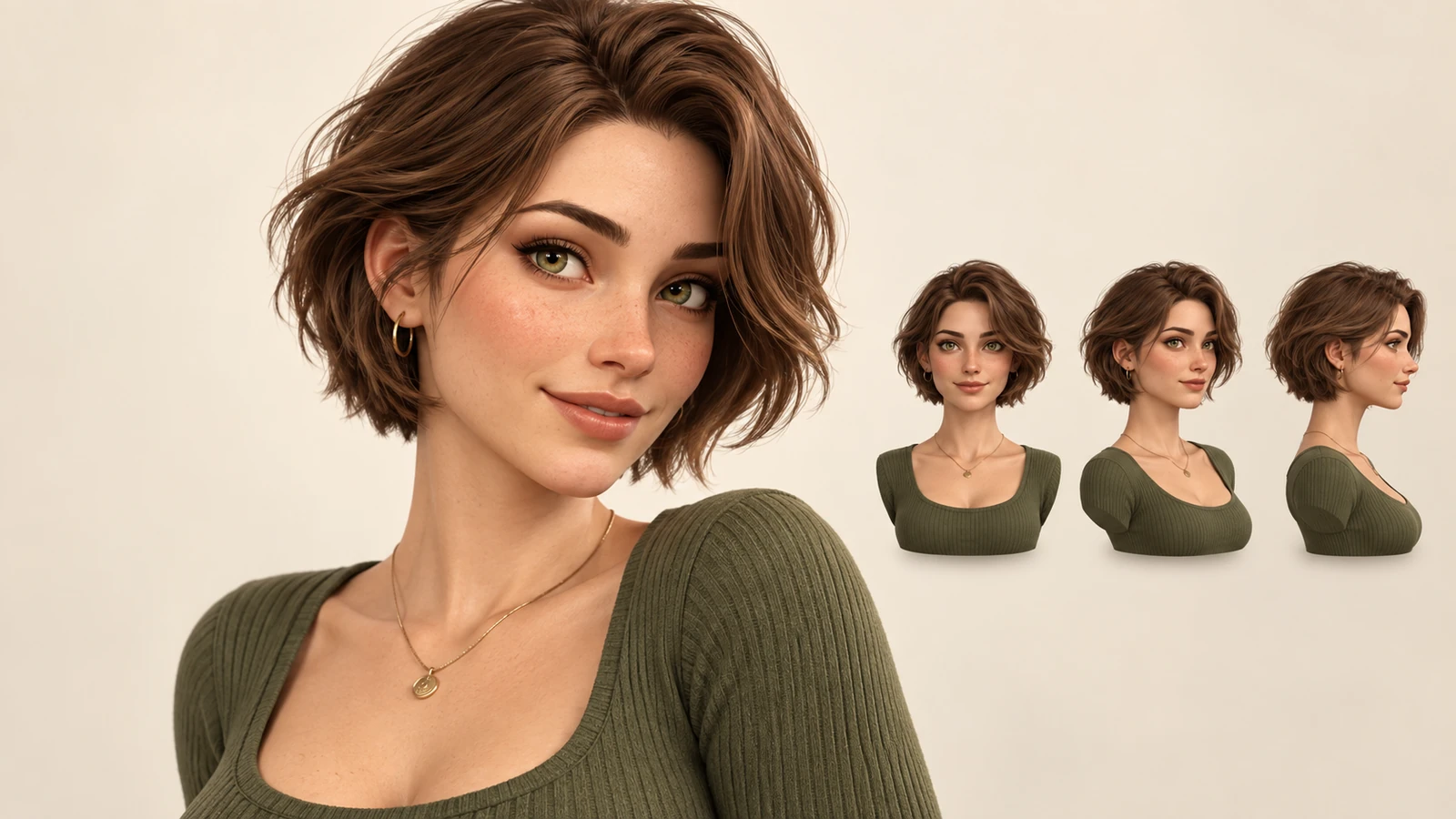
Describe the facial features, material finish, expression, and background.
Try it nowA friendly clay-like avatar with short curls and round glasses, peach backdrop, soft studio shadows.
Try it nowFrom idea to creation
Start with a written brief, a reference image, or both. A reference helps communicate the appearance you want.
Describe the facial features, material finish, expression, and background.
The result is a rendered-looking image. It does not include a 3D mesh, textures, or animation controls.
Creative possibilities
Illustrative concepts show framing and visual treatment. Use your own brief and references to create a version for your project.
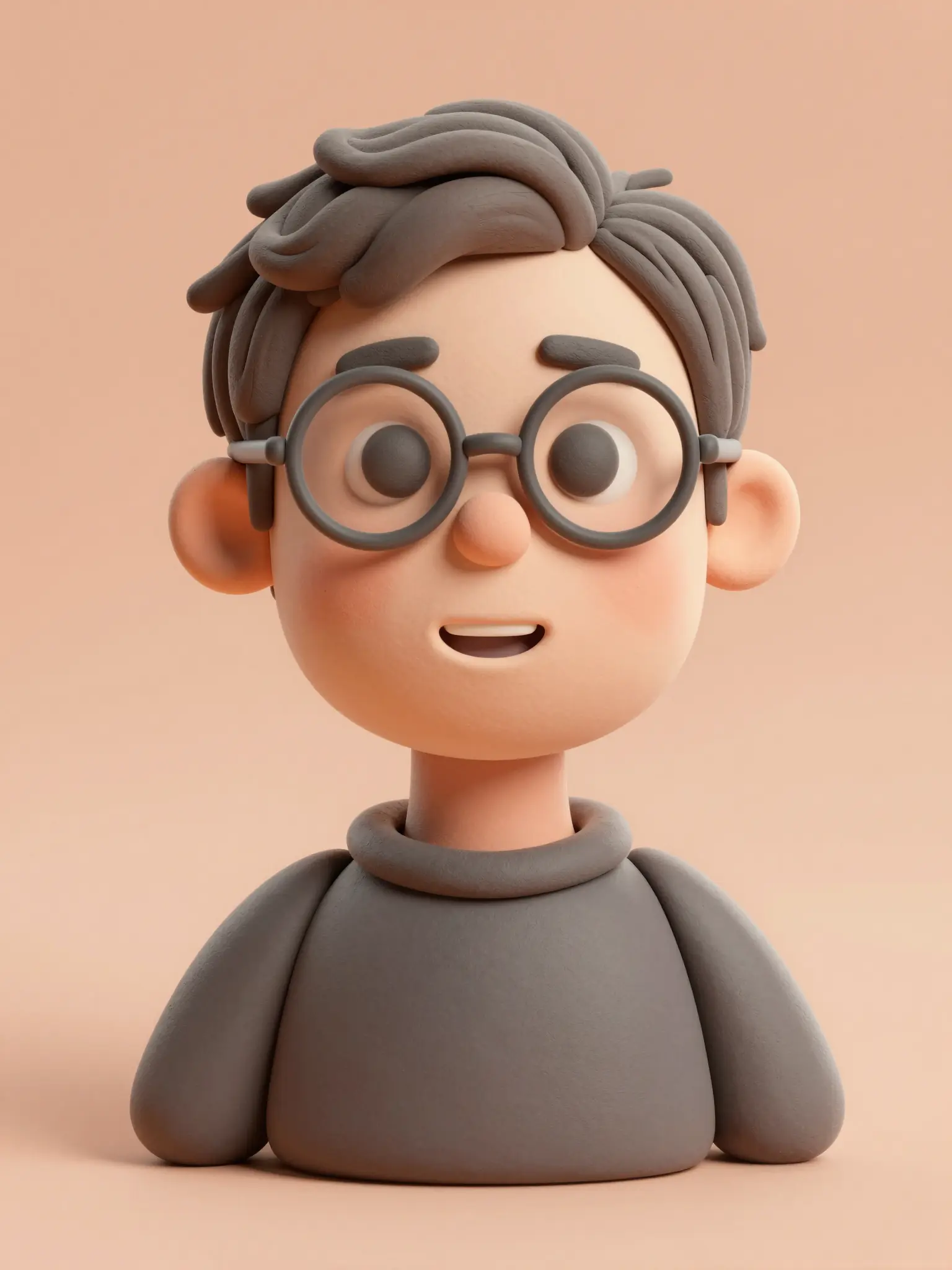
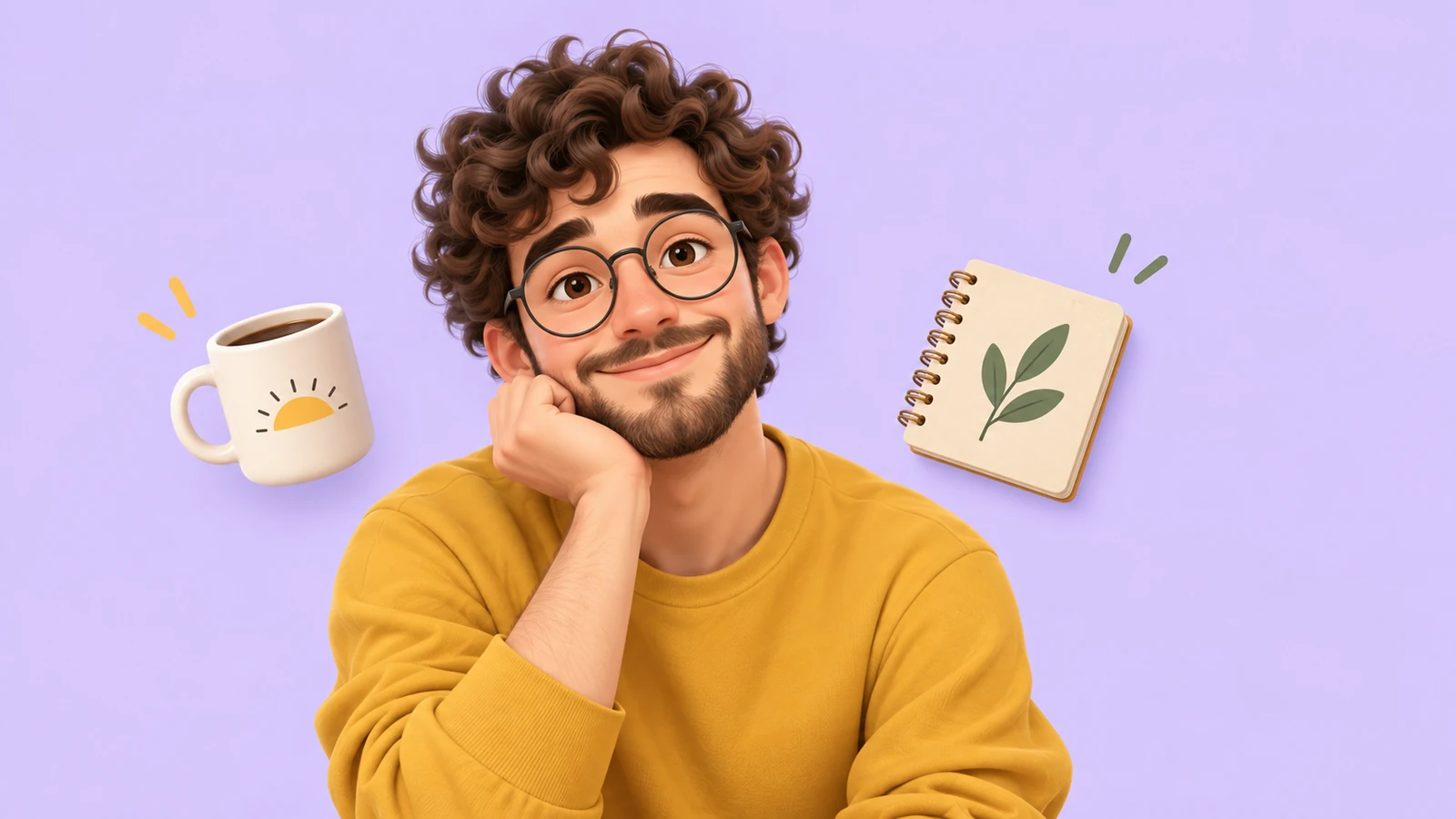
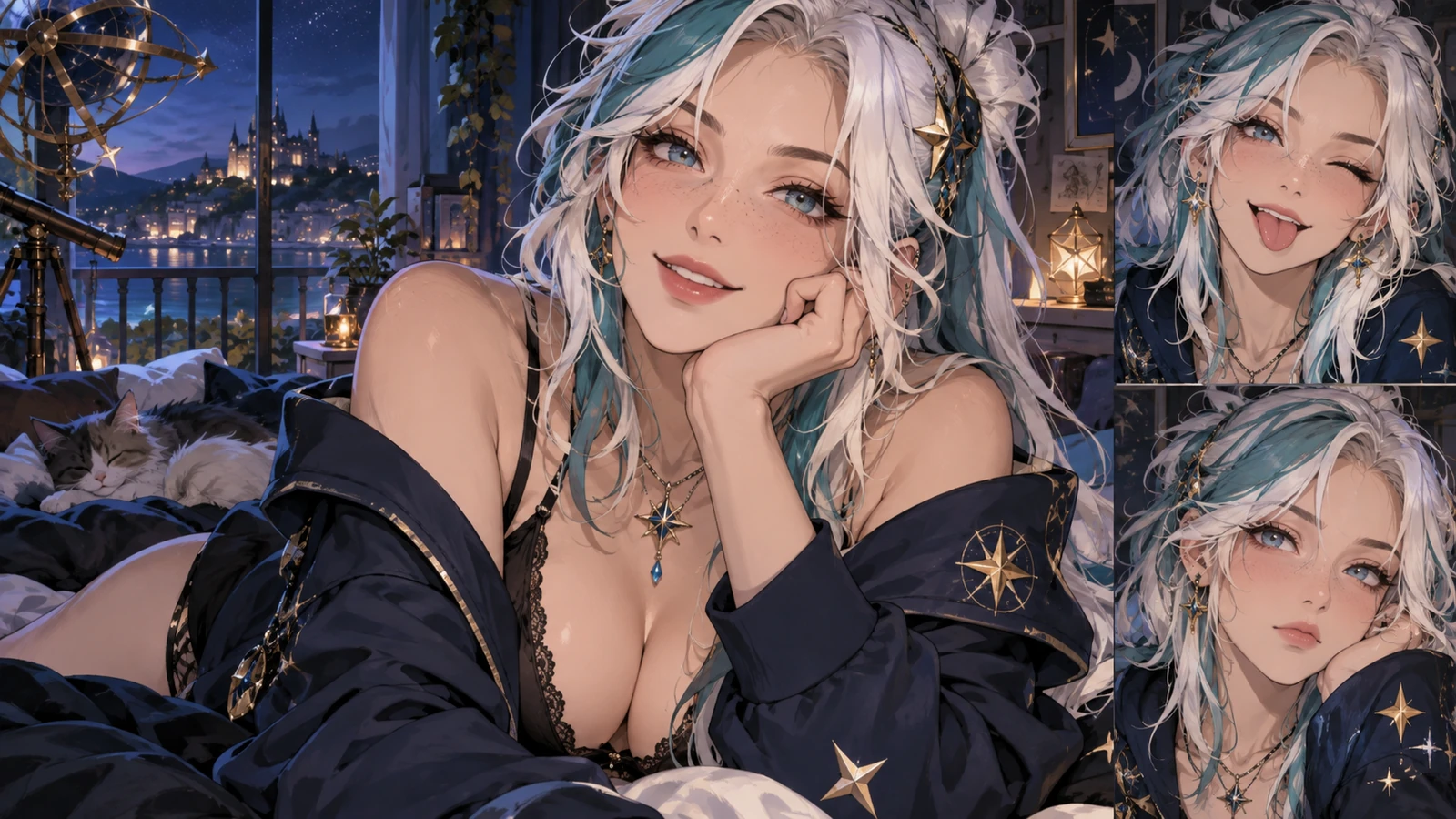
An expressive portrait introduces the character’s personality.
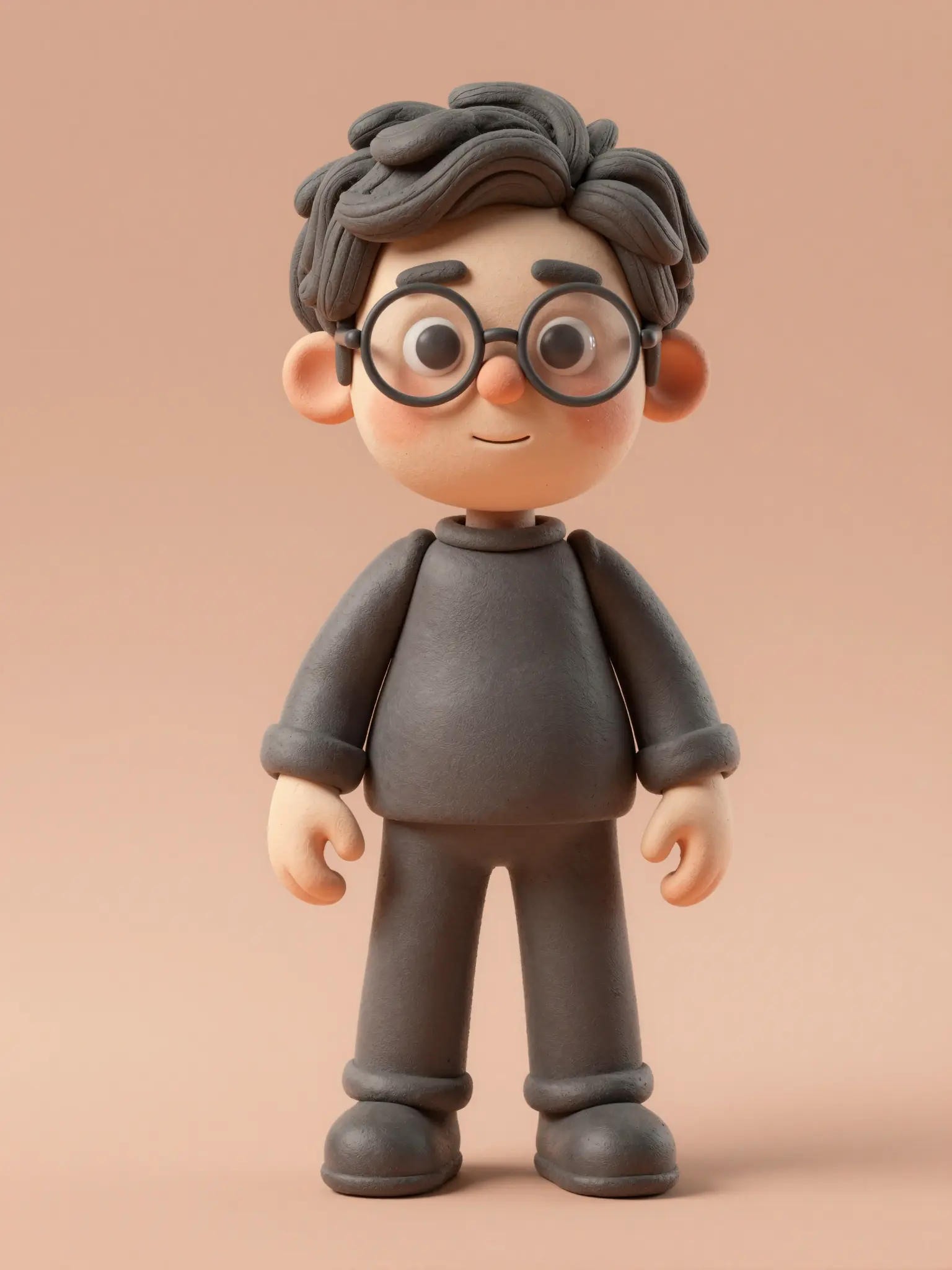
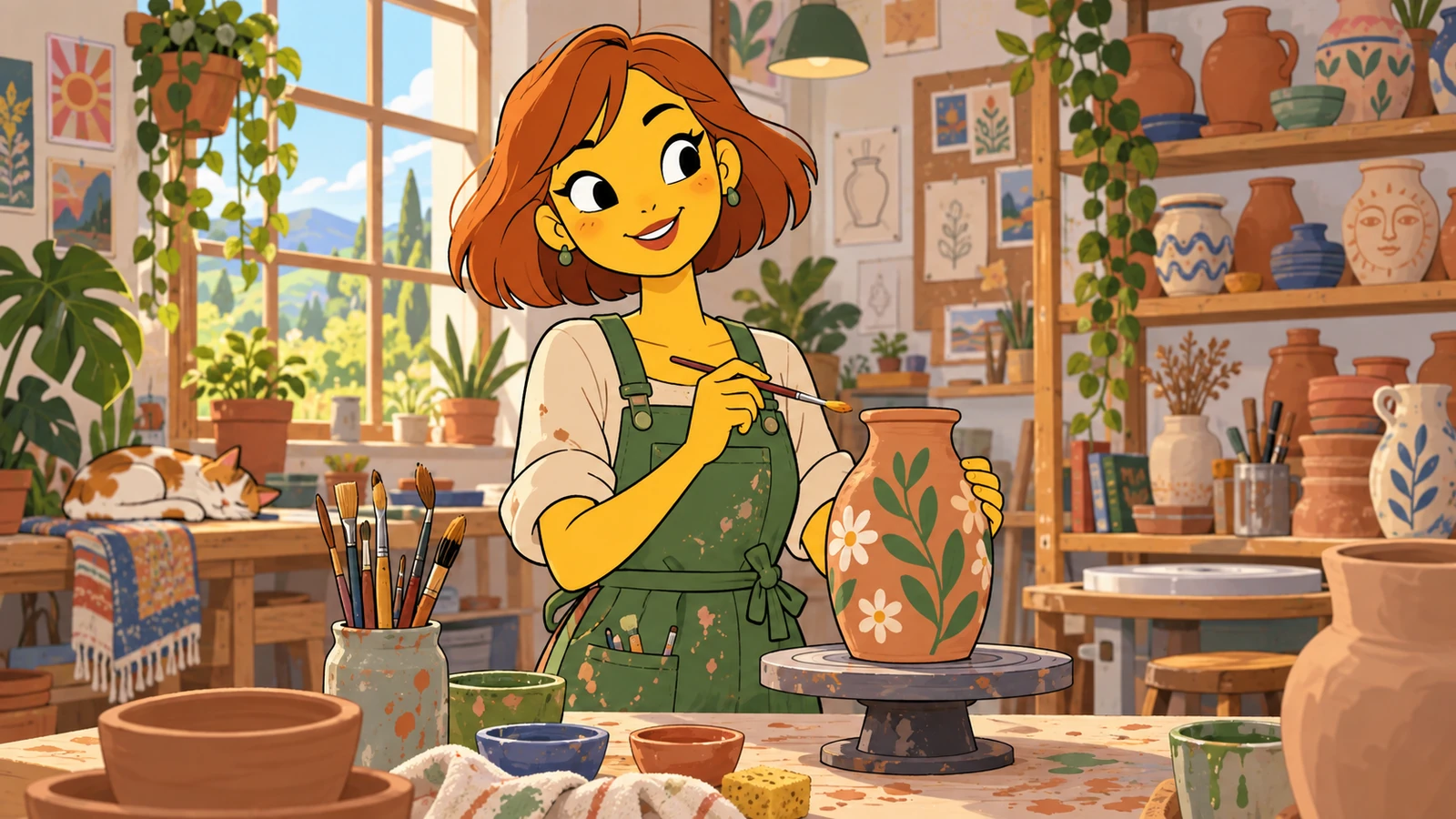
A setting gives the character a place in the story.
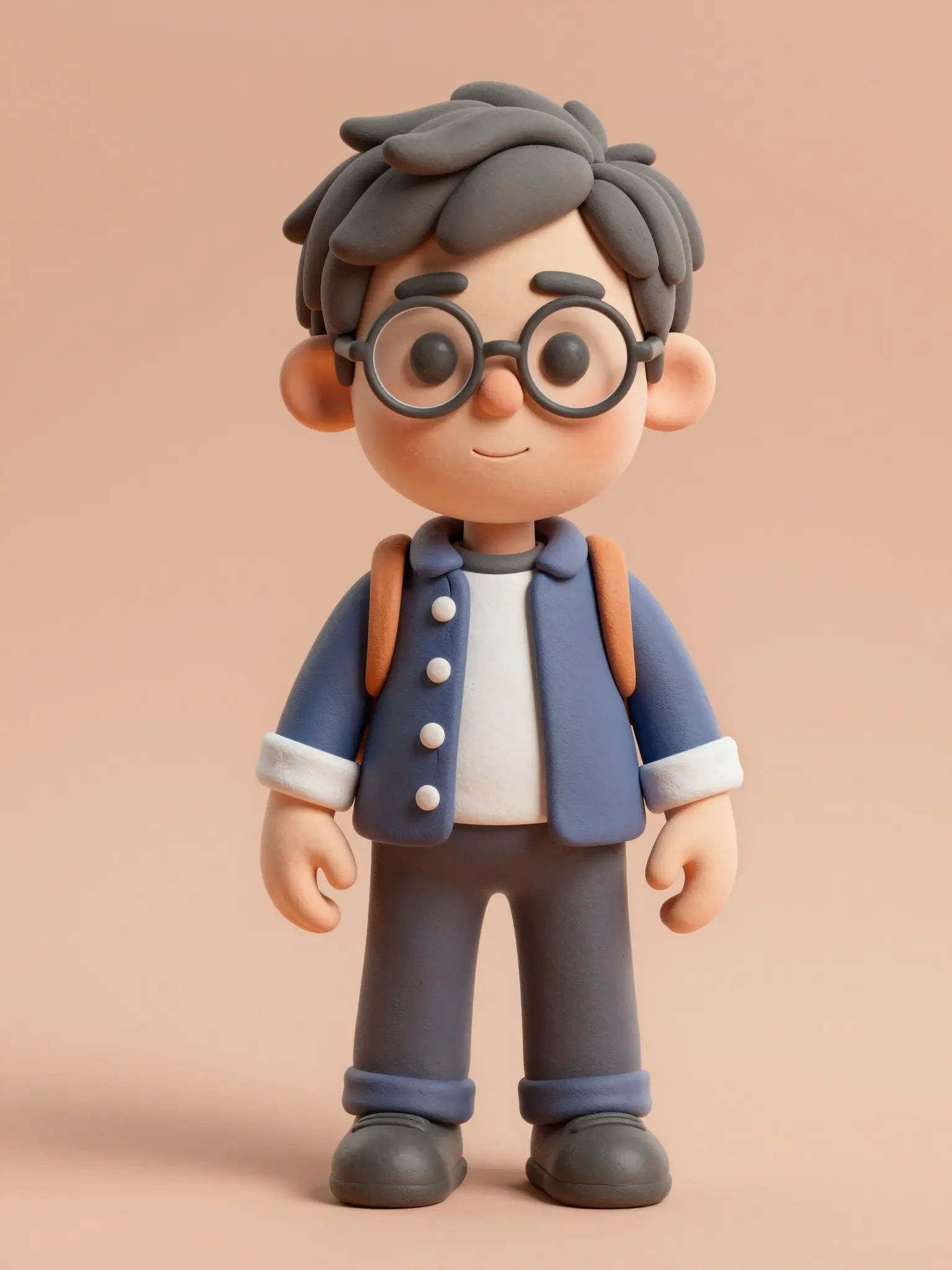
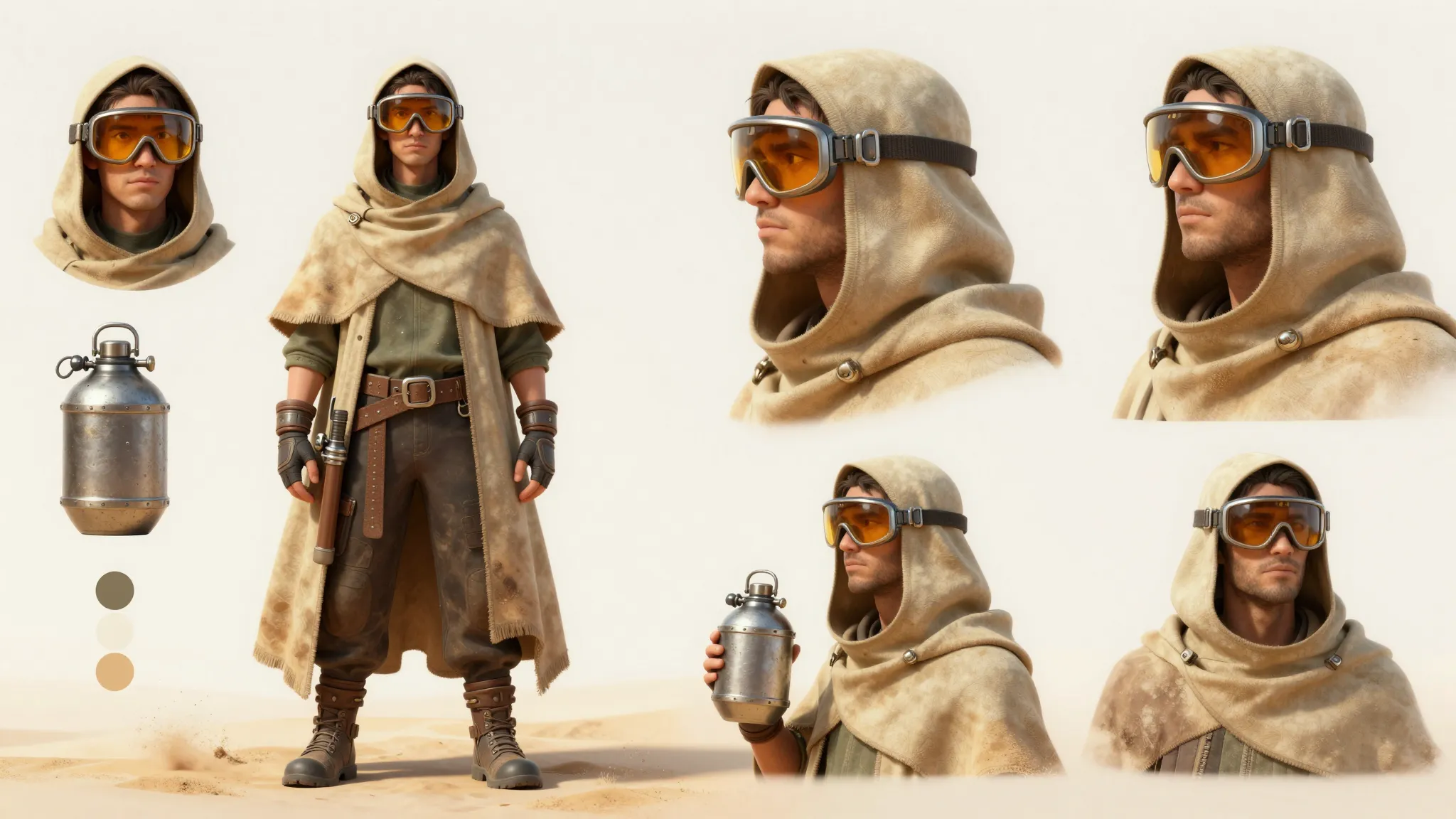
A clear view of the outfit helps develop a consistent design.
The result is a rendered-looking image. It does not include a 3D mesh, textures, or animation controls.
Find your next creative tool
Your next creation starts here
Start with your own content in 3D Avatar Creator. Review the settings in Studio and create your result.