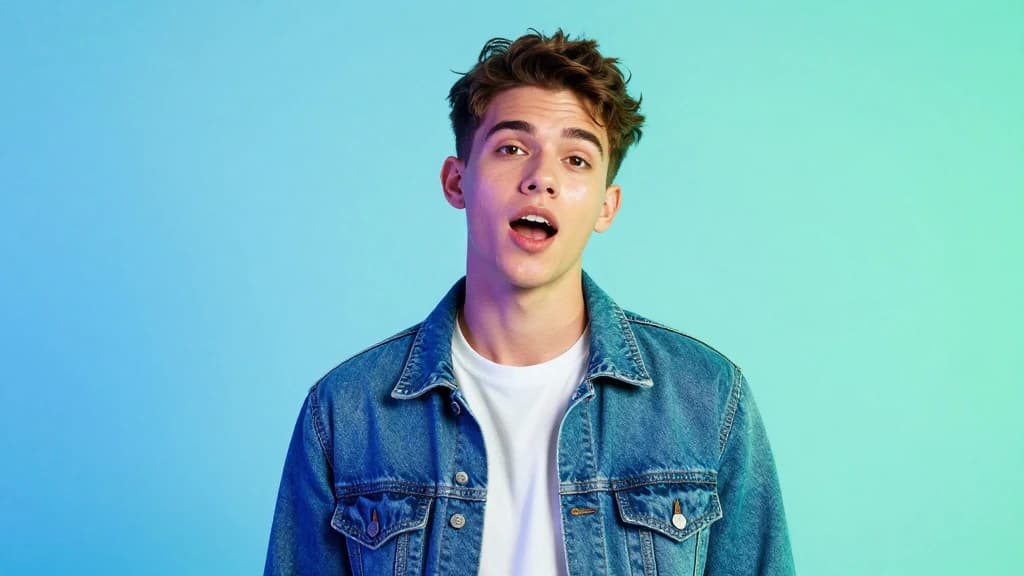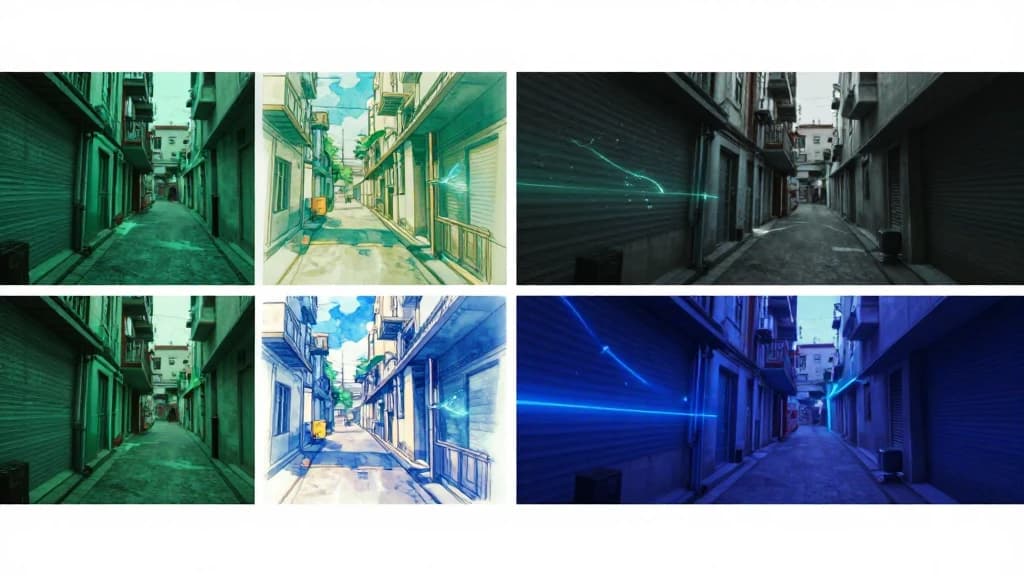

Before/after transitions for creators
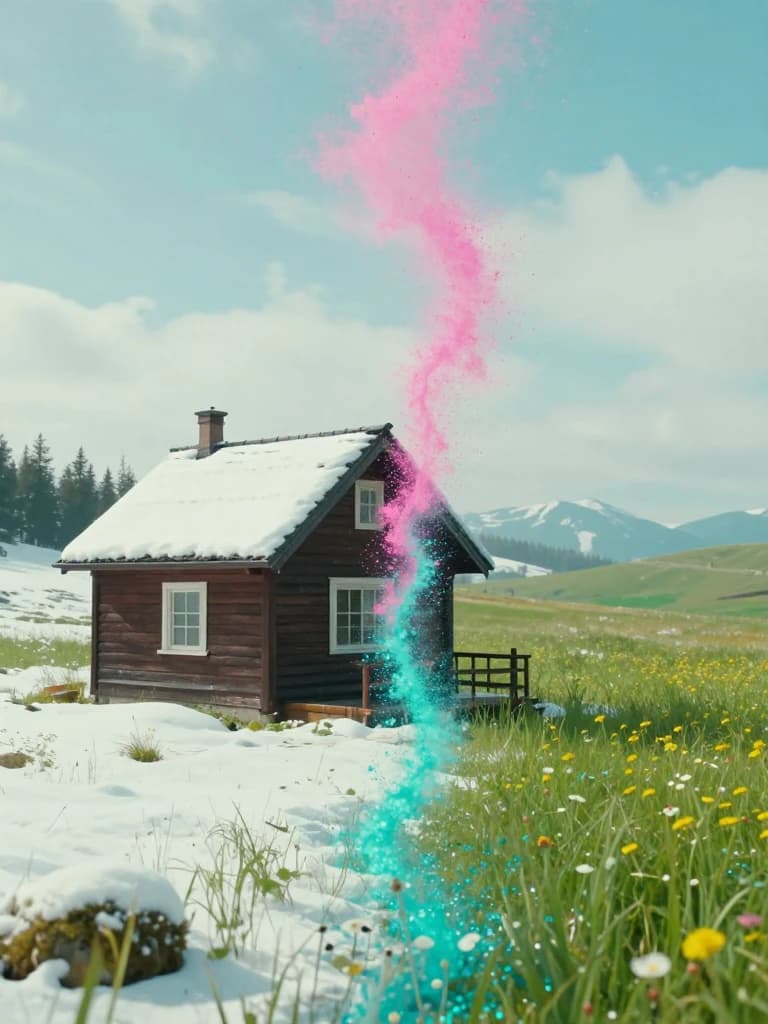
Start frame. End frame. Smooth motion.
Before/after transitions for creators
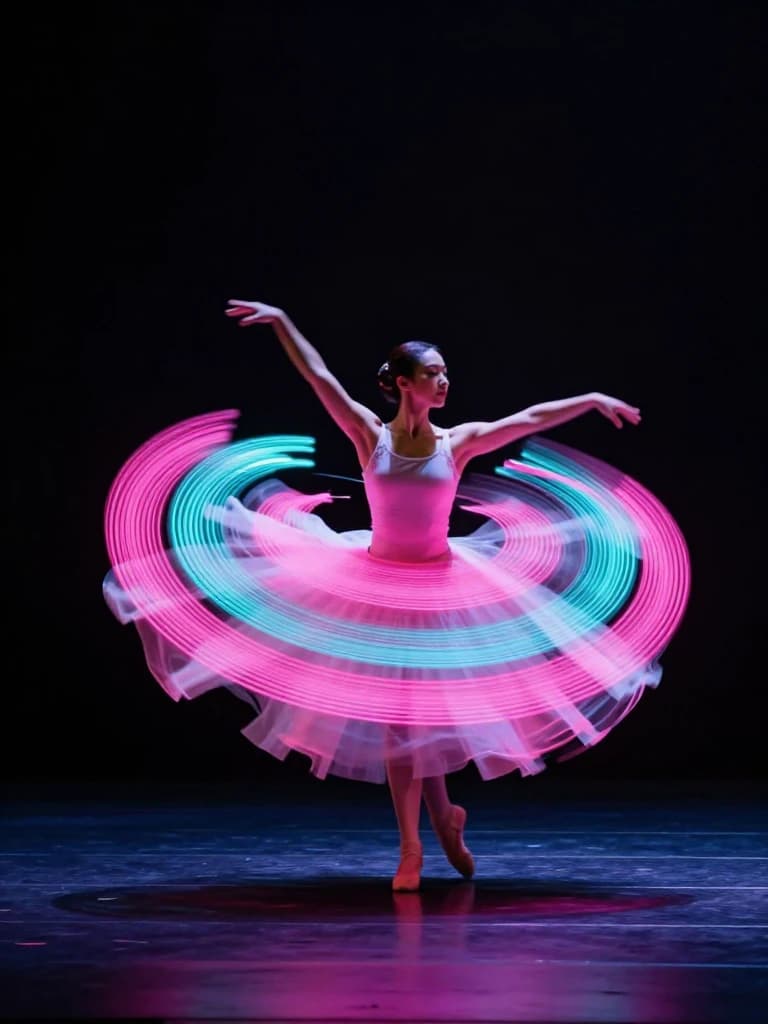
Stylized keyframed motion sequences

Effect-driven hooks for social ads
Workflow
Choose the two frames that define your transition or transformation.
Describe the motion, effect, and camera energy Pika should invent.
Export a short, shareable clip ready for social ads and creator posts.
FAQ
Pika is built around keyframed control—start and end frames with prompt-guided motion in between.
Yes. Start/end workflows are a natural fit for transformations, reveals, and creator before/after hooks.
Pika supports creator-friendly effects workflows that add playfulness and impact to short clips.
Short, punchy clips perform best—social hooks, transitions, and effect-driven ads.
Models
Different models shine at different jobs. Browse the full lineup or jump to a close alternative.