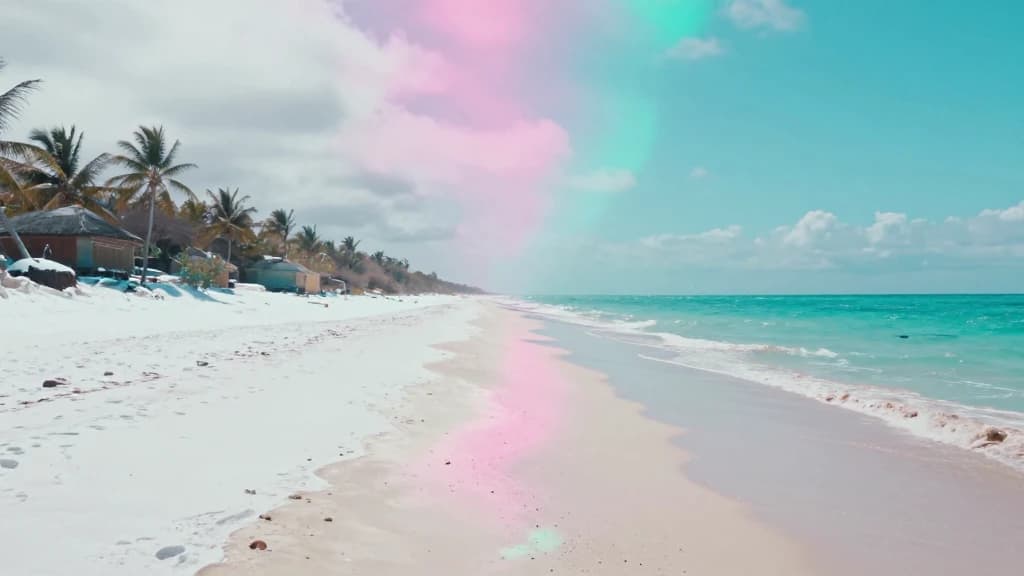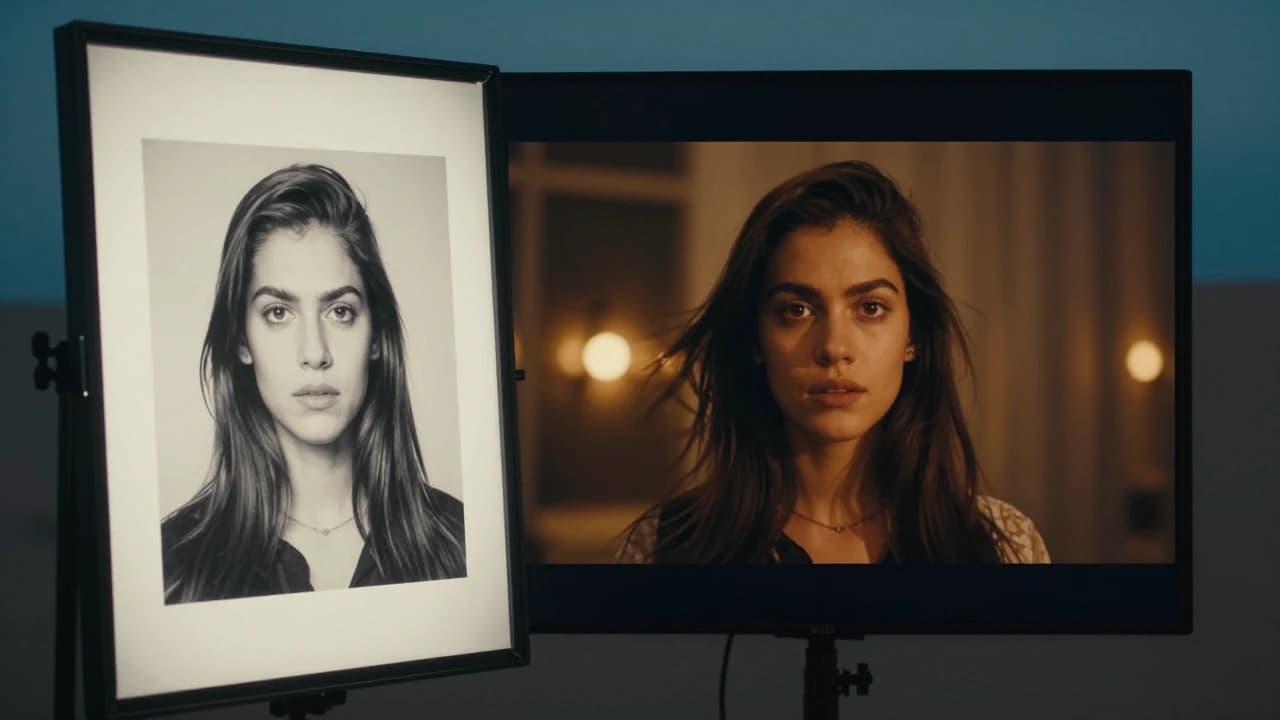
Create from text or image
Text-to-video and image-to-video creation for fast ideation

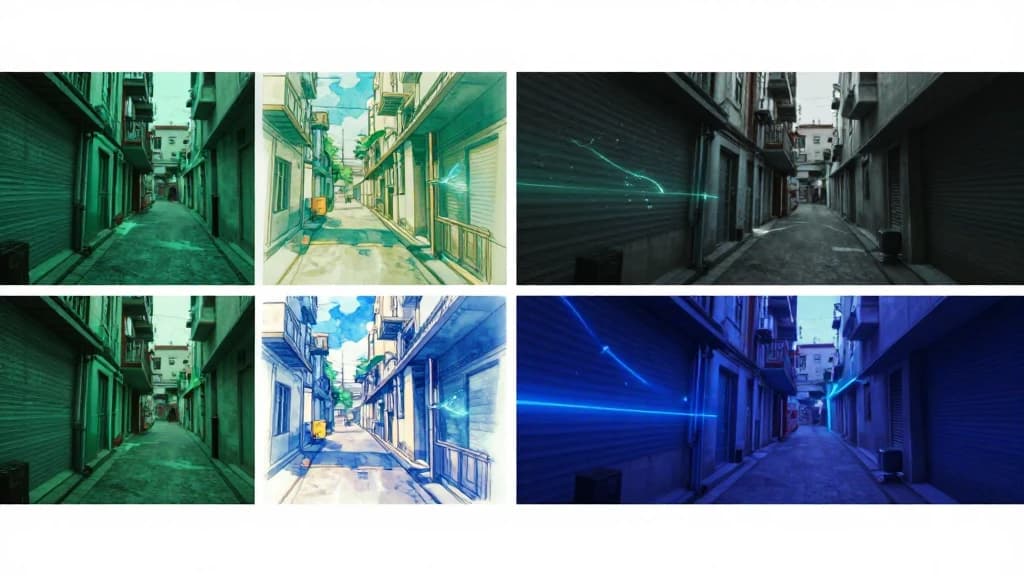
Original
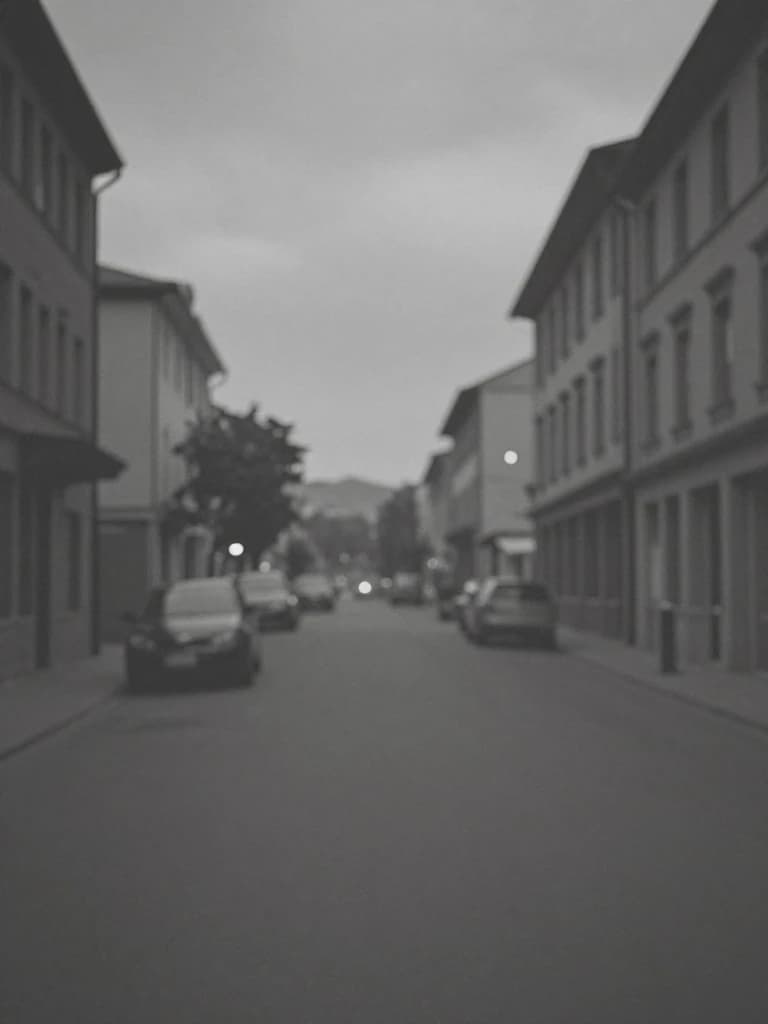
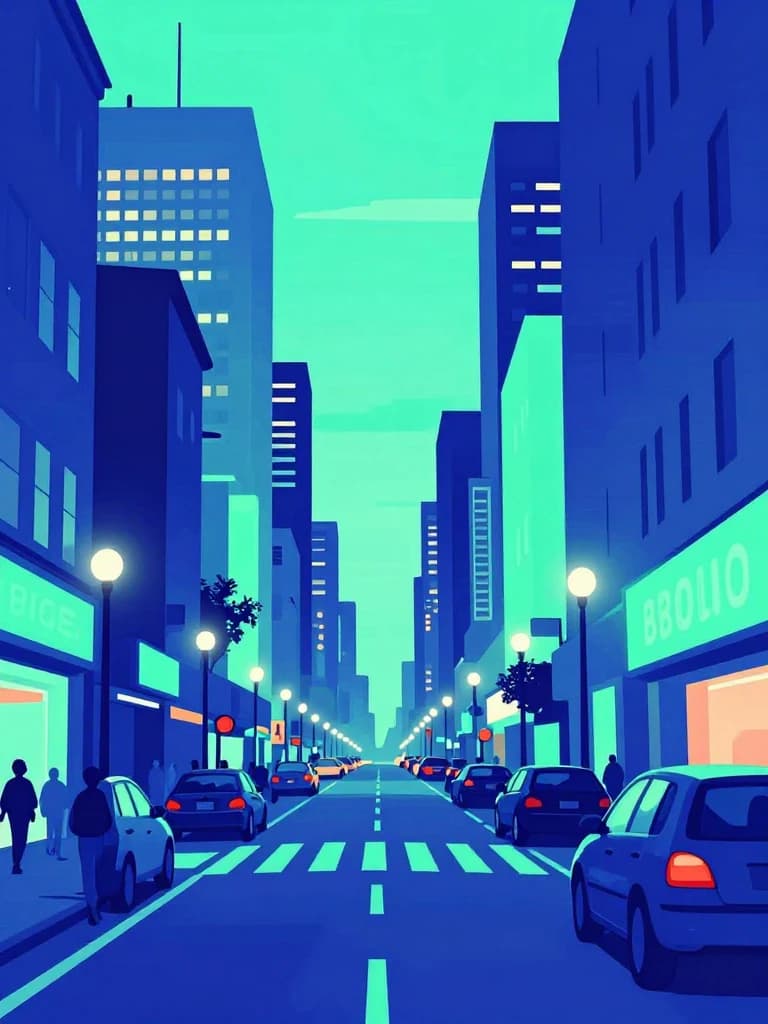
Repainted
Create from text or image
Text-to-video and image-to-video creation for fast ideation
Repaint the look
Repainting workflows to transform the look of existing content
Modern aspect ratios
Multiple aspect ratios for modern publishing channels
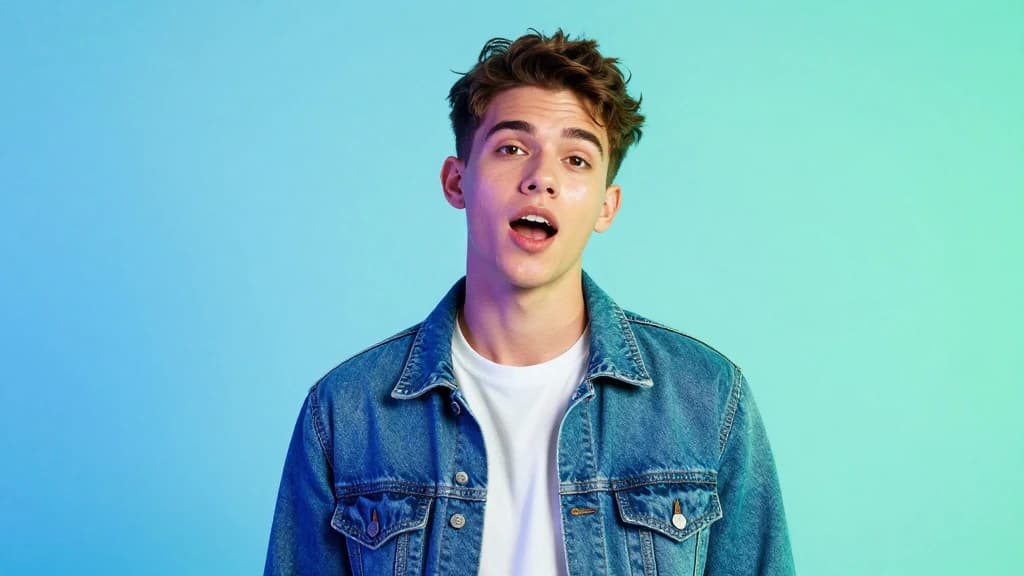
Punchy social clips
Ideal for quick, punchy clips and visual experiments
Short stylized loops for creators
Visual remixes for promos and teasers
Fast variations for thumbnails and hooks
Workflow
Prompt from scratch or bring an image you want to animate or restyle.
Push a bold look with Haiper’s creator-friendly generation and remix tools.
Export vertical or landscape clips ready for social teasers and loops.
FAQ
Stylized, social-first clips—loops, remixes, and fast visual experiments that need punch more than photoreal restraint.
Repainting transforms the visual look of content while keeping the underlying composition useful for promos and teasers.
Yes. Use image-to-video to bring stills into motion, then iterate styles until the hook feels right.
Multiple modern aspect ratios so you can publish to vertical social feeds or wider promotional placements.
Models
Different models shine at different jobs. Browse the full lineup or jump to a close alternative.