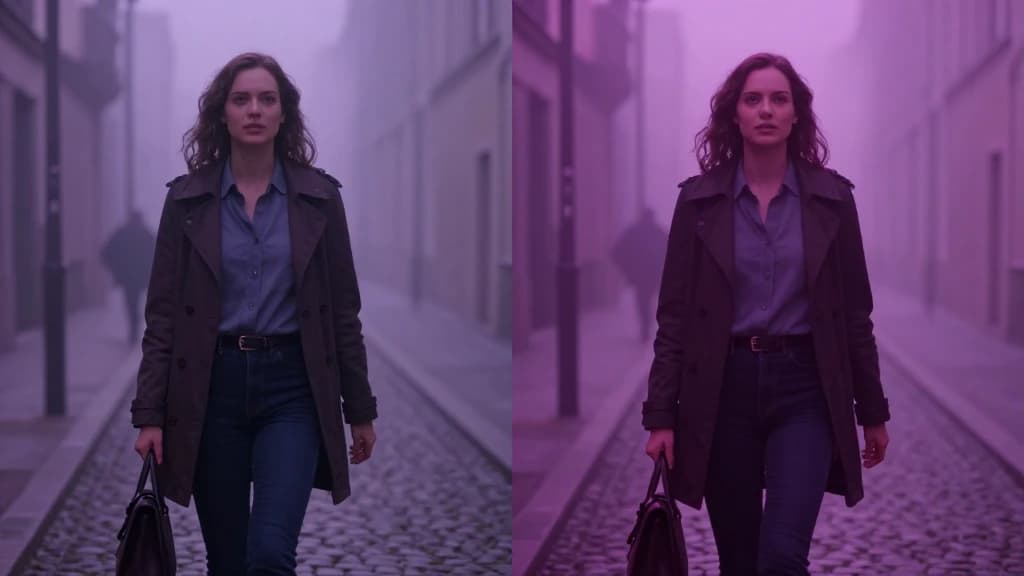
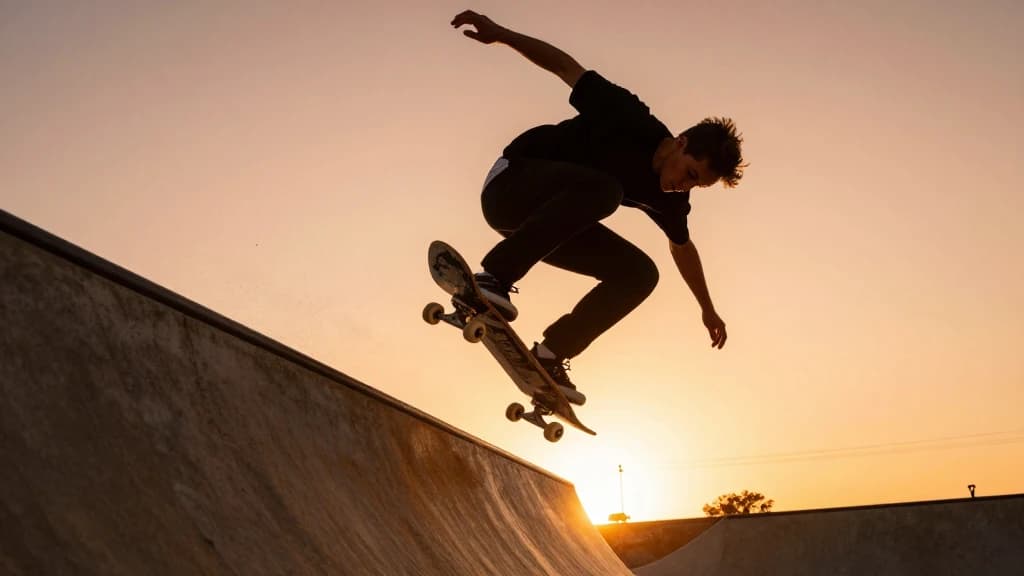
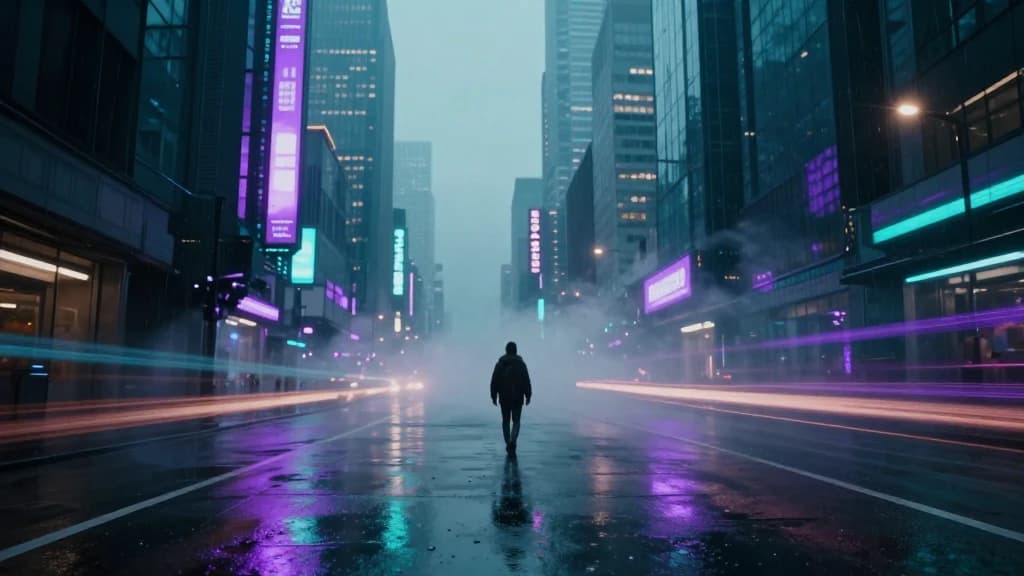
Natural motion
Natural, coherent motion with improved photorealism


Crisp realism with natural motion.
Natural motion
Natural, coherent motion with improved photorealism
Camera control
Camera motion cues and structured prompting workflows
Extend & loop
Keyframe, extend, and loop-style features for longer sequences
Product realism
Excellent for realistic product and lifestyle shots
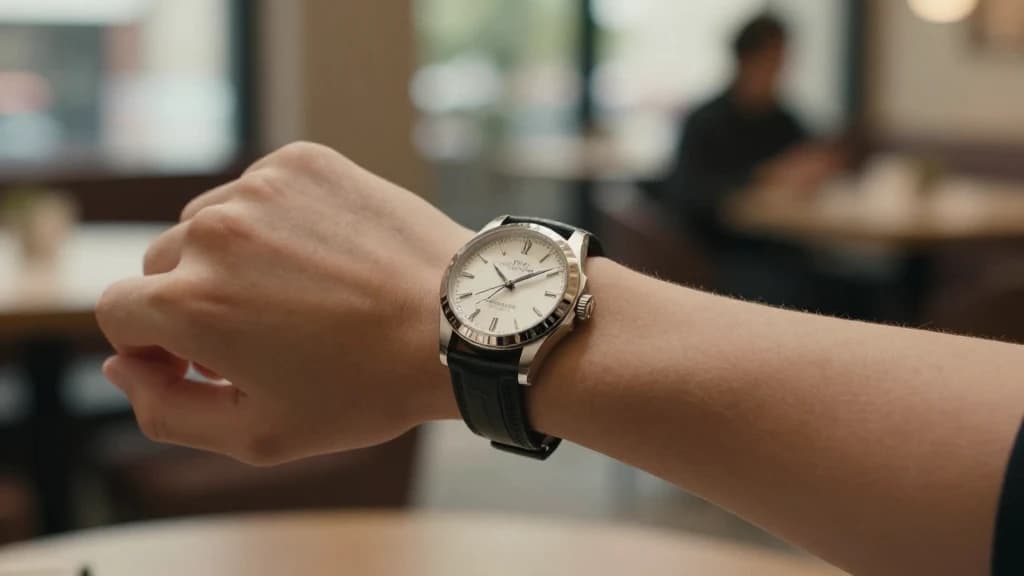
Lifestyle product B-roll with camera movement

Realistic scenes with believable motion
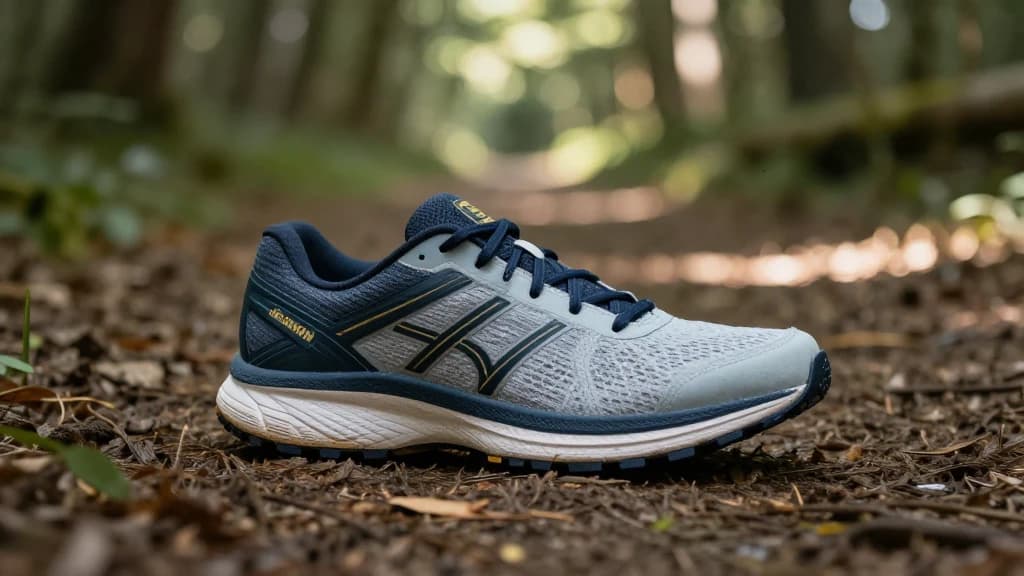
Extensions that grow strong clips into longer sequences
Workflow
Describe lighting, materials, and the camera move you want to feel.
Use Ray2 for coherent movement that respects texture and atmosphere.
Grow a strong clip with extend/loop workflows when you need more duration.
FAQ
Photoreal lifestyle and product motion—natural camera moves, clean lighting, and coherent textures.
Yes. Prompt structured camera moves and use available keyframe/extend tools to shape longer sequences.
Yes. Product B-roll and lifestyle scenes benefit from Ray2’s realism and motion coherence.
Start with a strong short take, then use extend or loop-style workflows to build duration without losing quality.
Models
Different models shine at different jobs. Browse the full lineup or jump to a close alternative.