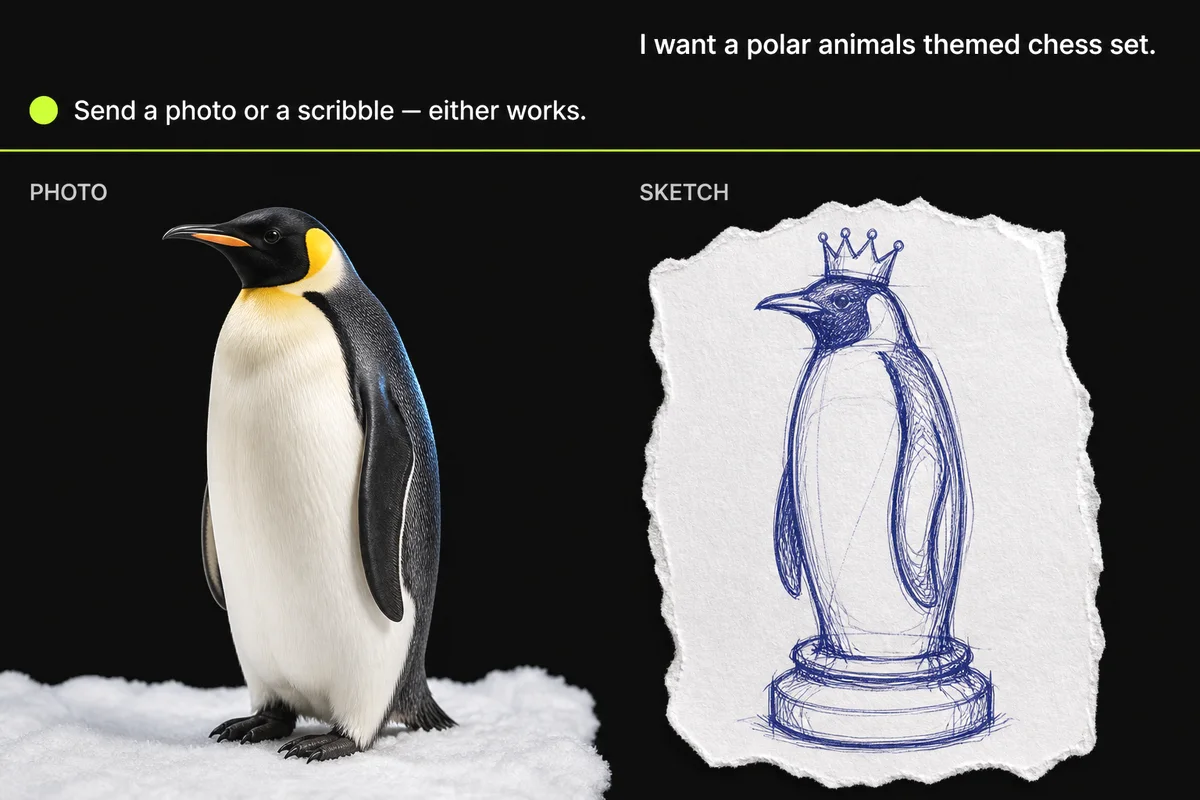
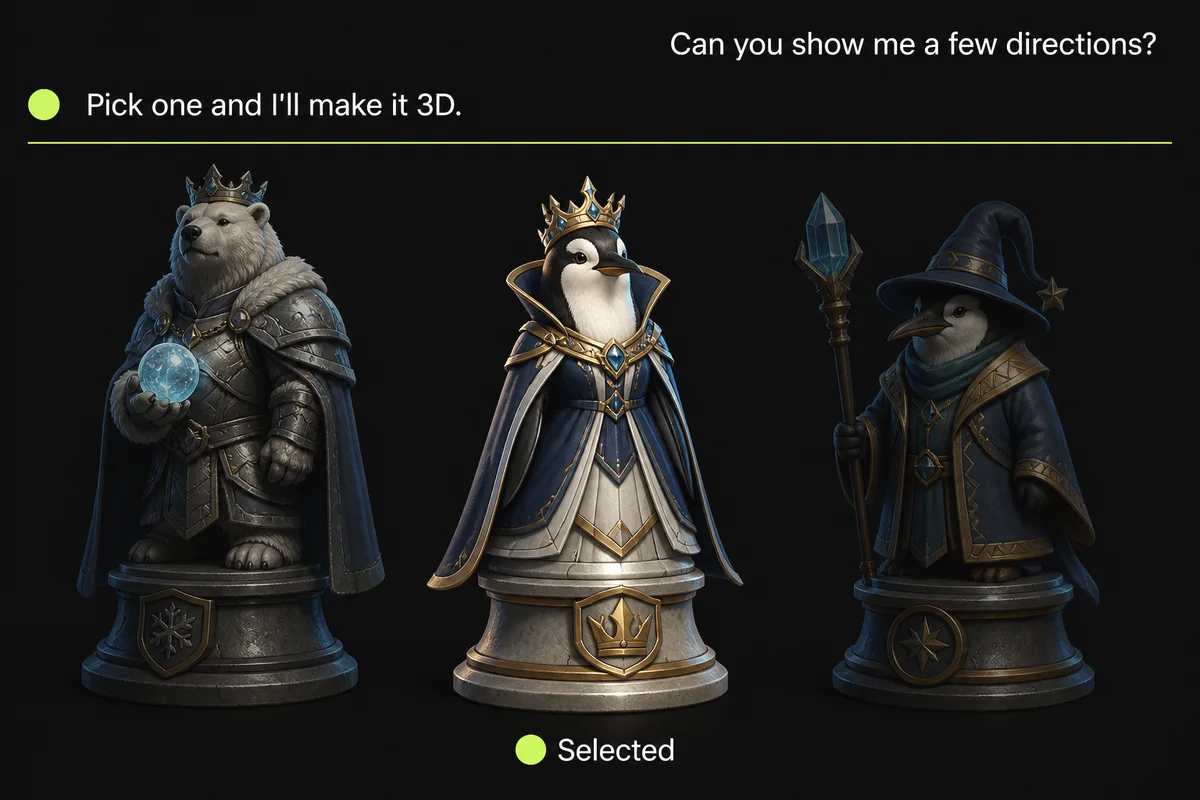
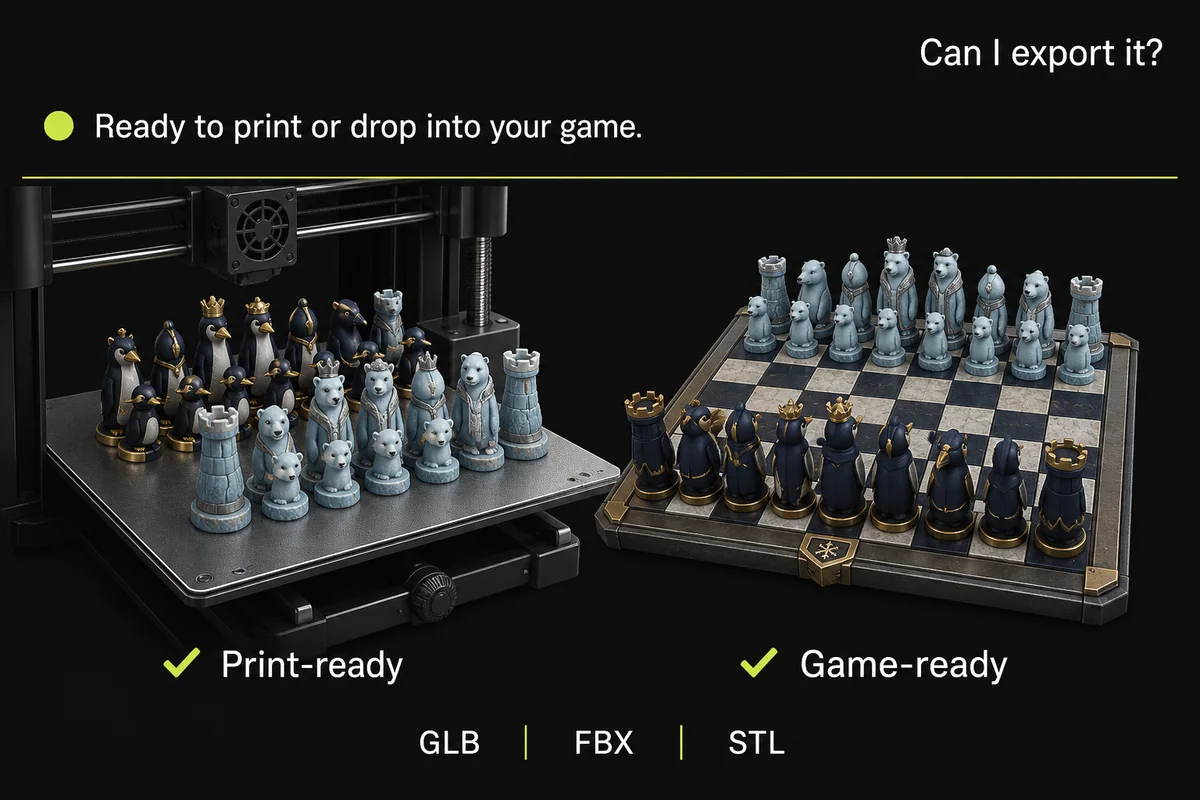

Think it through. Then make it.
Explore ideas in your conversation, then find a model and create the first visual when you are ready.
Cuta MCP
Traga a Cuta para a conversa. Crie imagens, vídeos e áudios com seu assistente de IA favorito, usando os mesmos projetos, recursos e créditos.
Escolha seu cliente, adicione o Cuta e faça login para começar a criar.
Already in a Claude Code, Cursor or Codex session? Paste this and your agent will guide you through setup.
Connect Cuta MCP to Claude Desktop: https://api.cuta.app/mcp
Use Streamable HTTP and OAuth. Help me sign in through the browser; never ask me to paste credentials into this chat.Quit and restart Claude Desktop. Complete the browser login when the bridge connects.
What is my Cuta credit balance?Then ask for the image, video or audio you want.
Using ChatGPT? Add Cuta as a custom connection in developer mode, then follow the authorization steps. Abrir plugins do ChatGPT
Describe your goal in your connected AI client. Your Agent can find Cuta tools, choose a workflow and bring the results back.
One connection brings 10 Cuta tools into your conversation. Generation is just the beginning.
Explore ideas in your conversation, then find a model and create the first visual when you are ready.

Use existing project assets as references for a set of related images, product shots and creative variations.

Start with your own image or an earlier creation. Find a compatible model and keep refining the result.

Read model parameters, check your balance and get a credit quote. Your Agent works with live Cuta information.
One connection. Every tool discoverable by name.
Start with a conversation. Your Agent fits into the work you already do — from game concepts to product imagery and visual design.
>Use Cuta to create an image of a chibi ice dragon game character, cartoon style, with detailed icy textures. Show me the model and credit quote before generating.
cuta_generate
O MCP é um protocolo aberto que permite que assistentes de IA utilizem ferramentas externas. O Cuta MCP conecta seu assistente aos modelos, tarefas de geração, projetos, ativos e créditos do Cuta.
Use os guias acima para Claude, ChatGPT, Cursor e Codex. Outros clientes precisam de HTTP transmitível, OAuth com PKCE e registro dinâmico de cliente. A disponibilidade de conexão personalizada pode depender do plano do seu cliente ou da política do espaço de trabalho.
Não. Adicione a URL do servidor MCP e faça login com sua conta do Cuta através do OAuth. Revise o acesso solicitado no Cuta antes de aprovar a conexão.
As gerações utilizam o mesmo sistema de tarefas e créditos do Cuta que o site, incluindo descontos aplicáveis do plano. O assistente pode solicitar um orçamento antes de enviar. Conectar sua conta e navegar em seus projetos não consomem créditos de geração.
On the website you choose tools directly. With MCP, your Agent discovers the tools and coordinates the workflow through conversation. Both use your Cuta account, projects and credits.
Timing depends on the model, settings and queue. Generation returns a task ID. Your Agent can check its status with cuta_get_task and retrieve the finished result.
Verifique a URL do servidor e confirme se seu cliente suporta MCP remoto e OAuth. Se o login expirar, inicie uma nova conexão a partir do cliente. Um espaço de trabalho gerenciado pode precisar de aprovação do administrador. Para um retorno de chamada hospedado não suportado, entre em contato com o suporte do Cuta com o nome do cliente e a URL de retorno de chamada, sem enviar senhas ou tokens.
Yes. Clients that support HTTP connect directly. For stdio clients, the mcp-remote bridge needs Node.js 18 or later. If your client cannot launch npx, use its documented Windows command configuration.
Usage rights depend on the applicable Cuta terms, selected model and any reference material you provide. Connecting through MCP does not change those terms.
Cuta provides a remote Streamable HTTP MCP server with OAuth. The commands above configure your existing AI client. A stdio bridge is only needed for clients that do not support remote MCP.
Name the connection cuta and explicitly ask your Agent to use Cuta. The Agent discovers the available tools and uses their descriptions to choose the appropriate operation.
Os resultados concluídos são salvos no projeto do Cuta selecionado para a tarefa. Seu assistente recupera os links de mídia quando a tarefa termina. Se as imagens ou vídeos são exibidos em linha depende do cliente.
Each person should authorize their own Cuta account. Account permissions, project access and credits continue to apply. Do not share access tokens or browser login credentials.
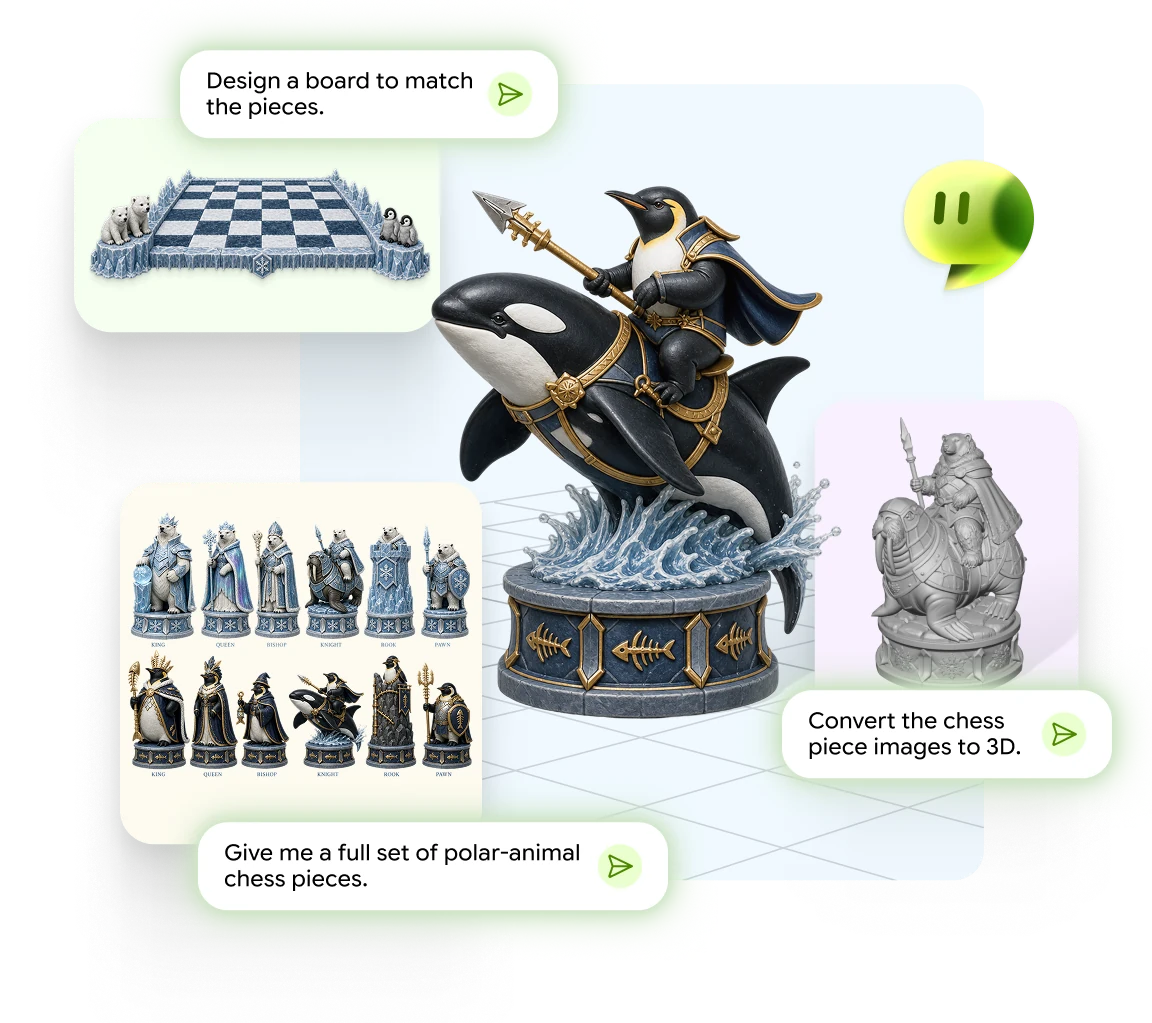
Bring ideas, references and creations together on one canvas.
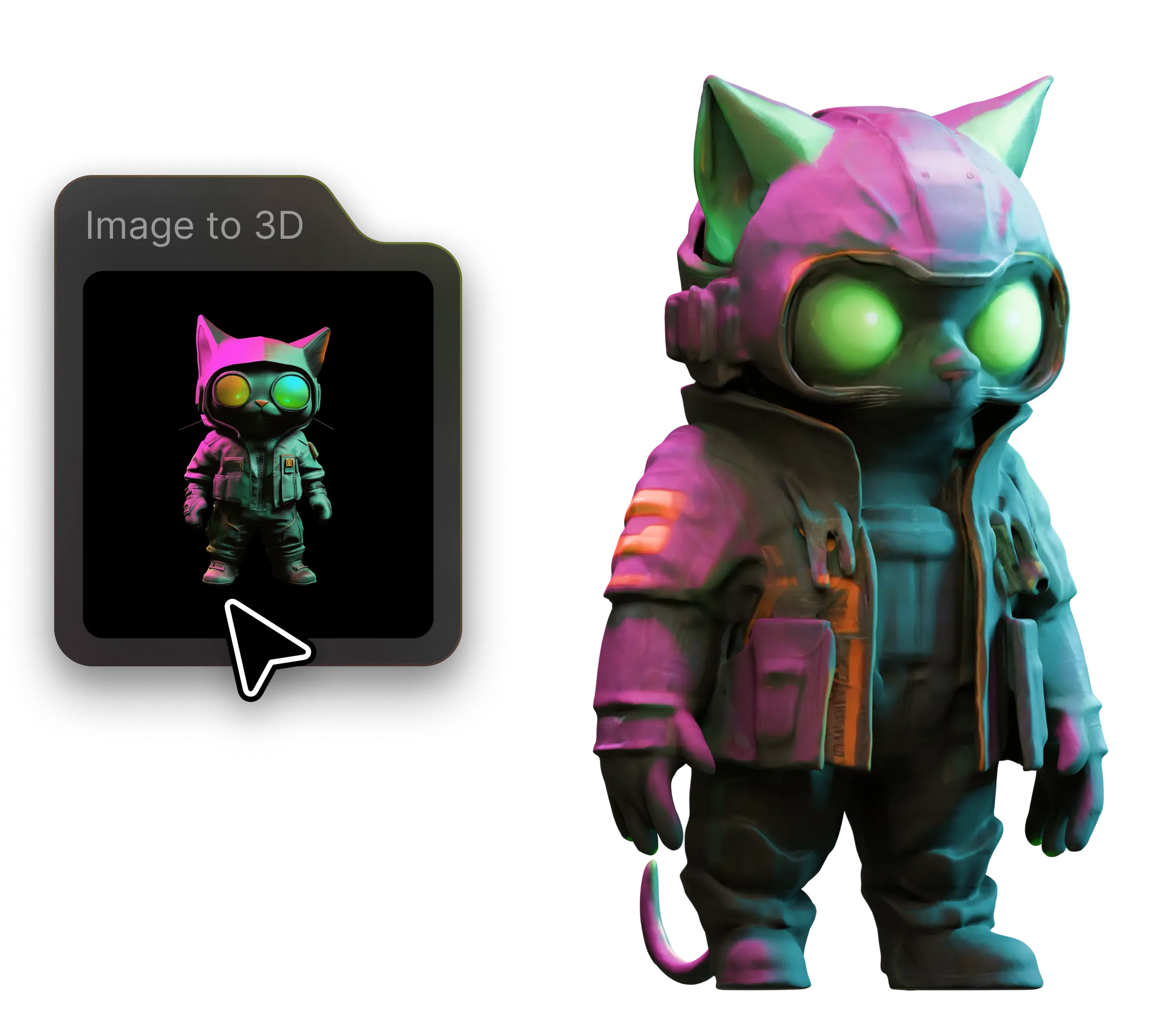
Turn a description or reference into a new visual.
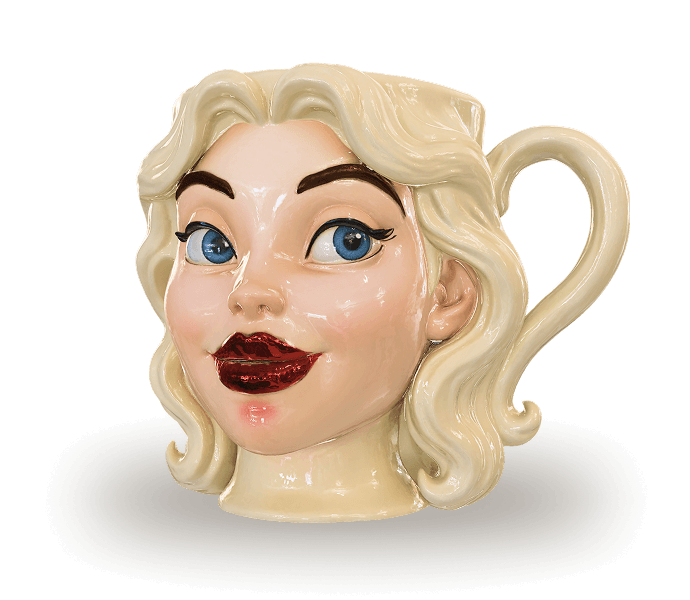
Create moving stories from a prompt or image.
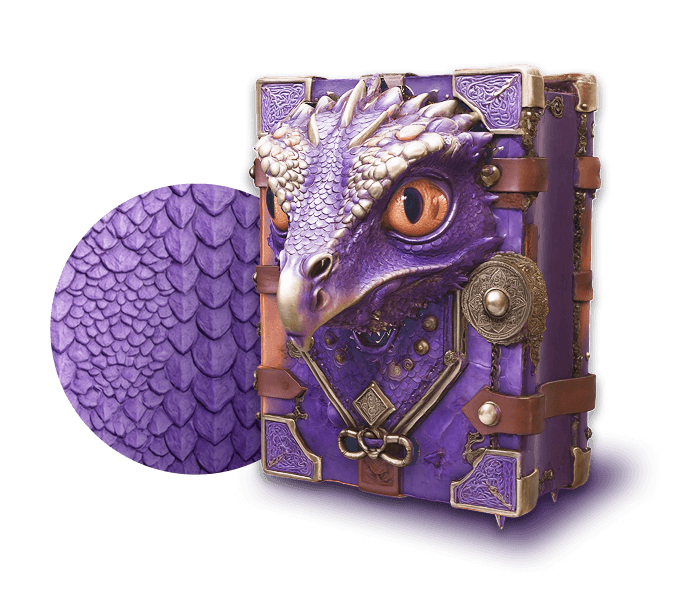
Find the right music and voice for your creation.
Explore live models and choose the right creative tool.
Find and reuse your images, video and audio.
Conecte sua conta Cuta e deixe seu assistente ajudá-lo a seguir adiante.
Conectar Cuta