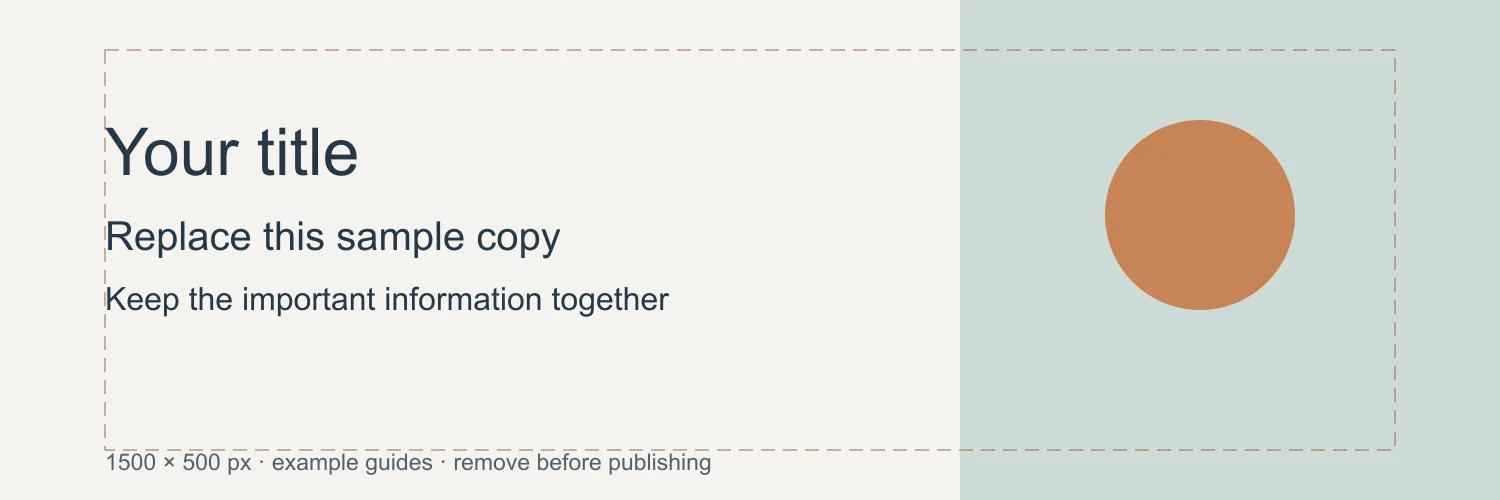
X Header Size: Crop and Safe Area Examples
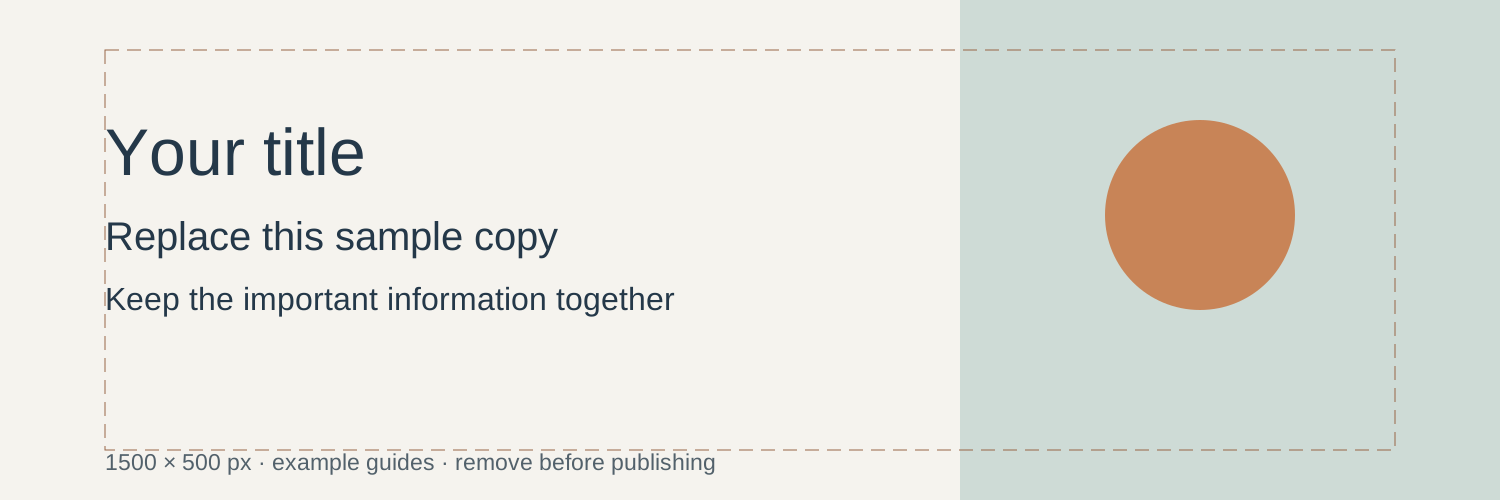
Use a 1500 by 500 X header canvas, place the main information together and download an editable banner layout and raster exports.
The recommended X header size, often searched as Twitter header size, is 1500 × 500 pixels. That is a 3:1 ratio. X's help guidance also notes that display cropping can affect the top and bottom of a header. X profile guidance, Header upload help.
The specifications were checked on October 7, 2026. Plan the image for a responsive strip, not a fixed poster.
Use the shallow canvas deliberately
Keep one main visual relationship. A subject near one side and a quiet area for a short phrase can work. A long paragraph, several logos and a detailed scene rarely remain useful when the header is displayed small.
Leave important content away from the outer edges and the profile-image overlap. The exact visible region changes with the surface and screen, so a design guide is only a starting point. Inspect the actual profile after upload.
Worked layout: a fictional creative studio
Use a broad muted shape field with the most detailed motif near the right. Put a short descriptor in the quieter central area. Keep the lower-left zone free of essential lettering so the profile image does not remove part of the message.
Make a second version using only the motif and no text. Compare it with the profile name and bio visible. A header can support an identity without repeating information already present in the profile.
Crop a photo for the header
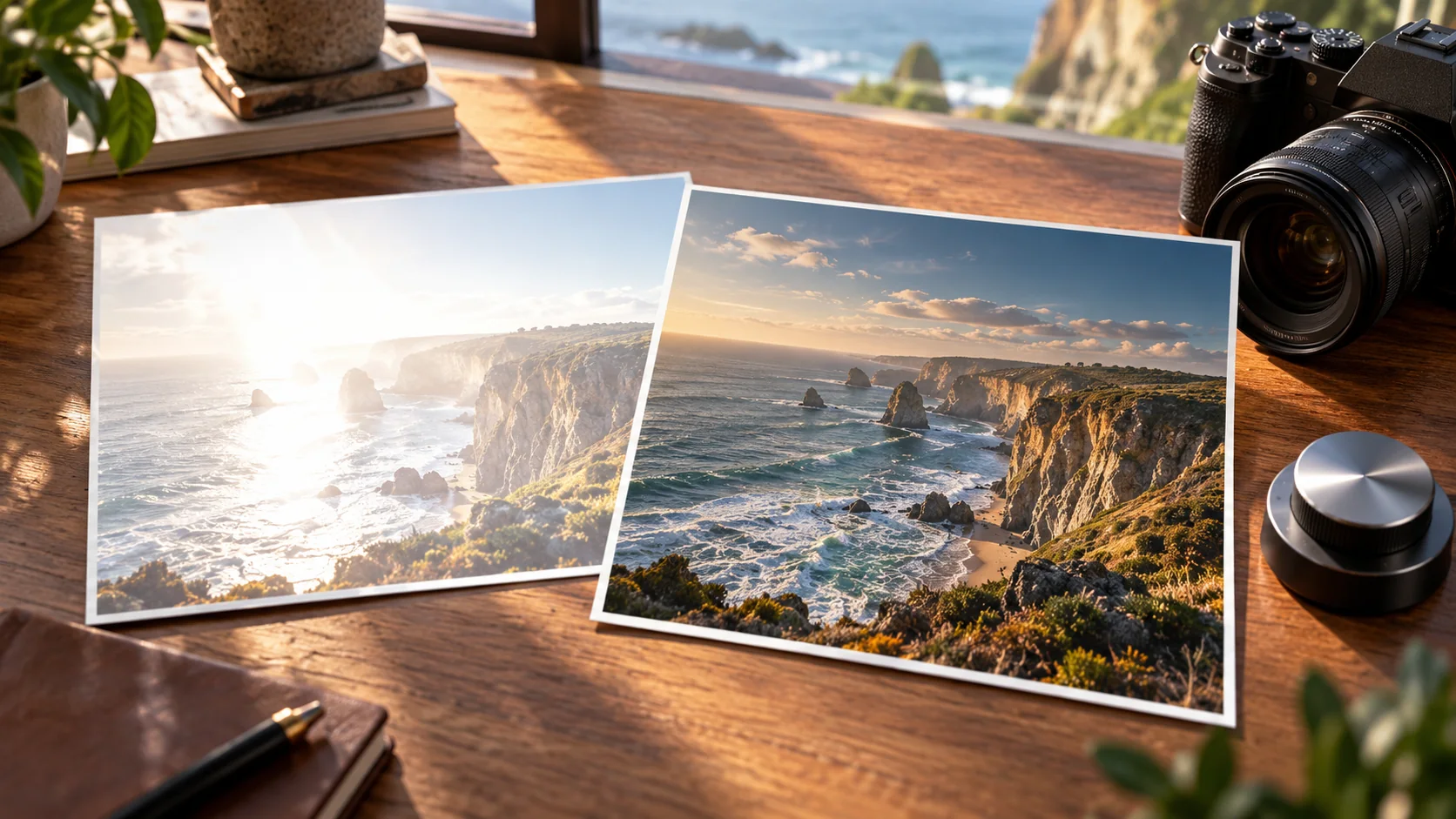
A conventional 3:2 photograph loses much of its height when cropped to 3:1. Keep the source unchanged and move the crop around the important subject. A close portrait may not survive that strip without cutting the head or important gesture.
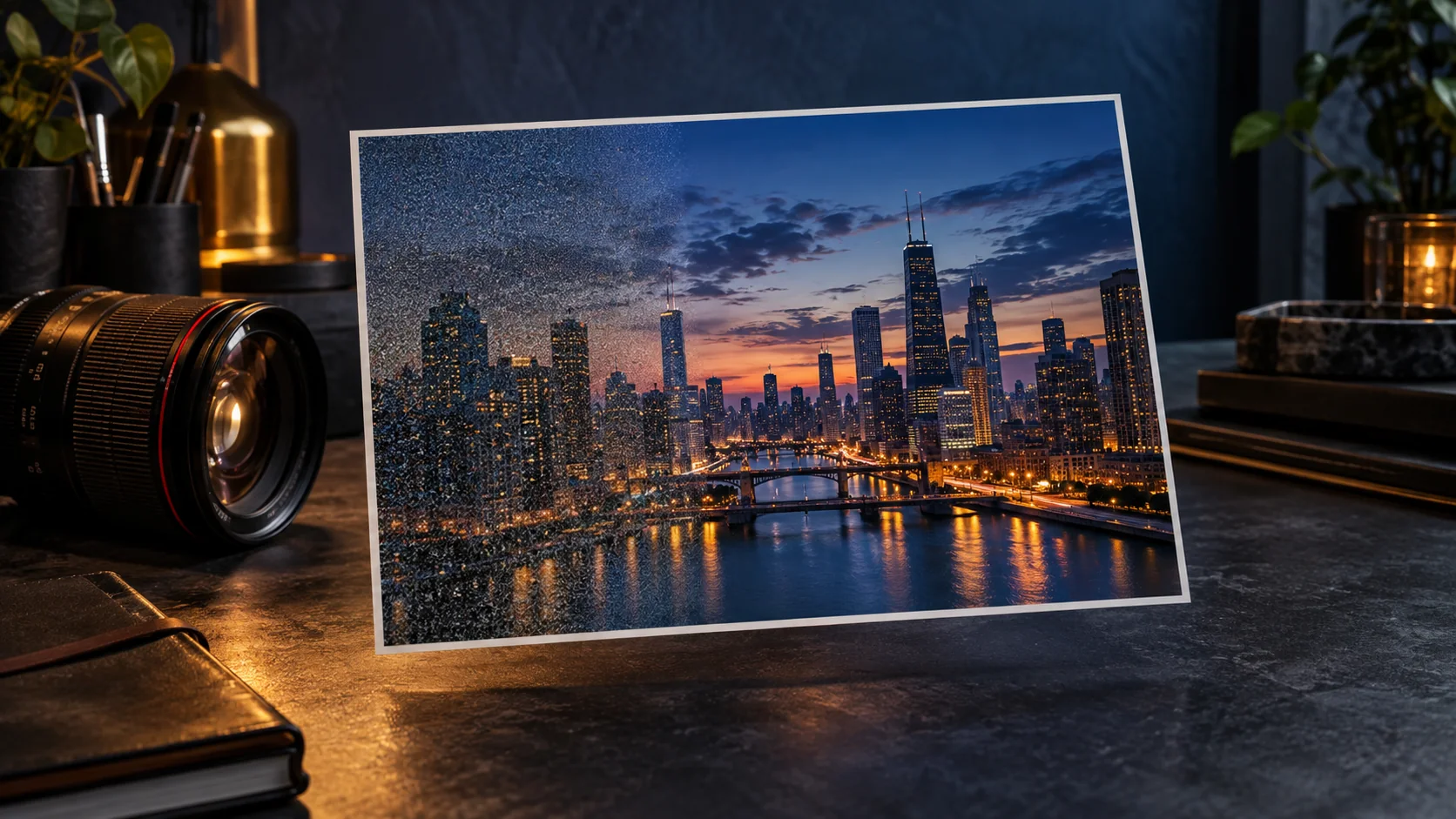
Choose a wider source, rebuild the layout or use a graphic field if the crop cannot preserve the information. Stretching the photograph distorts the subject. Background extension can provide room, but any new detail needs review.
Export and check
Export a clean 1500 × 500 copy. Use a format appropriate to the content and the current upload guidance. Review the uploaded result for softness, edge cropping and profile-image overlap. Check at a smaller window size as well as a broad desktop view.
If text is fuzzy, inspect the exported image rather than only the editing master. A smaller simple phrase and stronger letter weight may be clearer than adding sharpness to a crowded banner.
Use Cuta's image workspace to explore a wide background or motif. Keep the final name and descriptor as controlled text in a layout editor and judge the profile presentation as a whole.
Use the wide canvas for one recognizable idea
For a 1500 × 500 header, a narrow horizontal illustration or one short statement is easier to adapt than a detailed poster. Keep a face, emblem or important word away from the profile-image overlap. Leave secondary details for the account biography rather than building a miniature website navigation into the image.
Create a master with the key content on separate layers. Preview the real account on the displays you care about, and move the essential content if the crop changes its meaning. A banner showing a character at the far edge may need a different arrangement from a banner showing an abstract pattern across the entire field.
| Content | Crop-sensitive detail | Observation |
|---|---|---|
| Short statement | First and last word | Record display crop |
| Face or emblem | Meaningful silhouette | Mark avatar overlap |
| Background pattern | Edge continuity | Note acceptable trimming |
Download the x header crop planner as an editable CSV. Fill the observation column with your own project notes.
Download the visual resources
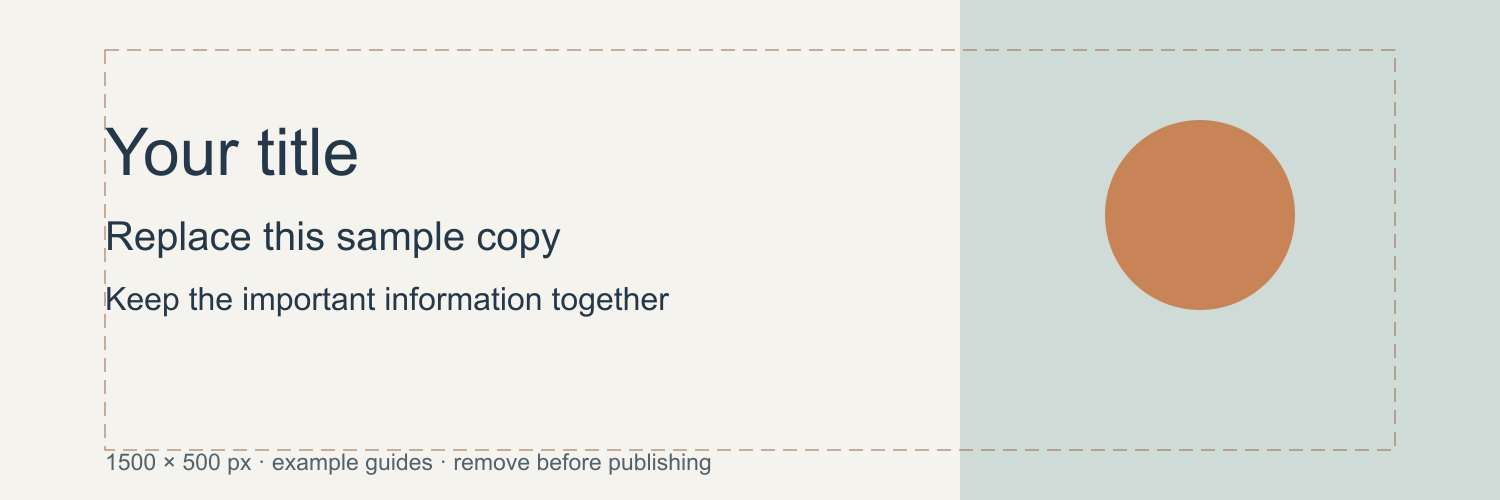
SVG preserves editable vectors. PNG and WebP provide raster exports.
Remove example guides before publishing. Live text may use a fallback font.
Template dimensions follow this guide’s cited references. Layout guides are illustrative; confirm platform crops and printer specifications.