Twitch Banner Size and Profile Layout Examples
Choose the correct Twitch banner asset, plan a 1200 by 480 profile layout and keep the identity clear across changing display widths.
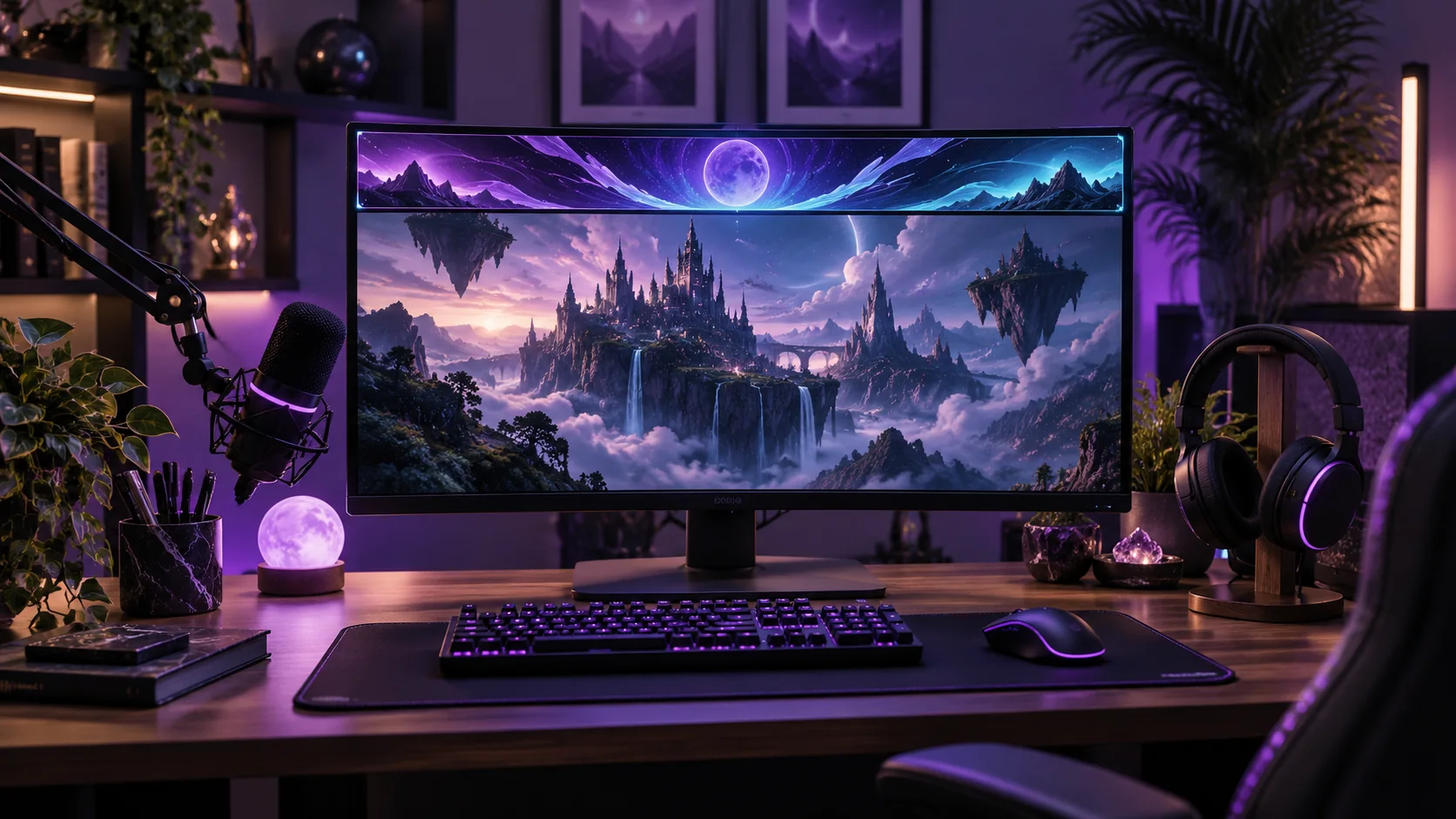
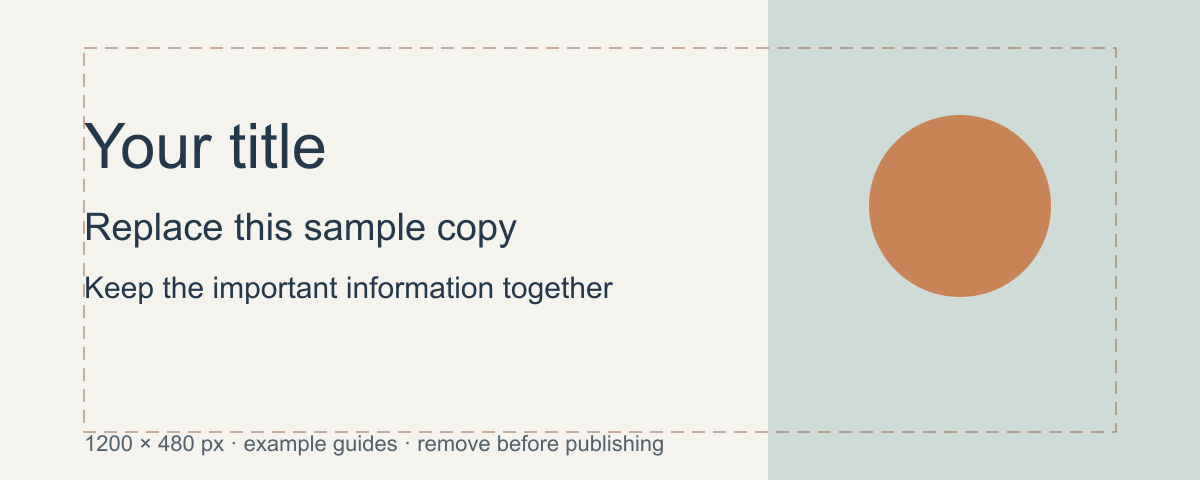
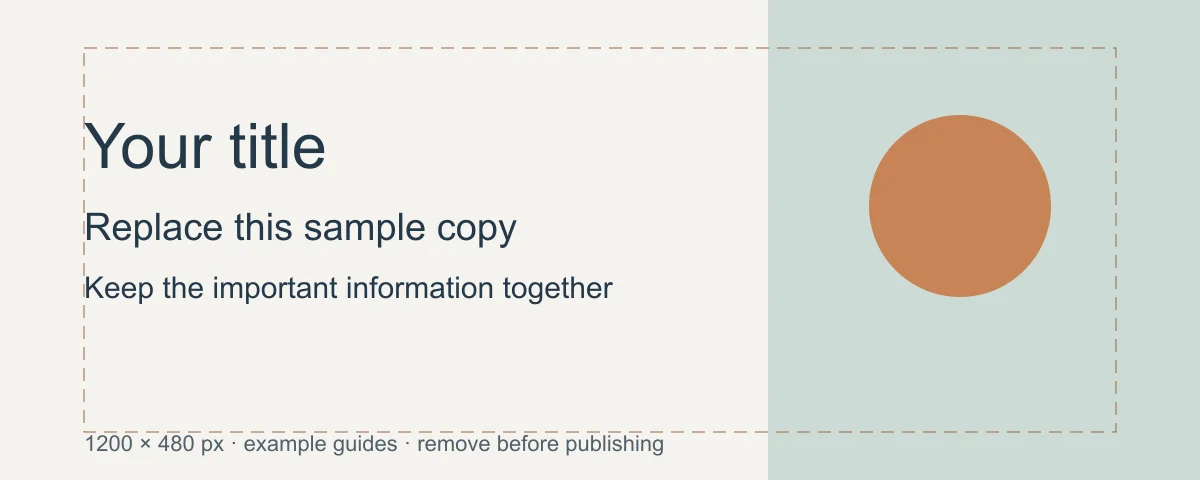
Twitch's channel setup guidance recommends a 1200 × 480 pixel profile banner. The banner responds to browser width, so essential artwork needs careful placement. Twitch has several separate assets; a profile banner, offline player banner and information panel are not interchangeable. Twitch channel setup.
The recommendation was checked on October 7, 2026. Twitch's older channel-tour page gives different cover wording, so this guide uses the current setup page for the upload recommendation.
Define the asset before designing
| Asset | Main job | Layout priority |
|---|---|---|
| Profile banner | Establish the channel identity | A broad recognizable visual |
| Offline player banner | Inform viewers when the player is offline | A clear short message |
| Information panel | Explain a topic or link | Compact readable content |
Build each with its actual upload and display context. A broad profile illustration shrunk into a panel can become meaningless.
Worked profile banner
For a fictional strategy-game channel, use a restrained environment silhouette and one recognizable emblem. Keep the most important graphics toward the area supported by Twitch's current setup guidance, and let decorative scenery extend farther across the strip.
Do not put the whole schedule in the banner. Schedules change and have a dedicated information role. A short channel name or identity cue is easier to keep clear through responsive display.
Prepare for width changes
Start with the recommended ratio and compare broad and narrow crops. Check whether the emblem remains visible and whether the background still feels intentional when some scenery leaves the frame. An image that depends on every corner staying visible is fragile.
If using a character, keep its face and distinctive silhouette away from crop boundaries. Keep exact lettering in a layout editor rather than accepting malformed generated text.
Upload review
Inspect the live channel at more than one browser width. Check for stretching, cut details and conflicts with the surrounding channel identity. Use the official guidance for current format and size limits.
Retain a clean master and create separate exports for the profile and offline player. Do not assume a 1200 × 480 profile asset answers the offline player's requirements.
Use Cuta's image workspace to explore the scene or emblem. Finish the crop and exact text separately, then evaluate the channel layout around the image rather than only the source file.
Separate the channel identity from the schedule
Use the profile banner to identify the channel and its visual tone. A schedule with several small time-zone lines may work better in a panel designed for that information. A banner for an original drawing stream can show one bold title and a simple pencil motif while the panels carry the practical details.
Follow the current profile-banner guidance linked above and examine the actual channel page. A large design-editor preview can hide weak lettering. Keep a light and dark version available if surrounding page colors change the perceived edge of the banner. Match the visual family across panels without forcing every panel to repeat the same large illustration.
| Channel element | Main task | Observation |
|---|---|---|
| Profile banner | Identify the drawing channel | Note compact-view title clarity |
| Schedule panel | Explain days and time zone | Record actual schedule copy |
| About panel | Explain the stream and next action | Check visual consistency |
Download the twitch banner hierarchy plan as an editable CSV. Fill the observation column with your own project notes.
Download the visual resources
SVG preserves editable vectors. PNG and WebP provide raster exports.
Remove example guides before publishing. Live text may use a fallback font.
Template dimensions follow this guide’s cited references. Layout guides are illustrative; confirm platform crops and printer specifications.