Long Exposure Photography: Settings and Examples
Plan long-exposure photography with stable support, deliberate motion and exposure choices. Record the result in a practical worksheet.
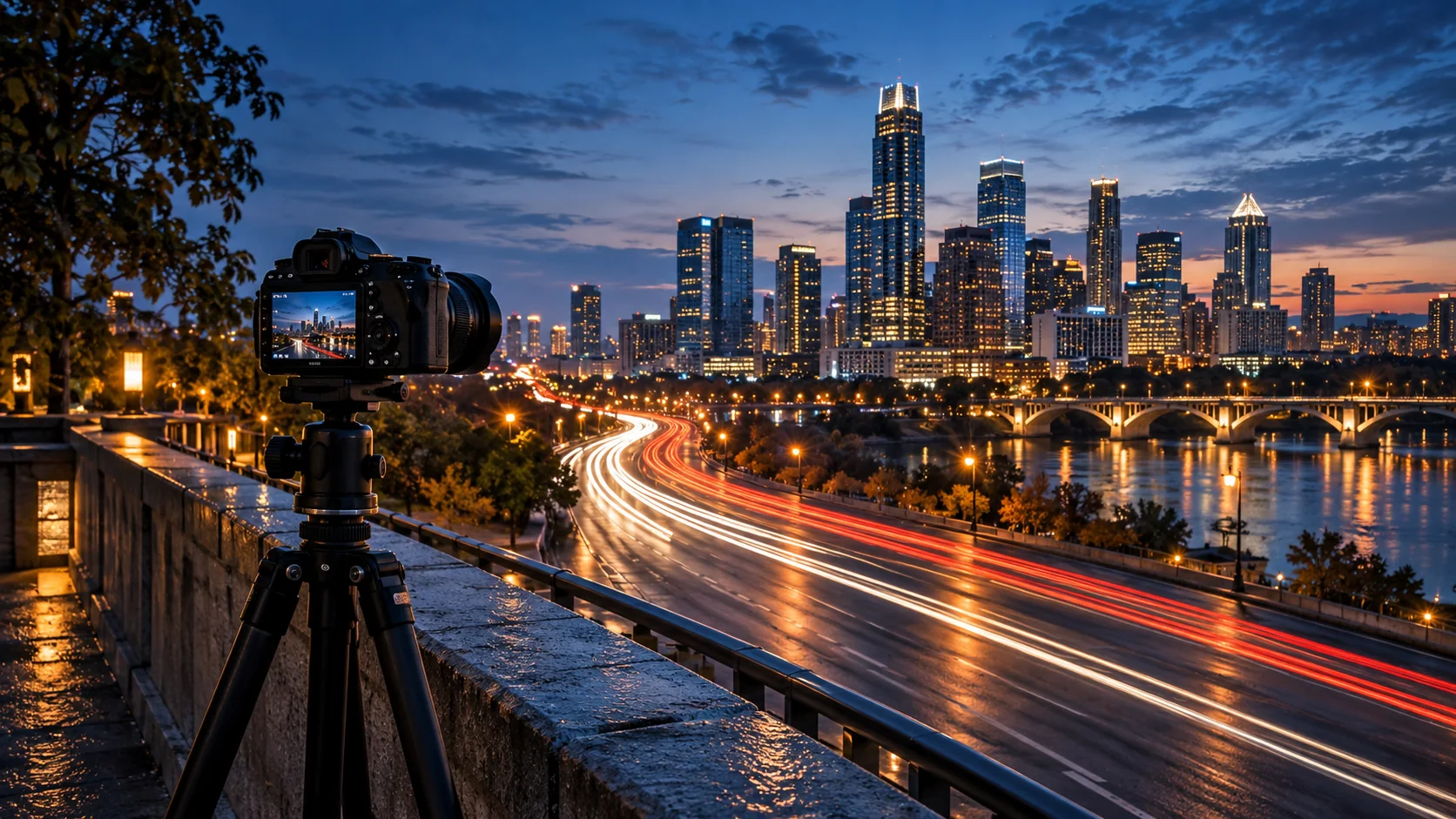
Long exposure photography uses a shutter time long enough for movement to change the image. The effect depends on the speed and direction of the subject, not one universal duration.
Separate stable and moving elements
A stable camera lets the scene remain defined while water, lights or people blur. Choose which part should stay sharp before selecting the shutter time.
Set up the image
- Use a stable support and compose before extending the exposure.
- Set a suitable low ISO and aperture for the scene and needed depth.
- Make a short reference exposure to inspect highlights.
- Lengthen the shutter time and add an ND filter if the available light requires it.
- Review both motion shape and clipped bright areas.
Worked exercise: a stream with a visible rock
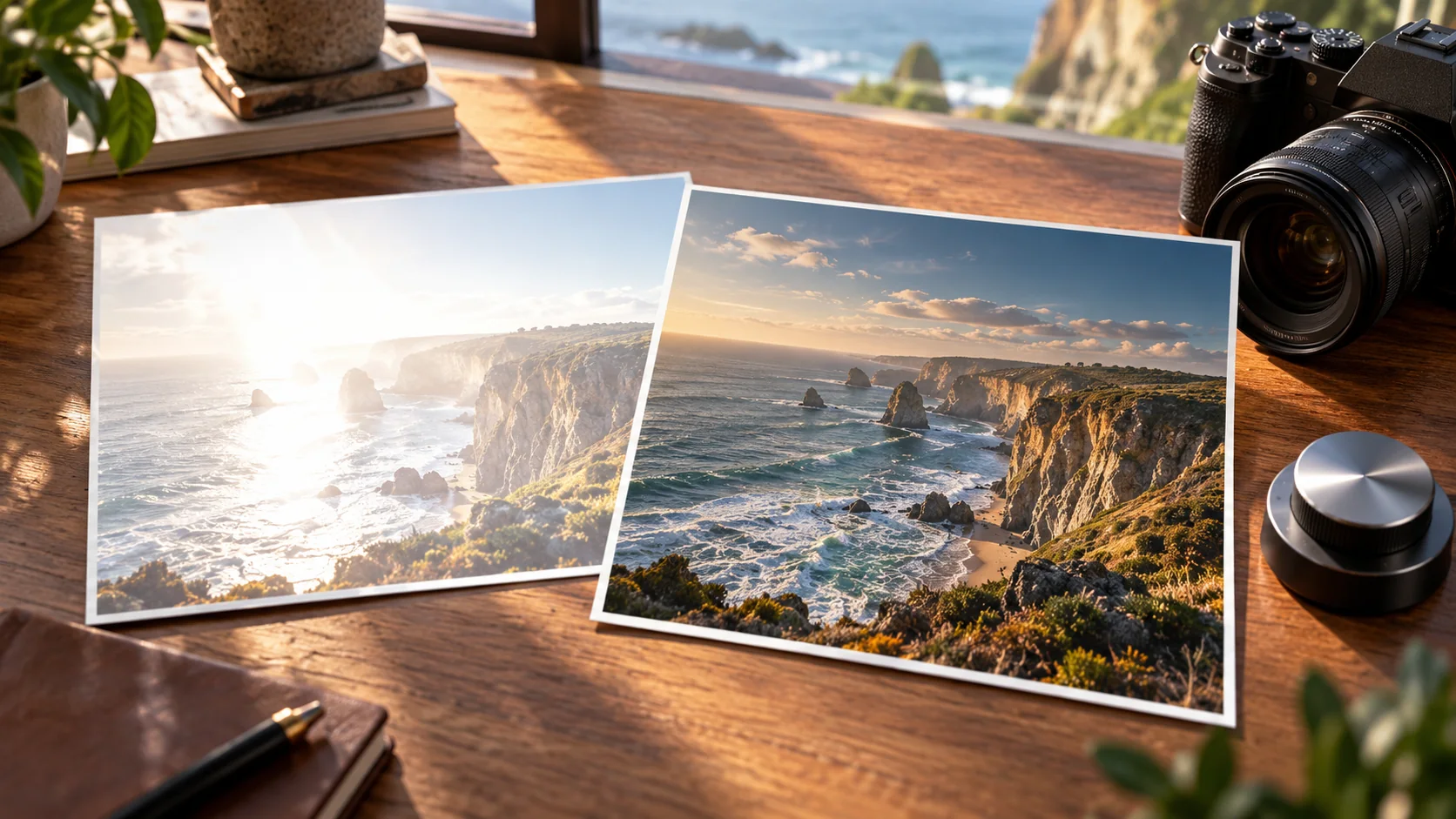
Keep the rock as a stable anchor and begin with a moderate shutter time, such as half a second. Compare a shorter and longer exposure. The useful duration is the one that describes the water while retaining the structure you want.
Diagnose the failure
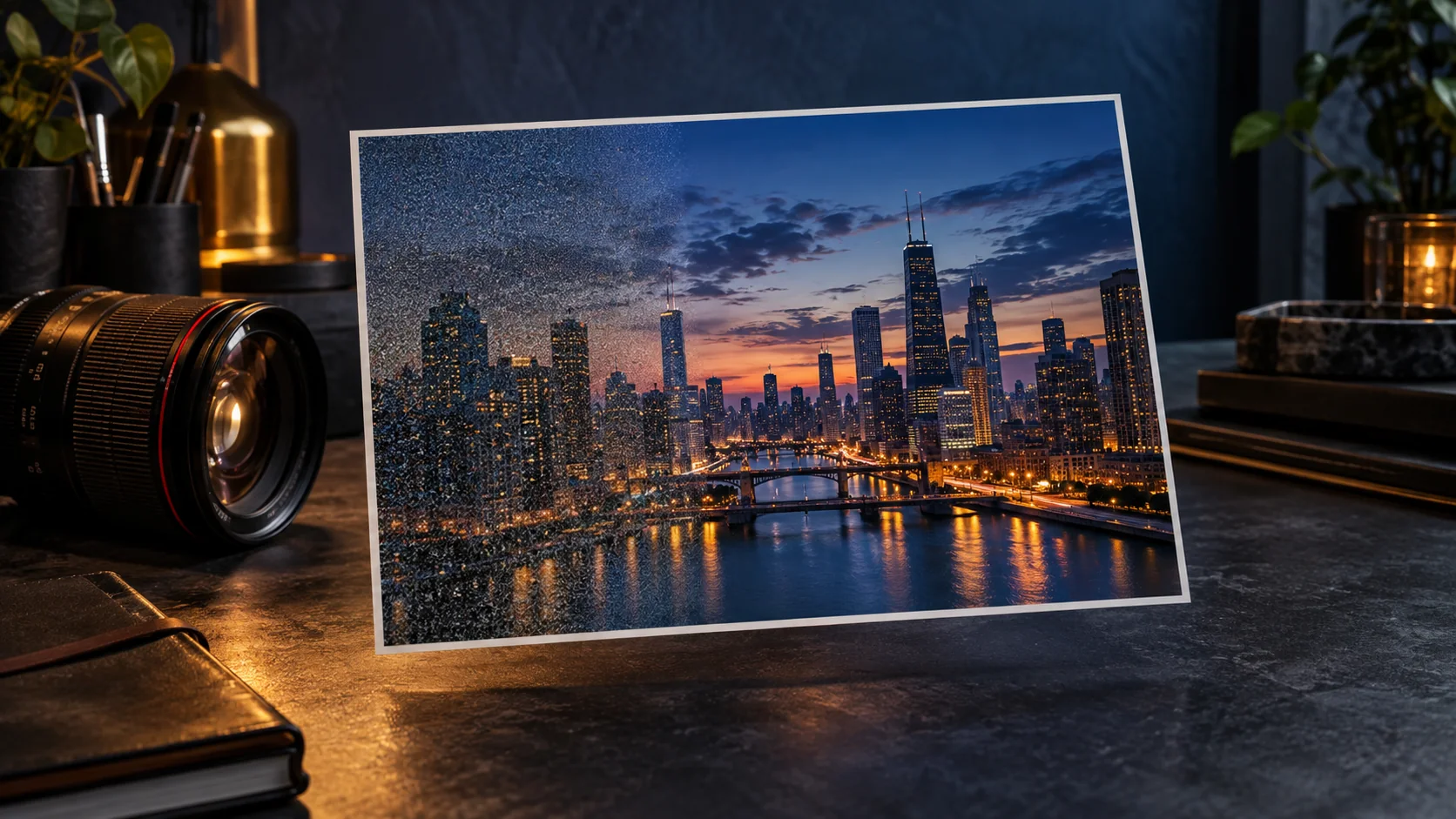
Wind-blown leaves can blur along with the water. Bright lamps can clip during night exposures. A dark filter does not freeze movement or recover missing highlights; it only reduces incoming light.
Decide whether the technique fits
The suggested duration is a practice starting point. Record actual settings with your own result instead of labeling an unmade example as a test.
Protect the still parts of the picture
For a stream scene, use the rock edge as the stability reference and the water as the motion subject. A longer shutter time may make the water smoother while also moving leaves or people. Decide which movement belongs in the image before extending the exposure simply to obtain a stronger effect.
Record the aperture, ISO, shutter time and any filter used. If highlights clip, reduce incoming light or change the exposure combination within the available conditions. A neutral-density filter changes the light reaching the sensor; it does not guarantee that moving clouds, wind or reflections will cooperate. Keep each source frame so the final image can be traced to the actual capture.
| Field decision | River-scene comparison | Observation |
|---|---|---|
| Stability | Rock edge and camera support | Note unwanted motion |
| Exposure duration | Shorter versus longer water treatment | Record moving leaves or people |
| Highlights | Reflection detail at the chosen settings | Mark clipped regions |
Download the long-exposure field log as an editable CSV. Fill the observation column with your own project notes.