Standard Photo Sizes: Inches, Pixels and Print Ratios
Find standard photo sizes in inches and pixels, compare print ratios and download crop templates for a 300 ppi working reference.
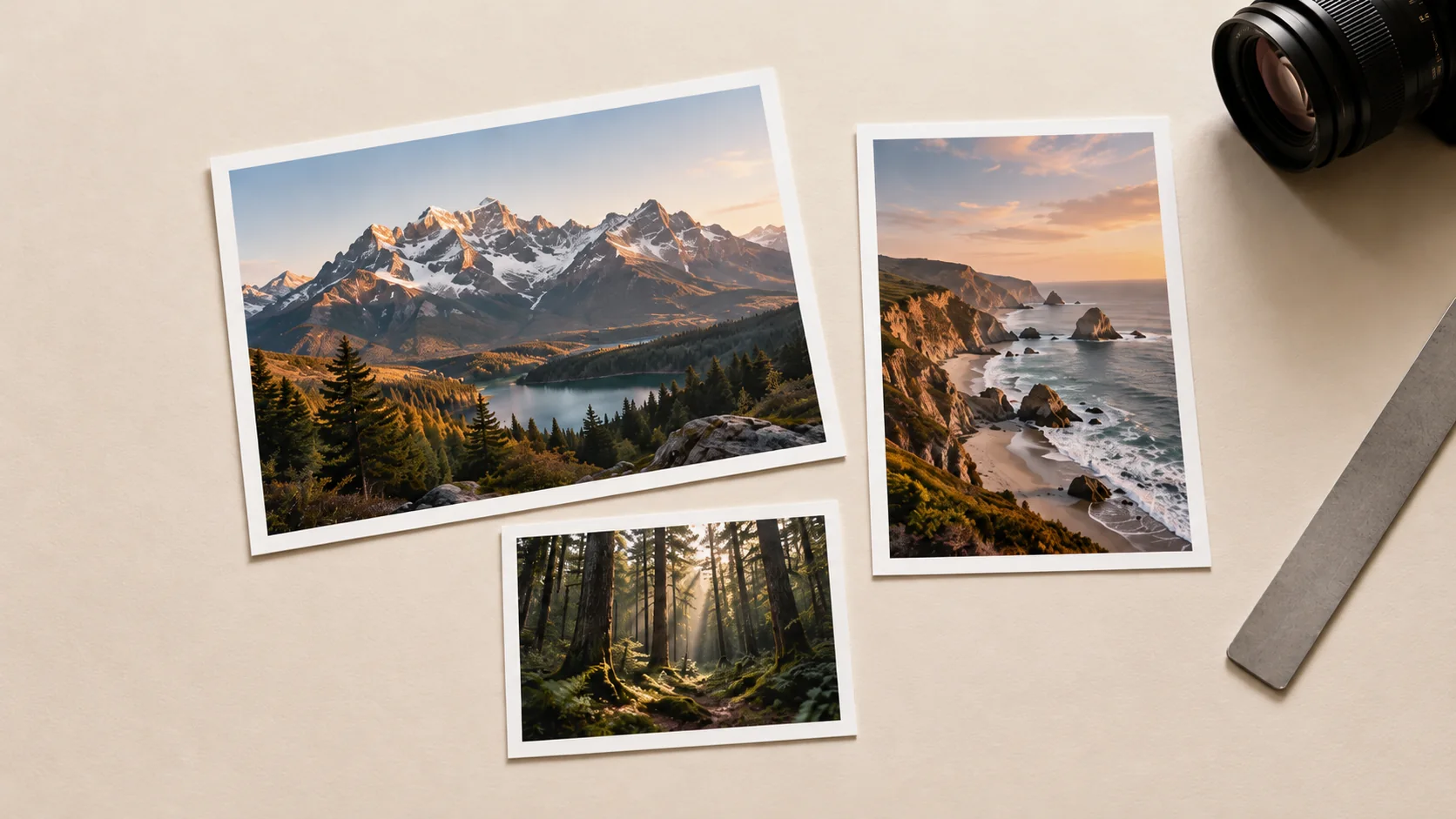
Standard photo sizes describe the physical print dimensions, while pixels describe the digital image. To prepare a print, choose its aspect ratio first, then supply enough pixels for the intended output quality. Changing a resolution label alone does not create missing detail.
Common sizes and a 300 ppi working reference
| Print size, inches | Aspect ratio | Pixels at 300 ppi |
|---|---|---|
| 4 × 6 | 2:3 | 1200 × 1800 |
| 5 × 7 | 5:7 | 1500 × 2100 |
| 8 × 10 | 4:5 | 2400 × 3000 |
| 8.5 × 11 | 17:22 | 2550 × 3300 |
| 11 × 14 | 11:14 | 3300 × 4200 |
| 12 × 18 | 2:3 | 3600 × 5400 |
| 16 × 20 | 4:5 | 4800 × 6000 |
The calculation is inches multiplied by pixels per inch. Here, 300 ppi is a working reference, not a promise that every printer requires it or that a large image is sharp. Ask the lab for its required dimensions and resolution. Printer dots per inch and image pixels per inch describe different things.
Crop before resizing
A 4000 × 6000 portrait has a 2:3 ratio and fits a 4 × 6 print without changing the frame shape. For an 8 × 10 print, it needs a 4:5 crop. Keeping the 4000-pixel width gives a 5000-pixel height, so 1000 pixels of the original height leave the frame. Position that crop deliberately rather than letting the lab choose where it falls.
Keep faces, hands and important objects away from a fragile crop boundary. If the required shape removes essential information, choose another size, add an intentional border or use a different image. Stretching the photograph changes proportions.
Check real detail at the output size
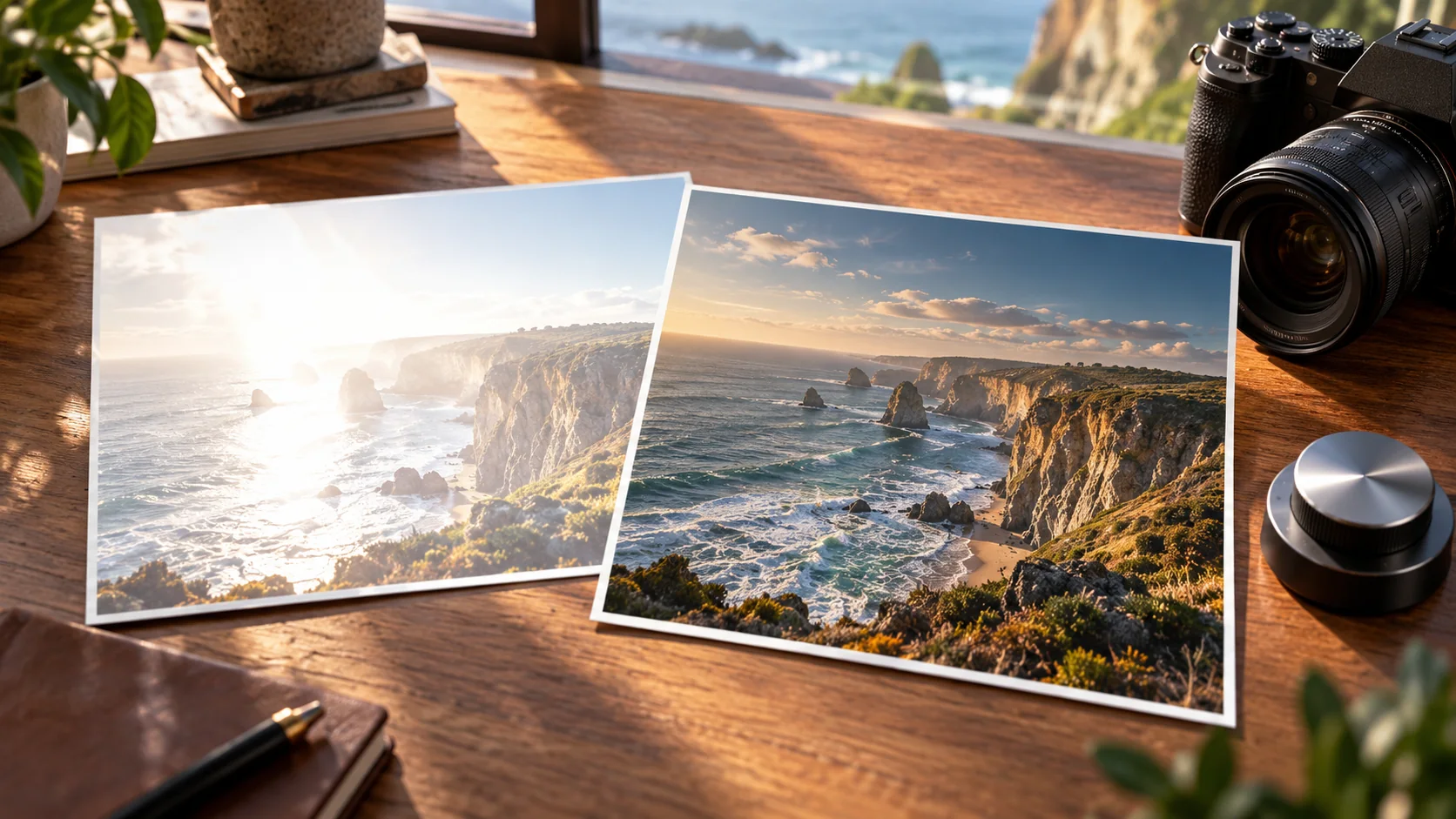
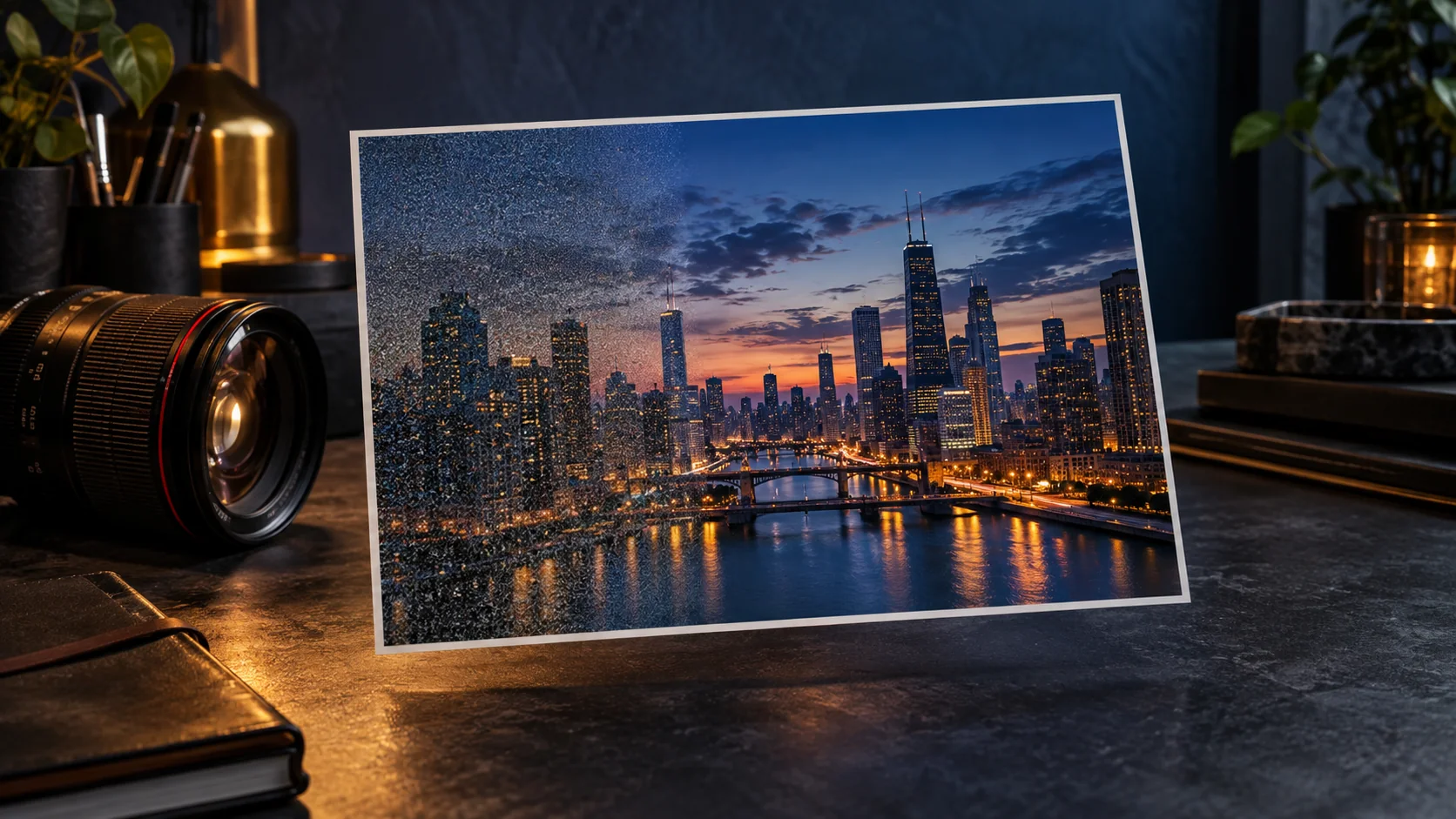
A high pixel count can contain blur, noise or compression. Inspect the subject at the expected print size as well as close up. An enlarged soft source does not become a genuinely detailed photograph just because it now has more pixels.
For large wall prints viewed from farther away, the suitable resolution may differ from a small print examined closely. The lab and intended viewing distance should guide that decision. Keep the original file and make a separate output copy.
Prepare the handoff
Use the lab's requested file type and color profile. Confirm whether it adds borders, applies automatic correction or crops to fill. Do not sharpen heavily to compensate for an uncertain print process; make a proof if the result matters.
Name the export with the physical size and crop, such as portrait-8x10-crop.jpg. The dimensions in the name should match the file, not just the intended order.
You can explore or refine an image in Cuta's image workspace, then use a controlled export workflow for the exact print crop. Preserve the source and distinguish generated detail from detail present in the original photograph.
Calculate the print before cropping
Pixel dimensions and print dimensions answer different questions. At a chosen 300 pixels per inch, a 4 × 6 inch print needs 1200 × 1800 pixels, while an 8 × 10 inch print needs 2400 × 3000. Those are arithmetic examples, not a promise that every printer requires 300 PPI or that an enlarged source gains detail.
The 4 × 6 print has a 2:3 ratio; the 8 × 10 print has a 4:5 ratio. Moving between them changes the crop. Mark the important face, signature or product edge before trimming. If those details are too close to the boundary, use another composition or a deliberate border rather than stretching the picture.
| Intended print | Pixels at the chosen 300 PPI | Observation |
|---|---|---|
| 4 × 6 inches | 1200 × 1800, ratio 2:3 | Mark the source crop |
| 5 × 7 inches | 1500 × 2100, ratio 5:7 | Check edge clearance |
| 8 × 10 inches | 2400 × 3000, ratio 4:5 | Record required trim or border |
Download the photo size conversion planner as an editable CSV. Fill the observation column with your own project notes.
Download the visual resources
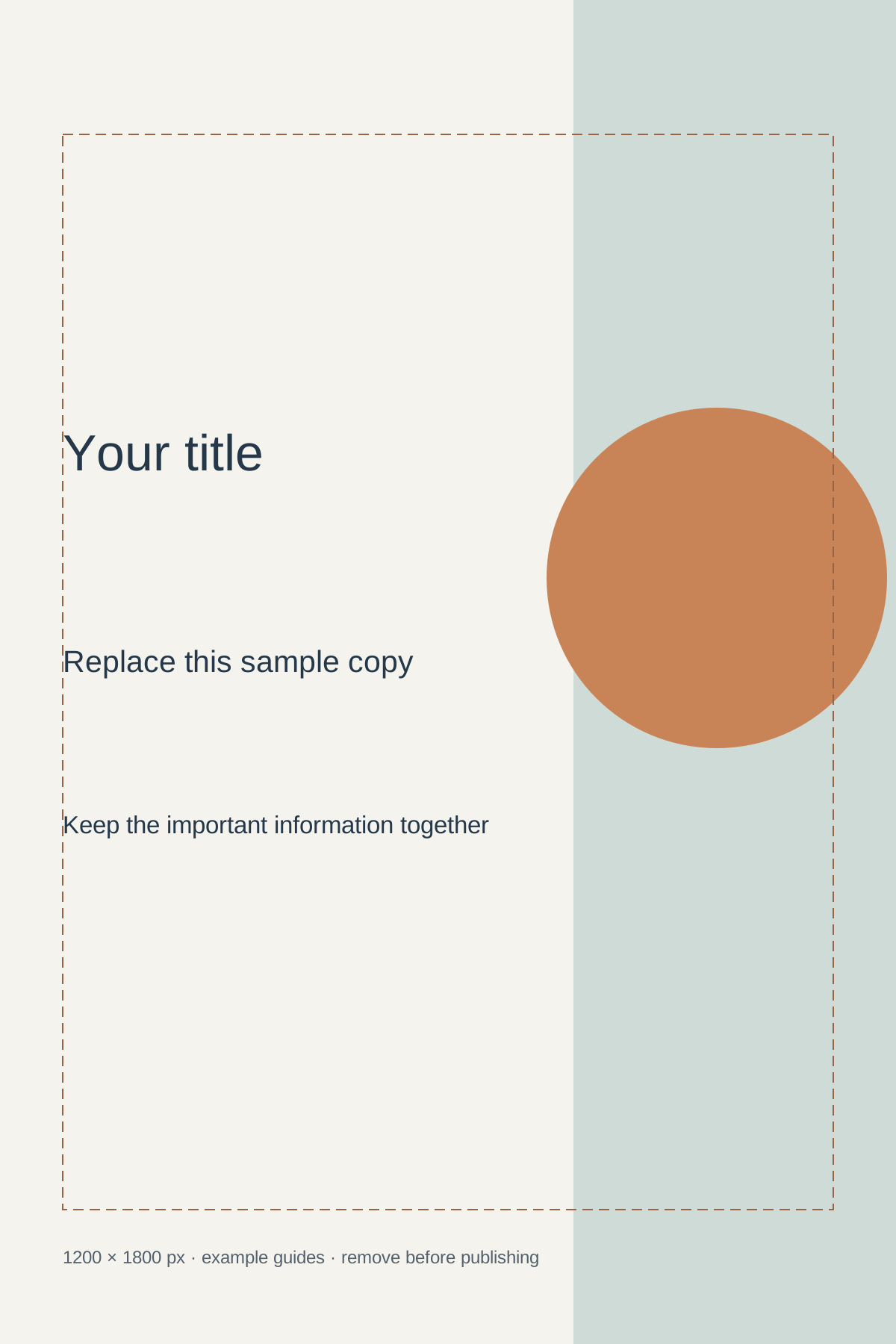
SVG preserves editable vectors. PNG and WebP provide raster exports.
Remove example guides before publishing. Live text may use a fallback font.
Template dimensions follow this guide’s cited references. Layout guides are illustrative; confirm platform crops and printer specifications.