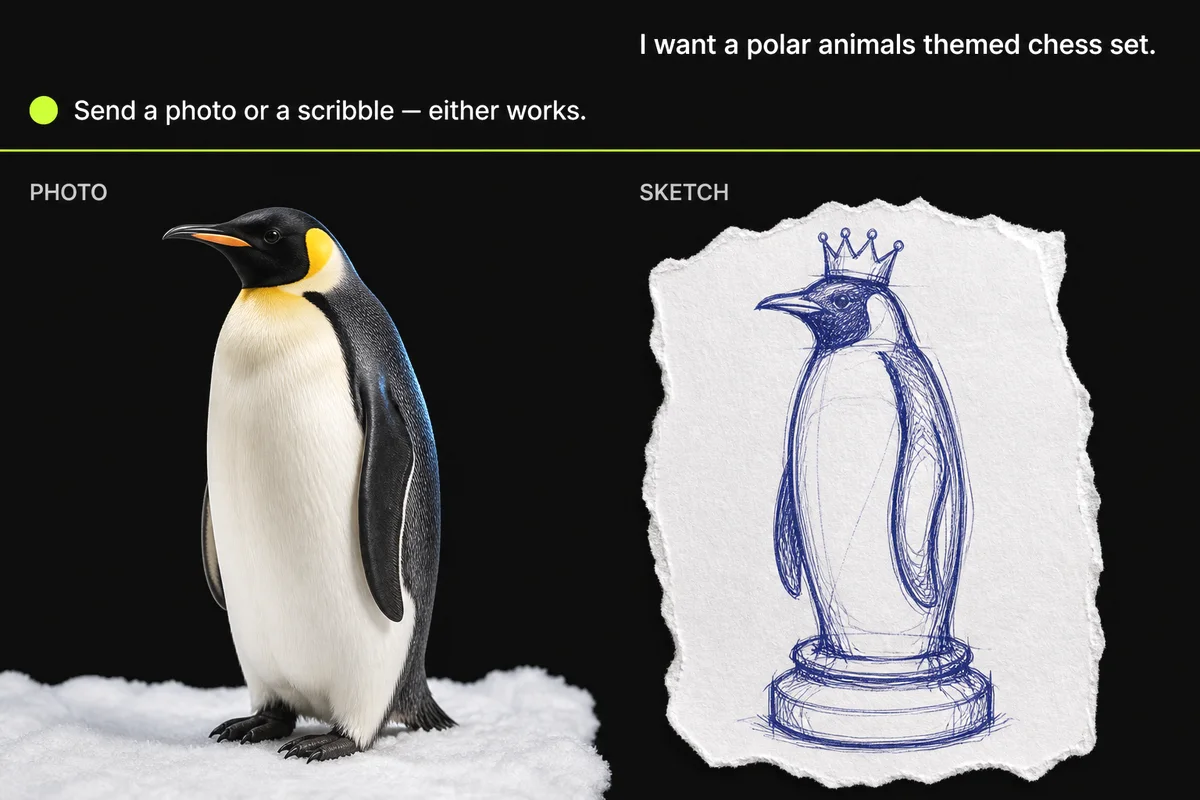
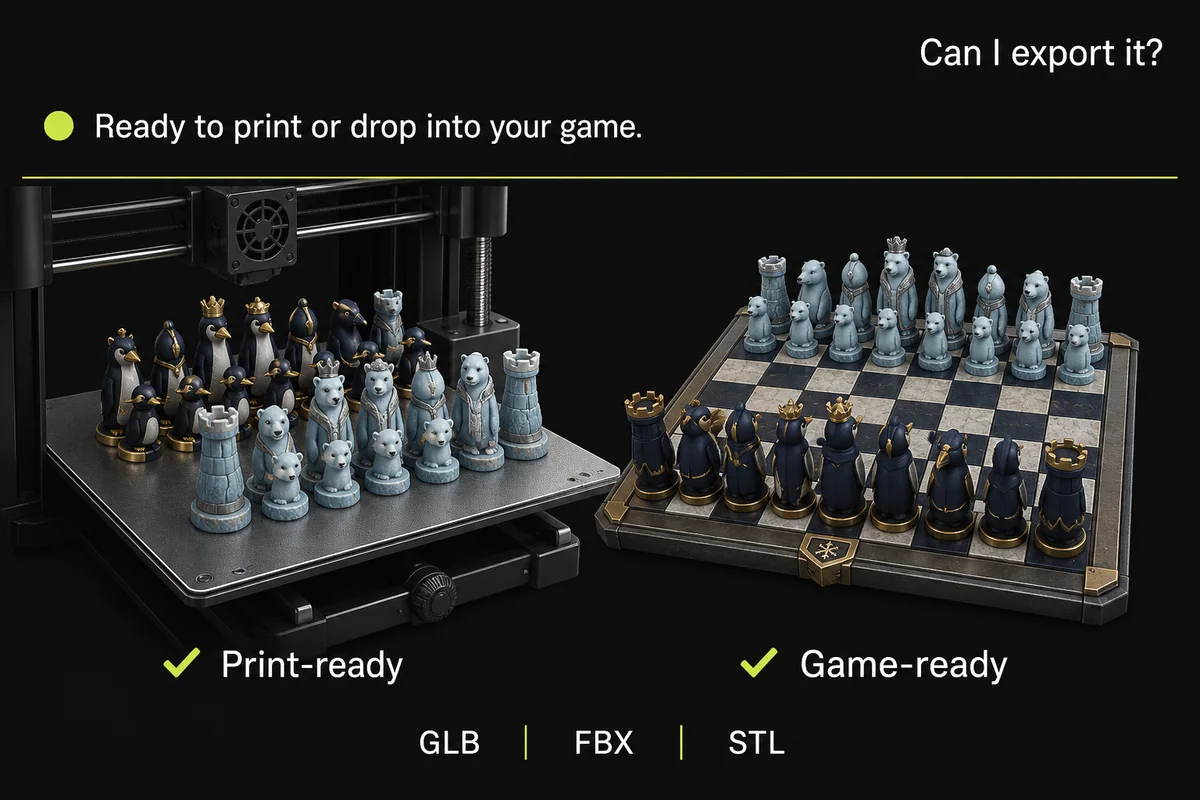

Think it through. Then make it.
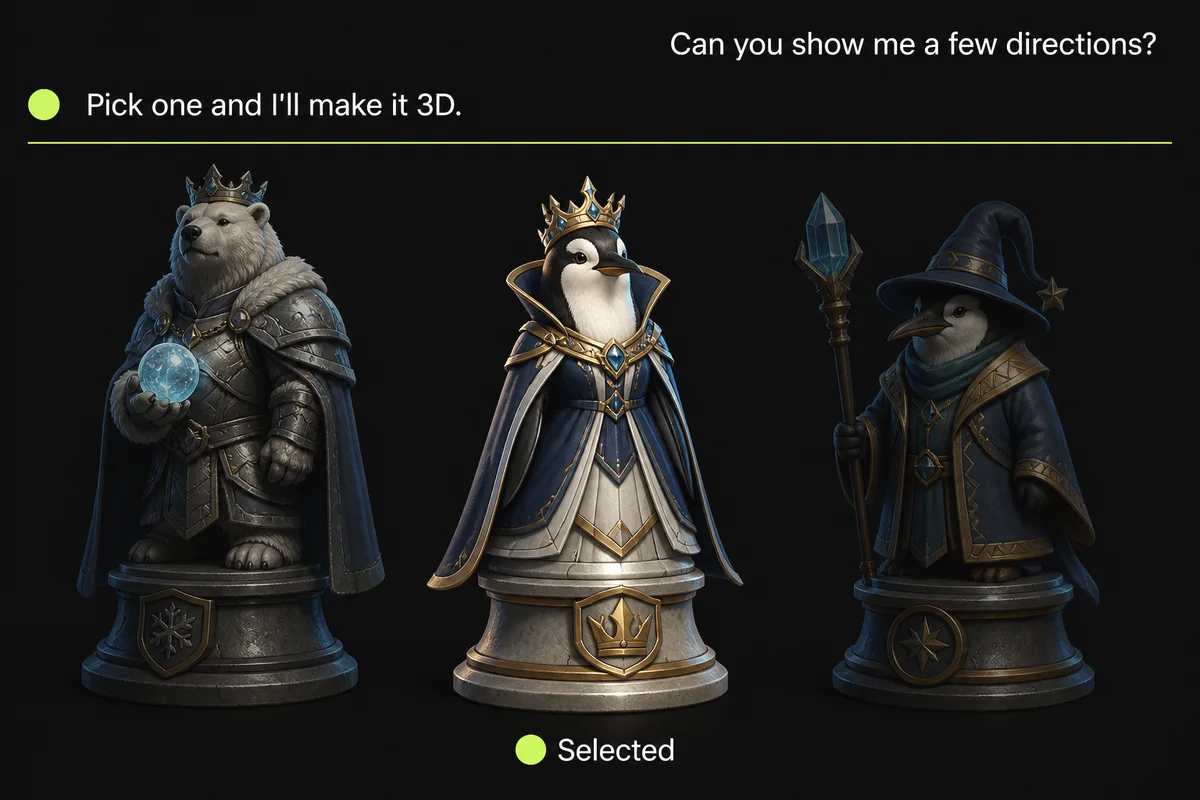
Explore ideas in your conversation, then find a model and create the first visual when you are ready.
Cuta MCP
Incorpora a Cuta a la conversación. Crea imágenes, videos y audio con tu asistente de IA favorito, utilizando los mismos proyectos, recursos y créditos.
Elige tu cliente, añade Cuta e inicia sesión para empezar a crear.
Already in a Claude Code, Cursor or Codex session? Paste this and your agent will guide you through setup.
Connect Cuta MCP to Claude Desktop: https://api.cuta.app/mcp
Use Streamable HTTP and OAuth. Help me sign in through the browser; never ask me to paste credentials into this chat.Quit and restart Claude Desktop. Complete the browser login when the bridge connects.
What is my Cuta credit balance?Then ask for the image, video or audio you want.
Using ChatGPT? Add Cuta as a custom connection in developer mode, then follow the authorization steps. Abrir plugins de ChatGPT
Describe your goal in your connected AI client. Your Agent can find Cuta tools, choose a workflow and bring the results back.
One connection brings 10 Cuta tools into your conversation. Generation is just the beginning.
Explore ideas in your conversation, then find a model and create the first visual when you are ready.

Use existing project assets as references for a set of related images, product shots and creative variations.

Start with your own image or an earlier creation. Find a compatible model and keep refining the result.

Read model parameters, check your balance and get a credit quote. Your Agent works with live Cuta information.
One connection. Every tool discoverable by name.
Start with a conversation. Your Agent fits into the work you already do — from game concepts to product imagery and visual design.
>Use Cuta to create an image of a chibi ice dragon game character, cartoon style, with detailed icy textures. Show me the model and credit quote before generating.
cuta_generate
MCP es un protocolo abierto que permite a los asistentes de IA utilizar herramientas externas. Cuta MCP conecta tu asistente con los modelos, tareas de generación, proyectos, activos y créditos de Cuta.
Utiliza las guías anteriores para Claude, ChatGPT, Cursor y Codex. Otros clientes necesitan HTTP con streaming, OAuth con PKCE y registro dinámico de clientes. La disponibilidad de conexiones personalizadas puede depender del plan o la política del espacio de trabajo de tu cliente.
No. Agrega la URL del servidor MCP e inicia sesión con tu cuenta de Cuta mediante OAuth. Revisa el acceso solicitado en Cuta antes de aprobar la conexión.
Las generaciones utilizan el mismo sistema de tareas y créditos de Cuta que el sitio web, incluidos los descuentos aplicables según tu plan. El asistente puede solicitar una cotización antes de enviar la solicitud. Conectar tu cuenta y explorar tus proyectos no consume créditos de generación.
On the website you choose tools directly. With MCP, your Agent discovers the tools and coordinates the workflow through conversation. Both use your Cuta account, projects and credits.
Timing depends on the model, settings and queue. Generation returns a task ID. Your Agent can check its status with cuta_get_task and retrieve the finished result.
Verifica la URL del servidor y confirma que tu cliente admita MCP remoto y OAuth. Si la sesión de inicio de sesión expira, inicia una nueva conexión desde el cliente. Un espacio de trabajo administrado podría requerir aprobación del administrador. Si hay una URL de retorno (callback) alojada no compatible, contacta al soporte de Cuta indicando el nombre del cliente y la URL de retorno, sin enviar contraseñas ni tokens.
Yes. Clients that support HTTP connect directly. For stdio clients, the mcp-remote bridge needs Node.js 18 or later. If your client cannot launch npx, use its documented Windows command configuration.
Usage rights depend on the applicable Cuta terms, selected model and any reference material you provide. Connecting through MCP does not change those terms.
Cuta provides a remote Streamable HTTP MCP server with OAuth. The commands above configure your existing AI client. A stdio bridge is only needed for clients that do not support remote MCP.
Name the connection cuta and explicitly ask your Agent to use Cuta. The Agent discovers the available tools and uses their descriptions to choose the appropriate operation.
Los resultados completados se guardan en el proyecto de Cuta seleccionado para la tarea. Tu asistente recupera los enlaces a los medios cuando la tarea finaliza. Si las imágenes o videos se muestran integrados depende del cliente.
Each person should authorize their own Cuta account. Account permissions, project access and credits continue to apply. Do not share access tokens or browser login credentials.
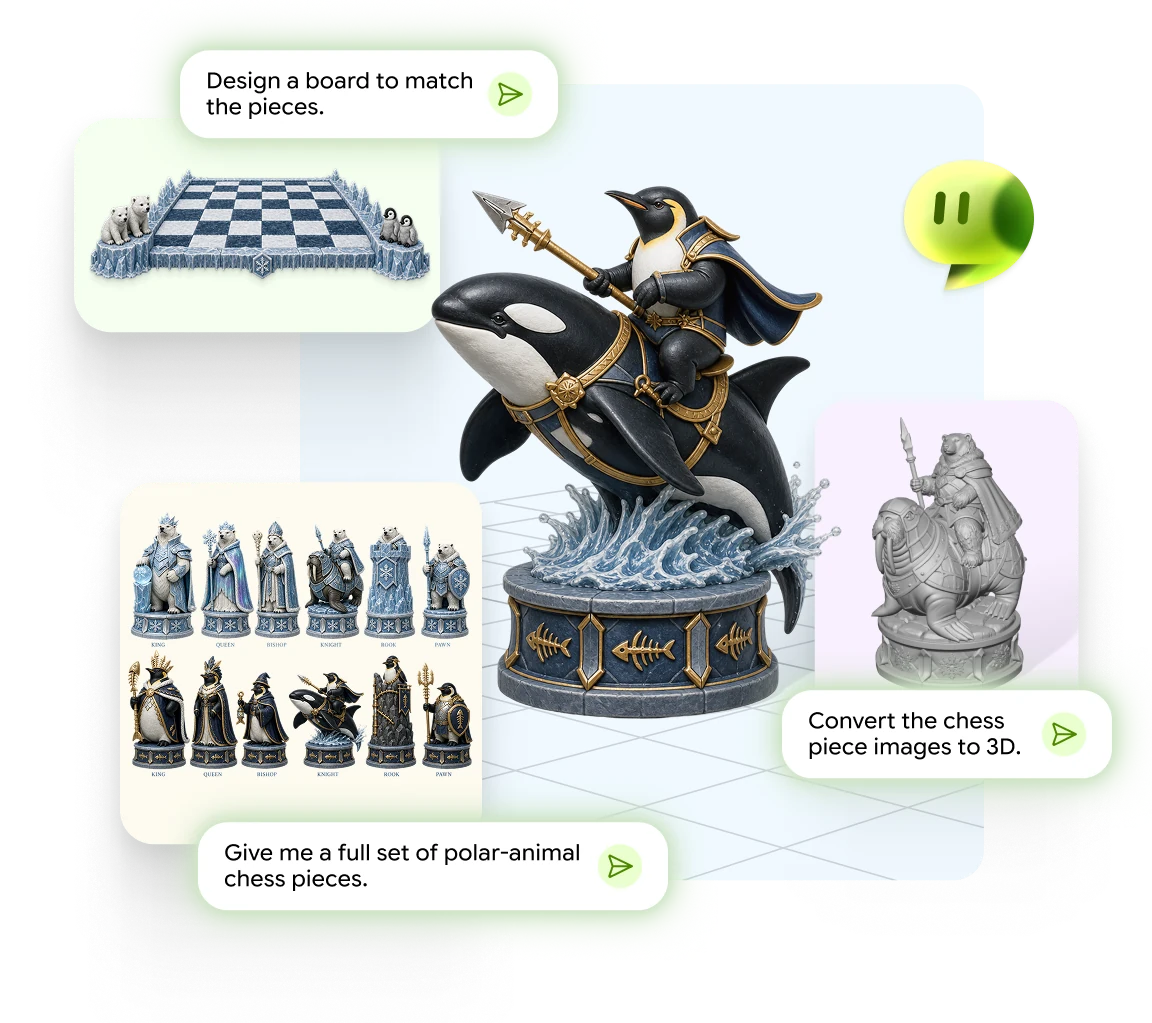
Bring ideas, references and creations together on one canvas.
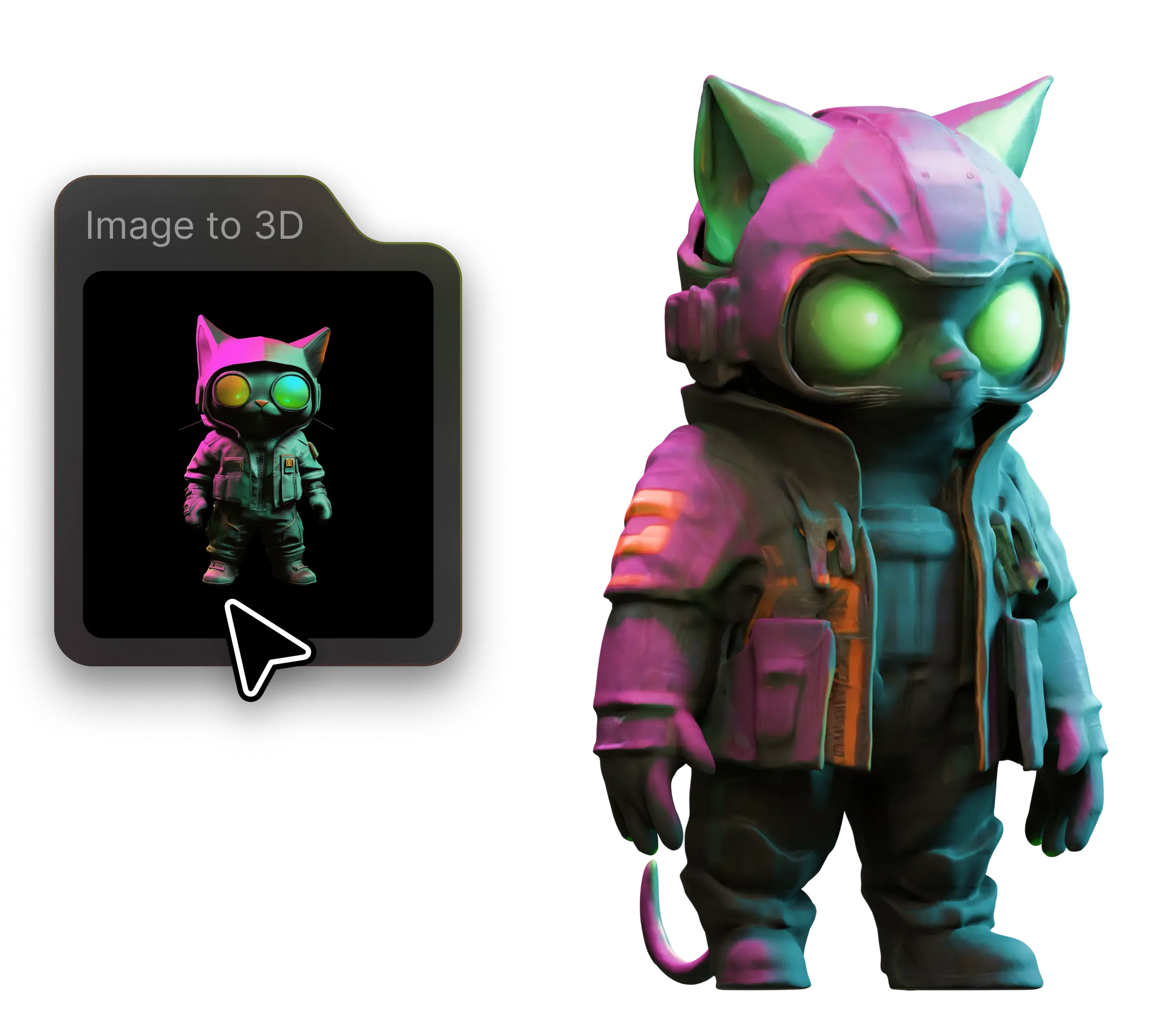
Turn a description or reference into a new visual.
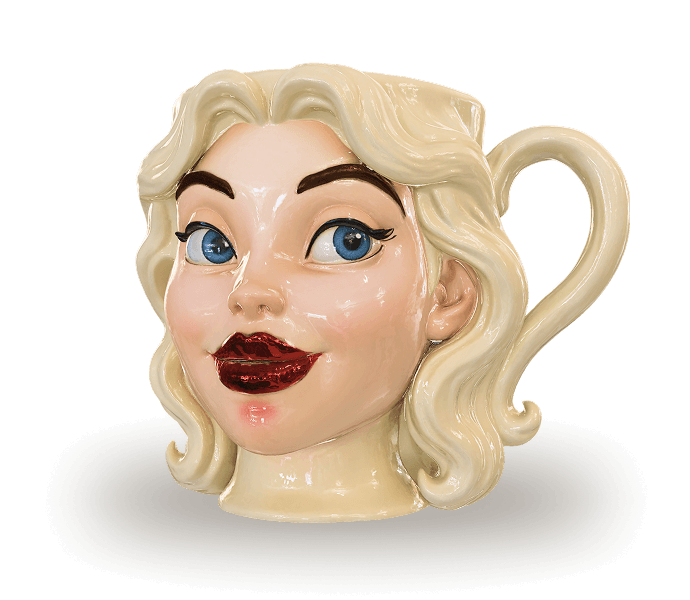
Create moving stories from a prompt or image.
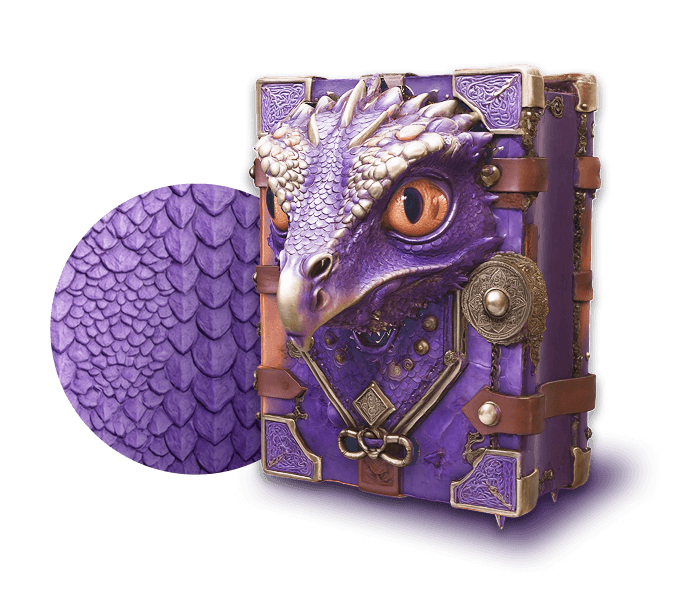
Find the right music and voice for your creation.
Explore live models and choose the right creative tool.
Find and reuse your images, video and audio.
Conecta tu cuenta de Cuta y deja que tu asistente se encargue a partir de aquí.
Conectar Cuta