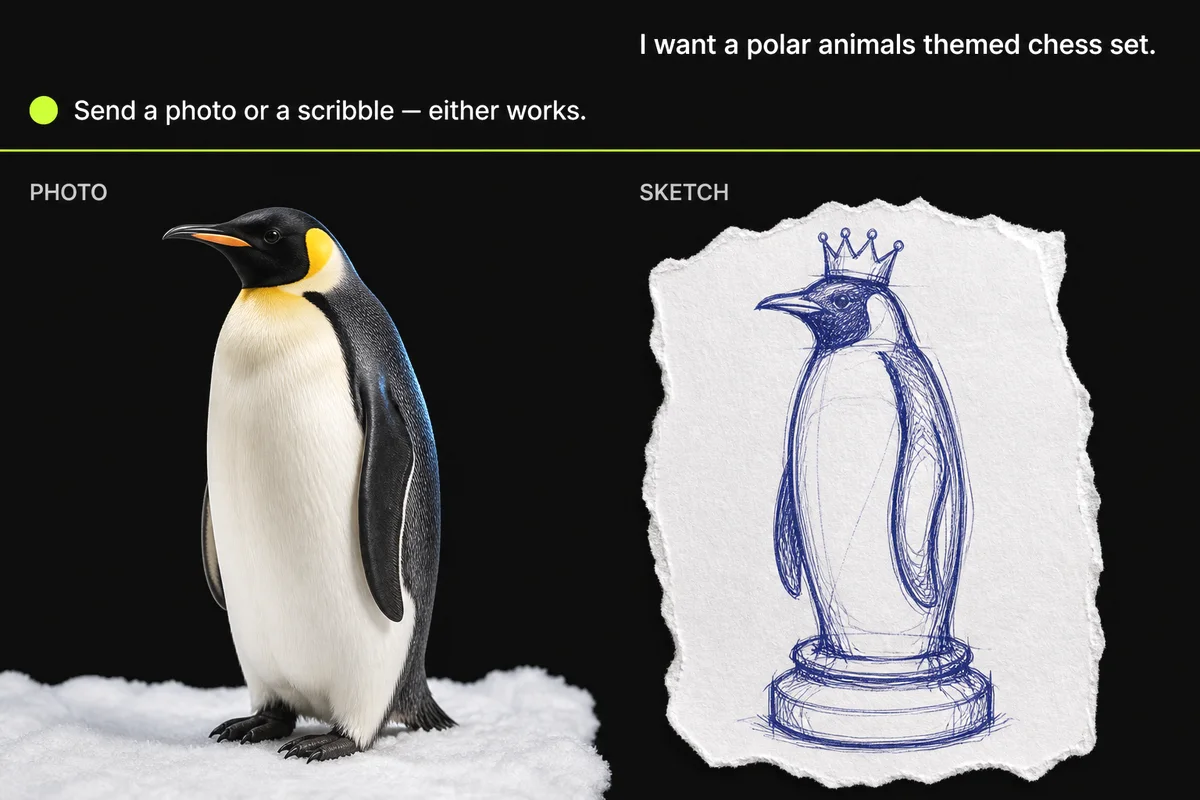
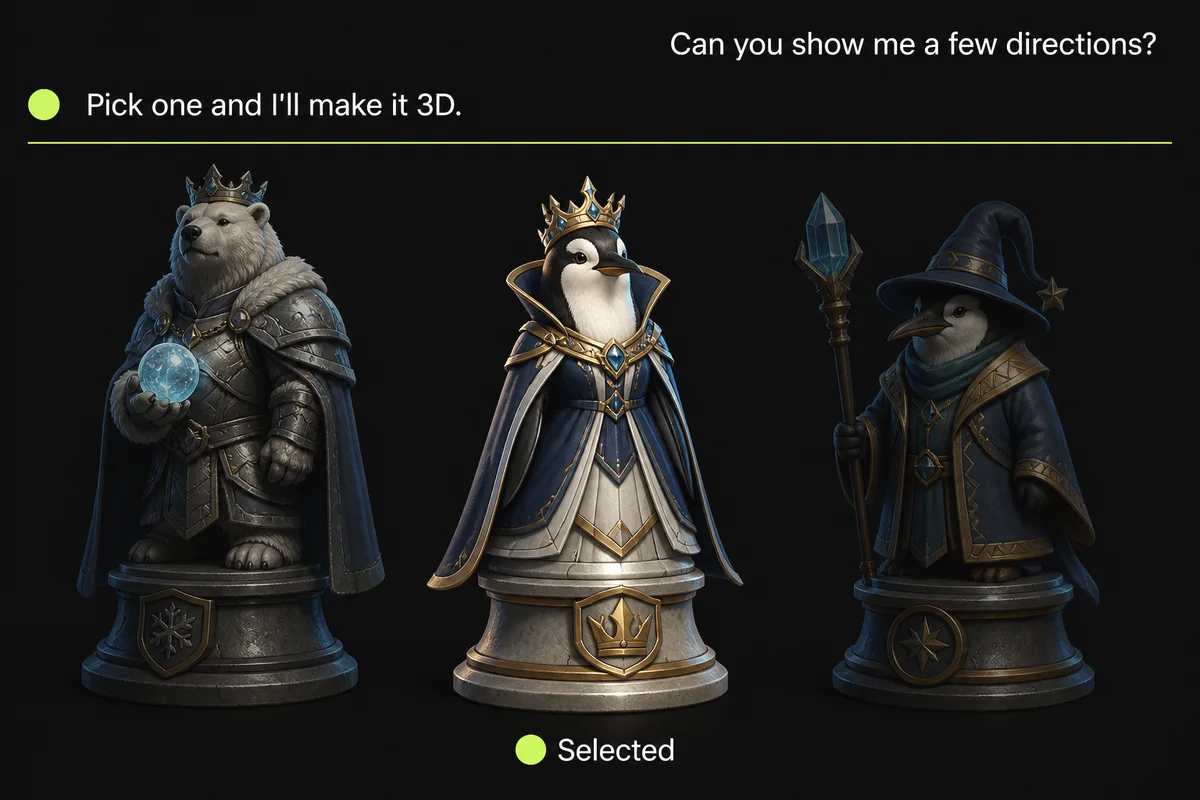
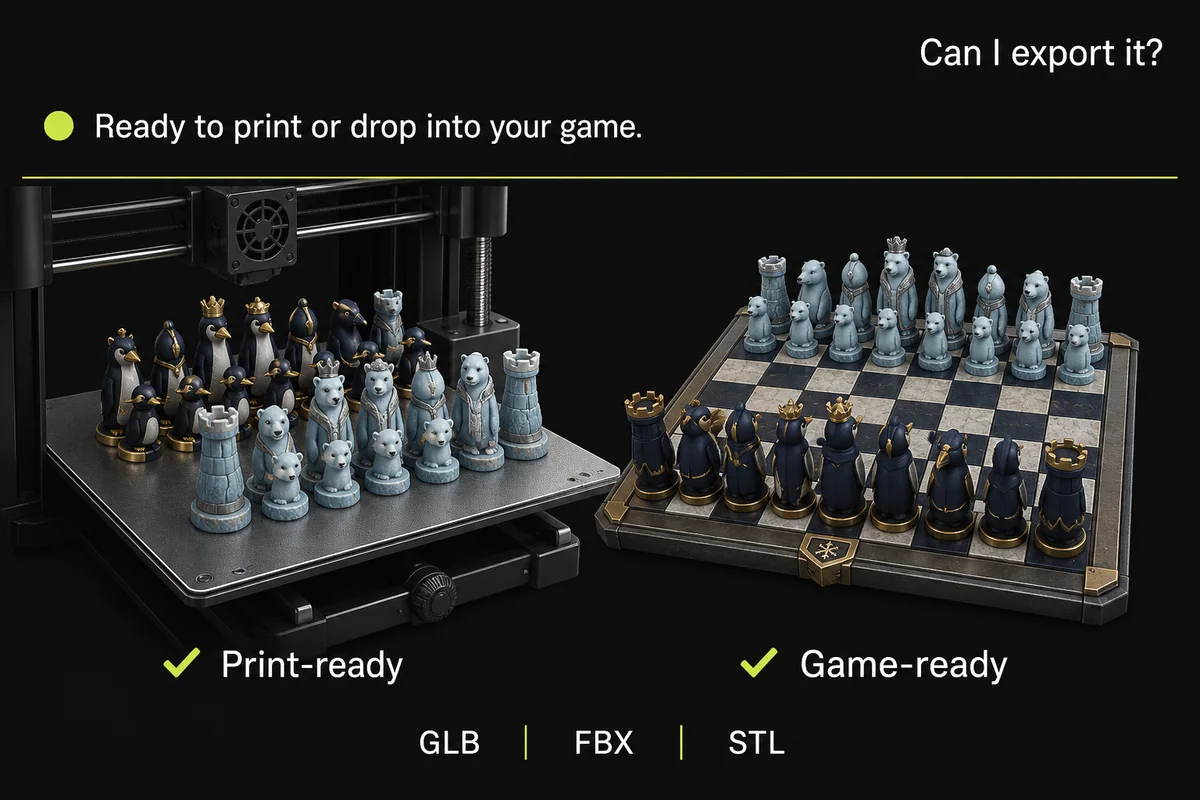

Think it through. Then make it.
Explore ideas in your conversation, then find a model and create the first visual when you are ready.
Cuta MCP
대화에 Cuta를 더해 보세요. 익숙한 프로젝트, 에셋, 크레딧을 그대로 활용하여 선호하는 AI 어시스턴트로 이미지, 영상, 오디오를 제작해 보세요.
클라이언트를 선택하고 Cuta를 추가한 후 로그인하여 만들기를 시작하세요.
Already in a Claude Code, Cursor or Codex session? Paste this and your agent will guide you through setup.
Connect Cuta MCP to Claude Desktop: https://api.cuta.app/mcp
Use Streamable HTTP and OAuth. Help me sign in through the browser; never ask me to paste credentials into this chat.Quit and restart Claude Desktop. Complete the browser login when the bridge connects.
What is my Cuta credit balance?Then ask for the image, video or audio you want.
Using ChatGPT? Add Cuta as a custom connection in developer mode, then follow the authorization steps. ChatGPT 플러그인 열기
Describe your goal in your connected AI client. Your Agent can find Cuta tools, choose a workflow and bring the results back.
One connection brings 10 Cuta tools into your conversation. Generation is just the beginning.
Explore ideas in your conversation, then find a model and create the first visual when you are ready.

Use existing project assets as references for a set of related images, product shots and creative variations.

Start with your own image or an earlier creation. Find a compatible model and keep refining the result.

Read model parameters, check your balance and get a credit quote. Your Agent works with live Cuta information.
One connection. Every tool discoverable by name.
Start with a conversation. Your Agent fits into the work you already do — from game concepts to product imagery and visual design.
>Use Cuta to create an image of a chibi ice dragon game character, cartoon style, with detailed icy textures. Show me the model and credit quote before generating.
cuta_generate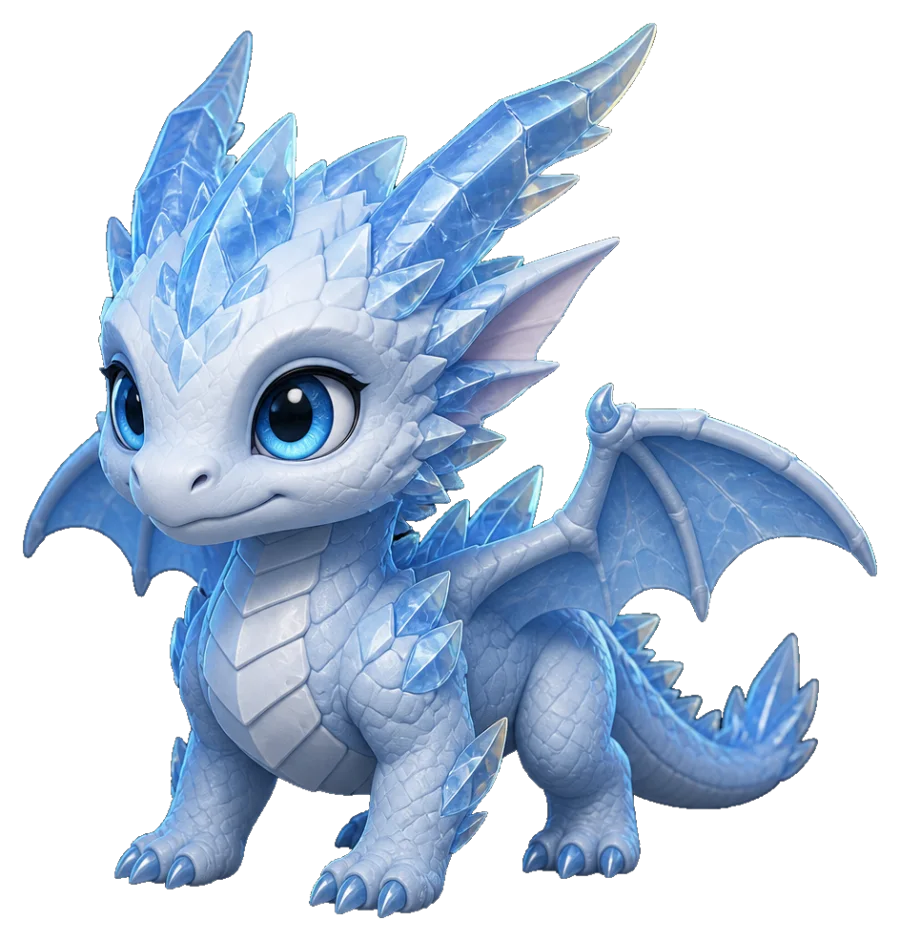
MCP는 AI 어시스턴트가 외부 도구를 사용할 수 있도록 해주는 오픈 프로토콜입니다. Cuta MCP는 귀하의 어시스턴트를 Cuta의 모델, 생성 작업, 프로젝트, 자산 및 크레딧과 연결해줍니다.
위의 가이드를 참고하여 Claude, ChatGPT, Cursor 및 Codex를 연결하세요. 다른 클라이언트는 Streamable HTTP, PKCE와 함께 OAuth, 그리고 동적 클라이언트 등록을 지원해야 합니다. 맞춤형 연결 가능 여부는 해당 클라이언트의 요금제나 워크스페이스 정책에 따라 달라질 수 있습니다.
아니요. MCP 서버 URL을 추가한 후 Cuta 계정으로 OAuth를 통해 로그인하시면 됩니다. 연결을 승인하기 전에 Cuta에서 요청된 접근 권한을 반드시 확인하세요.
생성 작업은 웹사이트와 동일한 Cuta 작업 및 크레딧 시스템을 사용하며, 적용 가능한 요금제 할인도 포함됩니다. 어시스턴트는 제출 전에 견적을 요청할 수 있습니다. 계정 연결 및 프로젝트 탐색은 생성 크레딧을 소모하지 않습니다.
On the website you choose tools directly. With MCP, your Agent discovers the tools and coordinates the workflow through conversation. Both use your Cuta account, projects and credits.
Timing depends on the model, settings and queue. Generation returns a task ID. Your Agent can check its status with cuta_get_task and retrieve the finished result.
서버 URL을 확인하고 클라이언트가 원격 MCP 및 OAuth를 지원하는지 확인하세요. 로그인이 만료된 경우 클라이언트에서 새 연결을 시작하세요. 관리형 워크스페이스의 경우 관리자 승인이 필요할 수 있습니다. 지원되지 않는 호스팅 콜백의 경우 비밀번호나 토큰 없이 클라이언트 이름과 콜백 URL을 포함해 Cuta 지원팀에 문의하세요.
Yes. Clients that support HTTP connect directly. For stdio clients, the mcp-remote bridge needs Node.js 18 or later. If your client cannot launch npx, use its documented Windows command configuration.
Usage rights depend on the applicable Cuta terms, selected model and any reference material you provide. Connecting through MCP does not change those terms.
Cuta provides a remote Streamable HTTP MCP server with OAuth. The commands above configure your existing AI client. A stdio bridge is only needed for clients that do not support remote MCP.
Name the connection cuta and explicitly ask your Agent to use Cuta. The Agent discovers the available tools and uses their descriptions to choose the appropriate operation.
완료된 결과물은 해당 작업에 선택된 Cuta 프로젝트에 저장됩니다. 작업이 끝나면 어시스턴트가 미디어 링크를 가져옵니다. 이미지나 영상이 인라인으로 표시되는지는 사용 중인 클라이언트에 따라 다릅니다.
Each person should authorize their own Cuta account. Account permissions, project access and credits continue to apply. Do not share access tokens or browser login credentials.
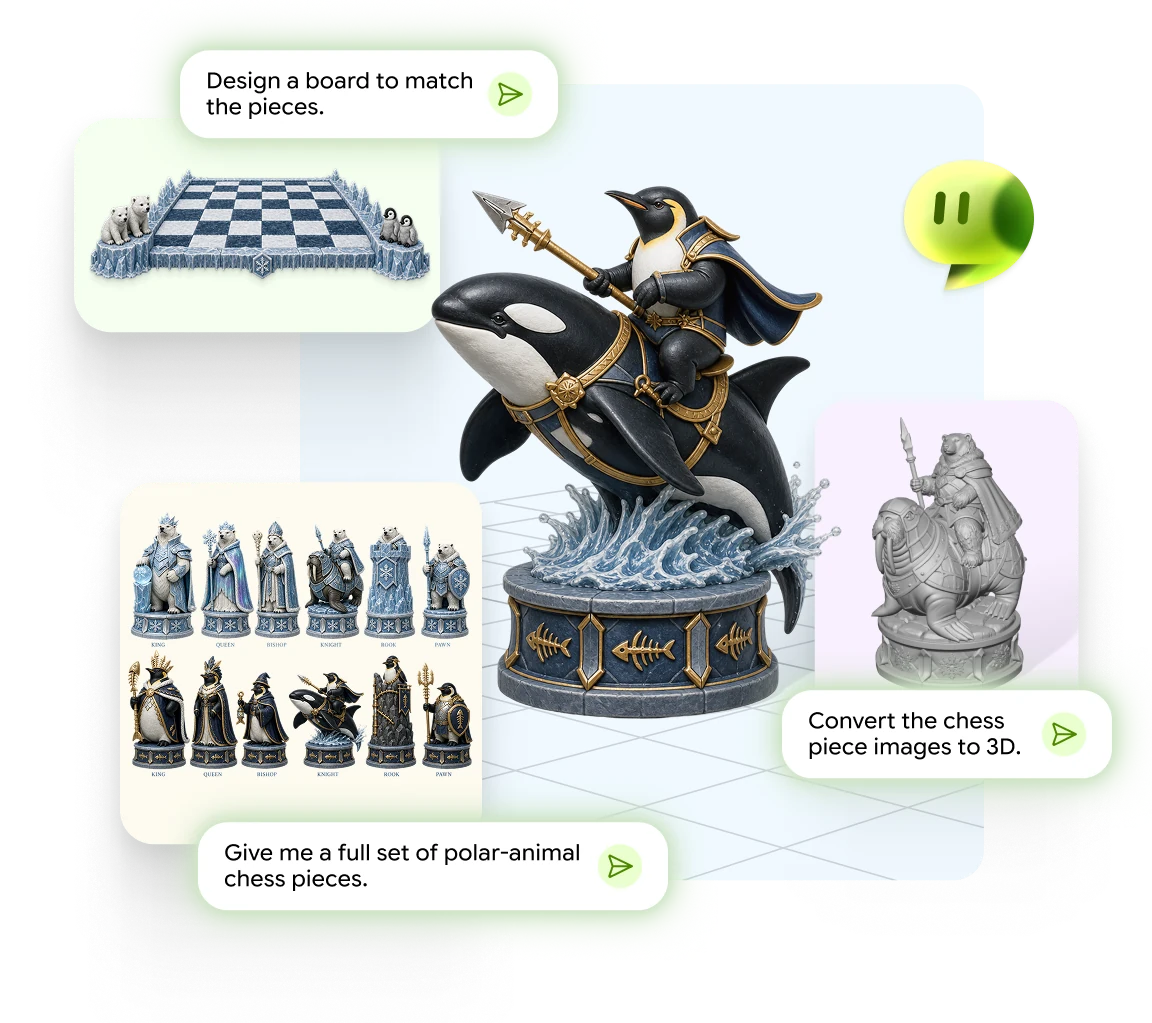
Bring ideas, references and creations together on one canvas.
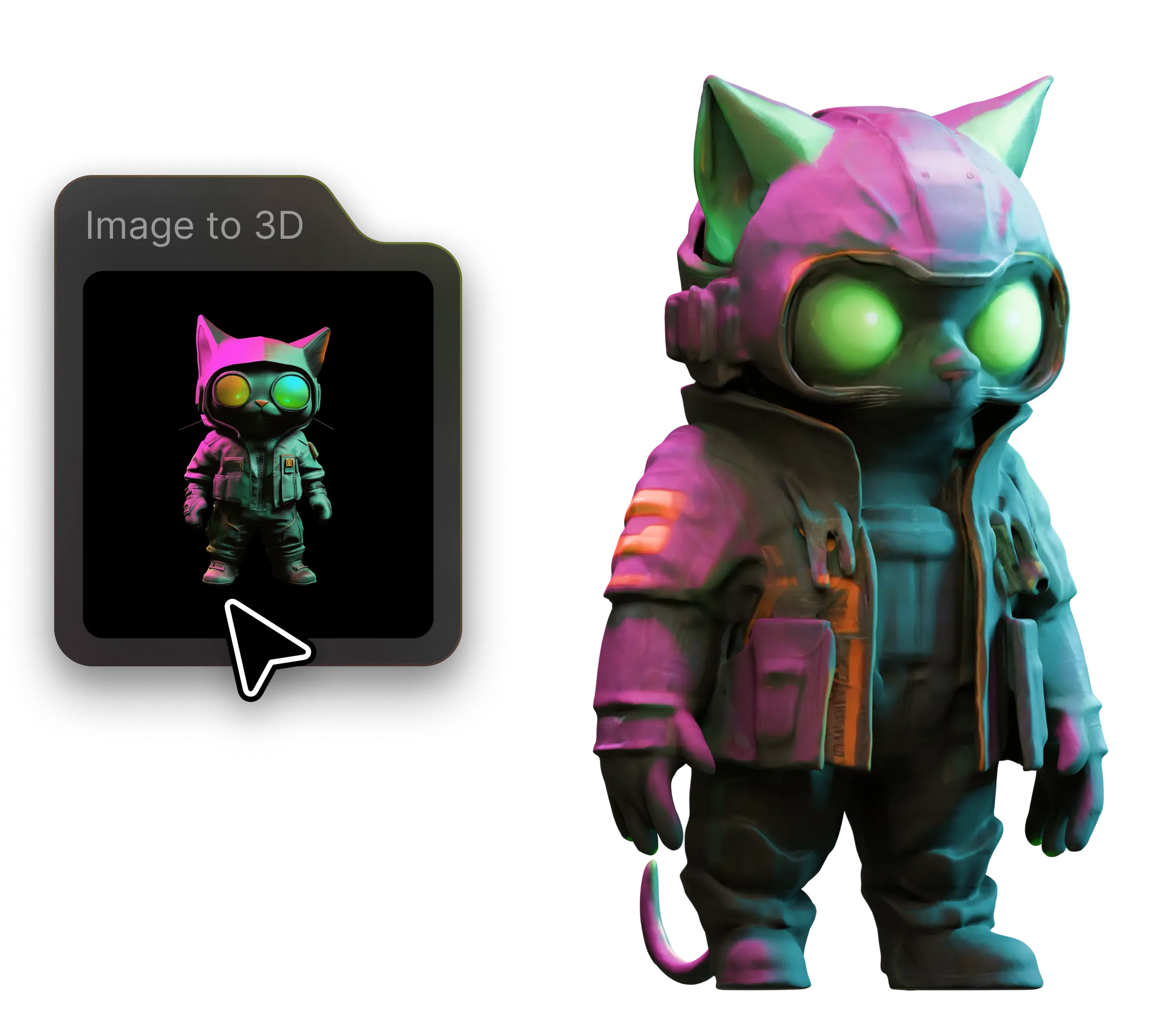
Turn a description or reference into a new visual.
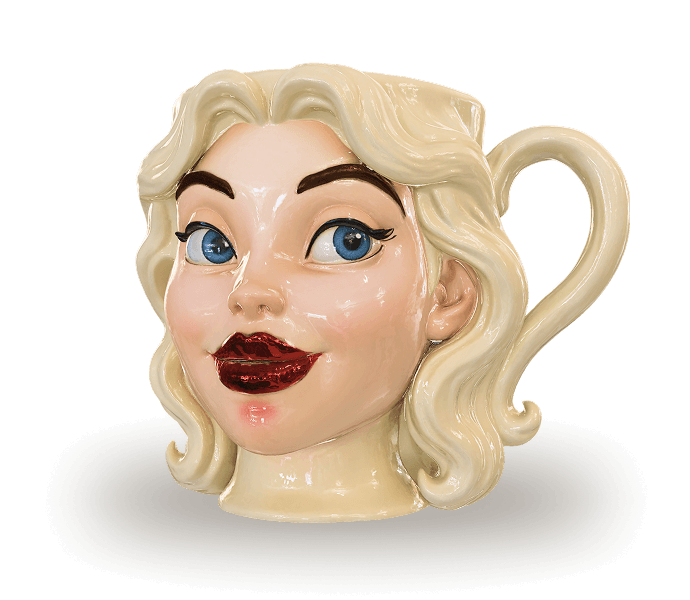
Create moving stories from a prompt or image.
Find the right music and voice for your creation.
Explore live models and choose the right creative tool.
Find and reuse your images, video and audio.