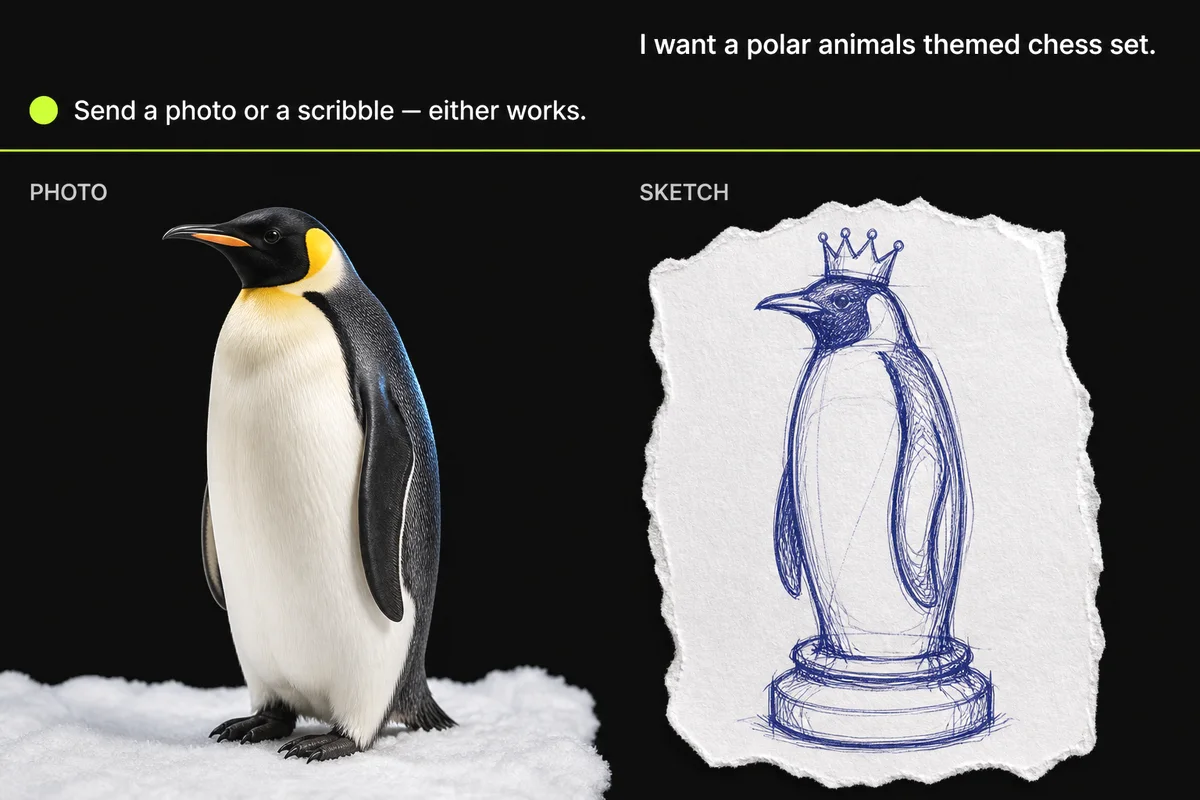
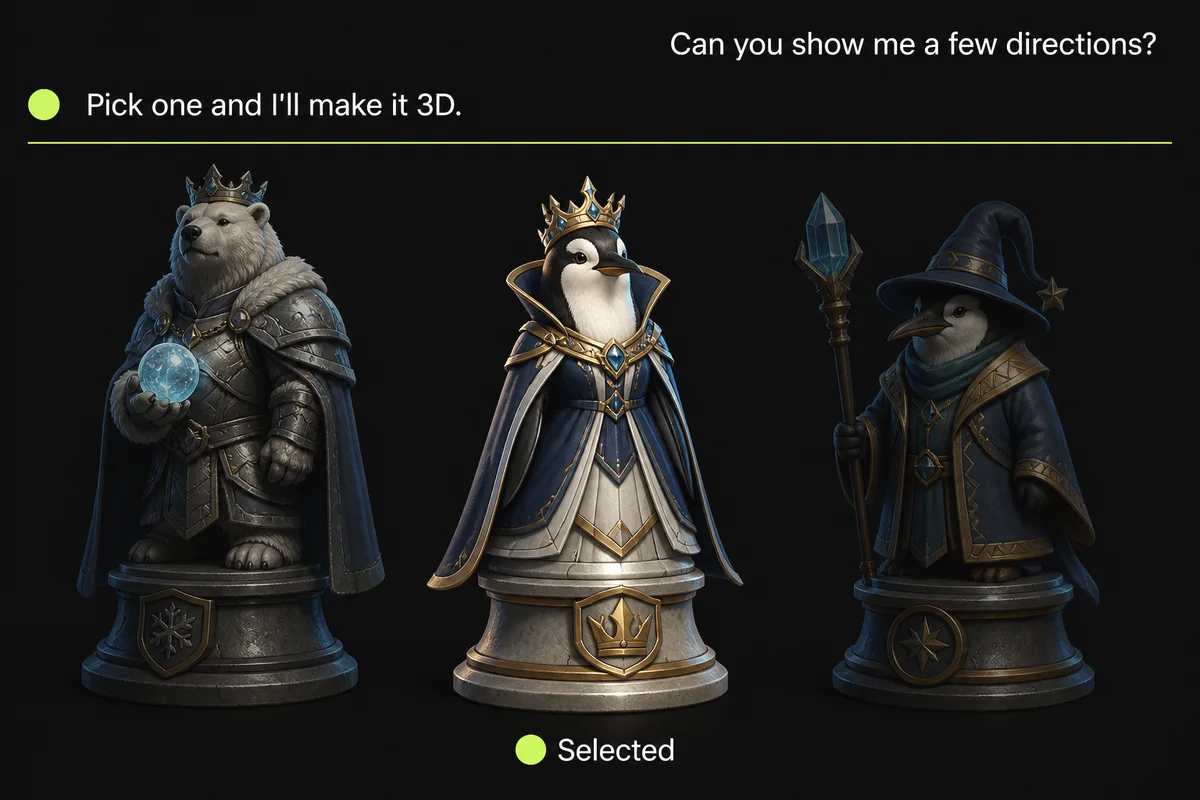
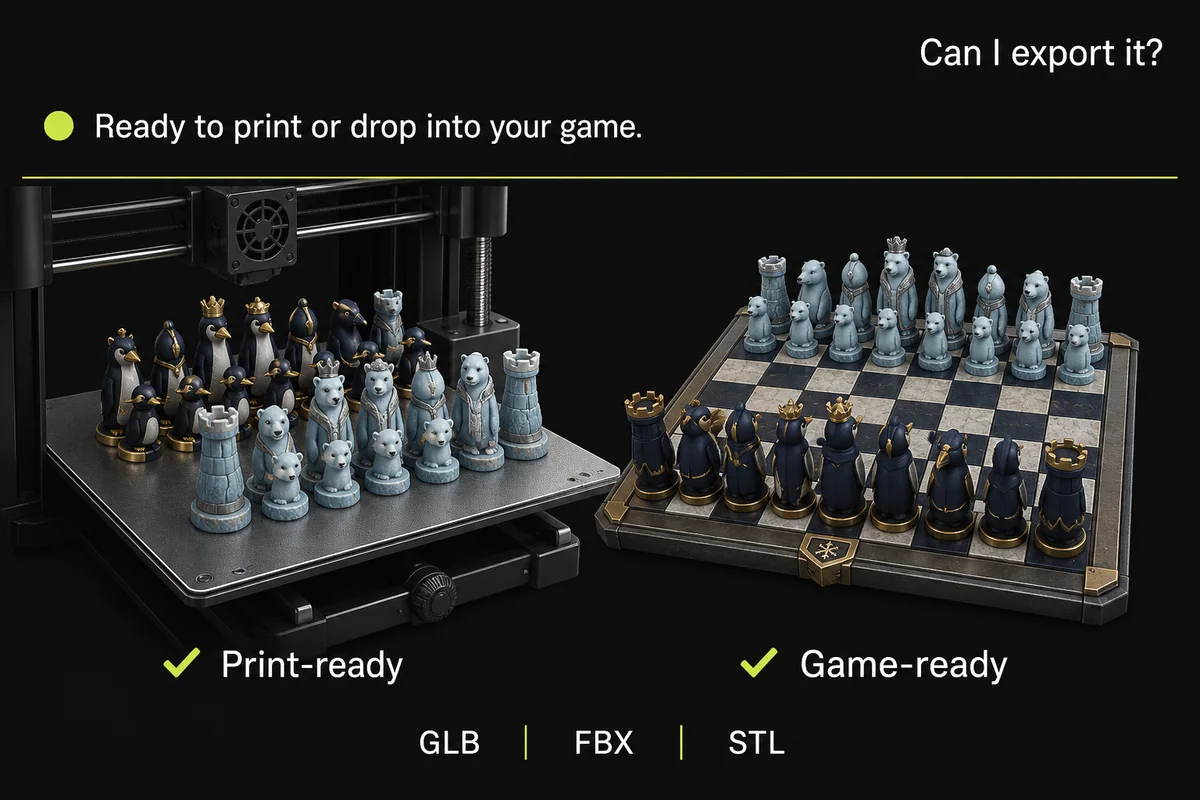

Think it through. Then make it.
Explore ideas in your conversation, then find a model and create the first visual when you are ready.

Cuta MCP
Cutaを会話に取り入れてみましょう。お気に入りのAIアシスタントと共に、同じプロジェクト、アセット、クレジットを活用して、画像、動画、音声を自由に制作できます。
クライアントを選んで、Cutaを追加し、サインインして作成を始めましょう。
Already in a Claude Code, Cursor or Codex session? Paste this and your agent will guide you through setup.
Connect Cuta MCP to Claude Desktop: https://api.cuta.app/mcp
Use Streamable HTTP and OAuth. Help me sign in through the browser; never ask me to paste credentials into this chat.Quit and restart Claude Desktop. Complete the browser login when the bridge connects.
What is my Cuta credit balance?Then ask for the image, video or audio you want.
Using ChatGPT? Add Cuta as a custom connection in developer mode, then follow the authorization steps. ChatGPTプラグインを開く
Describe your goal in your connected AI client. Your Agent can find Cuta tools, choose a workflow and bring the results back.
One connection brings 10 Cuta tools into your conversation. Generation is just the beginning.
Explore ideas in your conversation, then find a model and create the first visual when you are ready.

Use existing project assets as references for a set of related images, product shots and creative variations.

Start with your own image or an earlier creation. Find a compatible model and keep refining the result.

Read model parameters, check your balance and get a credit quote. Your Agent works with live Cuta information.
One connection. Every tool discoverable by name.
Start with a conversation. Your Agent fits into the work you already do — from game concepts to product imagery and visual design.
>Use Cuta to create an image of a chibi ice dragon game character, cartoon style, with detailed icy textures. Show me the model and credit quote before generating.
cuta_generate
MCPはAIアシスタントが外部ツールを使用できるようにするオープンプロトコルです。Cuta MCPは、アシスタントをCutaのモデル、生成タスク、プロジェクト、アセット、クレジットに接続します。
上記のガイドを参照してClaude、ChatGPT、Cursor、Codexをご利用ください。その他のクライアントでは、ストリーミング可能なHTTP、PKCEを使用したOAuth、動的クライアント登録が必要です。カスタム接続の可用性は、クライアントのプランまたはワークスペースポリシーによって異なる場合があります。
いいえ。MCPサーバーURLを追加し、OAuthを通じてCutaアカウントでサインインしてください。接続を承認する前に、Cutaで要求されたアクセス権を確認してください。
生成は、ウェブサイトと同じCutaタスクおよびクレジットシステムを使用し、適用可能なプラン割引を含みます。アシスタントは送信前に見積もりを要求できます。アカウントの接続やプロジェクトの閲覧では生成クレジットは消費されません。
On the website you choose tools directly. With MCP, your Agent discovers the tools and coordinates the workflow through conversation. Both use your Cuta account, projects and credits.
Timing depends on the model, settings and queue. Generation returns a task ID. Your Agent can check its status with cuta_get_task and retrieve the finished result.
サーバーURLを確認し、クライアントがリモートMCPとOAuthをサポートしていることを確認してください。サインインの有効期限が切れた場合は、クライアントから新しい接続を開始してください。管理対象ワークスペースでは管理者の承認が必要な場合があります。サポートされていないホストされたコールバックの場合は、パスワードやトークンを送信せずに、クライアント名とコールバックURLを添えてCutaサポートに連絡してください。
Yes. Clients that support HTTP connect directly. For stdio clients, the mcp-remote bridge needs Node.js 18 or later. If your client cannot launch npx, use its documented Windows command configuration.
Usage rights depend on the applicable Cuta terms, selected model and any reference material you provide. Connecting through MCP does not change those terms.
Cuta provides a remote Streamable HTTP MCP server with OAuth. The commands above configure your existing AI client. A stdio bridge is only needed for clients that do not support remote MCP.
Name the connection cuta and explicitly ask your Agent to use Cuta. The Agent discovers the available tools and uses their descriptions to choose the appropriate operation.
完了した結果は、タスク用に選択されたCutaプロジェクトに保存されます。アシスタントはタスク終了時にメディアリンクを取得します。画像やビデオがインラインで表示されるかどうかはクライアントによって異なります。
Each person should authorize their own Cuta account. Account permissions, project access and credits continue to apply. Do not share access tokens or browser login credentials.
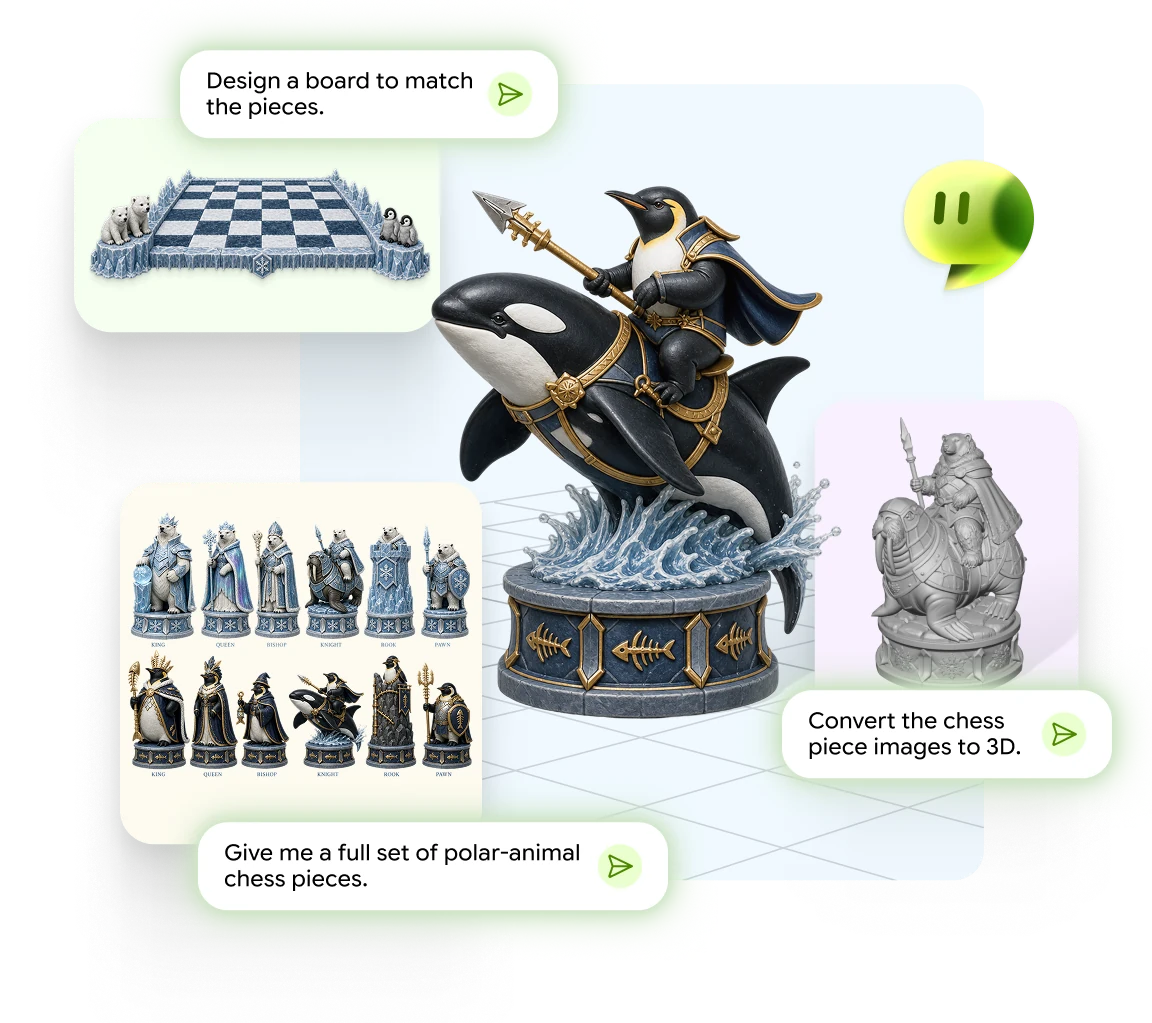
Bring ideas, references and creations together on one canvas.
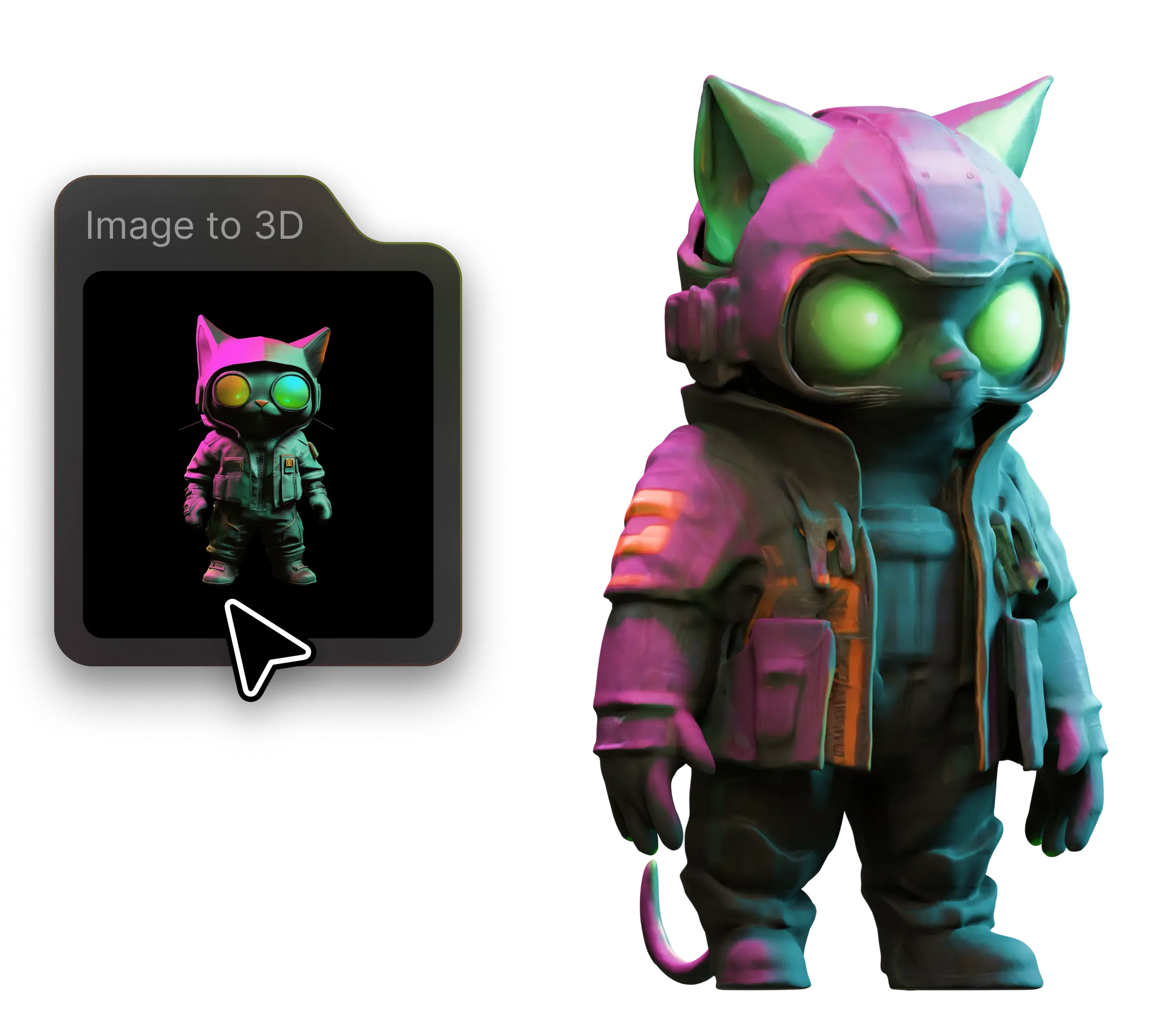
Turn a description or reference into a new visual.
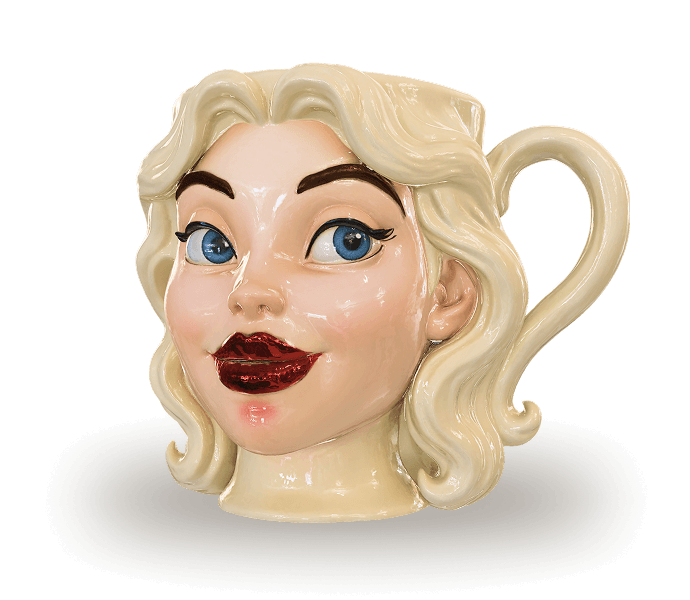
Create moving stories from a prompt or image.
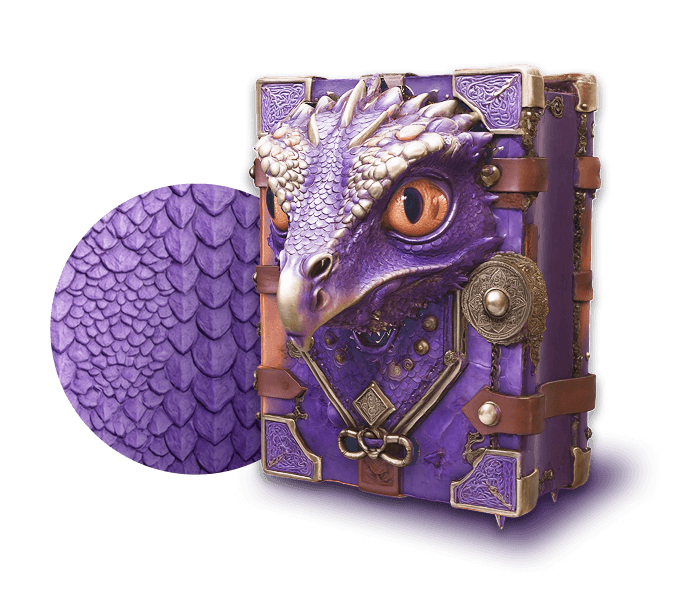
Find the right music and voice for your creation.
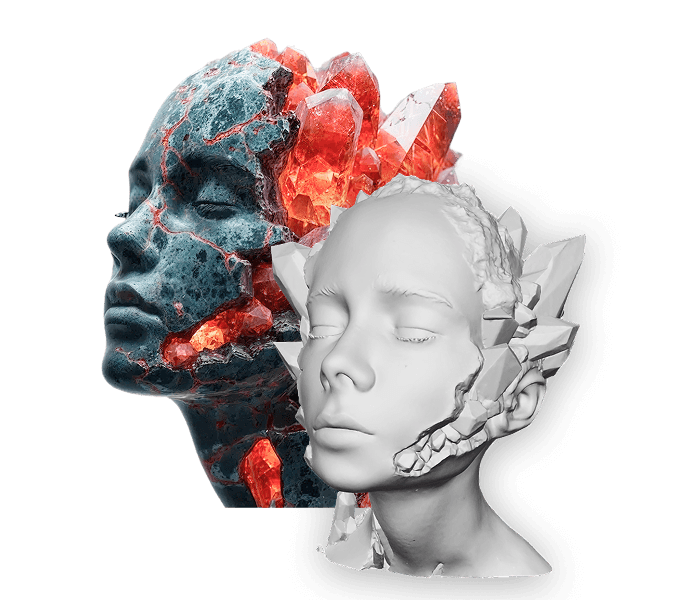
Explore live models and choose the right creative tool.
Find and reuse your images, video and audio.