LinkedIn Banner Size: Safe Areas and Export Examples
Compare LinkedIn personal and company cover dimensions, plan the layout and download editable banner canvases and export examples.
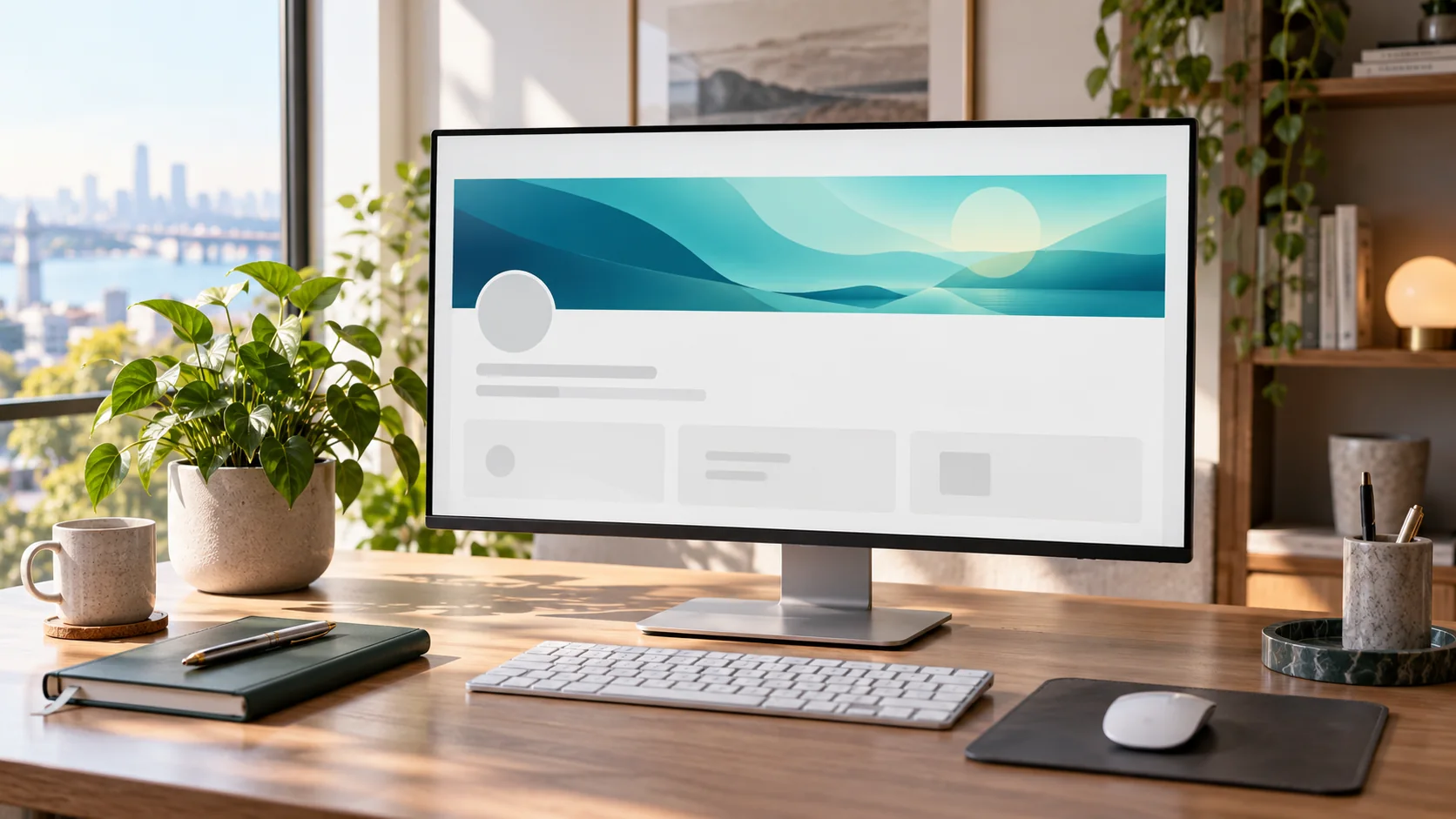
For a personal LinkedIn profile, the recommended banner size is 1584 × 396 pixels, a 4:1 ratio. LinkedIn's current Page guidance recommends 4200 × 700 pixels for a company Page cover. These are different placements, so do not reuse the same crop without adjustment. Personal cover guidance, Page image specifications.
Specifications were checked on October 7, 2026. The display can change with device and browser width; a correctly sized file still needs a careful composition.
Choose the correct canvas
| Placement | Recommended canvas | Ratio |
|---|---|---|
| Personal profile cover | 1584 × 396 px | 4:1 |
| Company Page cover | 4200 × 700 px | 6:1 |
Use PNG for a graphic with controlled text or sharp flat edges, or JPEG for a photographic background when appropriate. Follow the current file-size limits in the linked official guidance rather than assuming both placements share a limit.
Design around the display
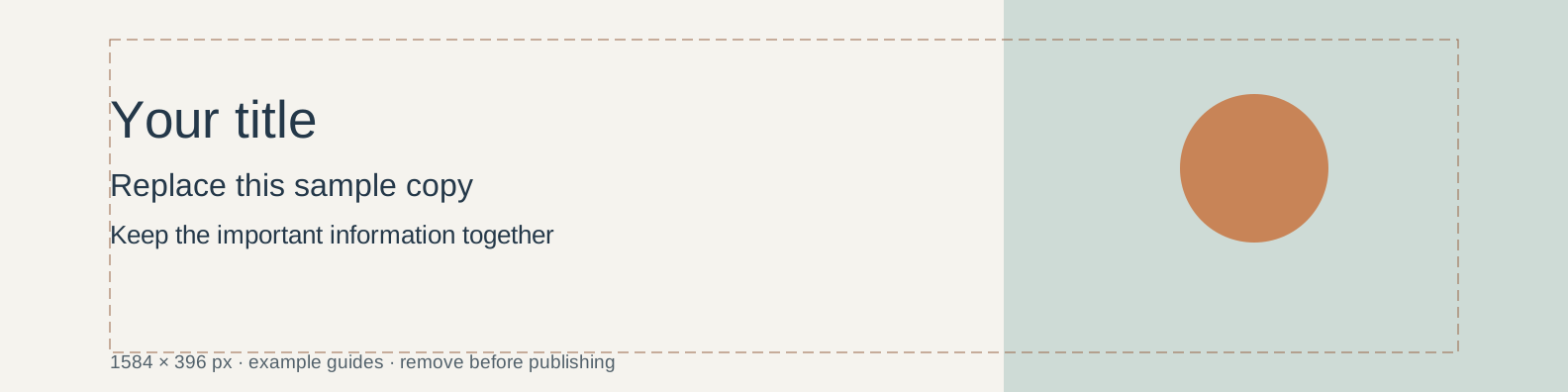
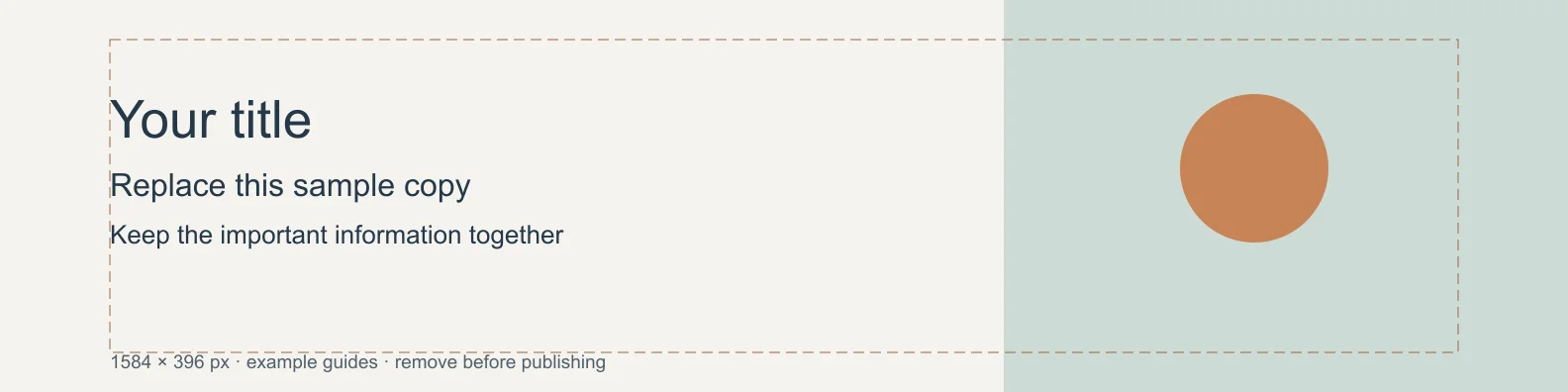
Keep important words away from outer edges and likely profile-image overlap. There is no single safe-area rectangle that guarantees every layout and device. Treat any design guide as a rehearsal, then inspect the actual profile view on desktop and mobile.
For a personal profile, a short professional descriptor can sit in a quieter central or right-hand area. Keep the left side visually simpler where the profile image may overlap. Avoid a paragraph, phone number and several icons competing in one shallow strip.
For a company Page, rebuild the composition for the wider ratio. A personal banner simply stretched to 6:1 will distort the subject and type. A separate crop or a wider supporting image is a better starting point.
Worked layout: a visual designer
Use a subdued photograph or abstract shape field across the background. Put a short line such as “Visual systems for small teams” in a clear area, with the name or brand treatment smaller. Keep the most detailed subject away from the text. If the image changes under a narrow display, the descriptor should still read as one unit.
Make a second version with no text and compare whether the visual alone supports the profile. A banner does not need to repeat every fact already written immediately below it.
Export and inspect
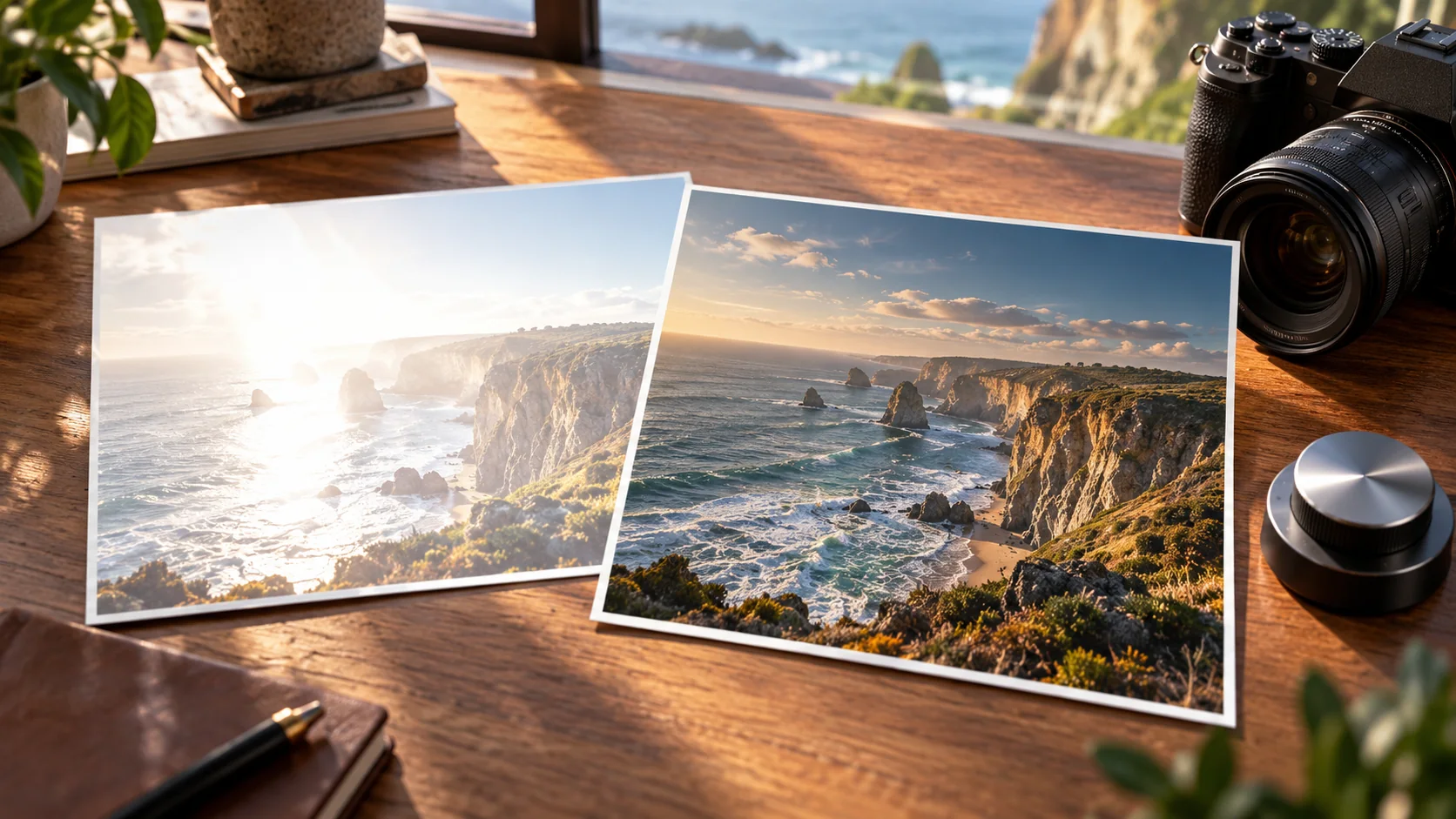
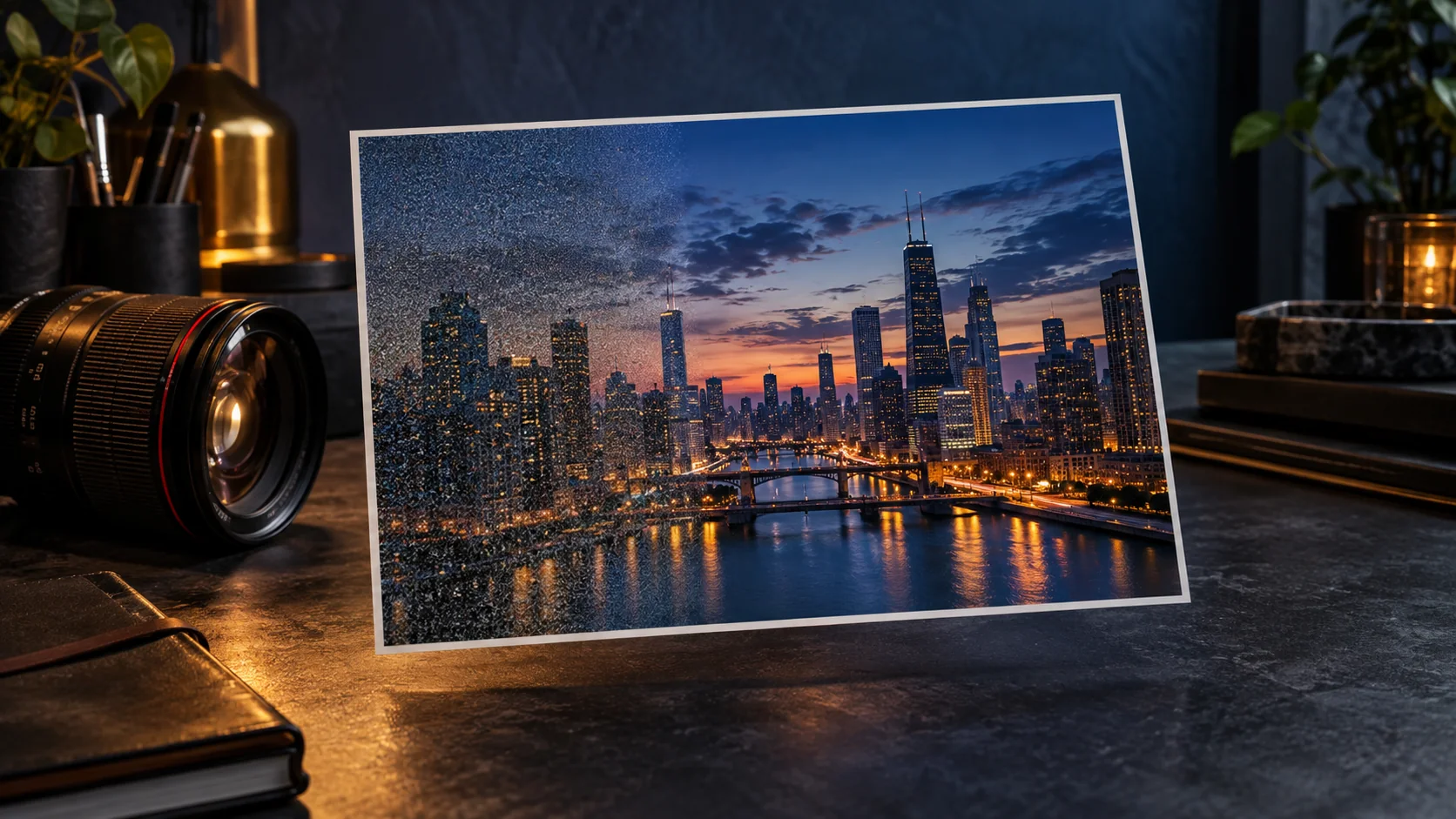
Export at the intended canvas size, upload and inspect the real crop. Check text softness, overlap and any cut edges. If the background is blurry, confirm that the source has enough useful detail and that it was not enlarged repeatedly.
Use Cuta's image workspace to explore a wide supporting visual. Add exact lettering in your layout editor, preserve the chosen ratio and judge the uploaded result instead of relying on a generic safe-area template.
Design around the profile photo
Start the personal banner at 1584 × 396 pixels and place the essential promise in an uncluttered area. A useful example for a freelance illustrator is a short specialty statement and one small portfolio cue. A row of tiny client-style logos, a long biography and a detailed address are unlikely to remain readable in a compact profile view.
Keep the editable master separate from the upload. Examine the profile-photo overlap and the displayed crop on the actual account before committing to a layout. Positioning a title safely in your image editor is only a starting point; the live profile supplies the final context. Use the separate official dimensions for a Page rather than stretching this personal banner.
| Element | Placement decision | Observation |
|---|---|---|
| Specialty statement | Short phrase away from avatar overlap | Record compact-view readability |
| Portfolio motif | One supporting graphic with room around it | Note crop losses |
| Upload preview | Actual personal profile context | Mark necessary repositioning |
Download the linkedin banner placement plan as an editable CSV. Fill the observation column with your own project notes.
Download the visual resources
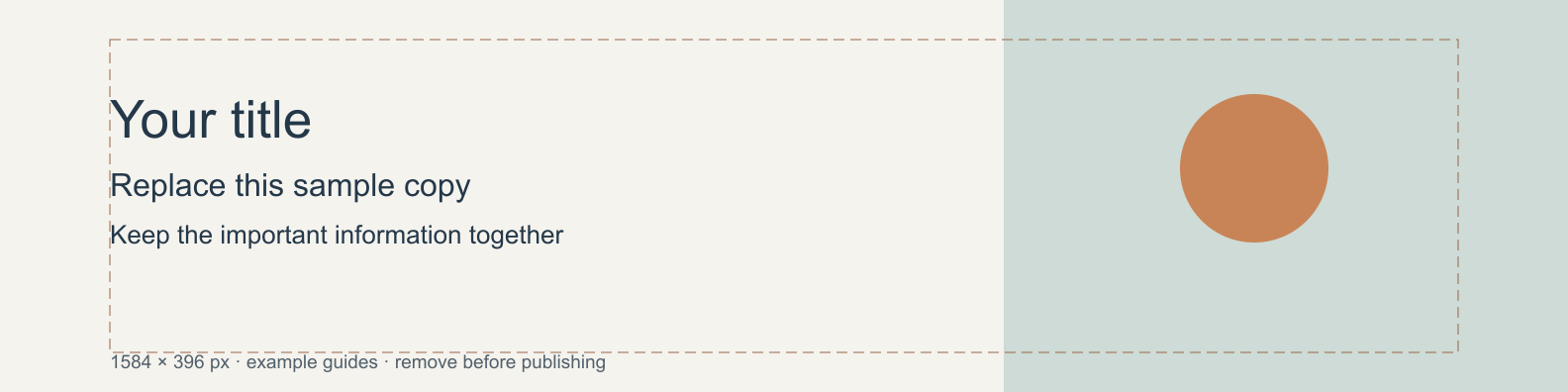
SVG preserves editable vectors. PNG and WebP provide raster exports.
Remove example guides before publishing. Live text may use a fallback font.
Template dimensions follow this guide’s cited references. Layout guides are illustrative; confirm platform crops and printer specifications.