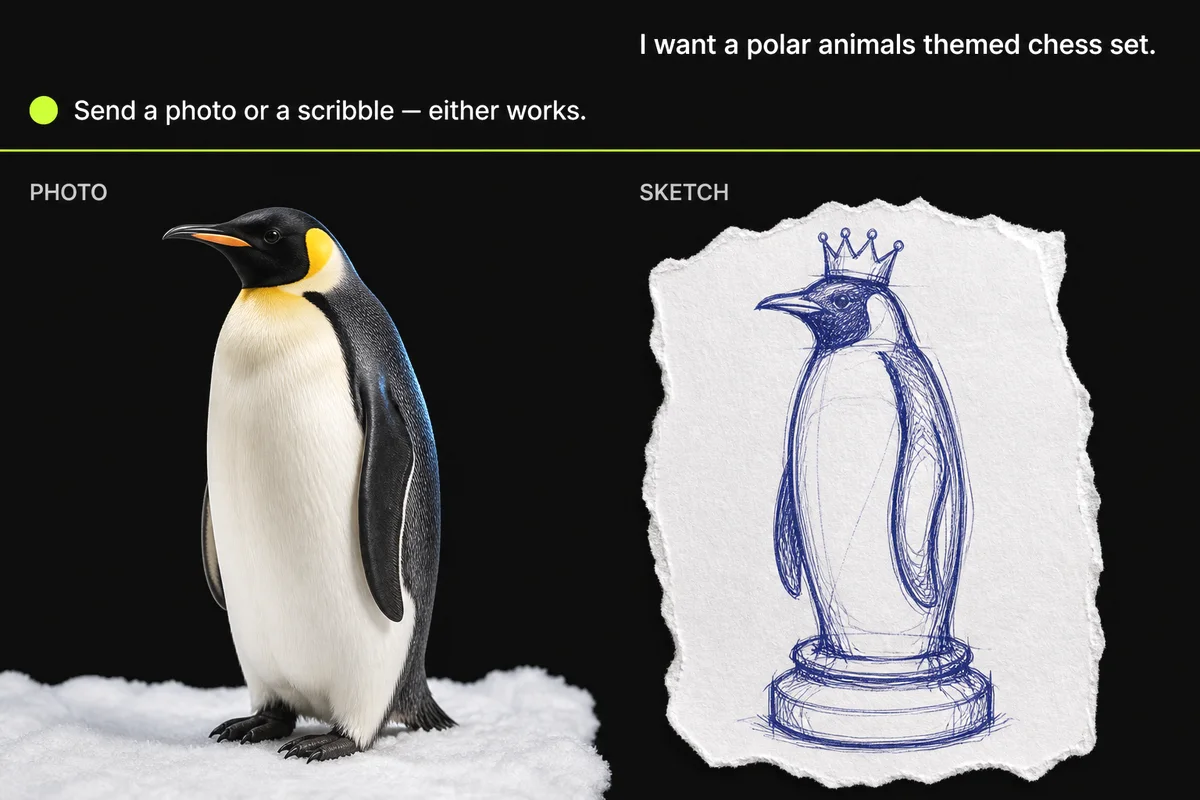
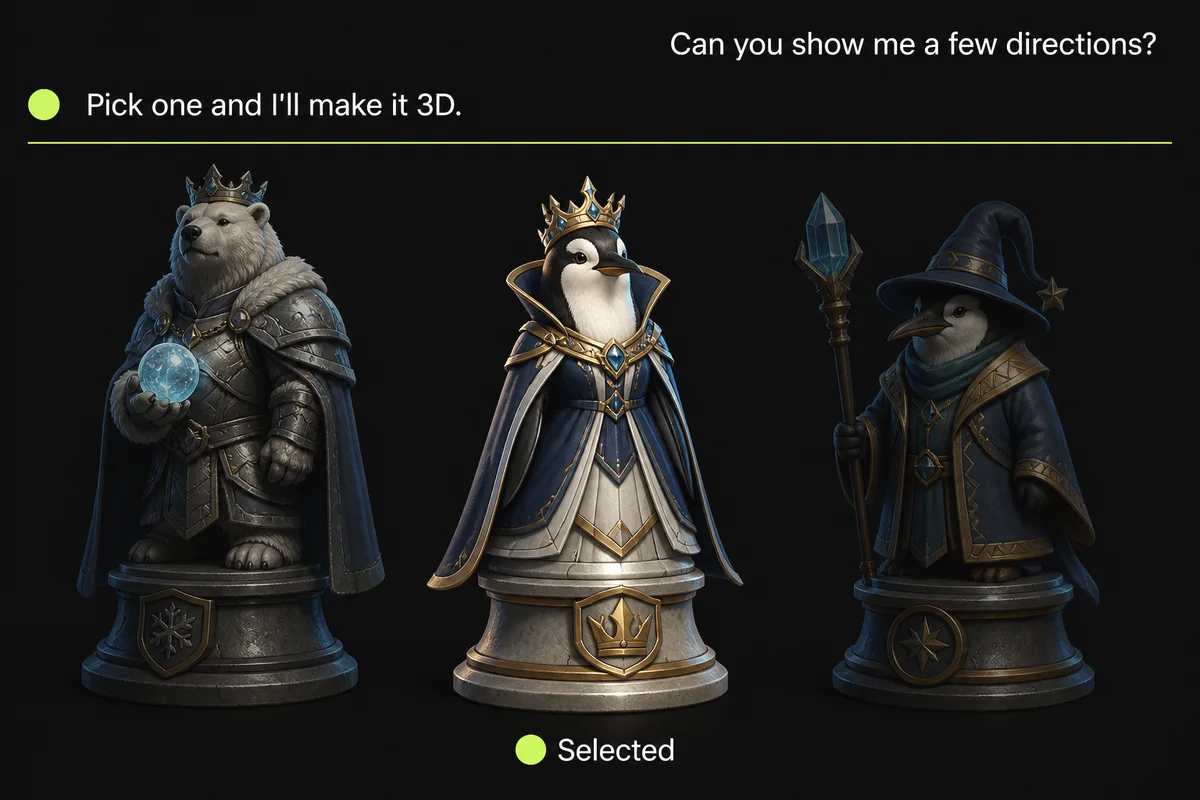
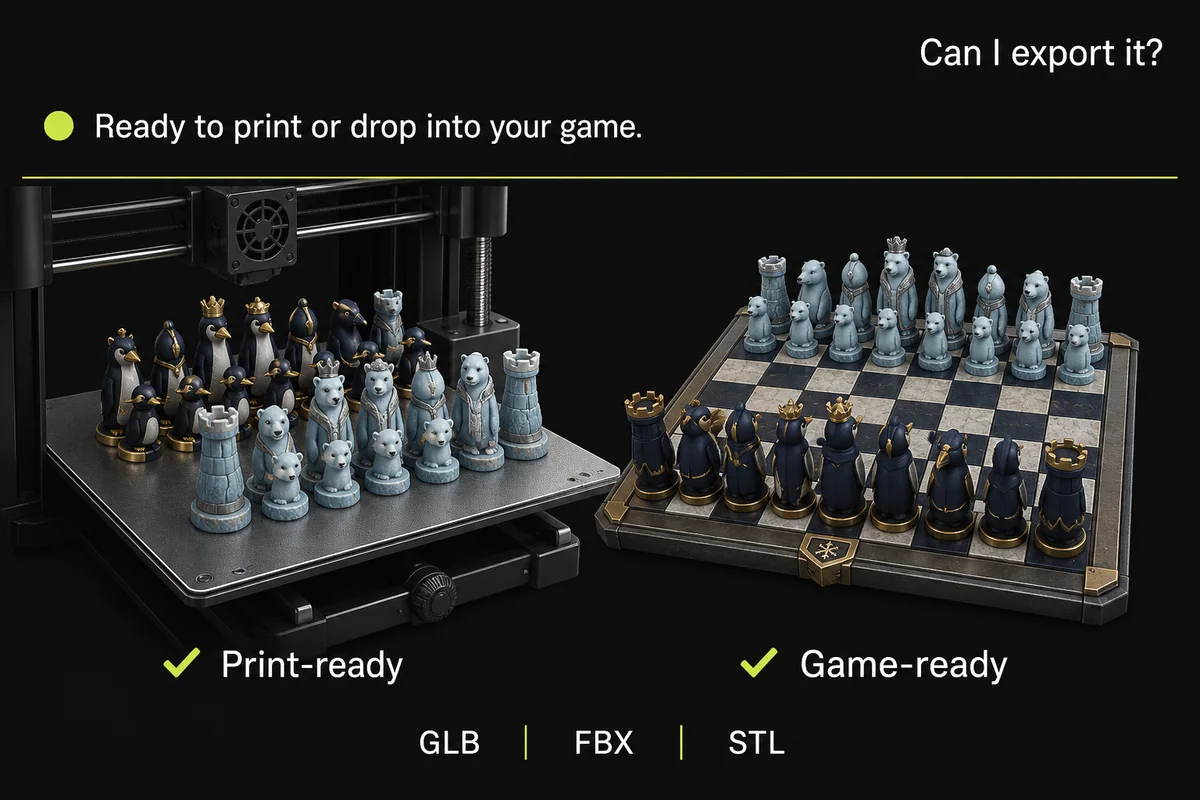

Think it through. Then make it.
Explore ideas in your conversation, then find a model and create the first visual when you are ready.
Cuta MCP
Вовлеките Cuta в диалог. Создавайте изображения, видео и аудио с вашим любимым ИИ-ассистентом, используя те же проекты, ресурсы и кредиты.
Выберите клиент, добавьте Cuta и войдите, чтобы начать создавать.
Already in a Claude Code, Cursor or Codex session? Paste this and your agent will guide you through setup.
Connect Cuta MCP to Claude Desktop: https://api.cuta.app/mcp
Use Streamable HTTP and OAuth. Help me sign in through the browser; never ask me to paste credentials into this chat.Quit and restart Claude Desktop. Complete the browser login when the bridge connects.
What is my Cuta credit balance?Then ask for the image, video or audio you want.
Using ChatGPT? Add Cuta as a custom connection in developer mode, then follow the authorization steps. Открыть плагины ChatGPT
Describe your goal in your connected AI client. Your Agent can find Cuta tools, choose a workflow and bring the results back.
One connection brings 10 Cuta tools into your conversation. Generation is just the beginning.
Explore ideas in your conversation, then find a model and create the first visual when you are ready.

Use existing project assets as references for a set of related images, product shots and creative variations.

Start with your own image or an earlier creation. Find a compatible model and keep refining the result.

Read model parameters, check your balance and get a credit quote. Your Agent works with live Cuta information.
One connection. Every tool discoverable by name.
Start with a conversation. Your Agent fits into the work you already do — from game concepts to product imagery and visual design.
>Use Cuta to create an image of a chibi ice dragon game character, cartoon style, with detailed icy textures. Show me the model and credit quote before generating.
cuta_generate
MCP — это открытый протокол, позволяющий ИИ-ассистентам использовать внешние инструменты. Cuta MCP подключает вашего ассистента к моделям, задачам генерации, проектам, ресурсам и кредитам Cuta.
Воспользуйтесь инструкциями выше для Claude, ChatGPT, Cursor и Codex. Другим клиентам требуется Streamable HTTP, OAuth с PKCE и динамическая регистрация клиента. Доступность настраиваемых подключений может зависеть от тарифного плана вашего клиента или политики рабочей области.
Нет. Добавьте URL-адрес сервера MCP и войдите в свою учётную запись Cuta через OAuth. Проверьте запрашиваемый доступ на Cuta перед подтверждением подключения.
Генерации используют ту же систему задач и кредитов Cuta, что и веб-сайт, включая применимые скидки по тарифному плану. Ассистент может запросить расчёт стоимости перед отправкой. Подключение учётной записи и просмотр проектов не расходуют кредиты на генерацию.
On the website you choose tools directly. With MCP, your Agent discovers the tools and coordinates the workflow through conversation. Both use your Cuta account, projects and credits.
Timing depends on the model, settings and queue. Generation returns a task ID. Your Agent can check its status with cuta_get_task and retrieve the finished result.
Проверьте URL-адрес сервера и убедитесь, что ваш клиент поддерживает удалённый MCP и OAuth. Если срок сеанса истекает, начните новое подключение из клиента. В управляемой рабочей области может потребоваться одобрение администратора. При неподдерживаемом размещённом обратном вызове обратитесь в службу поддержки Cuta, сообщив название клиента и URL обратного вызова, не отправляя пароли или токены.
Yes. Clients that support HTTP connect directly. For stdio clients, the mcp-remote bridge needs Node.js 18 or later. If your client cannot launch npx, use its documented Windows command configuration.
Usage rights depend on the applicable Cuta terms, selected model and any reference material you provide. Connecting through MCP does not change those terms.
Cuta provides a remote Streamable HTTP MCP server with OAuth. The commands above configure your existing AI client. A stdio bridge is only needed for clients that do not support remote MCP.
Name the connection cuta and explicitly ask your Agent to use Cuta. The Agent discovers the available tools and uses their descriptions to choose the appropriate operation.
Готовые результаты сохраняются в проект Cuta, выбранный для задачи. Ваш ассистент получает ссылки на медиафайлы по завершении задачи. Отображение изображений или видео непосредственно в чате зависит от клиента.
Each person should authorize their own Cuta account. Account permissions, project access and credits continue to apply. Do not share access tokens or browser login credentials.
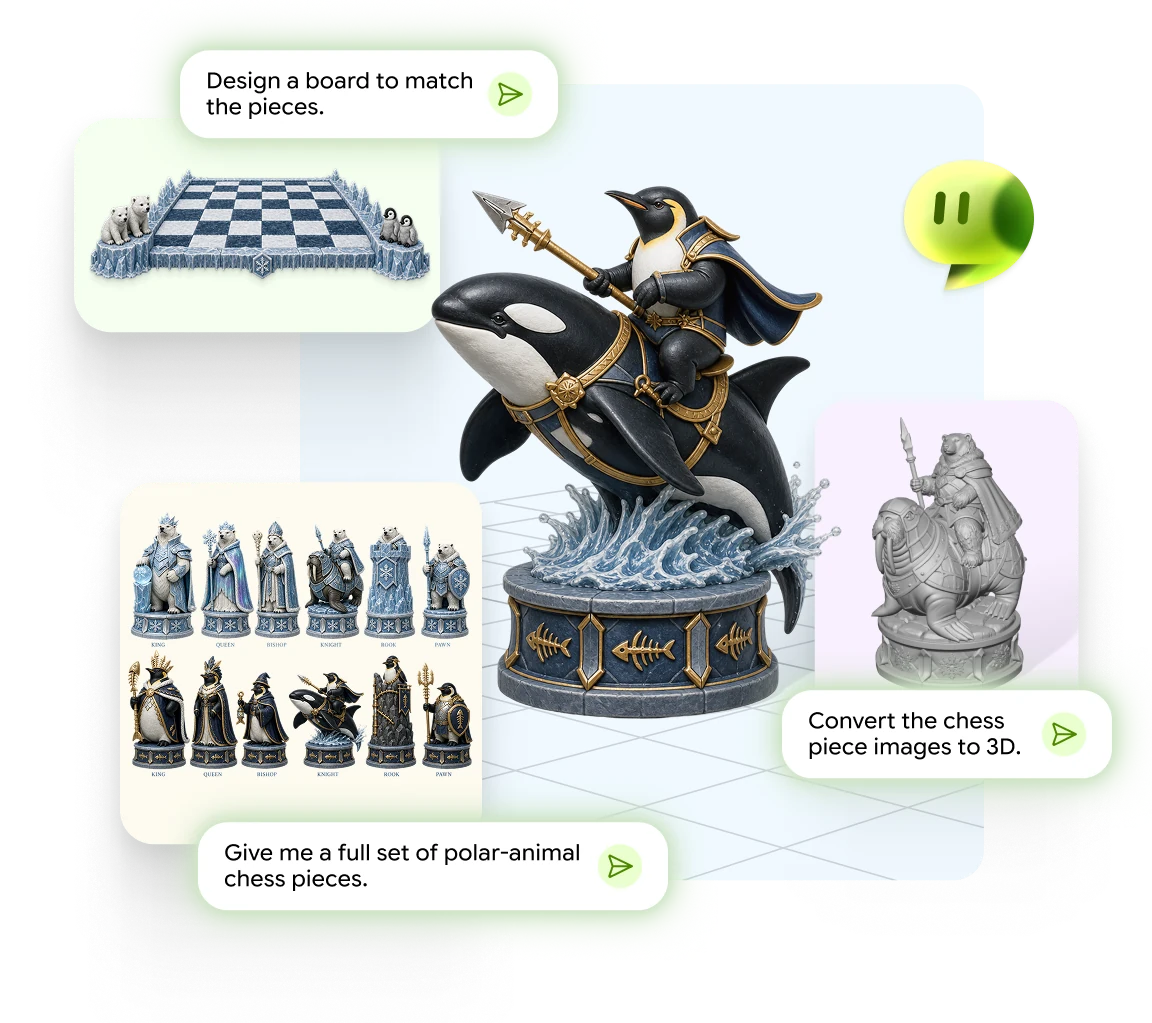
Bring ideas, references and creations together on one canvas.
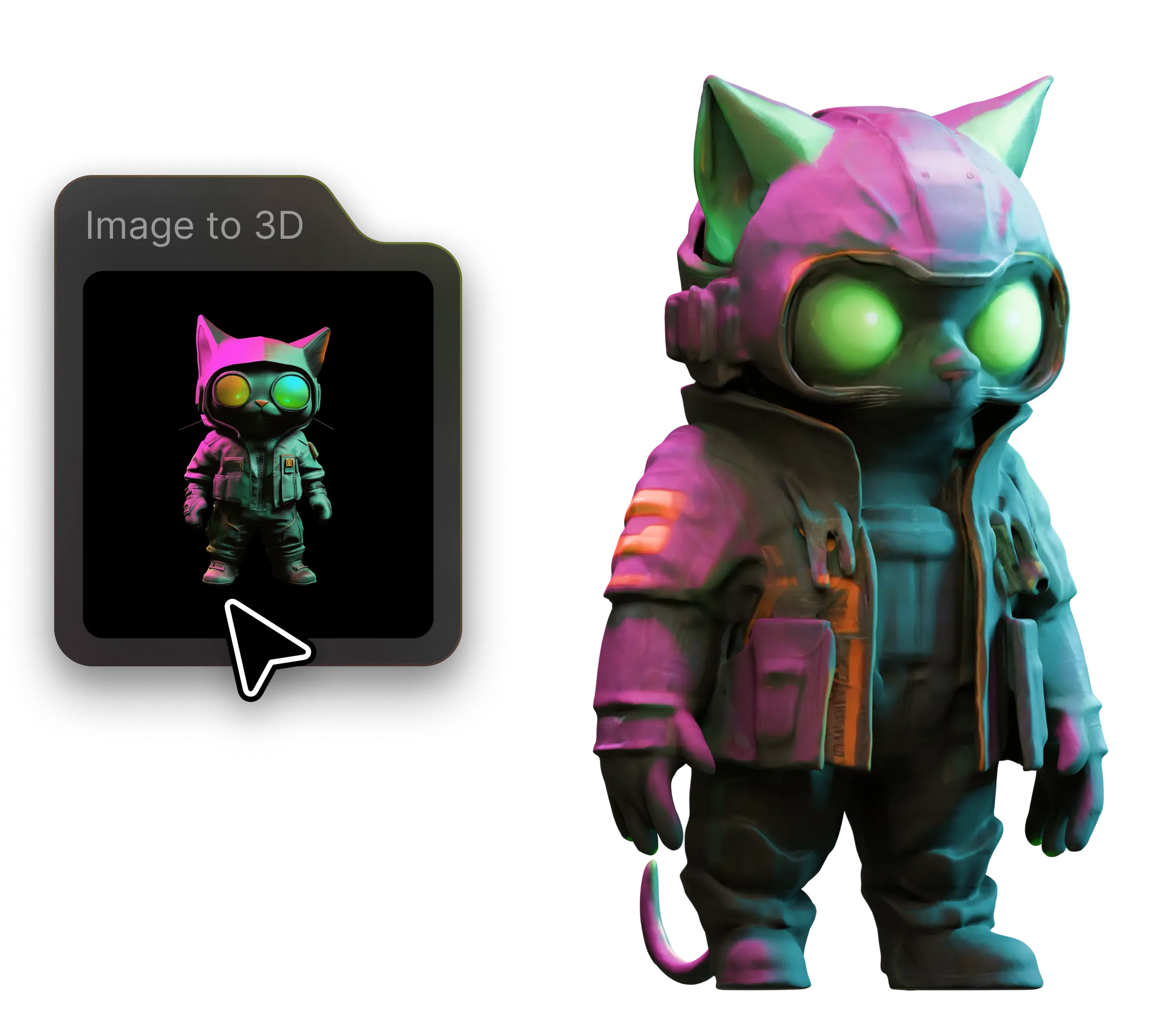
Turn a description or reference into a new visual.
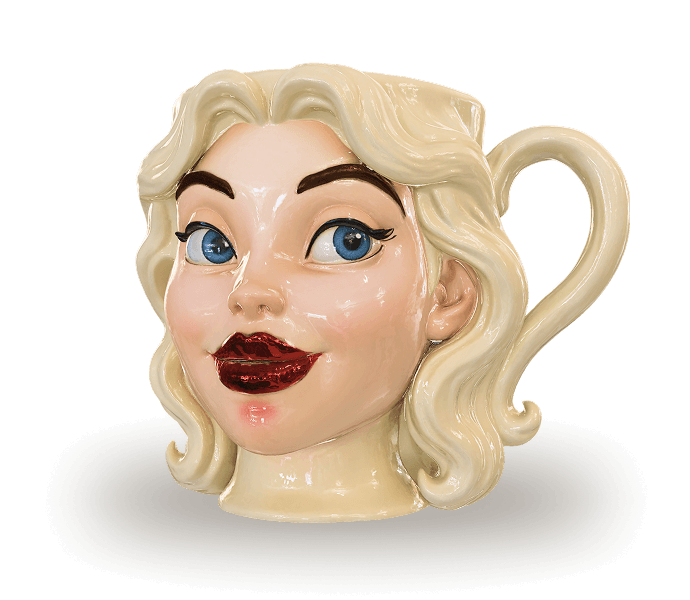
Create moving stories from a prompt or image.
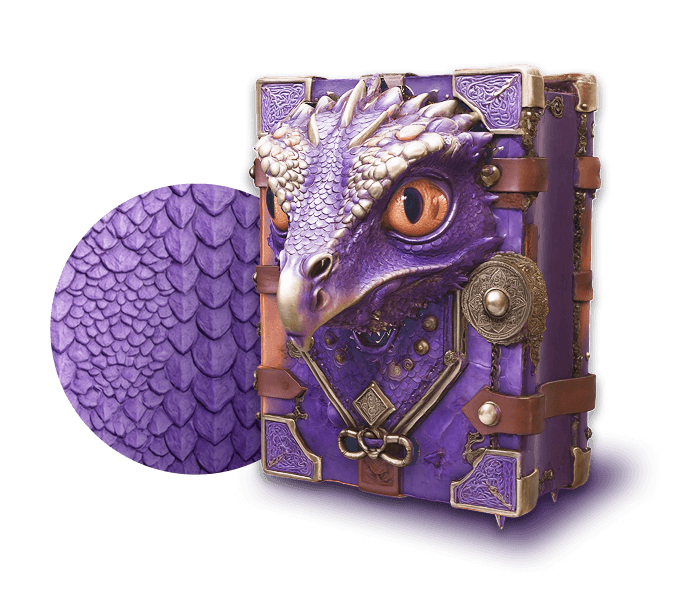
Find the right music and voice for your creation.
Explore live models and choose the right creative tool.
Find and reuse your images, video and audio.
Подключите свою учетную запись Cuta, и ваш помощник поможет вам продолжить.
Подключить Cuta