Instagram Reel Size: Dimensions and Safe Areas
Plan a 9:16 Instagram Reel with clear subject placement, readable captions and a downloadable 1080 by 1920 layout template.
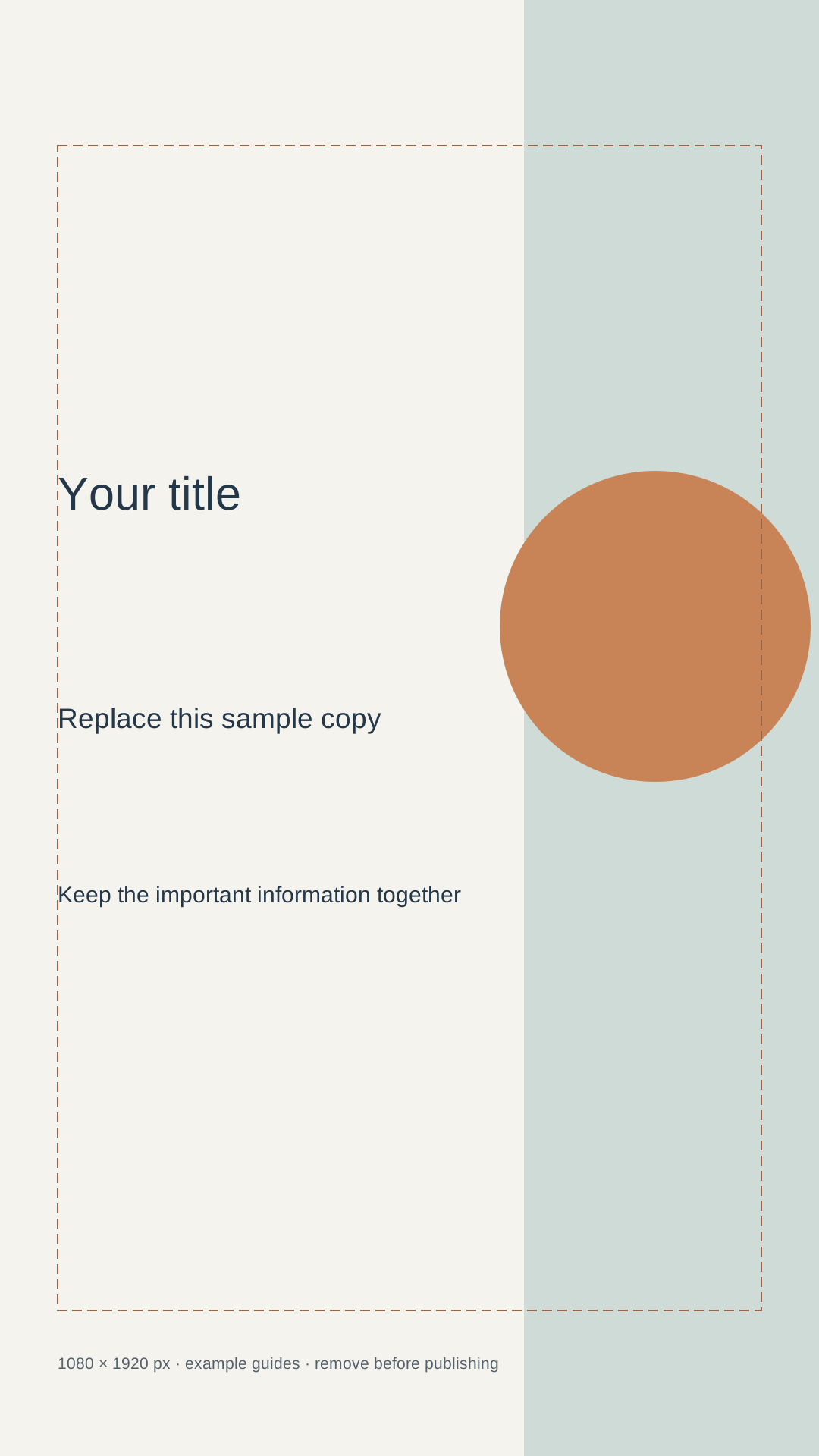
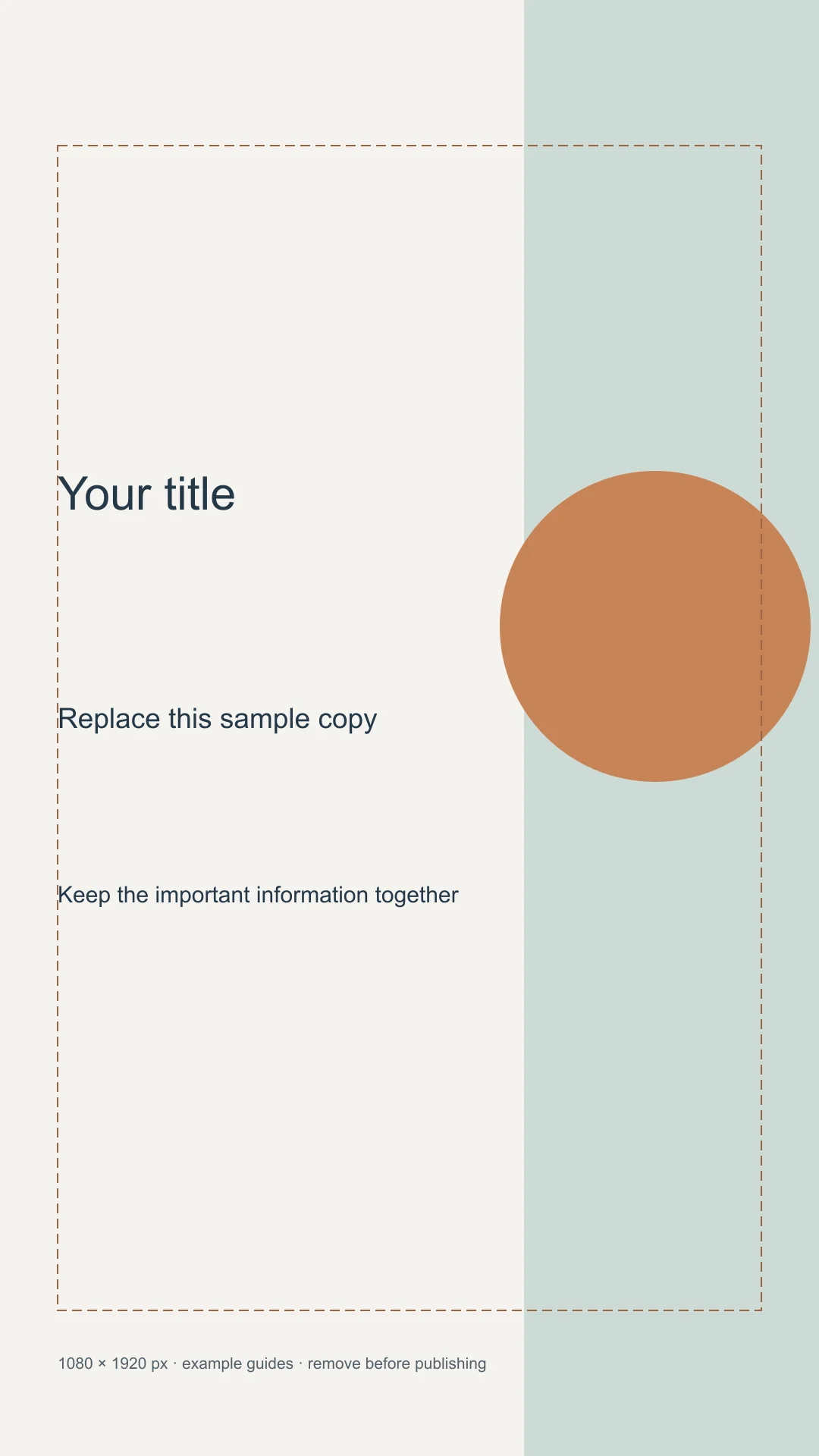
A practical full-screen Instagram Reel canvas is 1080 × 1920 pixels, a 9:16 vertical ratio. Those pixel dimensions are a useful working export choice; ratio, source quality and placement preview matter too. Meta's Reels creative guidance emphasizes vertical 9:16 video and keeping key messages in the safe zone. Meta Reels guidance.
This guide focuses on composition and export. It does not claim that every organic Reel, ad, feed preview and profile crop uses an identical visible area.
Build the vertical scene
| Element | Placement decision |
|---|---|
| Main subject | Keep it readable near the central area |
| On-screen title | Leave room around it for interface elements |
| Captions | Place away from the lower interface and moving hands |
| Background | Let it extend beyond the essential information |
| Cover | Make a separate composition for preview contexts |
Do not use edge-to-edge text. The platform interface and preview crops can cover or remove parts of the canvas. Use the current placement preview and leave a generous buffer rather than presenting one pixel margin as universally safe.
Worked example: a product demonstration
Put the product in the central vertical zone and give the hand movement room below it. Use a short title near the upper-middle area and captions in a stable lower-middle band. Keep the exact product and action clearer than the background decoration.
Now preview the scene with a smaller feed-style crop. If the hand or headline disappears, make a separate preview or cover composition. Moving the whole subject to the very top can solve one crop while making the full-screen Reel awkward.
Convert a horizontal source
Choose between a crop, an intentional background frame or a rebuilt shot. A crop can work when the subject is central and the removed sides are not essential. A frame can preserve a demonstration that needs both hands. Rebuilding is preferable when the original composition depends on a broad space.
Do not stretch the horizontal image into the vertical frame. If you extend a background with AI, inspect the new edges and avoid presenting invented product details as real.
Export and review
Keep the project's frame rate consistent with the source and intended delivery. Use the current platform upload requirements for the final codec, duration and file limits. Watch the exported video on a phone-sized view, with captions and the intended cover.
Check the first frame, action boundaries and any text that approaches the interface. A valid 9:16 file is only the beginning of a useful Reel.
Use Cuta's video workspace for a concept or generated shot, then finish timing, exact text and the placement-specific export in your editing workflow.
Keep the opening frame understandable without sound
A 1080 × 1920 working canvas gives you a 9:16 composition. For a quick editing tutorial, put the problem photo in the upper central region and the short task label nearby. Keep essential labels away from areas occupied by the app's controls and caption treatment; their appearance depends on the current display context.
Preview the opening, the main action and the closing frame separately. A title that reads in the first frame can become covered when the subject moves. If the video also needs a feed preview, choose that crop deliberately instead of assuming the tall master will communicate the same message everywhere.
| Frame | Essential information | Observation |
|---|---|---|
| Opening | The editing problem and main subject | Note silent-view clarity |
| Action | The changed region and short instruction | Mark overlap with controls |
| Closing | A truthful result and next step | Record readable crop |
Download the reel composition worksheet as an editable CSV. Fill the observation column with your own project notes.
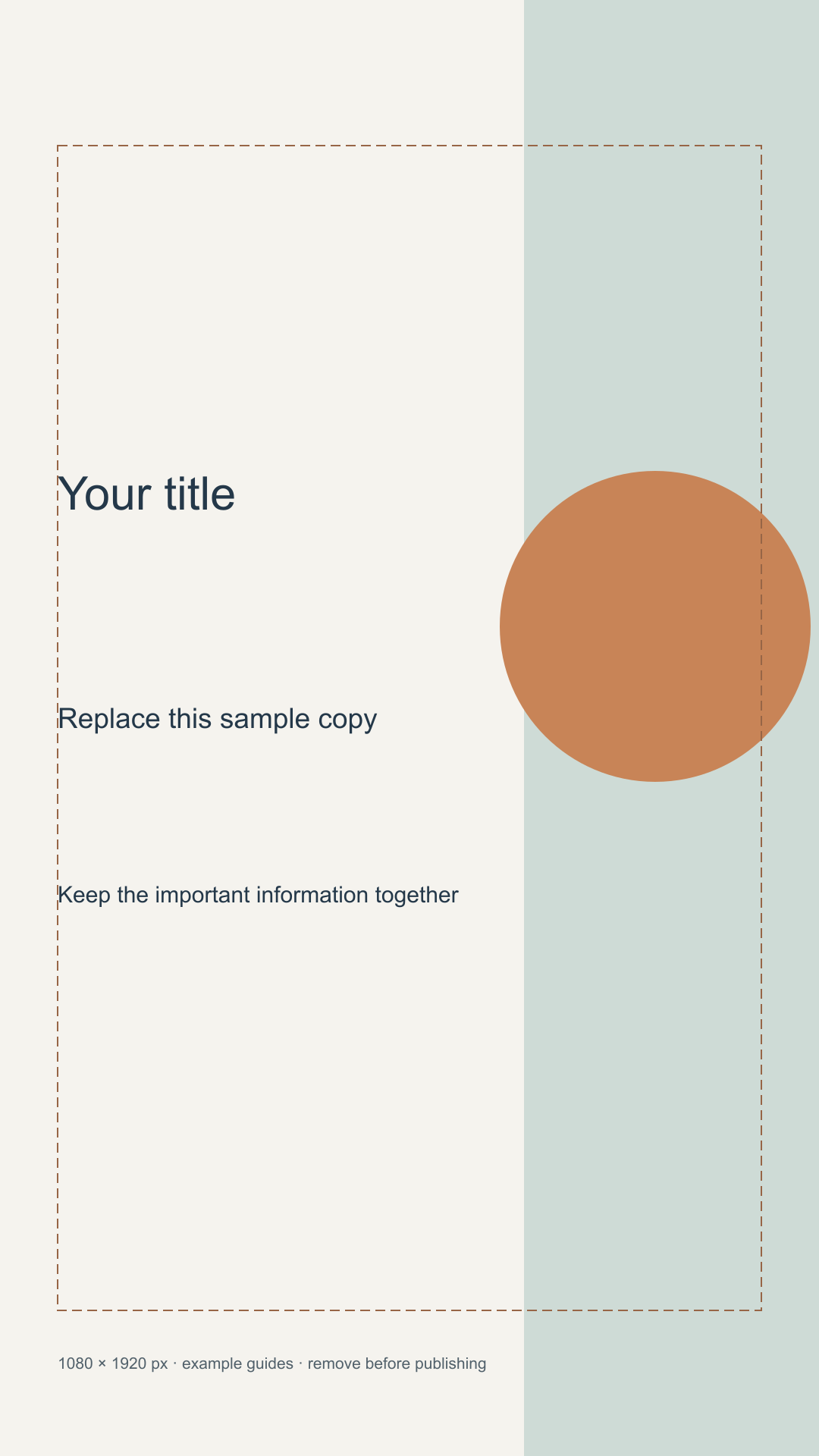
Download the visual resources
SVG preserves editable vectors. PNG and WebP provide raster exports.
Remove example guides before publishing. Live text may use a fallback font.
Template dimensions follow this guide’s cited references. Layout guides are illustrative; confirm platform crops and printer specifications.